 EN
EN IT Italiano
 ES Español
 FR Français
 DE Deutsch
Description
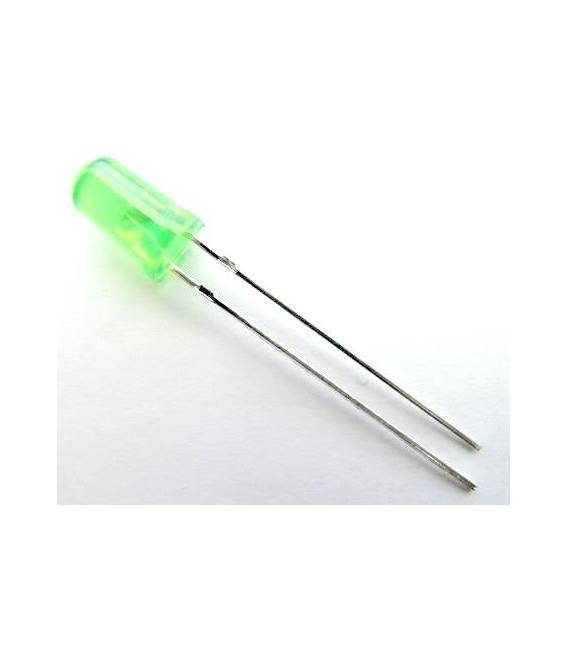
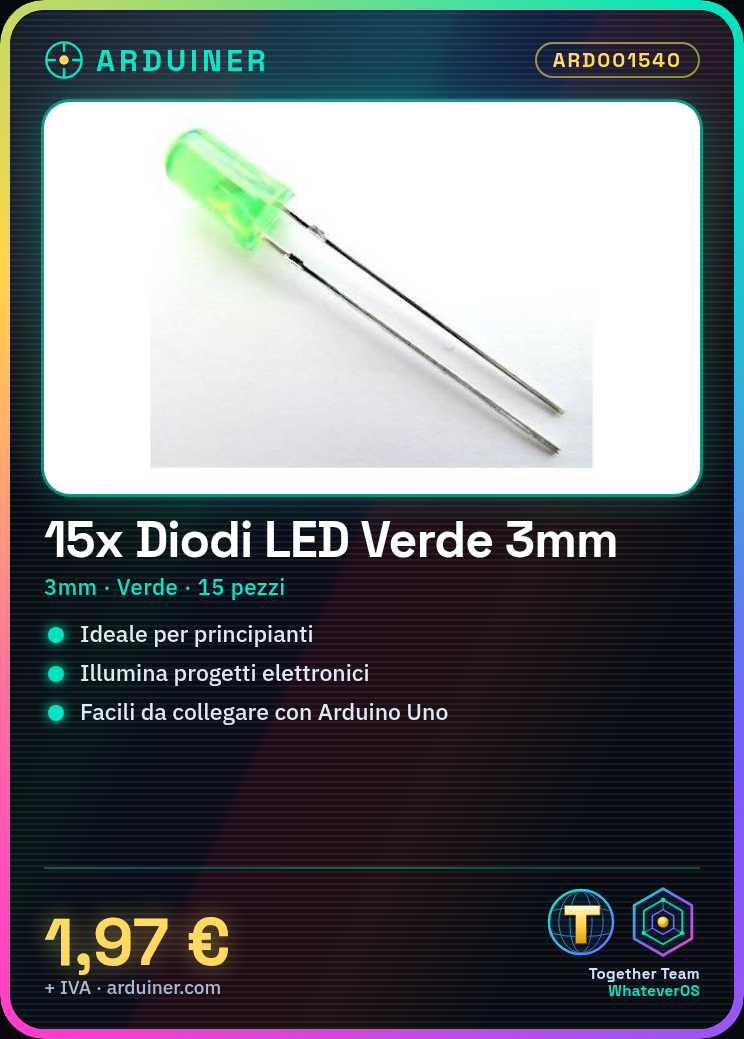
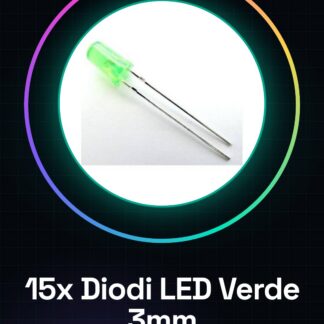
Green 3mm LED diodes are essential components for illuminating electronic projects. They are ideal for beginners who want to add visible lights to their devices. Here’s how to use them:
Step 1: Identify the diode’s positive and negative ends (the longer leg is the anode, the shorter leg is the cathode).
Step 2: Connect the anode of the diode to a digital pin on the Arduino.
Step 3: Connect the cathode to a resistor, the value of which should be verified on the datasheet to protect the LED and power supply.
Step 4: Connect the opposite end of the resistor to the Arduino’s Ground output.
Step 5: Download an Arduino sketch that cyclically turns the LED on and off. Example code:
“`cpp
void setup() {
pinMode(13, OUTPUT);
}
void loop() {
digitalWrite(13, HIGH); // Turn on the LED
delay(1000);
digitalWrite(13, LOW); // Turn off the LED
delay(1000);
}
“`
Mini-project: Create a glowing clock with the LEDs blinking in a programmed pattern.
Common mistakes:
– Connecting the cathode to the anode
– Not using a resistor
– Inadequate electronic power supply
Recommended accessories:
– Variable resistors 10kΩ
– DS3231 RTC module
– Arduino Nano
– Prototype board kit
– Suggested frame printing kit
Frequently Asked Questions:
– What is the operating voltage of the LED? Check the datasheet.
– How can I protect my LED from damage? Use an appropriate resistor to limit the current.

Reviews
There are no reviews yet.