 EN
EN IT Italiano
 ES Español
 FR Français
 DE Deutsch

Description
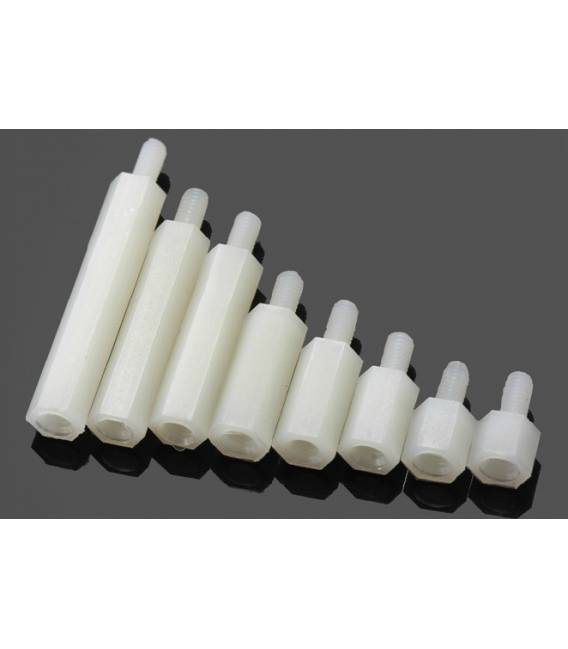
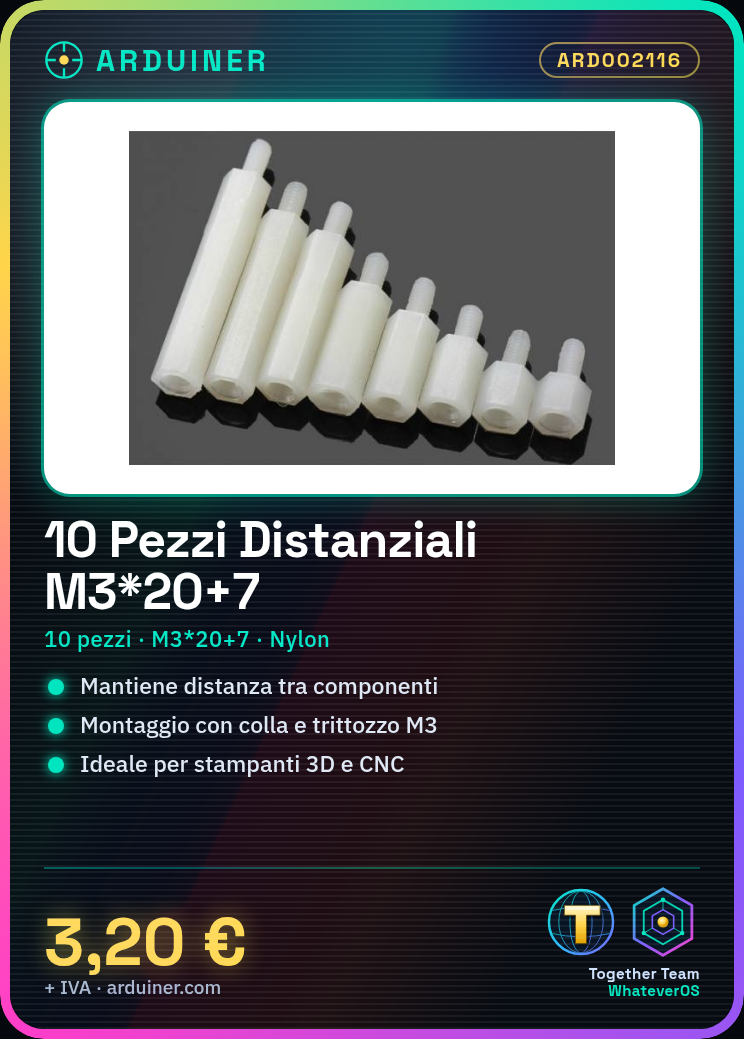
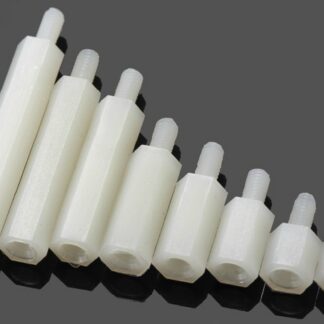
Datasheets for all components are available. If not present in the product download, contact us via the contact form and we will publish it as soon as possible on the site. 10PC Nylon spacers M3*20+7 Tutorial: How to use M3*20+7 Spacers These spacers are useful for maintaining precise spacing between two components in 3D printers, CNC machines, and laser cutters. Ideal for beginners and intermediates. What do you need M3*20+7 Spacers Mounting bracket M3 Drill bit Adhesive for mounting Check the specifications on the datasheet. Prepare the mounting bracket. Insert a spacer into the bracket. Apply a small amount of mounting adhesive. Mount the spacer using the M3 drill bit. Check the position and ensure it is perfectly centered. Repeat for all necessary spacers. Verify that all spacers are at the correct spacing. Mini-project Mount a spacer between two components of a 3D printer to control filament supply. Common errors Missing datasheet check. Spacer not at correct spacing. Incorrectly prepared mounting bracket. Missing mounting adhesive. Recommended accessories Mounting bracket M3 drill bit Adhesive for mounting Frequently asked questions How can I check the correct length of the spacers? Check the datasheet or measure with a ruler. Can I use these spacers for laser projects as well? Yes, but check compatibility with your system. How long does it take to mount all spacers? Approximately 10-15 minutes, depending on your speed.
Reviews
There are no reviews yet.