 EN
EN IT Italiano
 ES Español
 FR Français
 DE Deutsch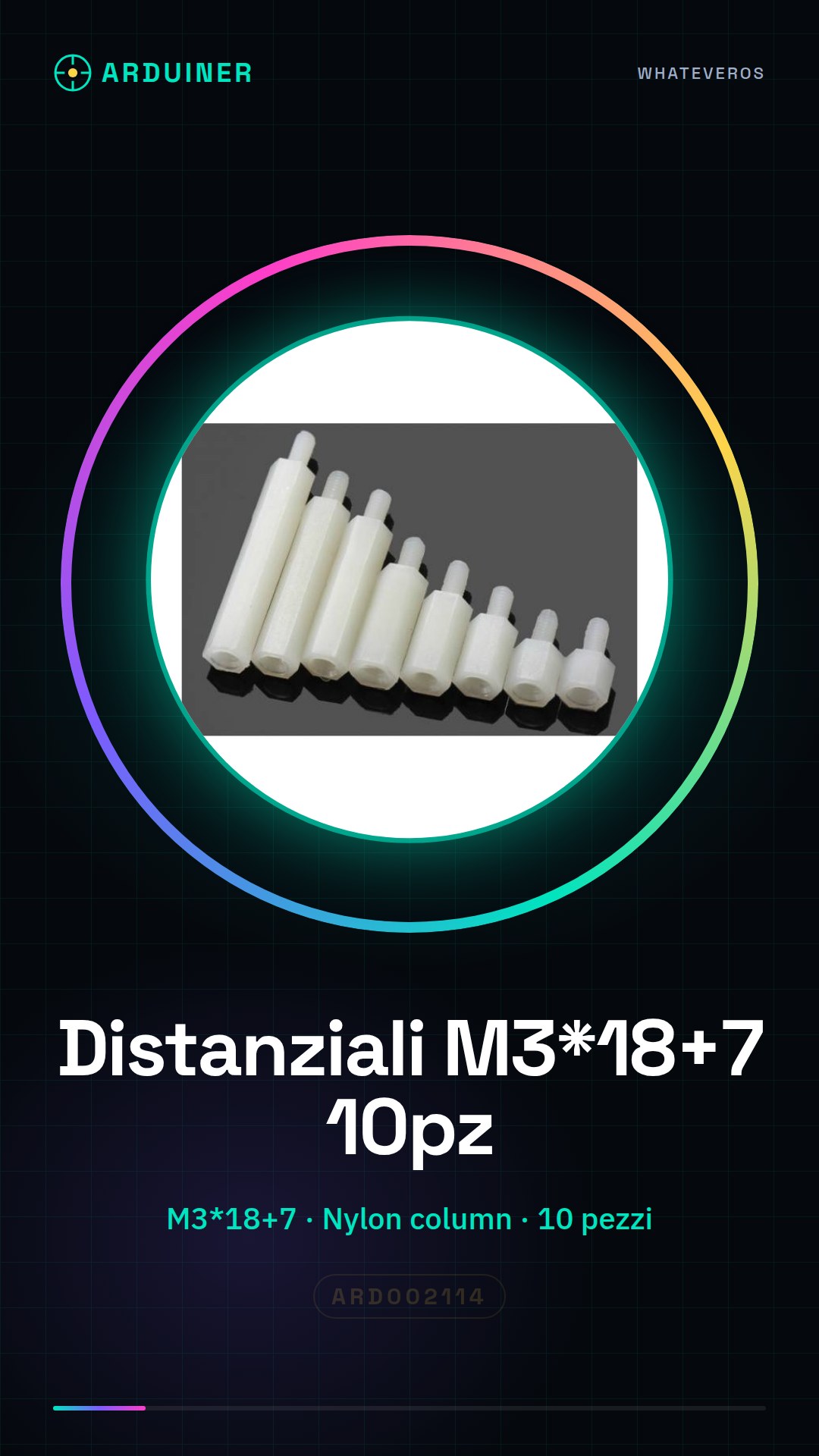
Description
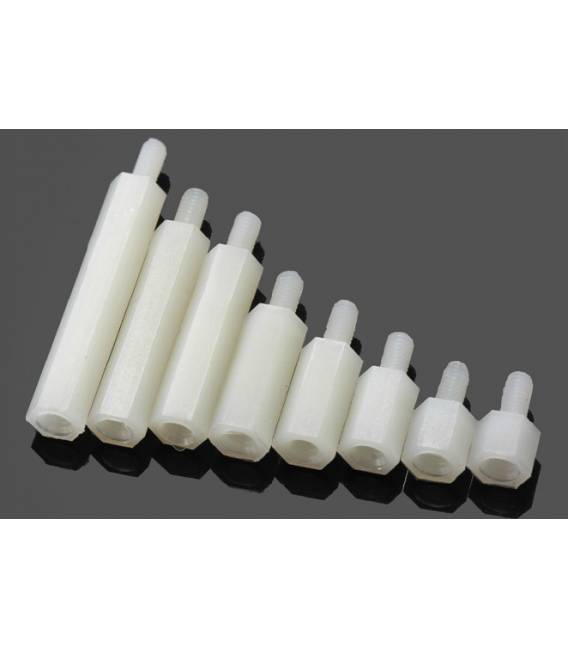
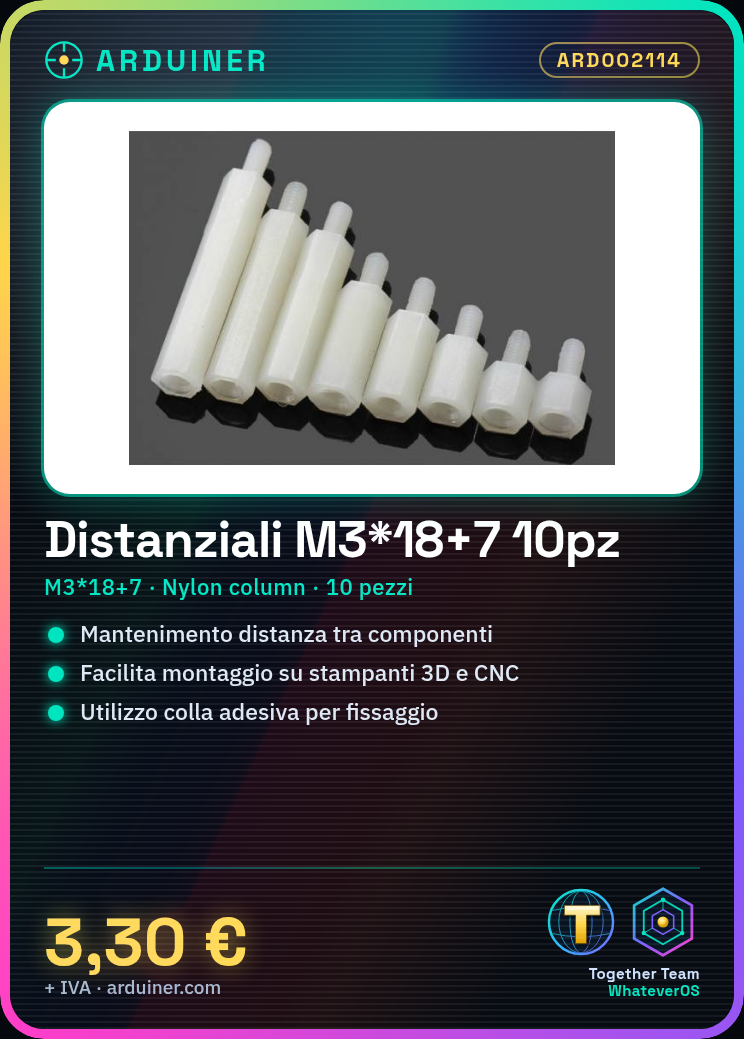
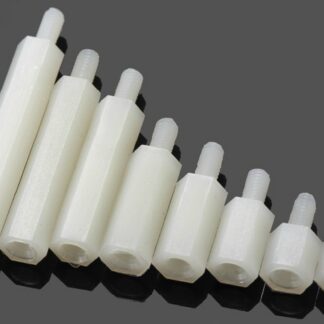
Datasheets for all components are available upon request. 10PC Nylon spacers M3*18+7 Tutorial: How to Use M3*18+7 Spacers These spacers are essential for maintaining the correct distance between electronic components on 3D printers and CNC machines. Suitable for beginners and intermediates. What You Need M3 mounting screws Spacers M3 electronic components Steps Check that the spacers have the correct dimensions (refer to the datasheet). Prepare the M3 mounting screws. Apply a small amount of adhesive glue to each spacer. Place the spacers between the electronic components. Use the screws to press down the spacers and ensure they are securely in place. Check the position of the spacers to ensure they are correctly aligned. Let the glue dry if used. Verify that the distance between the components is adequate. Mini-Project Mount a temperature sensor on a 3D printer using M3*18+7 spacers to separate the sensor from other components. Common Errors Do not press the spacers too hard, as this may damage them. Use adhesive glue only if necessary, otherwise, assembly may become difficult. Ensure the distance is sufficient to avoid short circuits. Do not use spacers of different sizes on nearby components. Recommended Accessories M3 mounting screws Adhesive glue M3 set screws Electronic components Frequently Asked Questions How can I check if the spacers have the correct dimensions? Refer to the datasheet or measure with a caliper. Can these spacers be used on 3D printers and CNC machines? Yes, they are suitable for both applications. How long should I let the glue dry? Follow the product glue instructions.
Reviews
There are no reviews yet.