 EN
 IT Italiano
 ES Español
 FR Français
 DE Deutsch

Description
We have datasheets available for all components; if not present in the product download sheet, send us a message through the contact us form and we will publish it as soon as possible on the website.
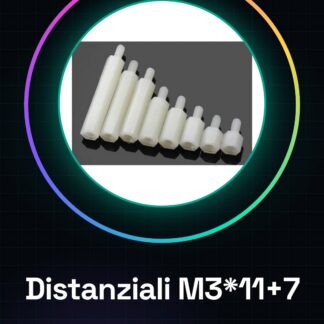
Tutorial: How to Use Distanziali M3*11+7
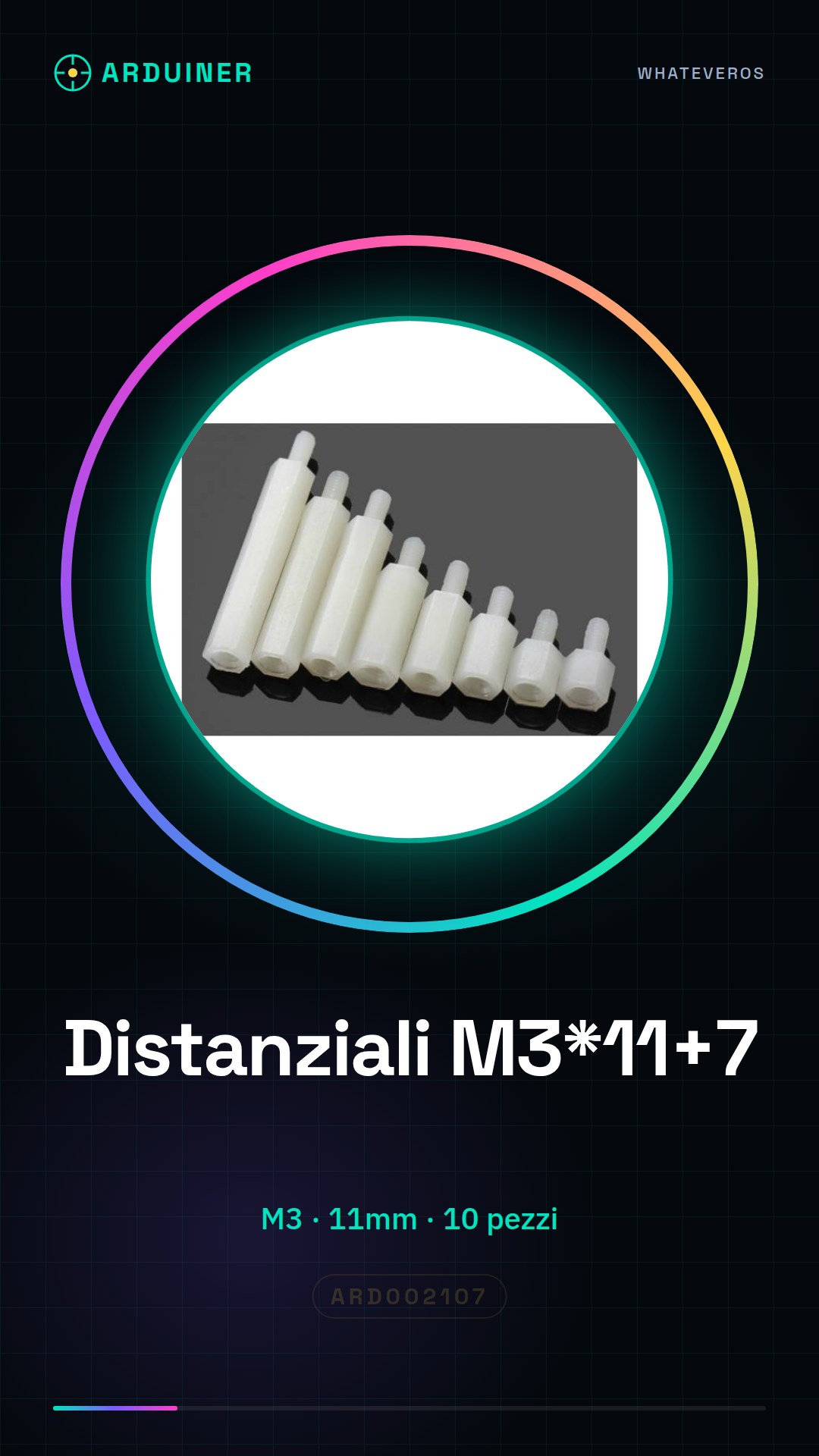
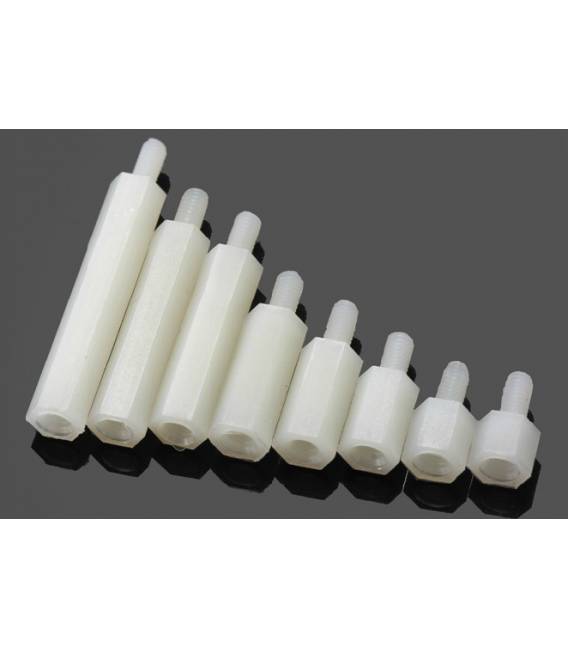
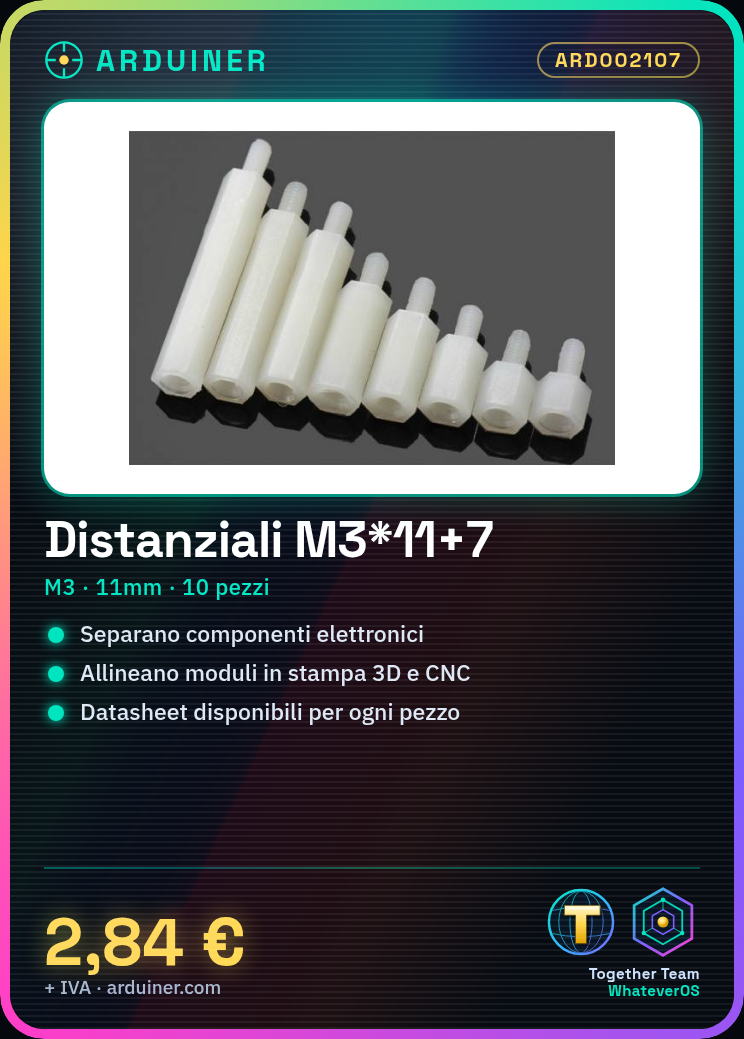
The M3*11+7 spacers are useful for keeping electronic components separate in various projects, such as 3d printers or CNC systems. They are ideal for both beginners and experts.
What you need
- 3D Print Projects
- CNC Systems
- Support for Electronic Modules
- Laser Devices
Steps
- Check the measurements of the hole where the spacers will be inserted.
- Gently insert the spacer into the hole, making sure it is centered.
- If necessary, apply a little lubricant to facilitate the insertion of the spacer.
- Check the stability and alignment of the components connected to the spacer.
- Repeat steps 1-4 for each additional piece needed.
Mini project
Design a solid base for an electronic control module using M3*11+7 spacers, ensuring that all components are properly aligned.
Common mistakes
- Insert the spacer into the wrong hole or off-center
- Do not apply lubricant when necessary
- Use too much pressure when inserting the spacer, thus damaging the component
Recommended accessories
- M3 screws for assembly
- Anti-rust lubricant
- 1/4″ wrench
- Foam gun for lubricants
Frequently asked questions
What is the total length of the spacer?
The total length is 11mm, check the datasheet.
Can I use these spacers for other projects besides 3D printing and CNC?
Yes, they can be used in various types of projects that require aligned and separated components.
Reviews
There are no reviews yet.