 EN
EN IT Italiano
 ES Español
 FR Français
 DE Deutsch
Description
Tutorial: How to Use 5V Relay Module
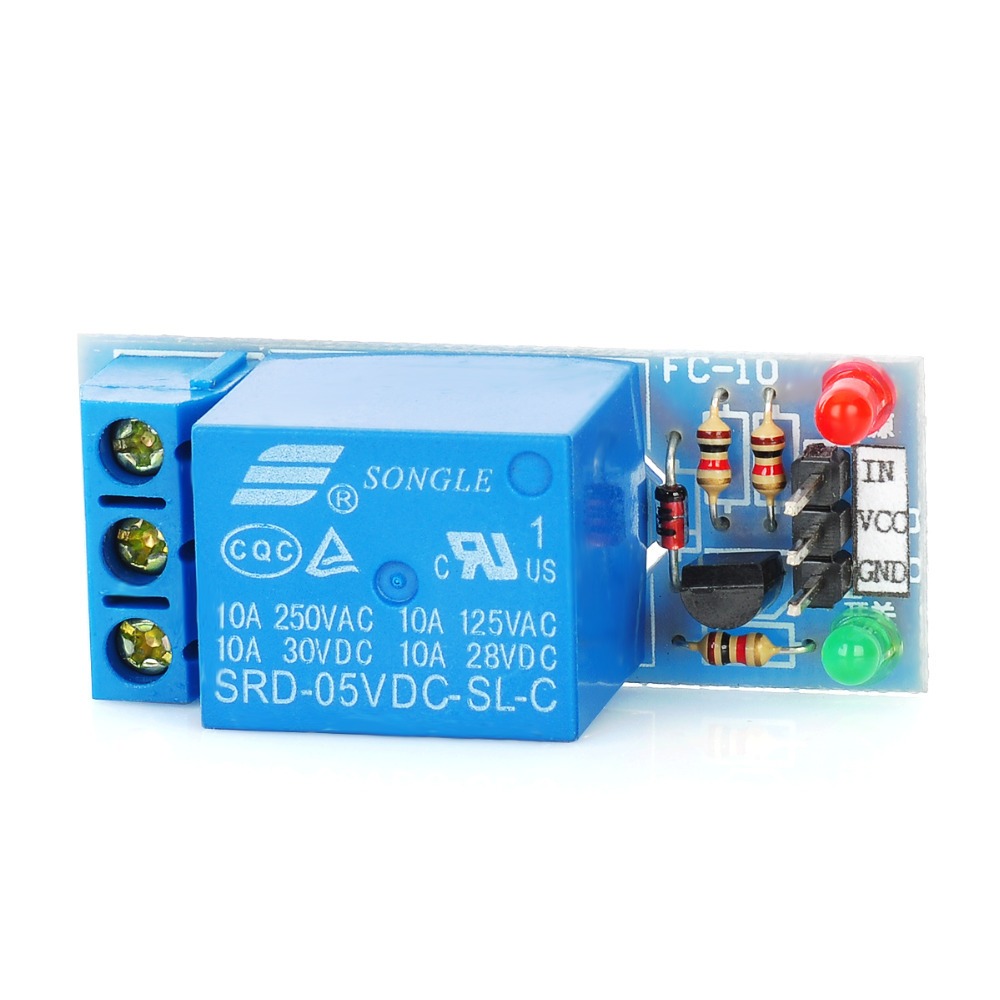
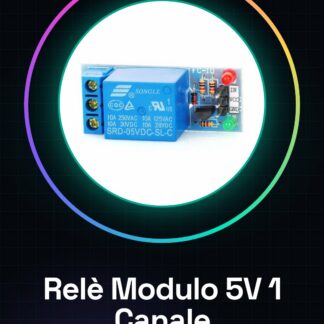
The 5V relay module is ideal for controlling electrical devices that require voltages higher than 5V, such as lights or motors, through your Arduino. Useful for beginners and intermediates.
What You Need:
Arduino
Jumper Wires
1kΩ Resistor
5V Power Supply
Steps:
1. Connect the Arduino to the 5V relay module using jumper wires.
2. Connect the 5V pin of the relay to the 5V pin of the Arduino.
3. Connect the GND pin of the relay to the GND pin of the Arduino.
4. Connect the OUT pin of the relay to a digital pin on the Arduino.
5. Connect a 1kΩ resistor between the OUT pin of the relay and the 5V pin of the Arduino.
6. Connect the device to control between the COM and NO pins of the relay.
7. Check the datasheet for the correct voltage and current rating of the device to be controlled.
8. Upload the example code to your Arduino.
Example Code:
“`cpp
void setup() {
pinMode(3, OUTPUT);
}
void loop() {
digitalWrite(3, HIGH);
delay(2000);
digitalWrite(3, LOW);
delay(2000);
}
“`
Mini-Project: Make a Timer for an LED Light. Connect an LED to the relay and control it using the code above.
Common Errors:
– Not checking the voltage and current rating of the device to be controlled.
– Directly connecting the device to the relay without a resistor.
– Using a power supply voltage other than 5V.
– Ignoring the NC (No Connection) pin of the relay.
Recommended Accessories:
Arduino
Jumper Wires
LED
5V Power Supply
Frequently Asked Questions:
– How can I protect my Arduino? Connect a resistor between the 5V pin of the relay and the OUT pin of the relay.
– Can I use a relay with a voltage higher than 5V? Yes, but check the datasheet for the correct power supply.
– What is the difference between NC and NO? NC (No Connection) is the pin that only connects when the relay is deactivated, while NO (Normally Open) only connects when the relay is activated.
– Can I connect multiple relays to my Arduino? Yes, but ensure you have the correct connectors and do not exceed the current limit of the Arduino.


Reviews
There are no reviews yet.