 EN
 IT Italiano
 ES Español
 FR Français
 DE Deutsch
Description
Technical Description
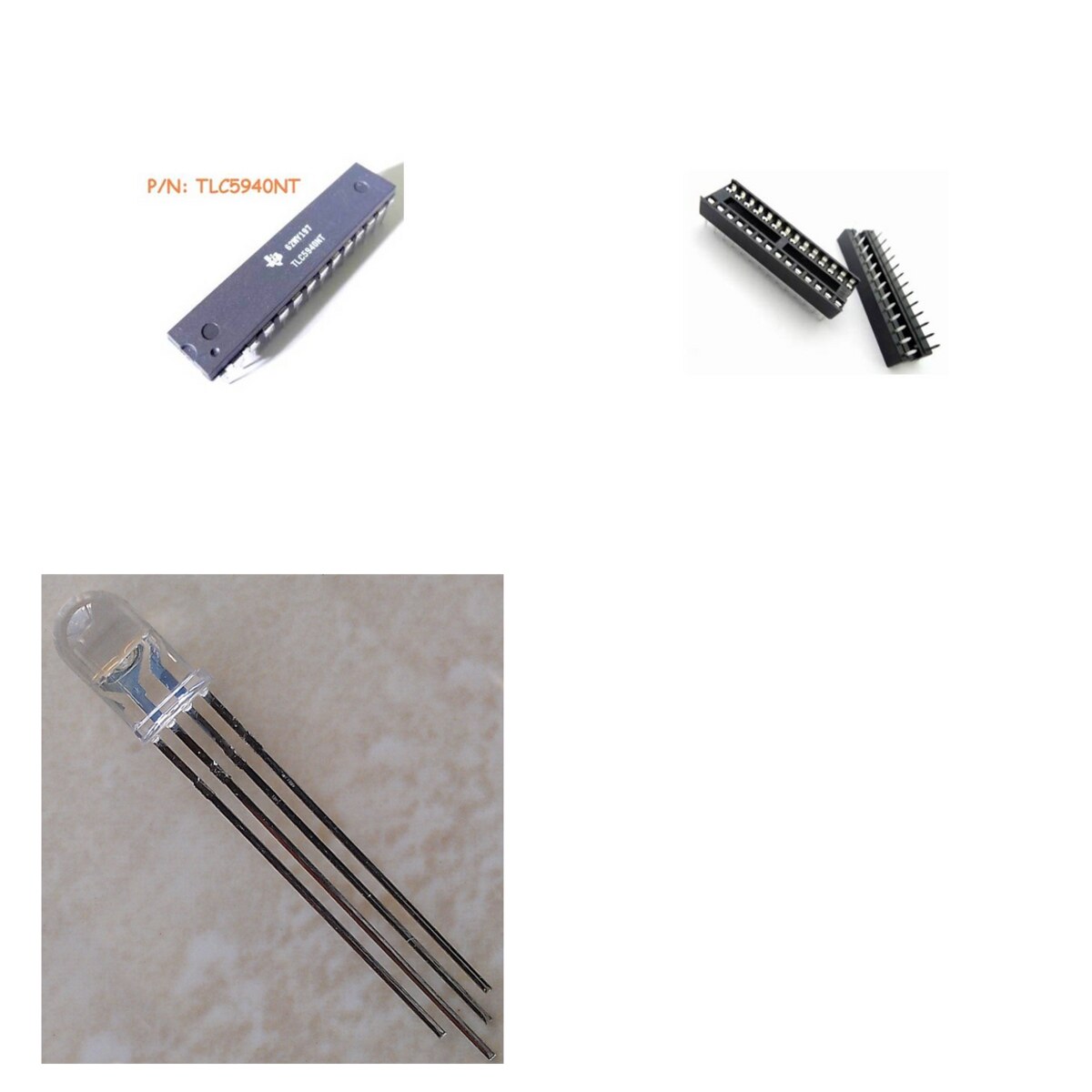
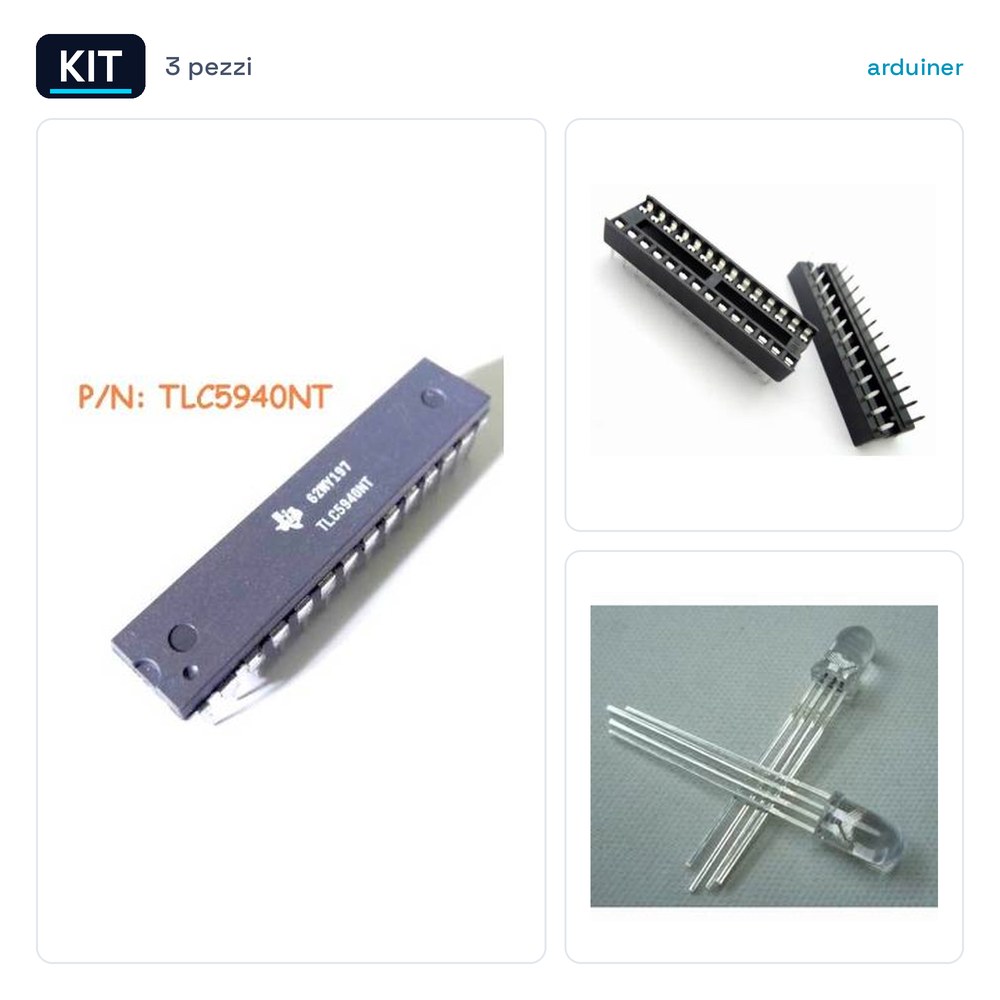
The TLC5940NT IC Kit includes a TLC5940NT integrated circuit and three 5mm multicolor RGB LEDs. The TLC5940NT is designed for managing 16 channels of RGB LEDs, allowing for precise brightness and color control. The multicolor RGB LEDs are suitable for RGB lighting applications.
The kit is used for projects requiring detailed RGB lighting control, such as RGB LED displays, stage lights, and other programmable lighting devices.
It is important to note that the TLC5940NT requires proper connection with the RGB LEDs and adequate power supply to function correctly.
Key Specifications
| Parameter | Value |
| IC Model | TLC5940NT |
| Number of RGB LEDs | 3 |
| LED Size | 5mm |
| LED Brightness | 8000mcd |
| IC Socket Count | 4 |
| IC Socket Pin Count | 28P |
Installation and Usage
- Check that the TLC5940NT is correctly connected to the RGB LEDs.
- Connect the TLC5940NT to the microcontroller or control system.
- Ensure that the power supply meets the specifications of the TLC5940NT.
- Test the system with a simple test program to verify the operation of the RGB LEDs.
- Check that all connectors are securely connected and that there are no short circuits.
Compatibility and Requirements
- The TLC5940NT kit is compatible with a wide range of microcontrollers and control systems.
- To use the kit, a microcontroller that supports SPI communication is required.
- It is recommended to use a compatible programming software to manage the TLC5940NT.
Limits and Important Notes
- The TLC5940NT does not support more than 16 RGB LED channels.
- A separate microcontroller is required to manage the TLC5940NT.
- Ensure the power supply meets the TLC5940NT specifications to avoid damage.
- The TLC5940NT kit does not include the necessary microcontroller.
Troubleshooting
The LEDs do not turn on.
Probable cause: Incorrect connection or insufficient power supply.
Solution: Check all connections and power supply.
Incorrect color.
Probable cause: Incorrect TLC5940NT configuration.
Solution: Recalibrate the TLC5940NT according to the product specifications.
Uneven brightness.
Probable cause: Differences in resistance between the LEDs.
Solution: Use resistors of equal value for all LEDs.
Synchronization issues.
Probable cause: Insufficient power supply or incorrect connection.
Solution: Check the power supply and connections of the TLC5940NT.
Use cases
RGB lighting system for a laboratory project
Objective: Create an RGB lighting system controlled by a microcontroller.
What you need: TLC5940NT kit, microcontroller, RGB LEDs.
Steps: 1) Connect TLC5940NT to RGB LEDs. 2) Configure the microcontroller. 3) Test the system.
Expected result: A functioning RGB lighting system.
RGB Lighting Project for an Art Installation
Objective: Create a programmable RGB lighting installation.
What you need: TLC5940NT kit, microcontroller, RGB LEDs.
Steps: 1) Connect TLC5940NT to RGB LEDs. 2) Program the microcontroller. 3) Test the installation.
Expected result: A functioning RGB lighting installation.
RGB Lighting Project for a Home Installation
Objective: Create an RGB lighting system for home use.
What you need: TLC5940NT kit, microcontroller, RGB LEDs.
Steps: 1) Connect TLC5940NT to RGB LEDs. 2) Program the microcontroller. 3) Test the installation.
Expected result: A working RGB lighting system for home.
RGB lighting project for a garden installation
Objective: To create an RGB lighting system for the garden.
What’s needed: TLC5940NT kit, microcontroller, RGB LEDs.
Steps: 1) Connect TLC5940NT to RGB LEDs. 2) Program the microcontroller. 3) Test the installation.
Expected result: A working RGB lighting system for the garden.
RGB lighting project for a kitchen installation
Objective: To create an RGB lighting system for the kitchen.
What’s needed: TLC5940NT kit, microcontroller, RGB LEDs.
Steps: 1) Connect TLC5940NT to RGB LEDs. 2) Program the microcontroller. 3) Test the installation.
Expected result: A working RGB lighting system for the kitchen.
RGB Lighting Project for a Study Installation
Objective: Create an RGB lighting system for the study.
What’s needed: TLC5940NT kit, microcontroller, RGB LEDs.
Steps: 1) Connect TLC5940NT to RGB LEDs. 2) Program the microcontroller. 3) Test the installation.
Expected result: A functioning RGB lighting system for the study.
RGB Lighting Project for a Bedroom Installation
Objective: Create an RGB lighting system for the bedroom.
What’s needed: TLC5940NT kit, microcontroller, RGB LEDs.
Steps: 1) Connect TLC5940NT to RGB LEDs. 2) Program the microcontroller. 3) Test the installation.
Expected result: A functioning RGB lighting system for the bedroom.
RGB Lighting Project for a Dining Room Installation
Objective: Create an RGB lighting system for the dining room.
Needed: TLC5940NT Kit, microcontroller, RGB LEDs.
Steps: 1) Connect TLC5940NT to RGB LEDs. 2) Program the microcontroller. 3) Test the installation.
Expected result: A functioning RGB lighting system for the dining room.
In the package
- TLC5940NT IC Integrated Circuits + 4 narrow 28P IC sockets + 3 Pieces RGB MULTICOLOR 5mm COMMON ANODE 8000mcd LEDs
Complete the project
- 3 Pieces RGB MULTICOLOR 5mm COMMON ANODE 8000mcd LEDs: To manage the TLC5940NT and control the RGB LEDs.
- 4 narrow 28P IC sockets: To connect the TLC5940NT to the RGB LEDs.
- RGB DC 12V Controller with 24-button Infrared Remote Control for LED Strip: To control the RGB LEDs with a remote control system.
Technical FAQs
The LEDs are not turning on?
Check all connections and power supply.
Incorrect color?
Re-calibrate the TLC5940NT according to the product specifications.
Uneven brightness?
Use resistors of the same value for all LEDs.
Synchronization issues?
Check the power supply and connections of the TLC5940NT.
Reviews
There are no reviews yet.