 EN
EN IT Italiano
 ES Español
 FR Français
 DE Deutsch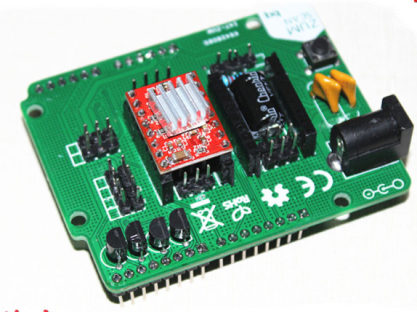
Description
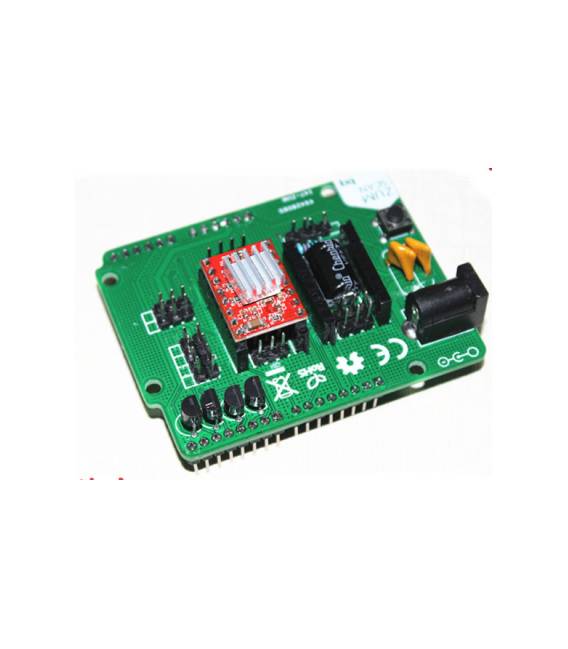
What is the ZUM Scan Expansion Board? The ZUM Scan Expansion Board is a device designed to enhance the capabilities of 3D printers, CNC applications, and lasers by integrating 3D scanning functionalities into your projects. Features: – 3D scanning expansion board – Compatible with 3D printers, CNC applications, and laser systems What does it do? The ZUM Scan Expansion Board is used by makers and prototypers who want to create simple 3D models of objects by incorporating scanning features. You can use the board with a compatible Arduino to set up your scanning project in minutes. How to Use ZUM Scan Expansion Board: This expansion board helps integrate 3D scanning functionalities into your projects, useful for makers and prototypers working with 3D scanners, 3D printers, CNC, and laser systems. What do you need? – Compatible Arduino – Power Supply – Connector for the 3D scanner Steps: 1. Check the datasheet for power supply specifications. 2. Connect the board to your Arduino using power and reset pins. 3. Connect your 3D scanner to the output pin of the board. 4. Verify communication pin configuration on the datasheet. 5. Download the software communication driver. 6. Install the driver on your computer. 7. Connect the board to your computer for initial setup. 8. Check connectivity and functionality of your 3D scanner. Mini-project: Create a simple 3D scanning project using the ZUM Scan Expansion Board and a compatible Arduino in just 30 minutes. Common mistakes: – Not checking power supply voltage on the datasheet. – Connecting the 3D scanner to an incompatible pin. – Omitting initial driver setup. – Failing to check connectivity before starting your project. Recommended accessories: – Arduino Uno – Power Supply (5V) – 3D Scanner – Cable for Arduino Frequently Asked Questions: My 3D scanner doesn’t work with the board. Check correct pin configuration and compatibility with your 3D scanner. Where can I find the software driver? The driver is available on the official manufacturer’s website. Which pins should be used for communication? Verify the correct communication pin configuration in the datasheet.

Reviews
There are no reviews yet.