 EN
EN IT Italiano
 ES Español
 FR Français
 DE Deutsch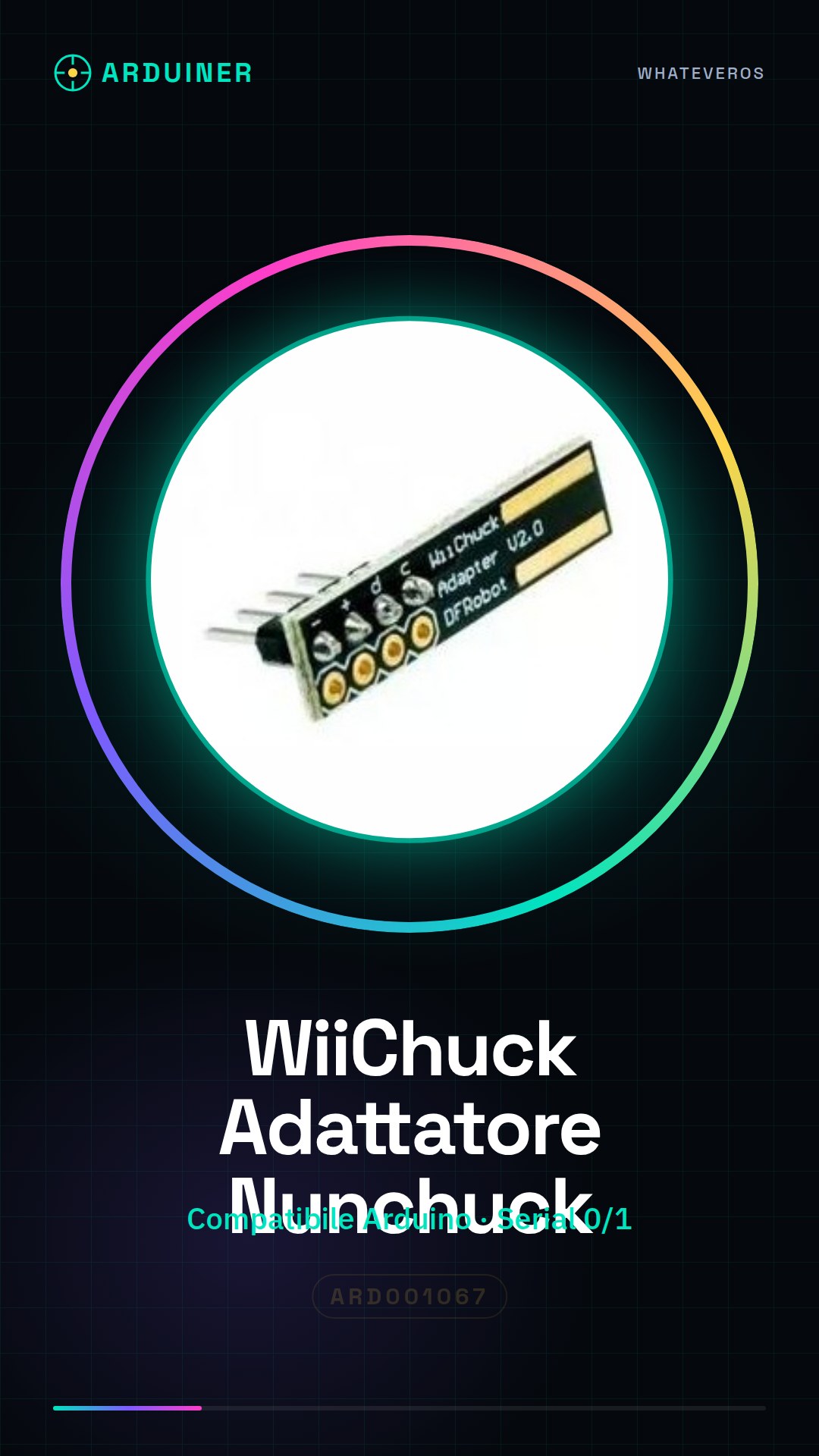
Description
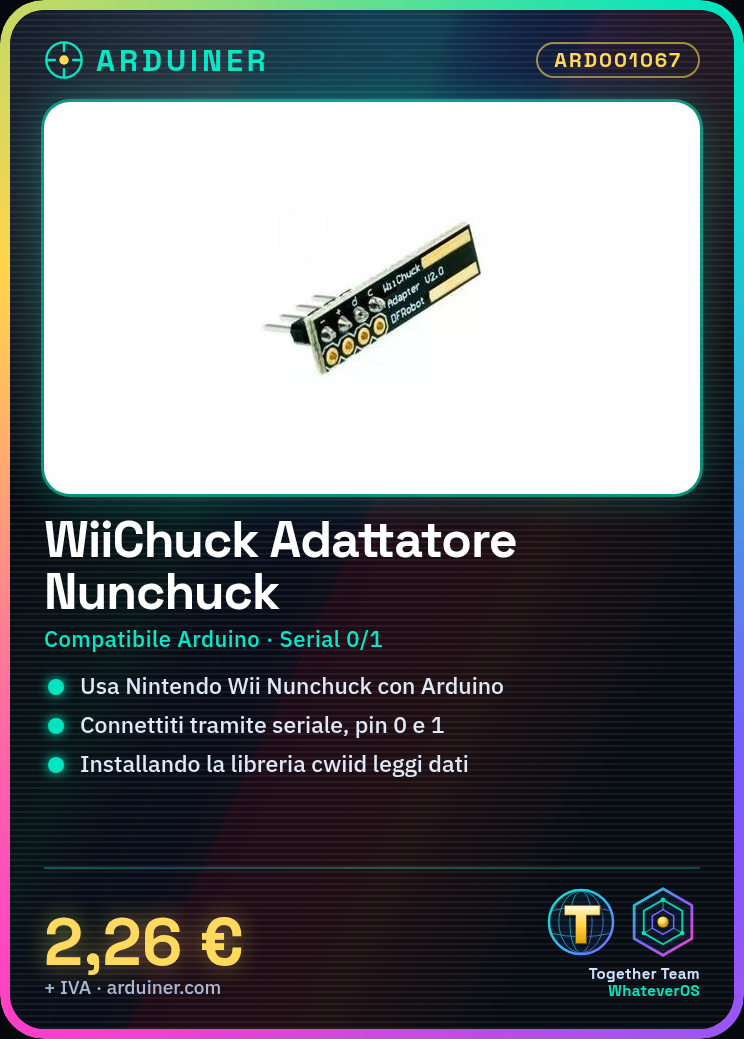
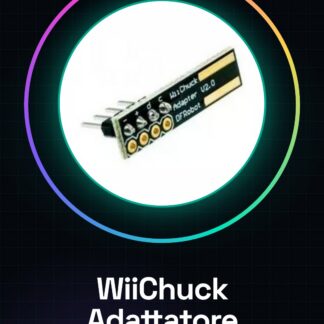
What is the Wii Nunchuck Adapter for Arduino? The Wii Nunchuck Adapter for Arduino is a device that allows you to use the Nintendo Wii Nunchuck controller in your Arduino-based projects. This adapter facilitates easy integration between the Nunchuck and Arduino, enabling its functionalities as input for electronic devices.
Features:
– Compatible with Arduino
– Ideal for projects and prototypes
What does it do?
The Wii Nunchuck Adapter is perfect for those who want to integrate game inputs into electronic devices or create interactive games. It can be used by both beginners and more experienced makers.
Tutorial: How to use the Wii Nunchuck Adapter for Arduino
The Wii Nunchuck Adapter allows you to utilise the Nintendo Wii Nunchuck controller in your Arduino-based projects. Ideal for integrating game inputs into electronic devices or creating interactive games, this adapter is suitable for both beginners and advanced makers by offering easy integration between the Nunchuck and Arduino.
What do you need?
– Arduino Uno
– USB cable
– Wii Nunchuck
– cwiid library
Steps:
1. Physically connect the Nunchuck to the Wii Adapter module.
2. Connect the Wii Adapter module to the serial interface of your Arduino (pins 0 and 1).
3. Install the cwiid library following instructions on the official cwiid website.
4. Write an Arduino sketch that imports the cwiid library.
5. Insert code to read data from the Nunchuck (example provided in tutorial).
6. Upload the sketch to your Arduino.
7. Open Serial Monitor and verify correct data transmission.
8. Modify your project according to your needs, such as adding visual or sound effects.
Example Code:
// Include cwiid library
#include
int x = 0;
int y = 0;
bool z = false;
void setup() {
Serial.begin(57600);
}
void loop() {
if (wiiuse.open(wiis, 1)) {
// Open connection with Nunchuck
wiiuse.poll(wiis);
x = nunchucks[0].stick.x;
y = nunchucks[0].stick.y;
z = nunchucks[0].button.z;
}
Serial.print(x);
Serial.print(‘,’);
Serial.println(y);
}
Mini-project:
Create a virtual projectile that moves based on the stick directions of the Nunchuck. Use LEDs or an LED matrix to display movement.
Common mistakes:
Ensure cwiid library is installed correctly. Check connections.
Reviews
There are no reviews yet.