 EN
EN IT Italiano
 ES Español
 FR Français
 DE Deutsch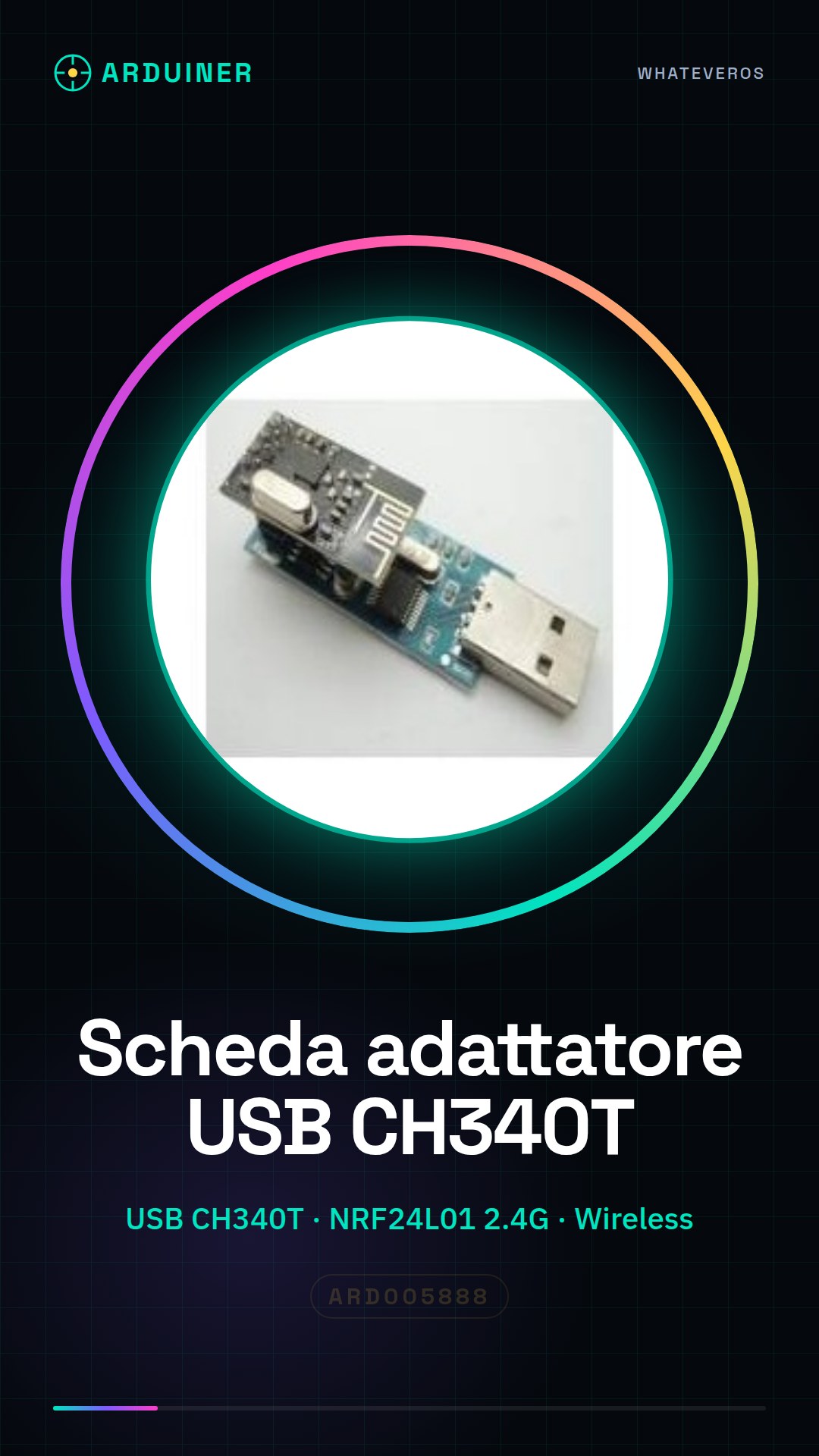
Description
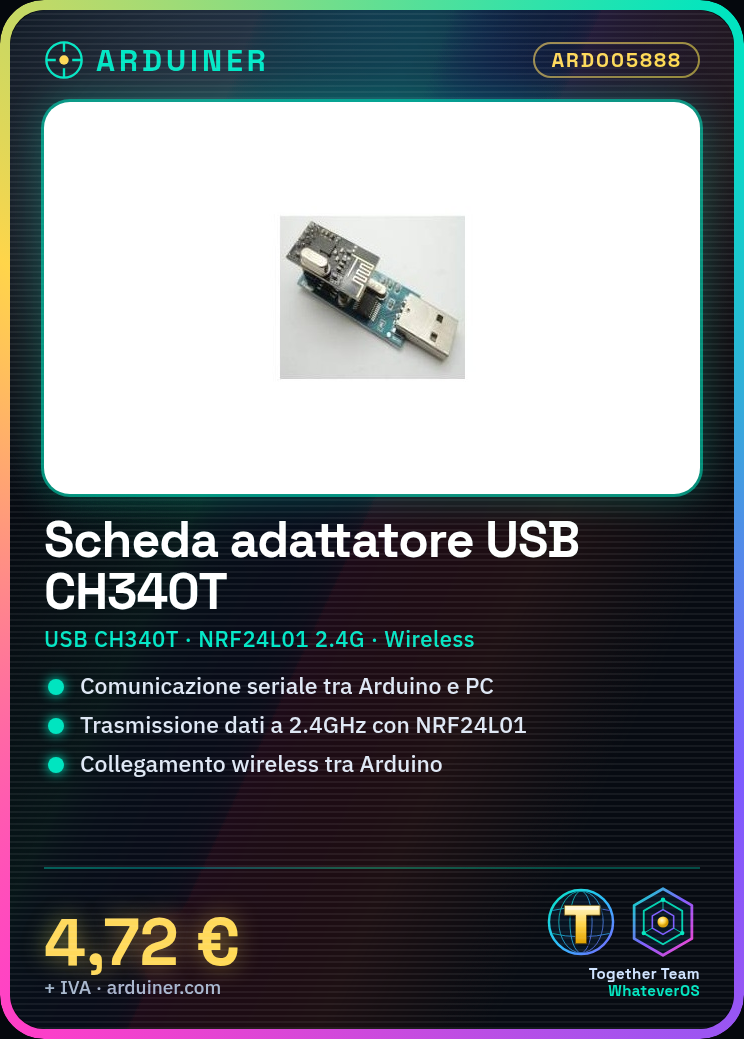
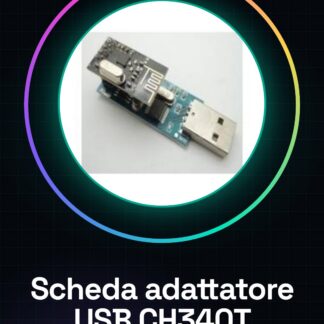
What is the USB Serial Port Adapter CH340T + 2.4G Wireless NRF24L01 Module? This component for Arduino simplifies serial communication and wireless connectivity. Features USB CH340T adapter 2.4G wireless NRF24L01 module Enables serial communication and wireless connections for Arduino Use Case Creates a remote communication system between two Arduinos using the NRF24L01 module and CH340T board, ideal for projects requiring wireless connectivity. Tutorial: How to use USB Serial Port Adapter CH340T + 2.4G Wireless NRF24L01 Module This component allows you to use your Arduino as a wireless module, suitable for distance communication projects. What is needed? Arduino Wires Computer with Arduino software NRF24L01 module Steps 1. Download and install the Arduino IDE software. 2. Connect the CH340T adapter to the Arduino via USB. 3. Install the NRF24L01 library in the Arduino software. 4. Connect the NRF24L01 module to the CH340T board. 5. Write code to initialise the NRF24L01 module. 6. Configure channels and frequency of the module. 7. Test connection between Arduino and NRF24L01 module. 8. Implement code for sending and receiving data. Example Code “`int ce = 0; int cs = 1;“` Mini-project Create a remote communication system between two Arduinos using the NRF24L01 module and CH340T board. Common Mistakes Not properly configuring channels of the NRF24L01 module. Forgetting to install necessary libraries in Arduino software. Incorrectly connecting NRF24L01 module pins. Omitting verification of connection between Arduino and module. Recommended Accessories NRF24L01 Module Wires 10kΩ Resistor LED Frequently Asked Questions How do I configure channels for the NRF24L01 module? Use `RF24.begin()` and `RF24.openReadingPipe()` functions in your Arduino code to set up channels. Which pins should I use to connect the NRF24L01 module? Use CE and CS pins for the NRF24L01 module. Is the CH340T board necessary for all Arduino projects? No, it is only needed if you want to use USB-based prototyping. Can I use another library instead of NRF24L01? Yes, other wireless libraries exist; check compatibility with your Arduino board.
Reviews
There are no reviews yet.