 EN
 IT Italiano
 ES Español
 FR Français
 DE Deutsch
Description
What it is
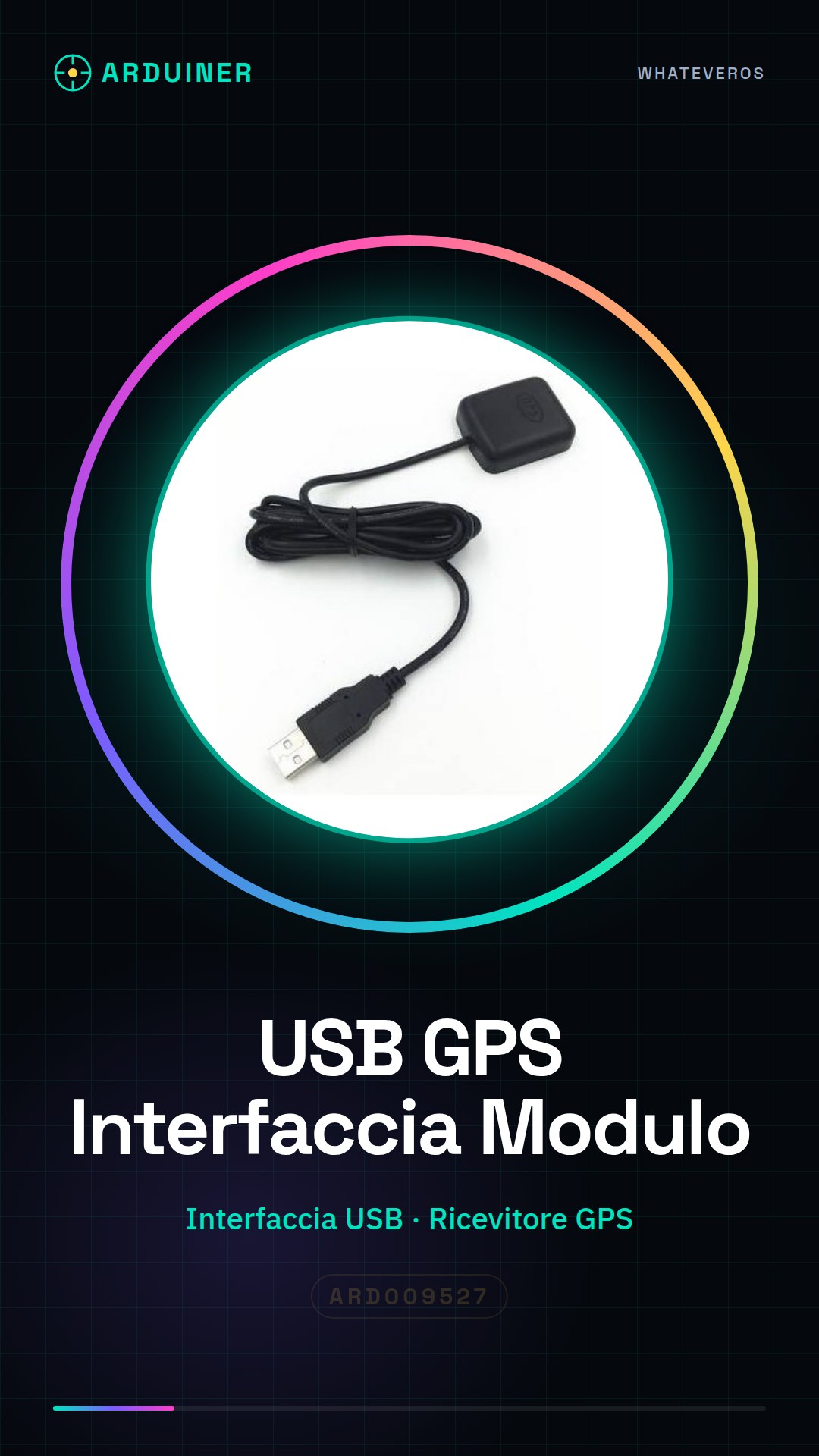
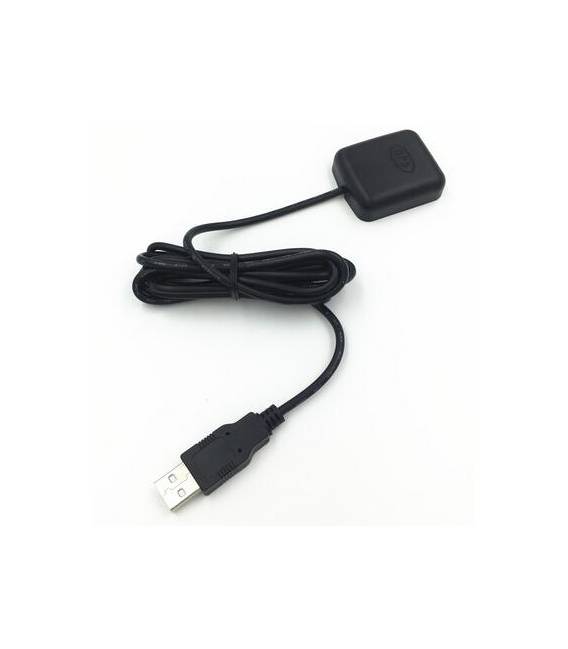
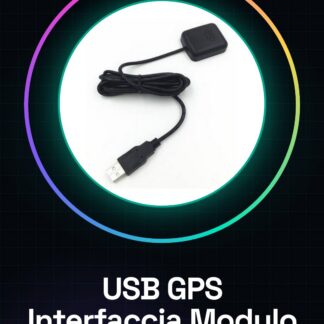
The USB GPS module is a device that allows you to integrate satellite positioning functionality into your projects. It is suitable for applications such as tracking and geographic monitoring.
Features
- USB Interface
- GPS Satellite Positioning Module
What it is for
Ideally suited for Arduino projects and navigation systems, this module can be used to create tracking devices that send GPS coordinates to online platforms such as ThingSpeak. It is compatible with various platforms including Arduino and ESP.
Tutorial: How to Use USB GPS Module
The USB GPS module is a useful device for adding satellite positioning functionality to your projects. Ideal for makers and students who want to create tracking or monitoring devices.
What you need
- Arduino Uno
- Computer with USB port
- Serial communication software (such as PuTTY)
Steps
- Connect the GPS module to the USB port of your computer.
- Install the Adafruit_GPS library for Arduino from the Arduino IDE library manager.
- Upload the following sketch to your Arduino with the GPS module connected.
- Open a serial communication software like PuTTY and select the correct COM port to which the Arduino is connected.
- Check that the GPS data is displayed in the software.
- If necessary, adjust the GPS module settings (such as update frequency) by modifying the sketch.
Example code
// Includi la libreria Adafruit_GPS
#include <Adafruit_GPS.h>
// Definisci l'oggetto GPS
Adafruit_GPS GPS(&Serial1);
void setup() {
  Serial.begin(9600);
  // Configura il modulo GPS
}
void loop() {
  GPS.encode(Serial.read());
}
Mini project
Create a tracking device that sends GPS coordinates to an online platform like ThingSpeak every minute.
Common mistakes
- The module is not recognized by the computer
- The module output is incomprehensible
- The GPS library does not work correctly
Recommended accessories
- Arduino Uno R3
- USB A-MicroB cable
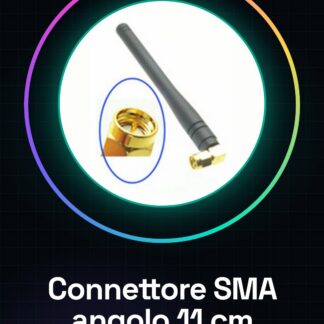
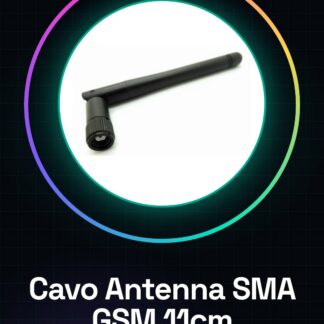
- External GPS antenna to improve reception
Frequently asked questions
Where can I find the configuration instructions for the GPS module?
Consult the datasheet of the module available on the manufacturer’s website.
The GPS module is not emitting data, what should I do?
Check the USB connection and ensure that power is being supplied to the module.
Reviews
There are no reviews yet.