 EN
EN IT Italiano
 ES Español
 FR Français
 DE Deutsch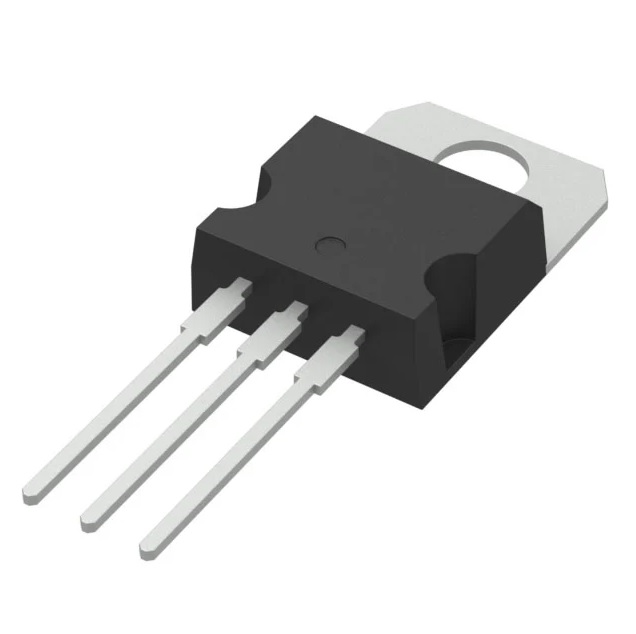
Description
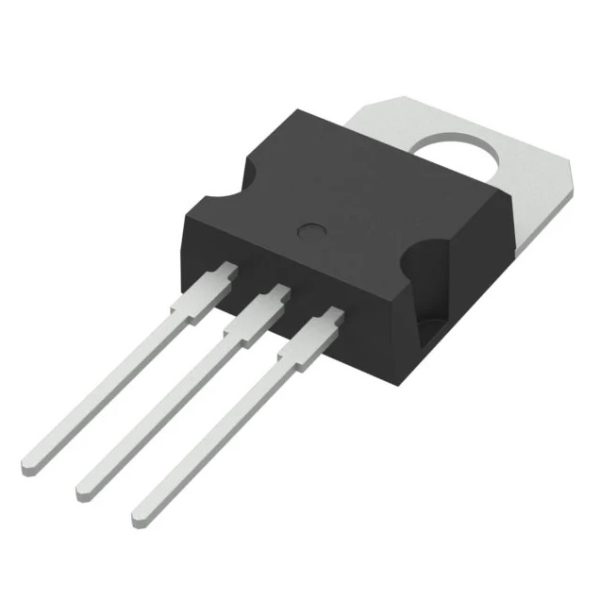
Tutorial: How to use the TIP31C NPN Transistor The TIP31C is a high-power NPN transistor ideal for controlling heavy loads such as motors and relays. This component is essential for applied electronics projects, suitable for both beginners and more experienced makers.
What you need:
– Arduino Uno or compatible
– Base resistor
– 5V LED
– 5V relay
Steps:
1. Connect the Arduino to your computer via USB
2. Connect the base resistor between the Arduino control pin and the TIP31C base
3. Connect the TIP31C emitter to the GND of the Arduino
4. Connect the relay common to the GND of the Arduino
5. Connect the relay common to the TIP31C emitter
6. Connect the relay control line to the TIP31C emitter
7. Connect the relay power line to the TIP31C collector load pin
8. Load and test the Arduino sketch
Example code:
void setup() {
pinMode(9, OUTPUT);
}
void loop() {
digitalWrite(9, HIGH);
delay(1000);
digitalWrite(9, LOW);
delay(1000);
}
Mini-project: Create a control system for a 12V fan using the TIP31C to switch on and off a relay at the command of the Arduino.
Common mistakes:
– Not checking the polarity of the relay
– Not using a base resistor
– Not verifying the operating voltage of the load
– Not checking the thermal dissipation of the TIP31C
Recommended accessories:
– 1kΩ Resistor
– 5V Relay
– 12V Fan
– Thermostat
Reviews
There are no reviews yet.