 EN
 IT Italiano
 ES Español
 FR Français
 DE Deutsch
Description
What it is
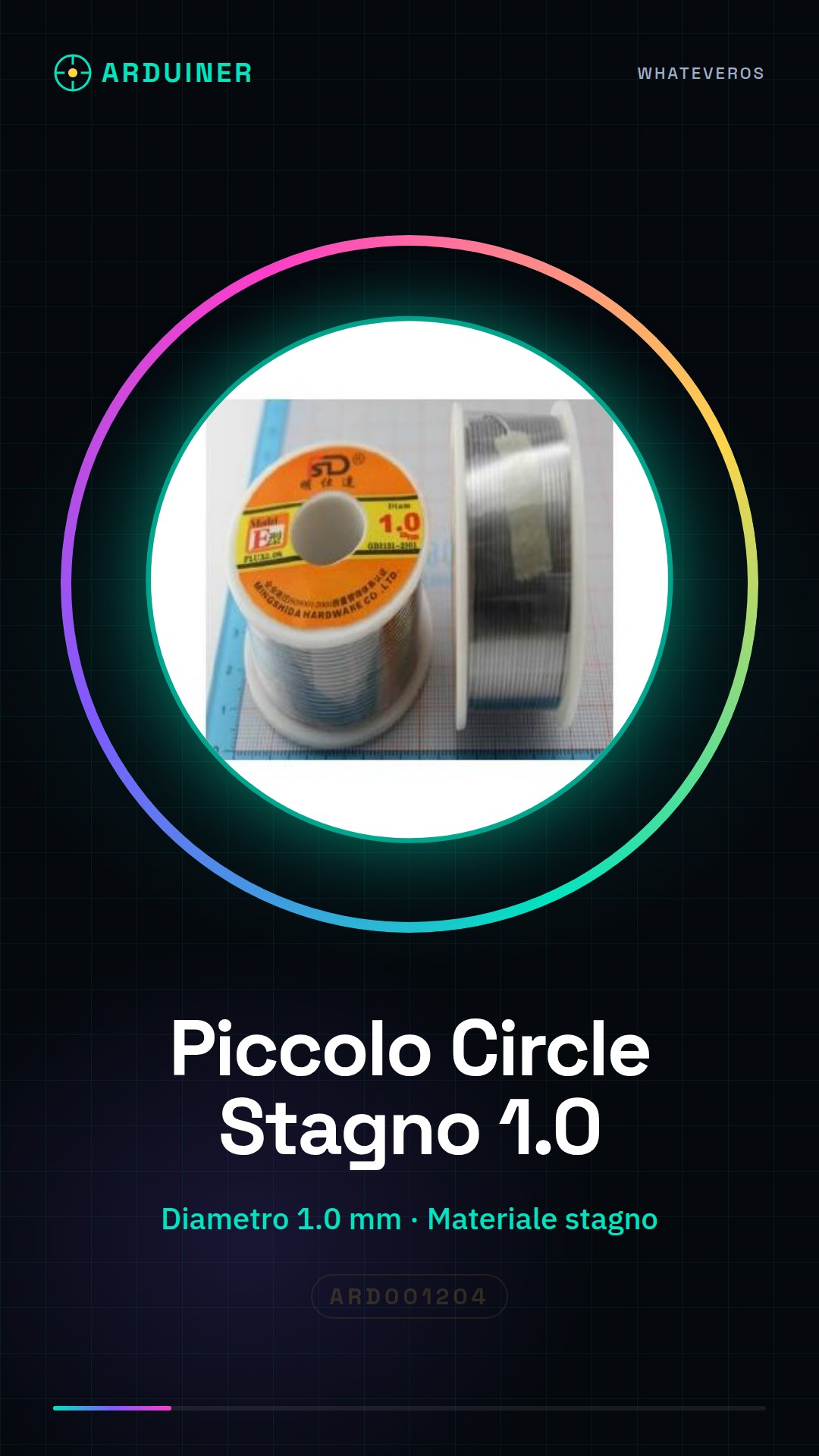
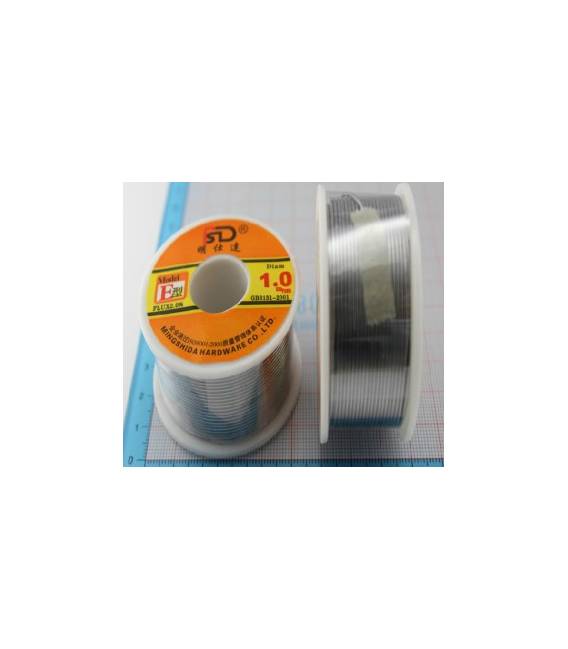
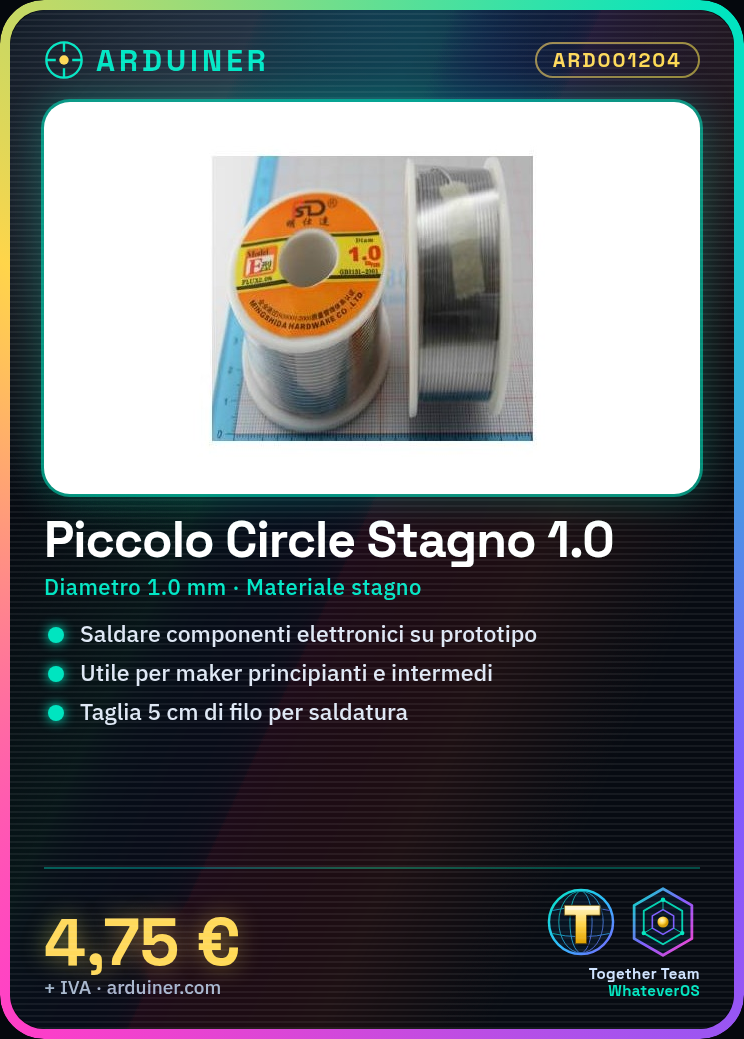
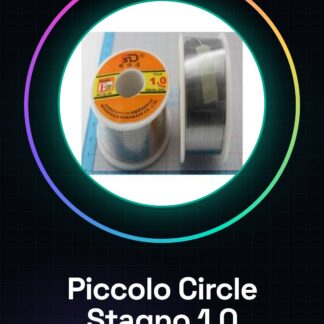
The small circle of Tin 1.0 is a solder wire made of tin, ideal for small electronic soldering jobs.
Features
- Diameter: 1.0 mm
- Material: Tin
- SKU: ARD001204
- Price: 4.75 €
What it is for
Perfect for soldering electronic components on prototype boards. Useful for beginner and intermediate makers. Example use: creating an LED lighting circuit with a resistor.
Tutorial: How to use small circle
The small circle is a 1.0 solder wire ideal for small electronic soldering jobs. Useful for beginner and intermediate makers.
What you need
- Small circle
- Soldering iron / soldering station / solder
Steps
- 1. Check the datasheet for the maximum temperature of the soldering iron.
- 2. Turn on the soldering iron and let it reach the operating temperature.
- 3. Take the small circle and cut a piece of about 5 cm.
- 4. Insert the piece of wire into the tip of the soldering iron.
- 5. Apply the solder to the soldering point, holding the soldering iron tip for about 2-3 seconds.
- 6. Check the solder joint: it should be solid and without any voids.
- 7. Repeat steps 4-6 for additional solder joints if necessary.
- 8. Turn off the soldering iron and allow it to cool down.
Mini project
Create a simple lighting circuit based on an LED and a resistor. Solder the LED and resistor onto a prototype board.
Common mistakes
- Use a soldering iron with a temperature that is too low.
- Do not wait for the soldering iron to reach its operating temperature.
- Do not check the solder joint at the end.
- Use wire of inconsistent size compared to the soldering iron.
Recommended accessories
- Soldering iron
- Wire tip
- Prototype board
- LED
Frequently asked questions
Is the small circle compatible with all soldering irons?
Check the datasheet for compatibility with your soldering iron.
How long do I need to wait before using the small circle?
Wait for the soldering iron to reach operating temperature.
Can I use the small circle to solder metallic material?
The small circle is designed to solder electronic material. Check the datasheet for compatibility.
Reviews
There are no reviews yet.