 EN
EN IT Italiano
 ES Español
 FR Français
 DE Deutsch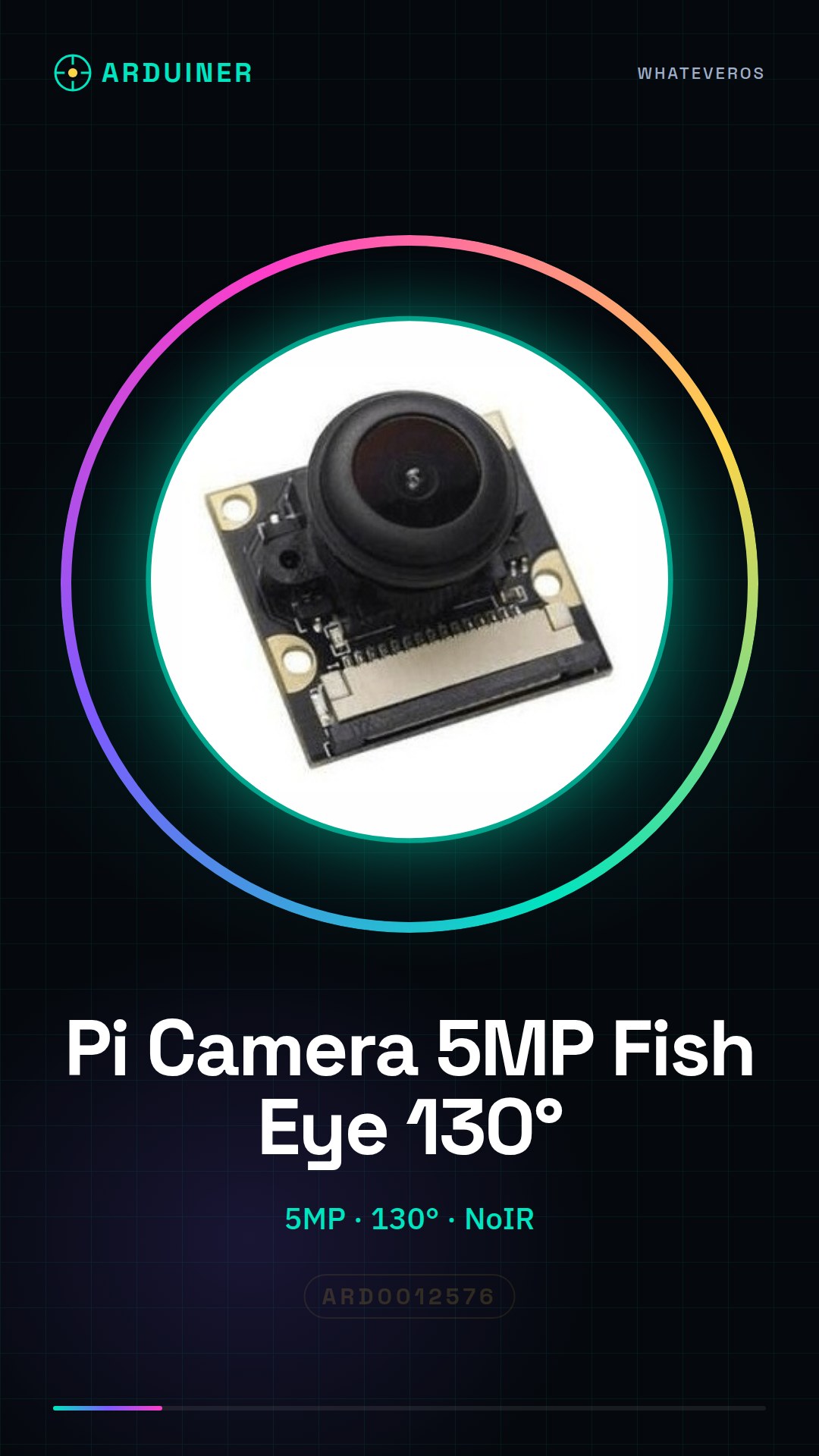
Description
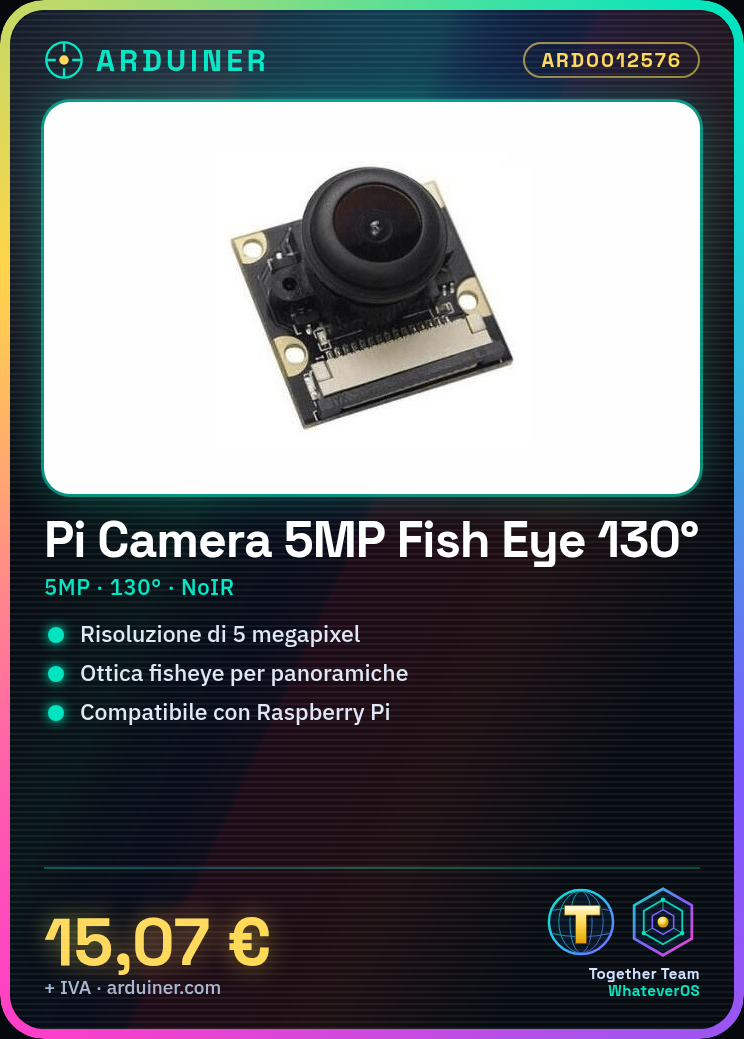
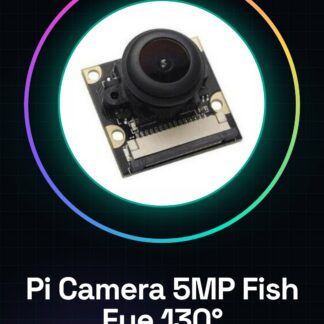
What is the Raspberry Pi Camera 5MP Fish Eye 130° NOIR? The Raspberry Pi Camera 5MP Fish Eye 130° NOIR is a low-power camera designed for use with Raspberry Pi. This camera offers a complete panoramic view thanks to its wide 130-degree field of view and fisheye optics, making it ideal for artificial vision projects, photography, and video with wide-angle and detailed shots.
Features:
– Resolution: 5MP
– Field of View: 130 degrees
– Fisheye Optics
– NOIR version (low-light sensitivity)
– Compatible with Raspberry Pi
What is it for?
The Raspberry Pi Camera 5MP Fish Eye 130° NOIR is perfect for projects requiring a complete panoramic view, such as time-lapse photography, artificial vision systems, and wide-angle and detailed photography and video projects. Check the datasheet for further details on compatibility with other devices.
Tutorial: How to use the Raspberry Pi Camera 5MP Wide Angle Fish Eye 130° NOIR
The Raspberry Pi Camera 5MP Wide Angle Fish Eye 130° NOIR is ideal for wide-angle and detailed photography and video projects. This guide helps you get started with your new camera.
What do I need?
– Raspberry Pi SD Card with Raspbian
– Micro USB cable
– HDMI cable (optional)
– Monitor or TV with an HDMI input (optional)
Steps:
1. Install Raspbian on a SD card
2. Connect the camera to the Raspberry Pi
3. Configure the camera via VNC or SSH
4. Verify basic software installation
5. Test the camera with a simple photo
Example Code: sudo apt-get install python3-pip pip3 install picamera
Mini-project: Capture time-lapse photos with the Raspberry Pi Camera.
Common Issues:
– Camera recognition problems
– Software installation difficulties
– Resolution configuration issues
Recommended Accessories:
– Micro USB cable
– Class 10 SD Card
– Raspberry Pi case
FAQs:
How can I verify if the camera is installed correctly?
Check for the presence of a configuration file in the /boot/pi4camera directory.
What software can I use to manage the camera?
Picamera and GPhoto2 are good options.

Reviews
There are no reviews yet.