 EN
EN IT Italiano
 ES Español
 FR Français
 DE Deutsch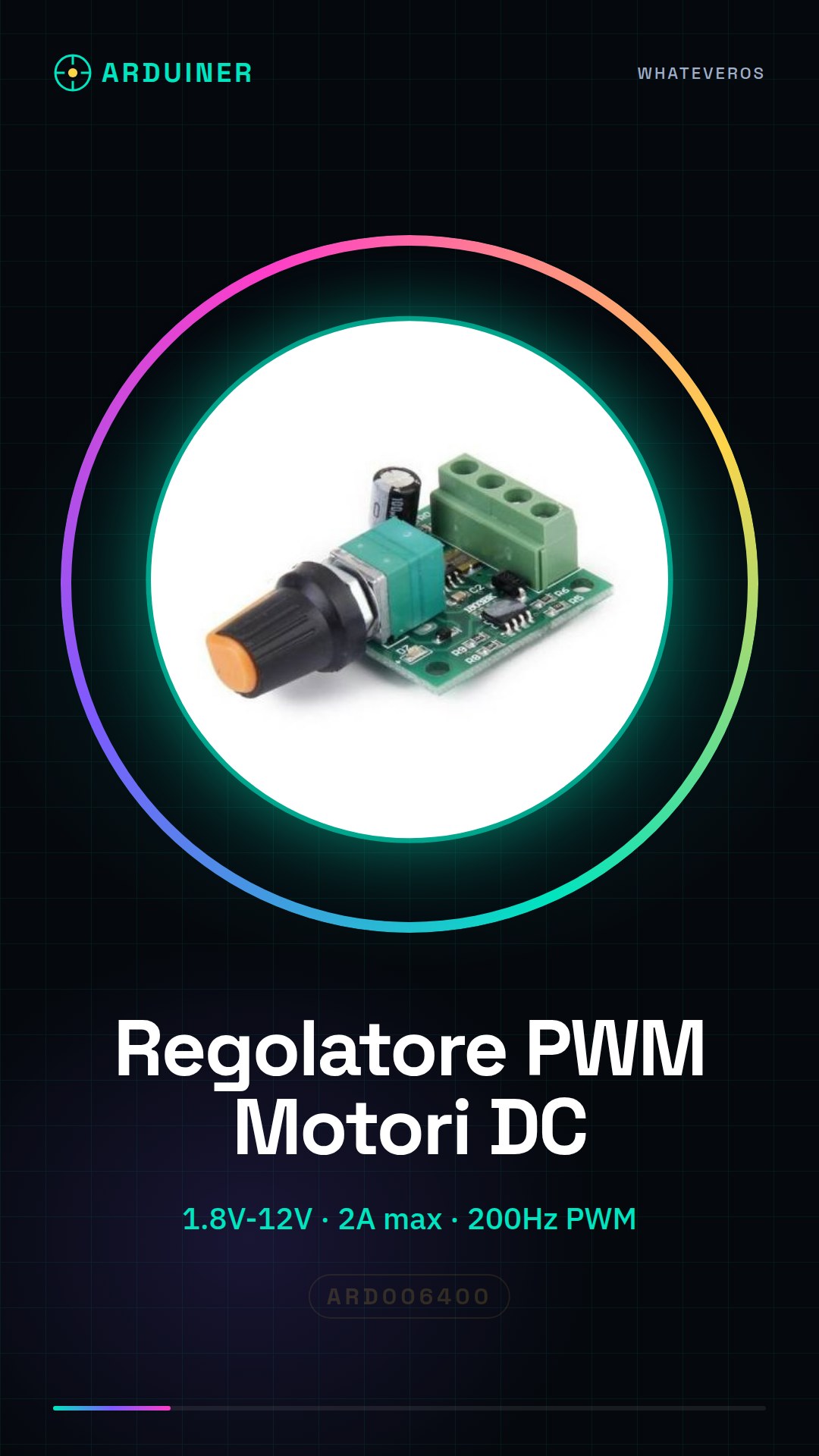
Description
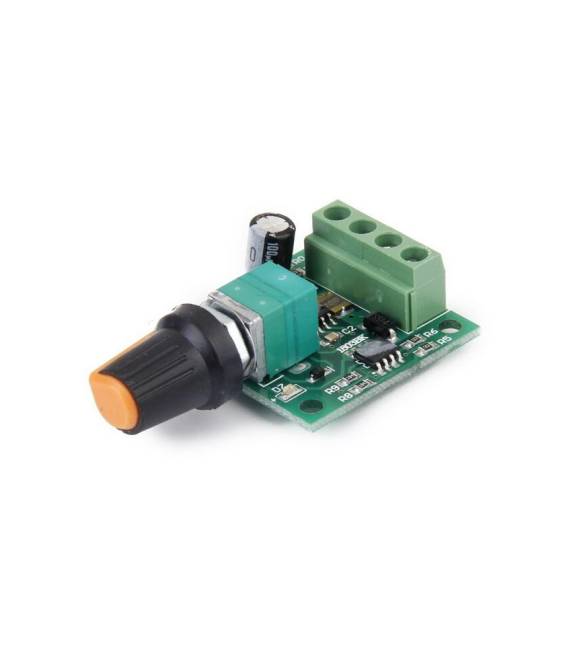
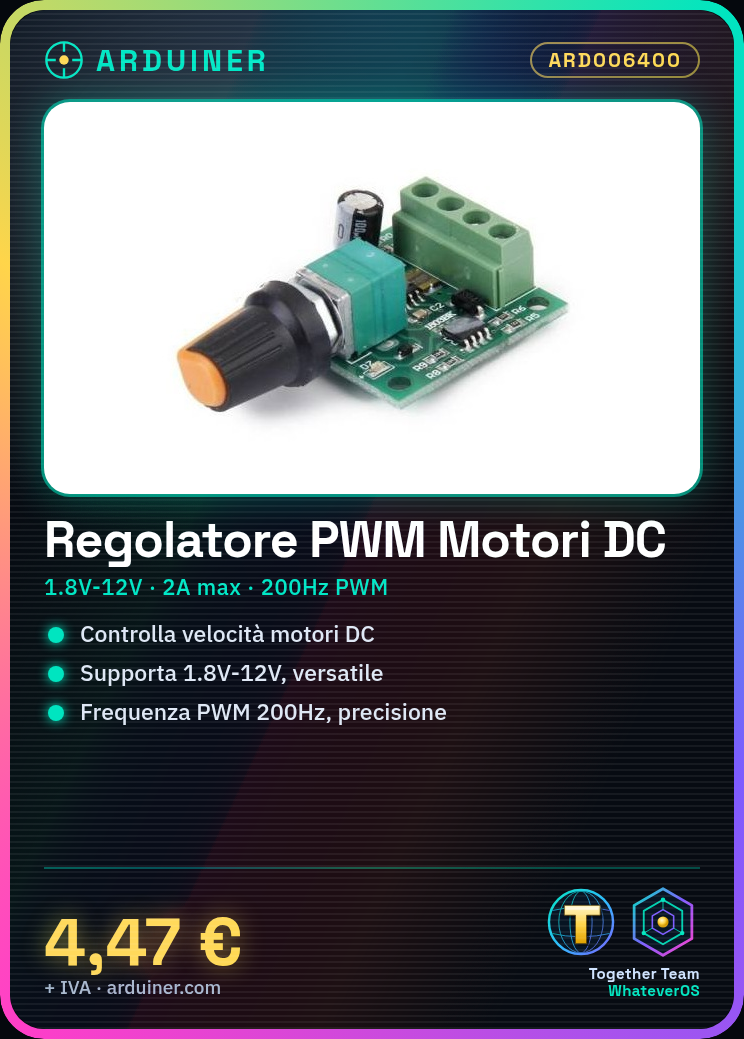
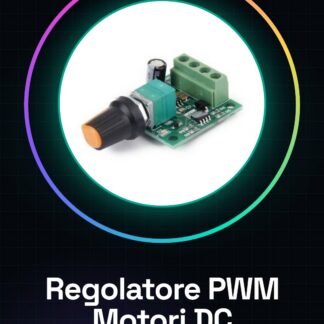
What is it The PWM Motor Speed Controller is a device for controlling the speed of low-voltage DC motors. It supports a wide range of voltages, from 1.8V to 12V, making it versatile for various electronic projects. Features Input Voltage Range: 1.8V – 12V Maximum Current: 2A What is it used for Ideal for controlling the speed of DC motors in Arduino or ESP projects, this PWM speed controller is useful for both beginners and experts. It can be used to create linear tracking systems, robotics, and any other project requiring precise motor speed control. Tutorial: How to use the PWM Motor Speed Controller for motors This PWM motor speed controller is ideal for controlling the speed of DC motors in Arduino projects. Useful for beginners and intermediates. What do you need Arduino Power cable DC motors 10kΩ resistor Steps 1. Connect the PWM controller to an Arduino using VCC and GND pins. 2. Connect the PWM input pins of the controller to a PWM pin on the Arduino. 3. Connect the output pins of the controller to a DC motor. 4. Connect a 10kΩ resistor between the GND pin of the controller and the GND of the motor. 5. Set the PWM frequency to 200Hz for precise control. 6. Use an Arduino sketch to control the motor speed. 7. Check the datasheet for voltage and current limits. 8. Test the PWM controller with different DC motors. Example code “` #include void setup() { pinMode(9, OUTPUT); // PWM pin } void loop() { analogWrite(9, 127); // 0-255 delay(1000); analogWrite(9, 0); delay(1000); } “` Mini-project Create a linear tracking system using a DC motor and an Arduino. Common errors Do not use non-PWM pins to control motors. Do not exceed the specified voltage and current limits. Do not connect the GND pin of the PWM controller to the GND of the motor. Do not use a PWM frequency too low for precise control. Recommended accessories DC motors 10kΩ resistor Power cable for Arduino Frequently asked questions How do I set the PWM frequency? Check the datasheet for supported frequencies. Which DC motors can I use? Check the datasheet for current and voltage limits. Does the PWM controller work with different voltages? Yes, it supports voltages from 1.8V to 12V. What are the current limits of the PWM controller? The PWM controller supports maximum currents up to 2A.
Reviews
There are no reviews yet.