 EN
 IT Italiano
 ES Español
 FR Français
 DE Deutsch
Description
Technical Specifications
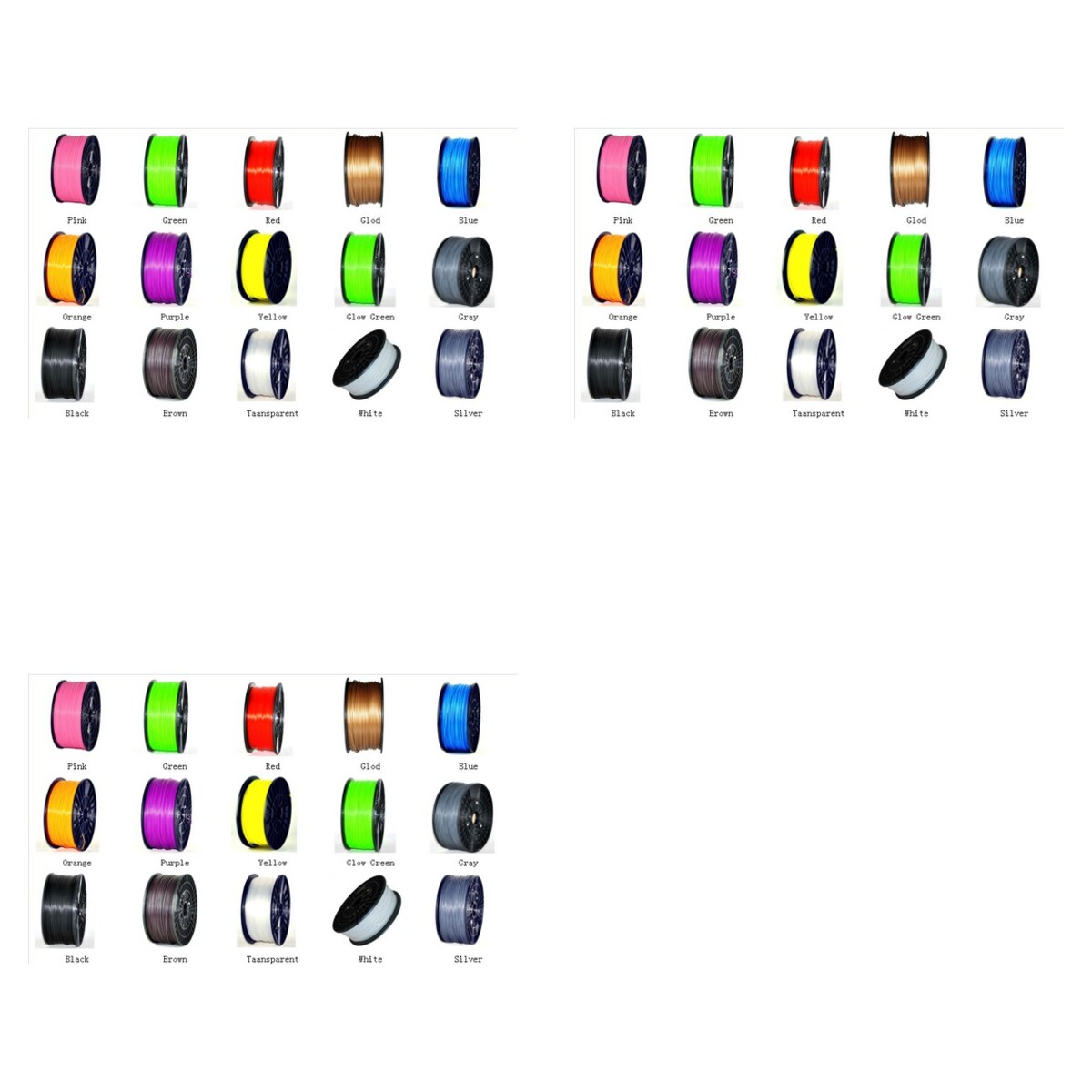
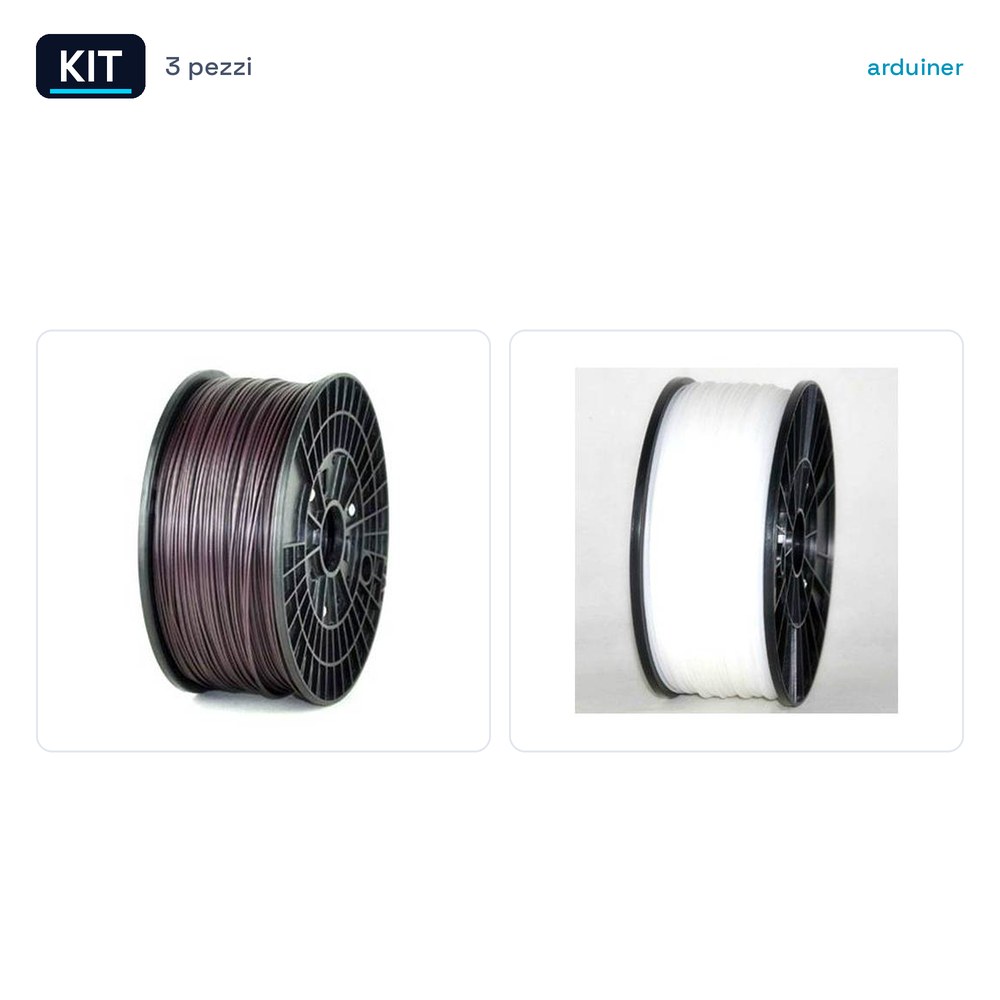
The Kit PLA Filament 1.75mm 1kg includes three filaments in different colors: Brown, White, and Gold. These filaments are designed to be used in 3d printers for the creation of three-dimensional models. Each filament is provided in a protective container to ensure the quality and cleanliness of the material.
PLA filament is a common material in 3d printers due to its ease of use, low cost, and low melting temperature. It is suitable for a wide range of projects, from mechanical part prototyping to artistic or decorative models.
For proper use, it is important to store the filaments in a controlled environment, away from direct sunlight and humidity, which could alter the properties of the material.
Key Specifications
| Parameter | Value |
| Product Code | ARD0014926 |
| Quantity | 3 filaments |
| Color | Brown, White, Gold |
| Diameter | 1.75mm |
| Weight | 1kg per filament |
| Material | PLA |
| Container | Individual for each filament |
Installation and Usage
- Check the compatibility of the PLA filament with the 3d printer.
- Load the filament into the printer’s feeding container.
- Configure the printer to use the PLA 1.75mm filament.
- Start printing a 3D model to test the quality of the filament.
- Check the print quality and adjust any printing parameters as needed.
Compatibility and Requirements
- The kit is compatible with most 3d printers that use PLA 1.75mm filament.
- The printer must be able to handle filament with a diameter of 1.75mm.
- For proper use, it is advisable to consult the printer documentation.
Limitations and Important Notes
- PLA filament is not suitable for use in outdoor environments or in high humidity conditions.
- The filament is not suitable for projects requiring advanced mechanical properties such as temperature or humidity resistance.
- The print quality may vary based on usage conditions and printer configuration.
Troubleshooting
The print shows vertical lines or imperfections.
Probable cause: The filament may be damp or incompatible with the printer.
Solution: Check filament compatibility and keep the filament in a dry environment.
The print stops during the process.
Probable cause: The filament may be jammed or the printer may need repair.
Solution: Check the proper feeding of the filament and inspect the 3d printer for any issues.
The print quality is lower compared to previous tests.
Probable cause: The usage conditions or printer settings may have changed.
Solution: Restore print settings and check usage conditions.
The filament is not feeding properly.
Probable cause: The filament diameter may not be compatible with the 3d printer.
Solution: Check the filament compatibility and printer configuration.
Use cases
Printing a 3D model for a school project
Objective: Create a simple mechanical 3D model.
What’s needed: PLA Filament Kit 1.75mm 1kg – Brown, White, Gold.
Steps: 1) Configure the 3d printer for 1.75mm PLA filament. 2) Load the filament into the feed container. 3) Start printing the 3D model. 4) Check the print quality.
Expected result: A simple 3D mechanism model.
Creation of a decorative object prototype
Objective: Design and print a decorative object for the home.
What’s needed: PLA Filament Kit 1.75mm 1kg – Brown, White, Gold.
Steps: 1) Download the 3D model from the website. 2) Configure the printer for 1.75mm PLA filament. 3) Load the filament into the feed container. 4) Start printing the 3D model. 5) Check the print quality.
Expected result: A decorative object prototype.
3D printing of a model for a hobby project
Objective: Create a three-dimensional model of a complex mechanism.
Needed: PLA Filament Kit 1.75mm 1kg – Brown, White, Gold.
Steps: 1) Configure the 3d printer for PLA 1.75mm filament. 2) Load the filament into the feed container. 3) Start printing the 3D model. 4) Check the print quality.
Expected result: A 3D model of a complex mechanism.
3D printing a model for a lab project
Objective: To create a three-dimensional model of a mechanical part.
Needed: PLA Filament Kit 1.75mm 1kg – Brown, White, Gold.
Steps: 1) Configure the 3d printer for PLA 1.75mm filament. 2) Load the filament into the feed container. 3) Start printing the 3D model. 4) Check the print quality.
Expected result: A 3D model of a mechanical part.
3D printing a model for a maintenance project
Objective: To create a three-dimensional model of a replacement part.
Needed: PLA Filament Kit 1.75mm 1kg – Brown, White, Gold.
Steps: 1) Configure the 3d printer for PLA 1.75mm filament. 2) Load the filament into the feed container. 3) Start printing the 3D model. 4) Check the print quality.
Expected result: A 3D model of a replacement part.
3D printing a model for a repair project
Objective: To create a three-dimensional model of a replacement part.
Needed: PLA Filament Kit 1.75mm 1kg – Brown, White, Gold.
Steps: 1) Configure the 3d printer for PLA 1.75mm filament. 2) Load the filament into the feed container. 3) Start printing the 3D model. 4) Check the print quality.
Expected result: A 3D model of a replacement part.
3D printing a model for a test project
Objective: To create a three-dimensional model of a test piece.
Needed: PLA Filament Kit 1.75mm 1kg – Brown, White, Gold.
Steps: 1) Configure the 3d printer for PLA 1.75mm filament. 2) Load the filament into the feed container. 3) Start printing the 3D model. 4) Check the print quality.
Expected result: A 3D printed test piece.
3D printing a model for a home automation project
Objective: Create a 3D model of a mechanical part for an automation system.
Needed: PLA Filament Kit 1.75mm 1kg – Brown, White, Gold.
Steps: 1) Configure the 3d printer for PLA 1.75mm filament. 2) Load the filament into the feed container. 3) Start printing the 3D model. 4) Check the print quality.
Expected result: A 3D printed mechanical part for an automation system.
In the package
- PLA Filament Kit 1.75mm 1kg – Brown, White, Gold
Complete the project
- PLA Filament 1.75mm 1kg – Black – High Quality for 3d printer: For colors different from those in the kit, useful for multi-color projects.
- PLA Filament 1.75mm 1kg – White – High Quality for 3d printer: To add additional filaments of the same type for larger or more varied projects.
- PLA Filament 1.75mm 1kg – Blue – High Quality for 3d printer: To have filaments of different colors for multi-color projects or for the creation of complex models.
Technical FAQs
How can I verify the compatibility of PLA filament with my 3d printer?
Check the printer documentation to ensure it is compatible with PLA 1.75mm filaments.
What are the usage limitations of PLA filament?
PLA filament is not suitable for use in outdoor environments or in high humidity conditions, nor for projects requiring advanced mechanical properties.
How can I solve the problem of vertical lines or imperfections in the print?
Check the filament compatibility and keep the filament in a dry environment.
What are the steps to configure the printer for 1.75mm PLA filament?
Configure the printer for 1.75mm PLA filament following the documentation provided by the printer manufacturer.
Reviews
There are no reviews yet.