 EN
EN IT Italiano
 ES Español
 FR Français
 DE Deutsch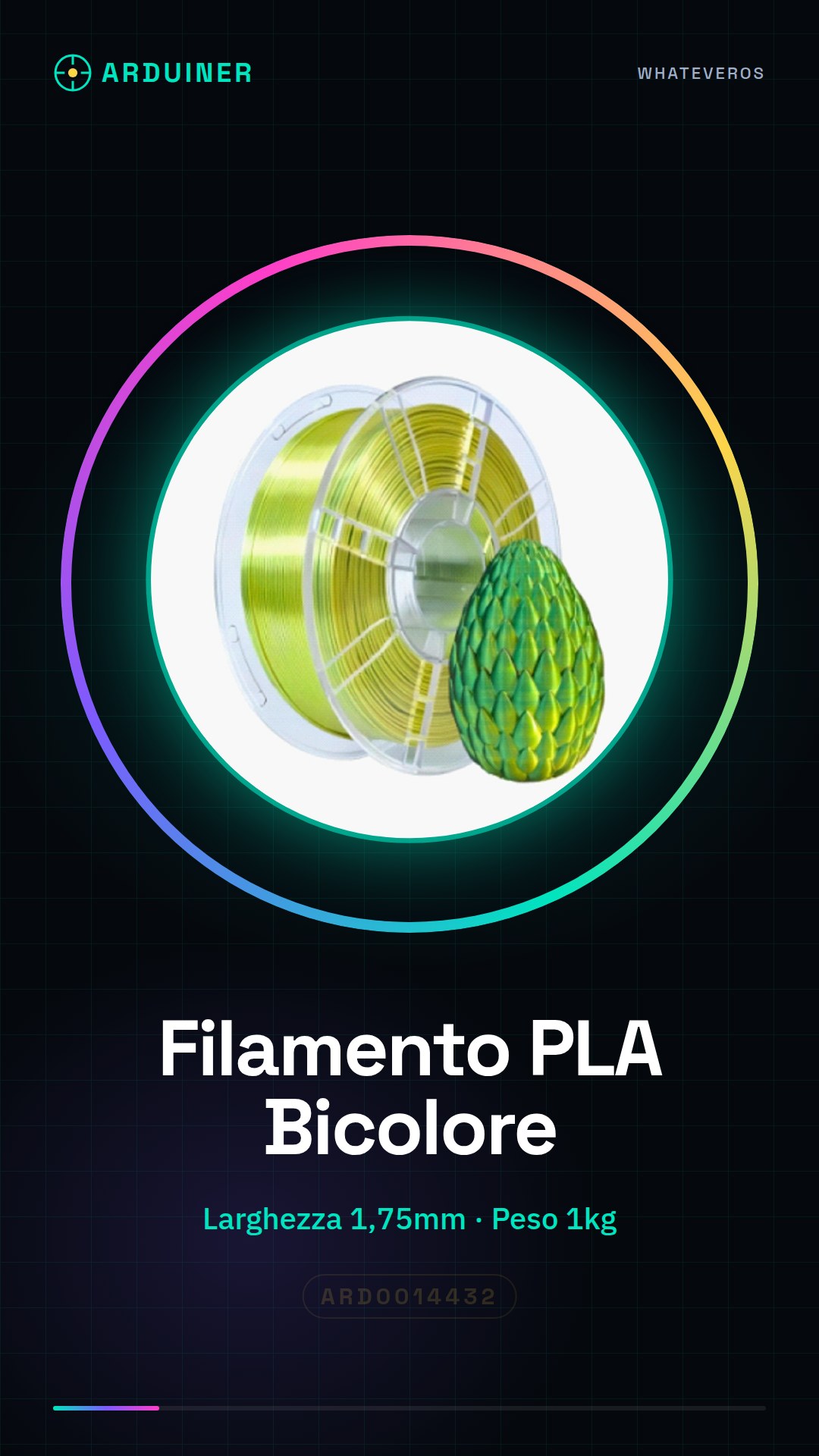
Description
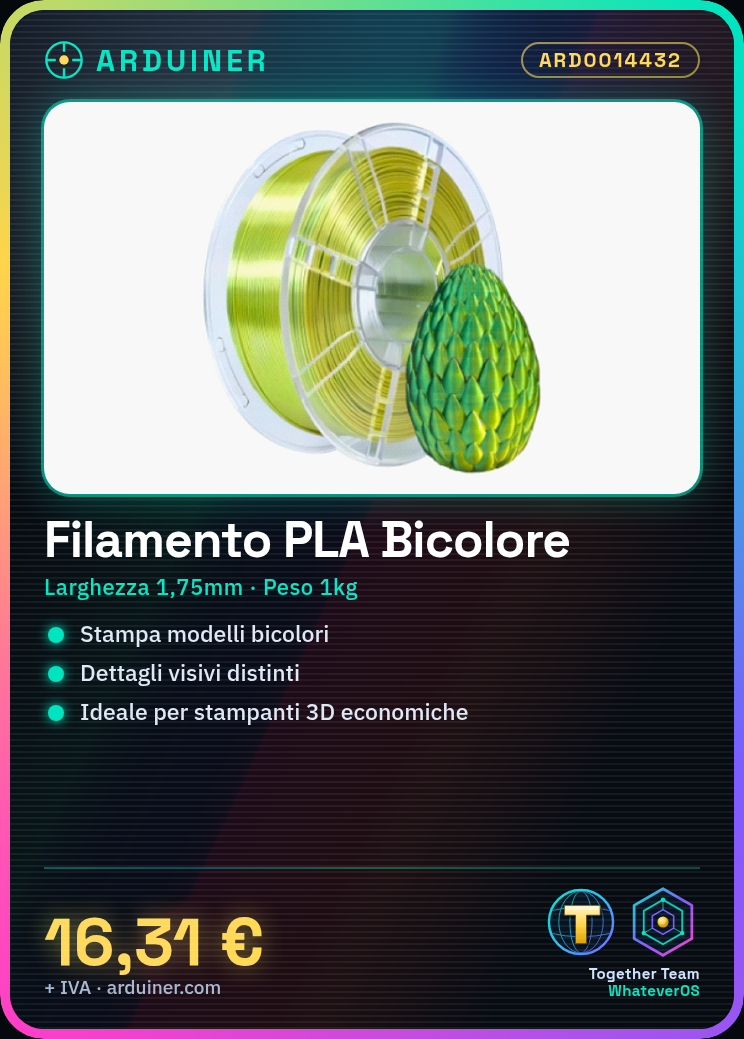
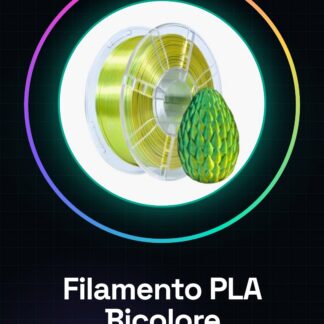
What is the Yellow-Green Bicolour PLA Filament? The Yellow-Green Bicolour PLA filament from Arduiner is a high-quality consumable for 3D printers suitable for creative projects and professional use. With a width of 1.75mm, this filament allows for models with distinct visual details. Features – Width: 1.75mm – Net Weight: 1kg What does it do? This filament is perfect for low to medium-cost 3D printers and can be used in various projects such as creating unique models with distinct visual details. Ideal for makers and designers who want to add an extra visual dimension to their work. Tutorial: How to Use Yellow-Green Bicolour PLA Filament The yellow-green bicolour PLA filament is ideal for makers and designers looking to create unique models with distinct visual details. With a width of 1.75mm, this filament fits well in low to medium-cost 3D printers. What you need – 3D Printer – Filament Reader – Cleaning Brush Steps Ensure your 3D printer is ready for the new filament installation. Install the filament reader and insert the yellow-green bicolour PLA filament, making sure there are no knots or tangles. Start the 3D printer and follow instructions to introduce the new filament. This process may include pre-processing temperature shutdown and restart. Once the filament is fully installed, start a push cycle to ensure it’s well-set in the print head. Check the filament quality before starting a new print, ensuring no knots or tangles during the push process. If necessary, clean the print head with a cleaning brush to remove any residues. Configure your 3D printer software for yellow-green bicolour PLA filament specifications (check datasheet). Begin your new creation by exploring how colours change along the Z-axis. Mini-project Create a small house model with yellow windows and green doors using the bicolour filament. Common mistakes Inserting the filament incorrectly or tangling it. Not cleaning the print head before starting the push process, causing blockage issues. Ignoring datasheet specifications during temperature and printing parameter setup.
Reviews
There are no reviews yet.