 EN
EN IT Italiano
 ES Español
 FR Français
 DE Deutsch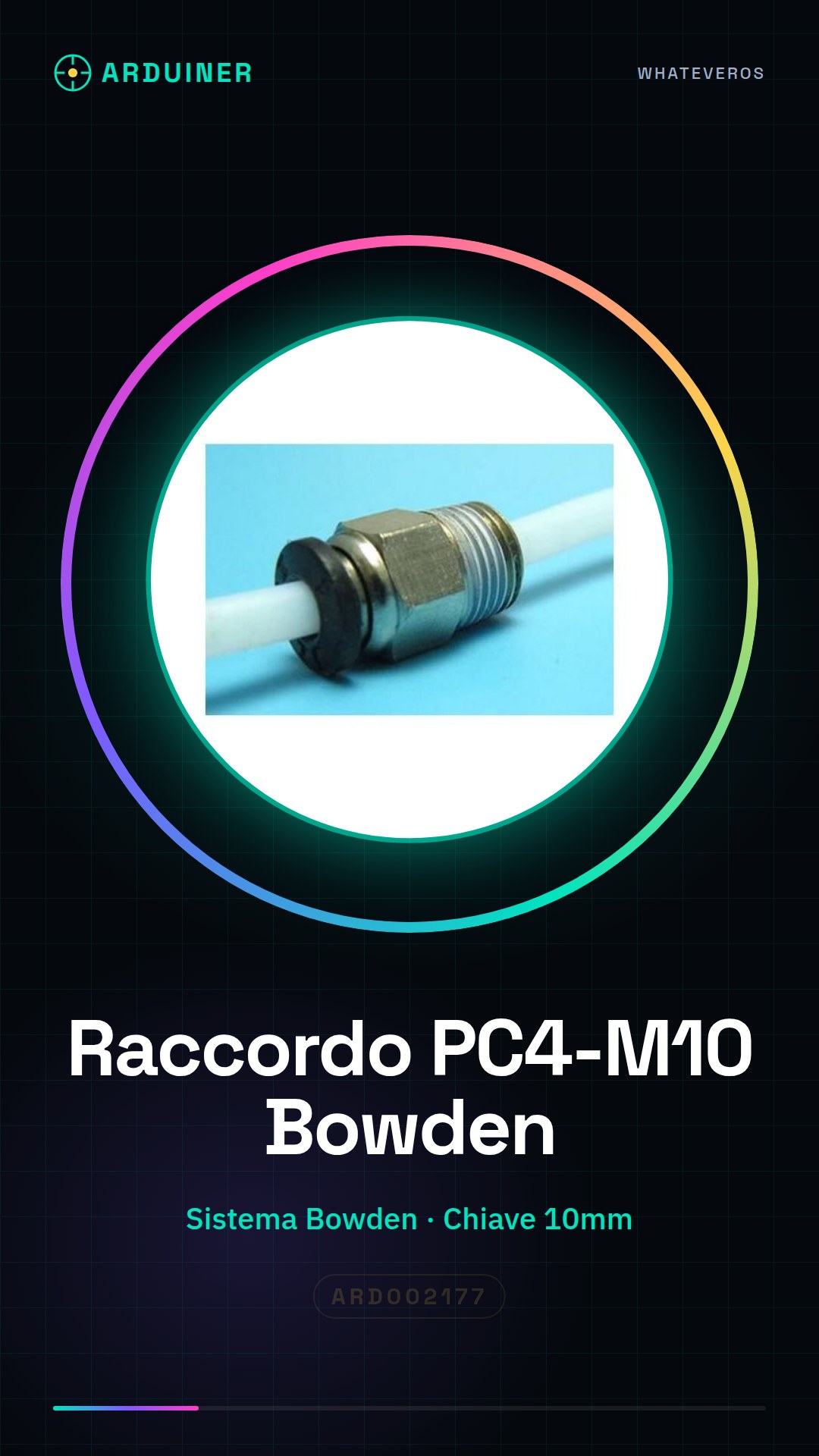
Description
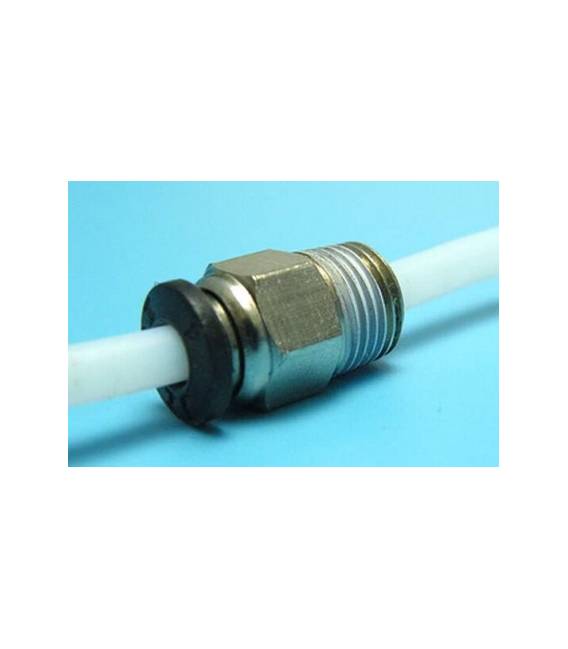
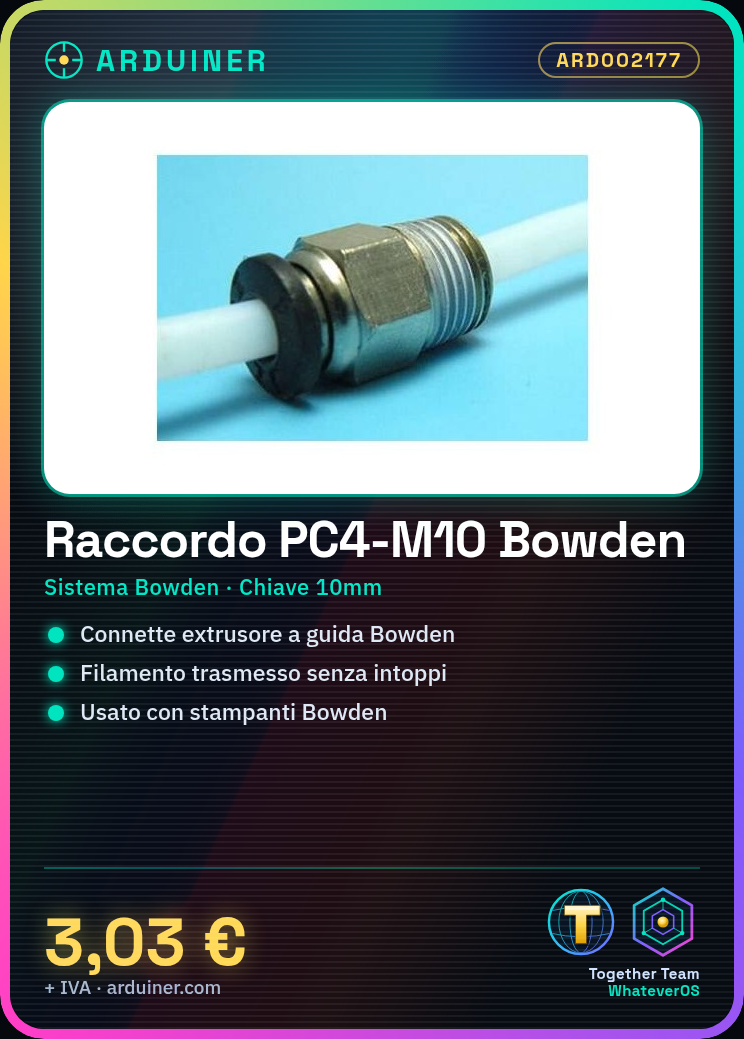
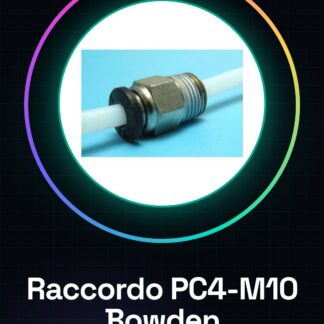
We have datasheets for all commercial components available. If not present in the product download sheet, please send us a message through the contact form and we will publish it as soon as possible on our website. Tutorial: How to use the PC4-M10 Bowden J-Head Connector. The PC4-M10 connector is an essential commercial component for 3D printers using the Bowden system. This part allows you to connect the extruder with the filament guide, ensuring efficient and jam-free filament transmission during printing. What You Need: 3D Printer with Bowden System, Print Filaments, 10mm Wrench or Pliers. Steps: Ensure your 3D printer is in maintenance mode and completely turned off. Open access to the existing J-Head connector or Bowden tube using a star key (if necessary). Gently insert one end of the PC4-M10 connector that connects to the extruder into the connection point. Secure the connector to the extrusion system with a 10mm wrench or pliers, ensuring a perfect fit but not too tight to damage components. Repeat the same process for the other side of the PC4-M10 connector, connecting it to the Bowden tube. Check filament tension inside the guide and ensure there are no jams or blocks. Test the system by printing a short object to check the efficiency of the new connector. If everything works correctly, proceed with your next print session. Mini Project: Print a small sculpture or decorative item to test the efficiency of the PC4-M10 connector and ensure filament transmission is smooth. Common Mistakes: The fit between the connector and printer parts is too tight or loose. Tension of filaments inside the guide is not verified before using the object for the first time. Ignoring the perfect fit requirement can cause jams in the extrusion system. Recommended Accessories: Print Filaments, Pliers, Star Key, 3D Printer Maintenance Kit. Frequently Asked Questions: How can I clean the connector? Use a damp and dry cloth to remove any filament residue. Can I use this connector with any 3D printer? Check your printer model datasheet to see if it is compatible with the Bowden system. Which filaments are suitable for this type of connection? Standard filaments like PLA or ABS, but check the specifications of the connector on the datasheet.
Reviews
There are no reviews yet.