 EN
EN IT Italiano
 ES Español
 FR Français
 DE Deutsch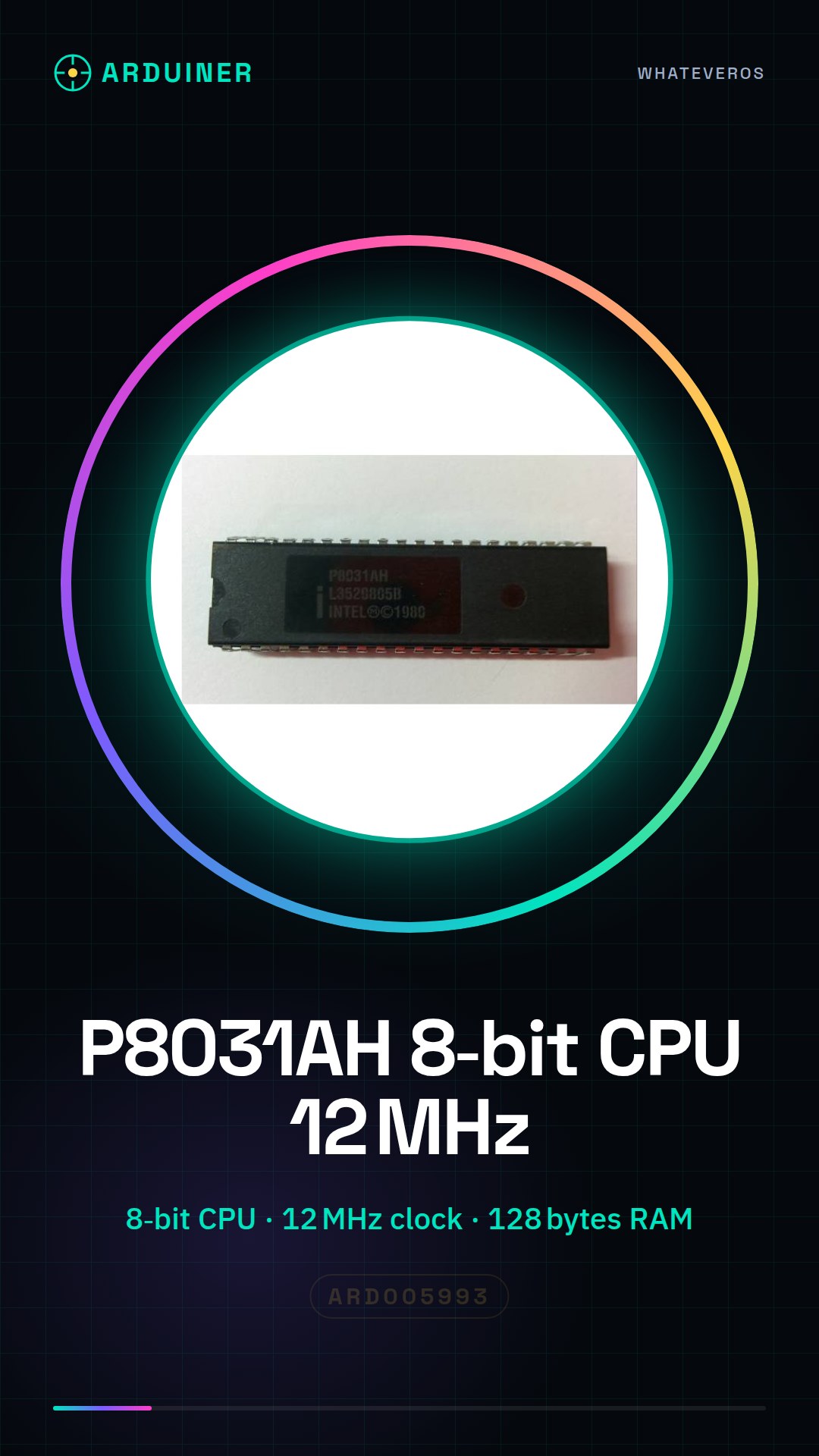
Description
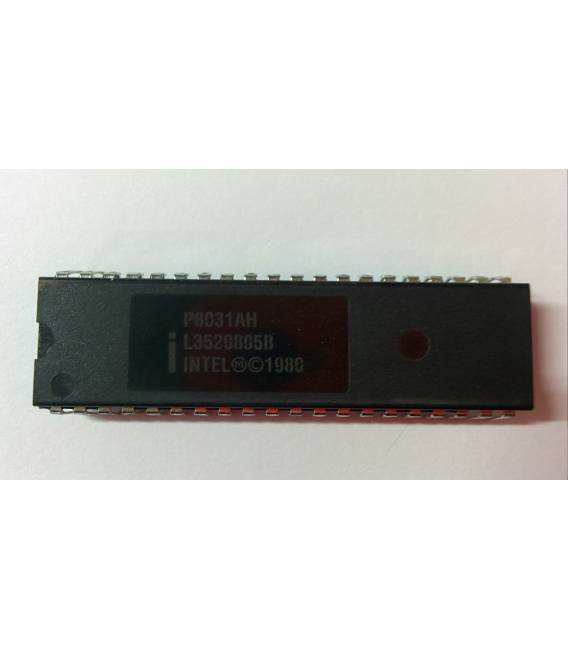
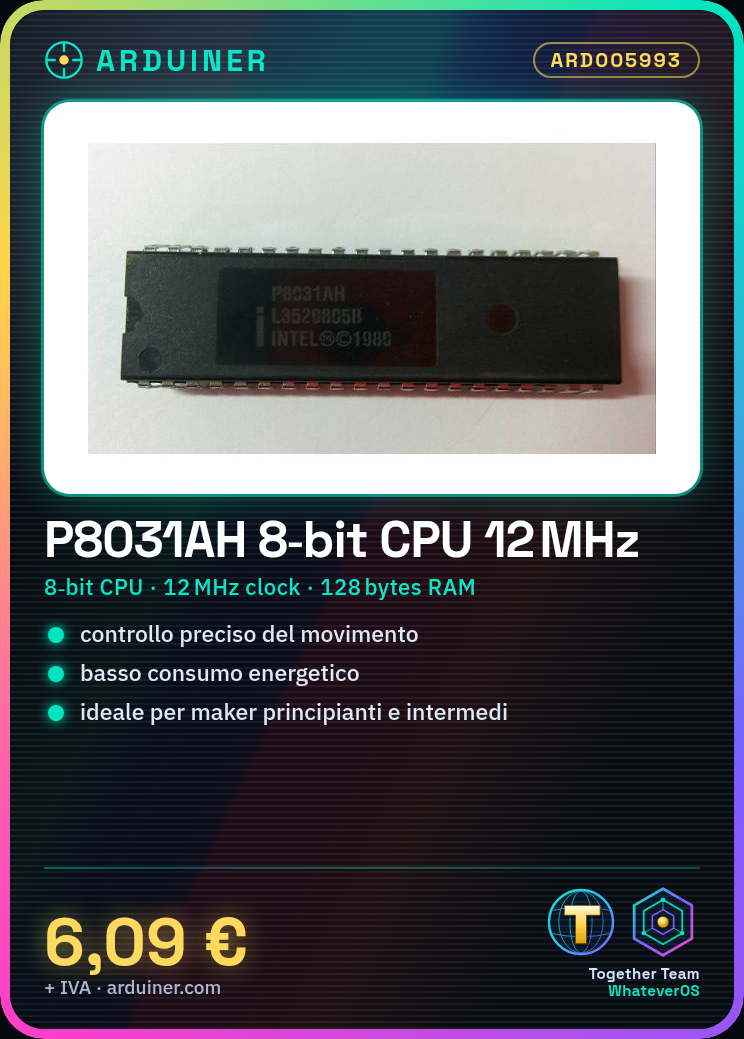
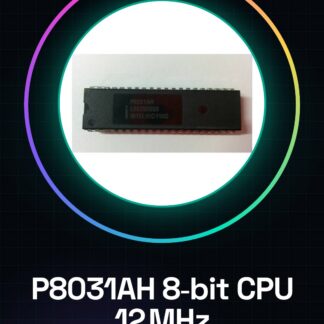
What is the P8031AH? The P8031AH is an 8-bit microprocessor with a clock frequency of 12MHz and 128 bytes of RAM. It is primarily used in 3D printer, CNC, and laser system projects. Features 8-bit Microprocessor Clock Frequency: 12MHz Available RAM: 128 bytes What is it for? The P8031AH microprocessors are ideal for electronic projects requiring precise motion control, such as 3D printers. Additionally, they can be used in CNC or laser systems where low power consumption and a reliable CPU are necessary. Tutorial: How to use P8031AH CPU The P8031AH microprocessor is a central component for 3D printer, CNC, and laser projects that require a low-power CPU. It is suitable for beginner and intermediate makers looking to explore the world of programmable electronics. What is needed? Arduino Uno or compatible USB A-MicroB cable Stable 5V power supply Step 1: Connect the P8031AH to the DIP pin of your Arduino Uno or compatible. Step 2: Verify the power supply voltage and ensure it is stable at 5V. Step 3: Download the Arduino IDE and install the necessary libraries for the P8031AH (check the datasheet). Step 4: Compile the example sketch provided with the P8031AH library. Step 5: Connect the Arduino to your computer via USB cable and upload the code to the microprocessor. Step 6: Monitor the serial console to verify communication between Arduino and P8031AH (check the datasheet). Step 7: Modify the sketch to fit your specific project requirements. Step 8: Test the complete system with a simple input/output command. Example Code // Basic Example #include void setup() { P8031AH.begin(); } void loop() { // Insert your code here. } Mini-project Create a simple control system for a 3D printer using the P8031AH as the central CPU. Configure movement and temperature commands. Common Errors Unstable 5V power supply Incorrectly installed microprocessor libraries Serial communication not correctly configured (check the datasheet) Memory address error during programming Recommended Accessories Arduino Uno R3 USB A-MicroB cable Stable 5V power supply Compatible 3D printer Frequently Asked Questions Is the P8031AH compatible with Arduino? Yes, but it requires correct library and pin configuration. How much RAM does the P8031AH have? It has 128 bytes of RAM. Check the datasheet for additional details. Which projects are suitable for the P8031AH?
Reviews
There are no reviews yet.