 EN
EN IT Italiano
 ES Español
 FR Français
 DE Deutsch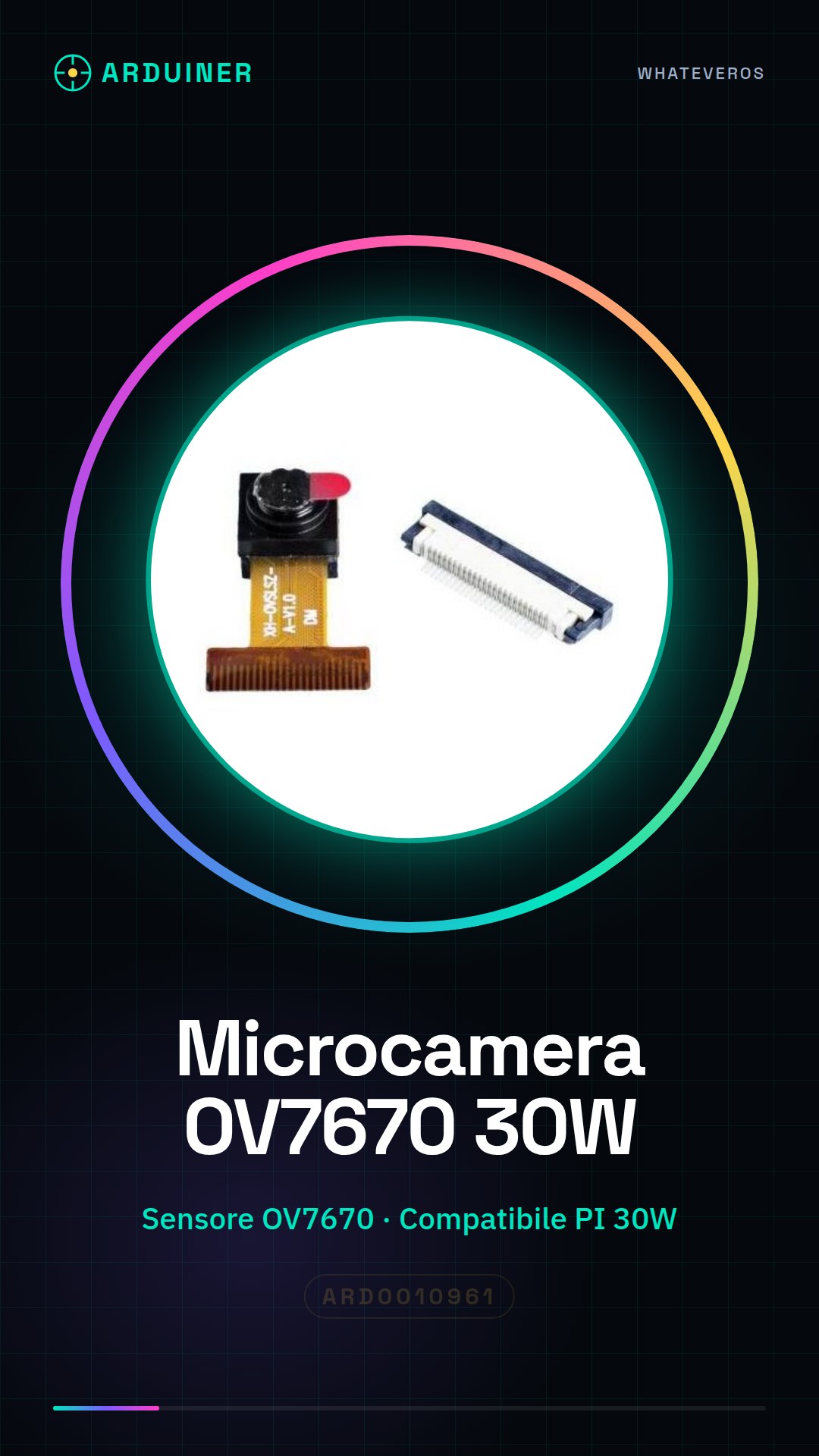
Description
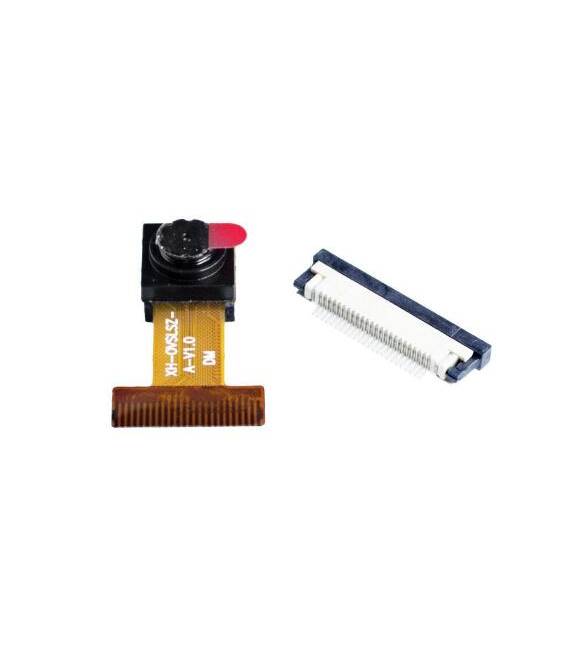
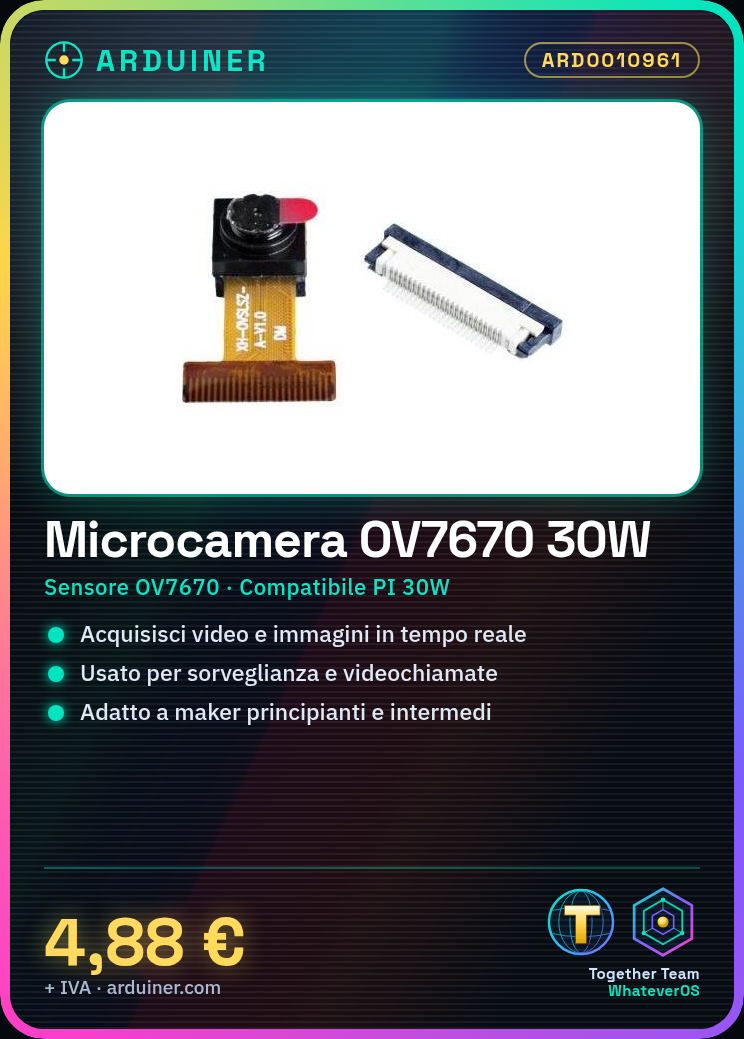
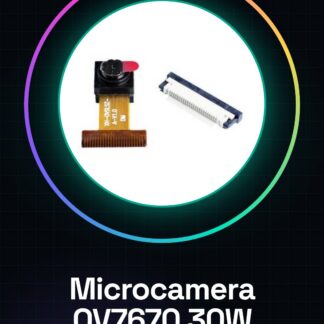
What is the OV7670 Micro Camera for Raspberry PI? The OV7670 micro camera is an image sensor that allows video and image acquisition. It is designed to be used with Raspberry PI, enabling applications such as surveillance systems, video calls, and more. Features: Image Sensor OV7670 Compatible with Raspberry PI 30W Resolution check on datasheet Field of view check on datasheet What does it serve? The OV7670 micro camera for Raspberry PI is ideal for real-time video and image projects. It can be used to create surveillance systems, video calls, robots with vision, and much more. Suitable for beginner and intermediate programmers and makers. Tutorial: How to use the OV7670 Micro Camera 1. Install the latest version of Raspbian on Raspberry PI. 2. Connect the micro camera to Raspberry PI via USB cable. 3. Power on Raspberry PI. 4. Start an SSH console or terminal. 5. Install the driver: `sudo apt-get install v4l-utils`. 6. Verify connection with `v4l2-ctl –list-devices`. 7. Try viewing the image with `v4l2-ctl –device=/dev/video0 –all`. 8. (Optional) Connect Raspberry PI to a monitor via HDMI to see real-time images. Mini-project: Create a simple security video system using the micro camera and Raspberry PI. Install a camera management software and configure it for recording videos. Common mistakes: Not installing the correct driver, connecting the micro camera to a USB power source other than Raspberry PI, not starting the graphical interface to control the micro camera, not verifying connection with `v4l2-ctl` before using the micro camera.
Full description (Italian original)
The full description is shown below in Italian while the English translation is being completed.
Cos’è
La microcamera OV7670 per Raspberry PI è un sensore di immagine che permette di acquisire video e immagini. È progettata per essere utilizzata con i Raspberry PI, consentendo la creazione di applicazioni di monitoraggio, videochiamate e molto altro.
Caratteristiche
- Sensore di immagine OV7670
- Compatibile con Raspberry PI 30W
- Risoluzione verifica sul datasheet
- Angolo di visione verifica sul datasheet
A cosa serve
La microcamera OV7670 per Raspberry PI è ideale per progetti di video e immagini in tempo reale. Può essere utilizzata per creare sistemi di video sorveglianza, videochiamate, robot con visione, e molto altro ancora. È adatta a programmatori e maker principianti e intermedi.
Tutorial: Come usare Microcamera OV7670
La microcamera OV7670 per Raspberry PI è ideale per progetti di video e immagini in tempo reale. Utile per programmatori e maker principianti e intermedi.
Cosa serve
- Microcamera OV7670
- Raspberry PI
- Cavo USB
- Cavo HDMI (opzionale)
Passi
- 1. Installa l’ultima versione di Raspbian su Raspberry PI.
- 2. Connetti la microcamera al Raspberry PI tramite il cavo USB.
- 3. Accendi il Raspberry PI.
- 4. Avvia una console SSH o un terminale.
- 5. Installa il driver della microcamera: `sudo apt-get install v4l-utils`.
- 6. Verifica la connessione con `v4l2-ctl –list-devices`.
- 7. Prova a visualizzare l’immagine con `v4l2-ctl –device=/dev/video0 –all`.
- 8. (Opzionale) Connetti il Raspberry PI a un monitor tramite HDMI per vedere l’immagine in tempo reale.
Mini-progetto
Crea un semplice sistema di video di sicurezza con la microcamera e Raspberry PI. Installa un software di gestione delle telecamere e configuralo per registrare video.
Errori comuni
- Non installare il driver corretto.
- Connettere la microcamera a un’alimentazione USB diversa dal Raspberry PI.
- Omettere di avviare l’interfaccia grafica per controllare la microcamera.
- Non verificare la connessione con `v4l2-ctl` prima di utilizzare la microcamera.
Accessori consigliati
- MicroSD per Raspberry PI
- Cases Raspberry PI
- Cables USB di alta qualità
Domande frequenti
La microcamera funziona con tutte le versioni di Raspberry PI?
La microcamera funziona meglio con Raspberry PI 3 e 4, ma potrebbe essere supportata anche con versioni precedenti.
Posso utilizzare la microcamera con altri sistemi operativi?
La microcamera è progettata per funzionare con Raspbian, ma potrebbe essere supportata in altri sistemi operativi Linux.
Quanto tempo dura la batteria del Raspberry PI con la microcamera attiva?
Il consumo di energia della microcamera può variare, verifica sul datasheet per valori precisi.
Posso utilizzare la microcamera per teleconferenze?
La microcamera può essere utilizzata per teleconferenze, ma verifica la risoluzione e la qualità video.
Reviews
There are no reviews yet.