 EN
EN IT Italiano
 ES Español
 FR Français
 DE Deutsch
Description
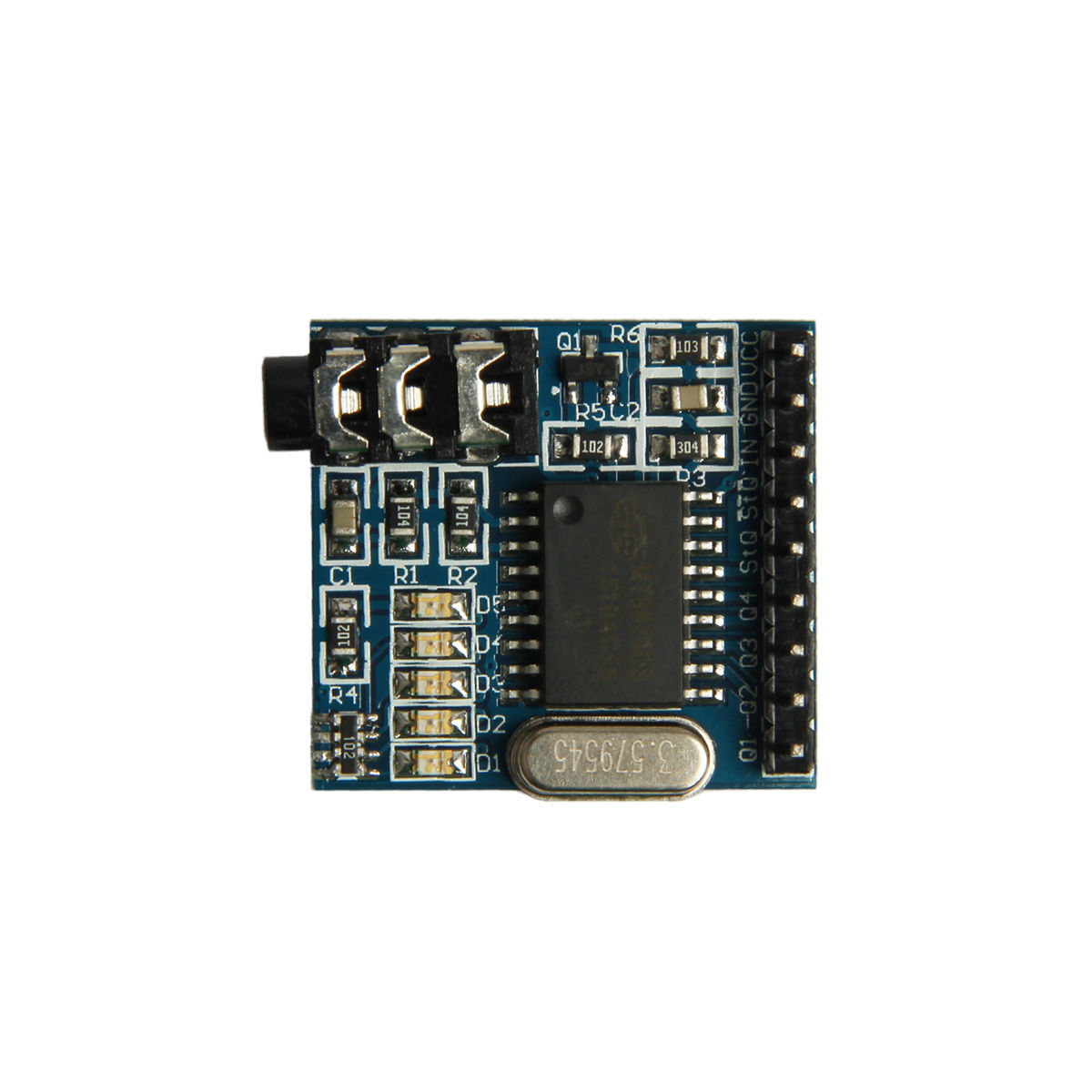
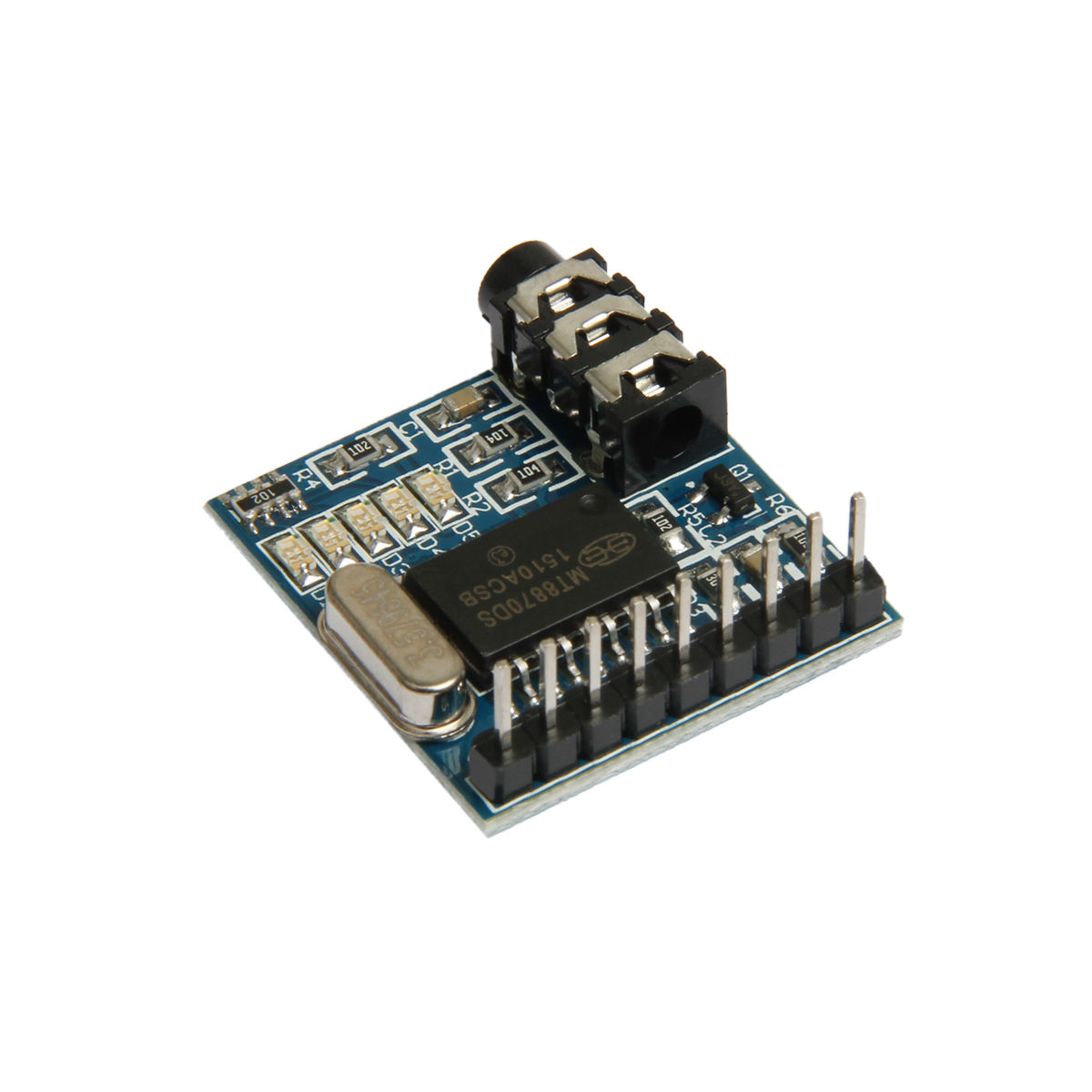
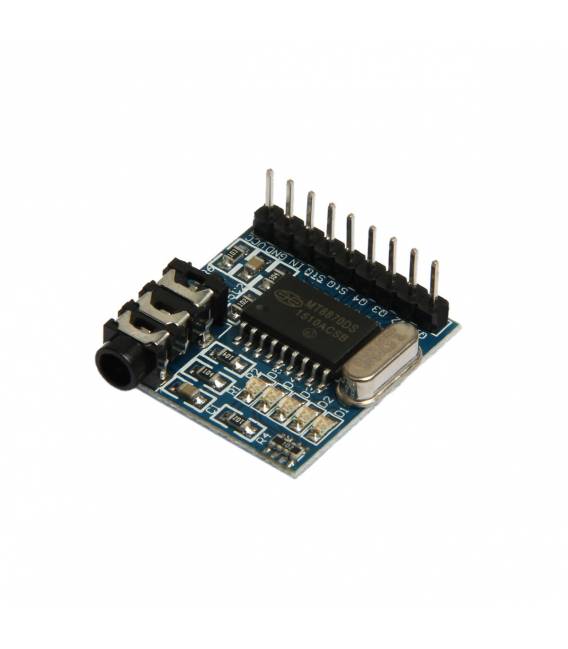
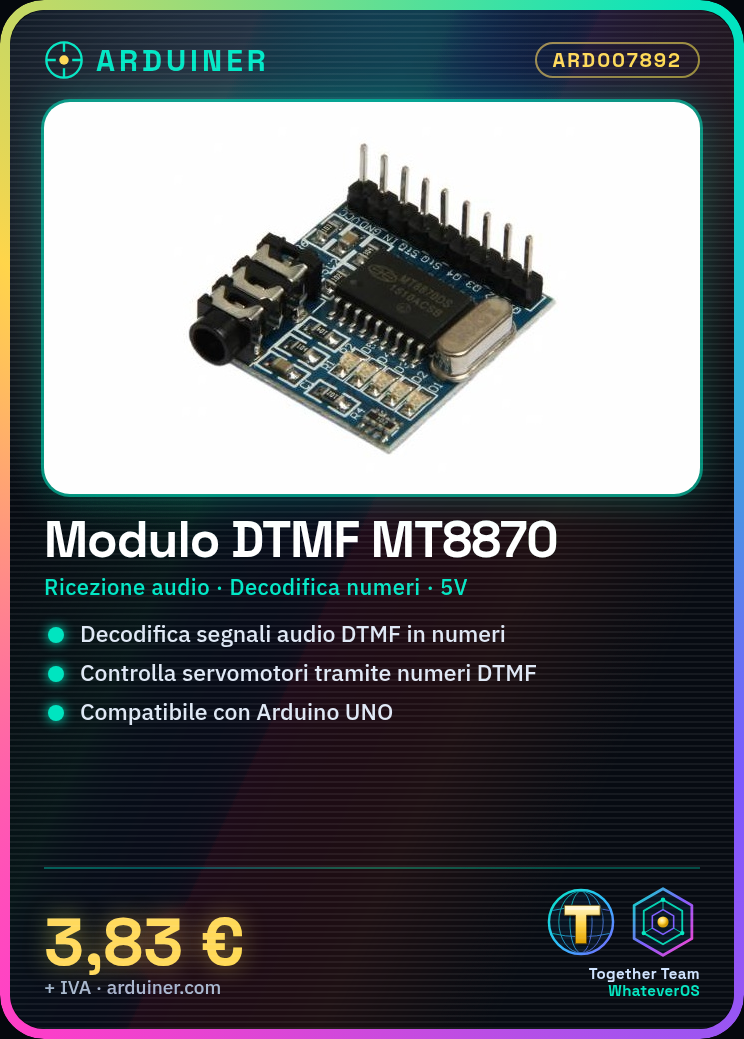
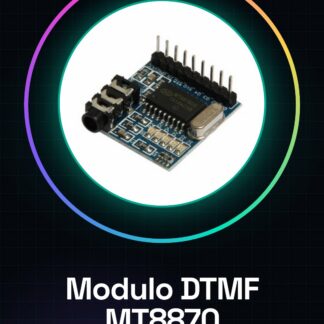
What is the MT8870 DTMF Receiver Module? The MT8870 DTMF receiver module is an electronic device designed to decode Dual-Tone Multi-Frequency (DTMF) signals commonly used in telecommunications for representing telephone numbers or voice commands. This module converts received audio signals into numeric codes, facilitating vocal interaction in electronic projects.
Features:
– Based on the MT8870 chip for DTMF decoding
– Receives audio signals and converts them to numeric codes
What is it used for?
The MT8870 is useful for projects requiring telephone number or voice command recognition. It can be used to create remote control systems based on DTMF numbers, such as controlling servomotors or other electronic devices.
Tutorial: How to use the MT8870 Module
The MT8870 is a DTMF receiver module that translates audio signals into numeric codes. Useful for projects requiring telephone number recognition.
Required Components:
– Arduino UNO or compatible board
– 5V power supply cable
– 1kΩ resistor
Steps:
1. Connect the module to your Arduino using these pins: VCC to 5V, GND to GND, DOUT to a digital pin (e.g., 2).
2. Connect a 1kΩ resistor between GND and the DOUT pin.
3. Download the provided Arduino code.
4. Upload the code to your Arduino.
5. Try dialling a DTMF number; the module should detect and print the number.
6. Check the datasheet for further configuration details.
7. Connect the module to a speaker to test audio functionality.
8. Verify connection stability and power supply.
9. Refer to the datasheet for additional configuration information.
10. Refer to the datasheet for additional configuration information.
Example Code:
“`
#include
int DOUT = 2;
void setup() {
Serial.begin(9600);
pinMode(DOUT, INPUT);
}
void loop() {
if (digitalRead(DOUT) == HIGH) {
Serial.println(“DTMF number detected”);
}
}“`
Mini-project: Create a DTMF-based remote control system for a servomotor.
Common Errors:
– Incorrect power supply: Ensure 5V is provided.
– Wrong connections: Check the DOUT and GND pins.
– Unconfigured interface: Verify code configuration.
– Incompatible audio frequency: Ensure the audio signal is compatible.
Recommended Accessories:
– Servomotor
– Speaker
– 5V power supply cable
– 1kΩ resistor
Frequently Asked Questions:
How can I test the module’s audio functionality?
Connect the module to a speaker and dial a DTMF number.
Reviews
There are no reviews yet.