 EN
EN IT Italiano
 ES Español
 FR Français
 DE Deutsch
Description
What it is
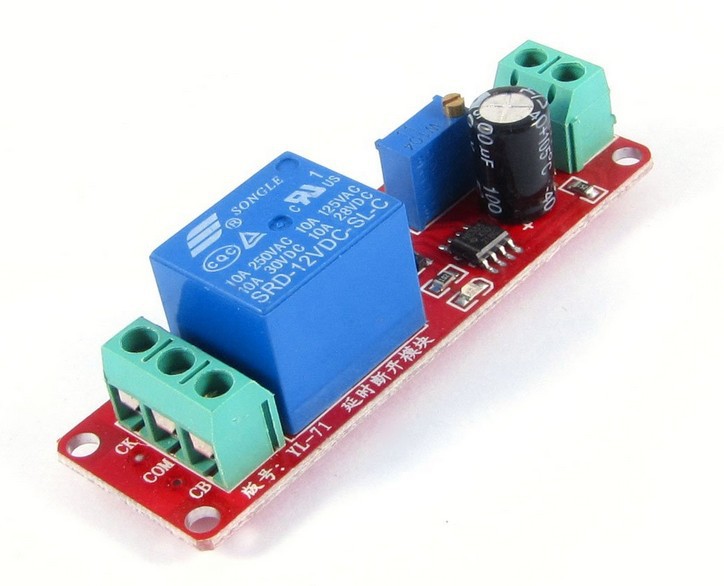
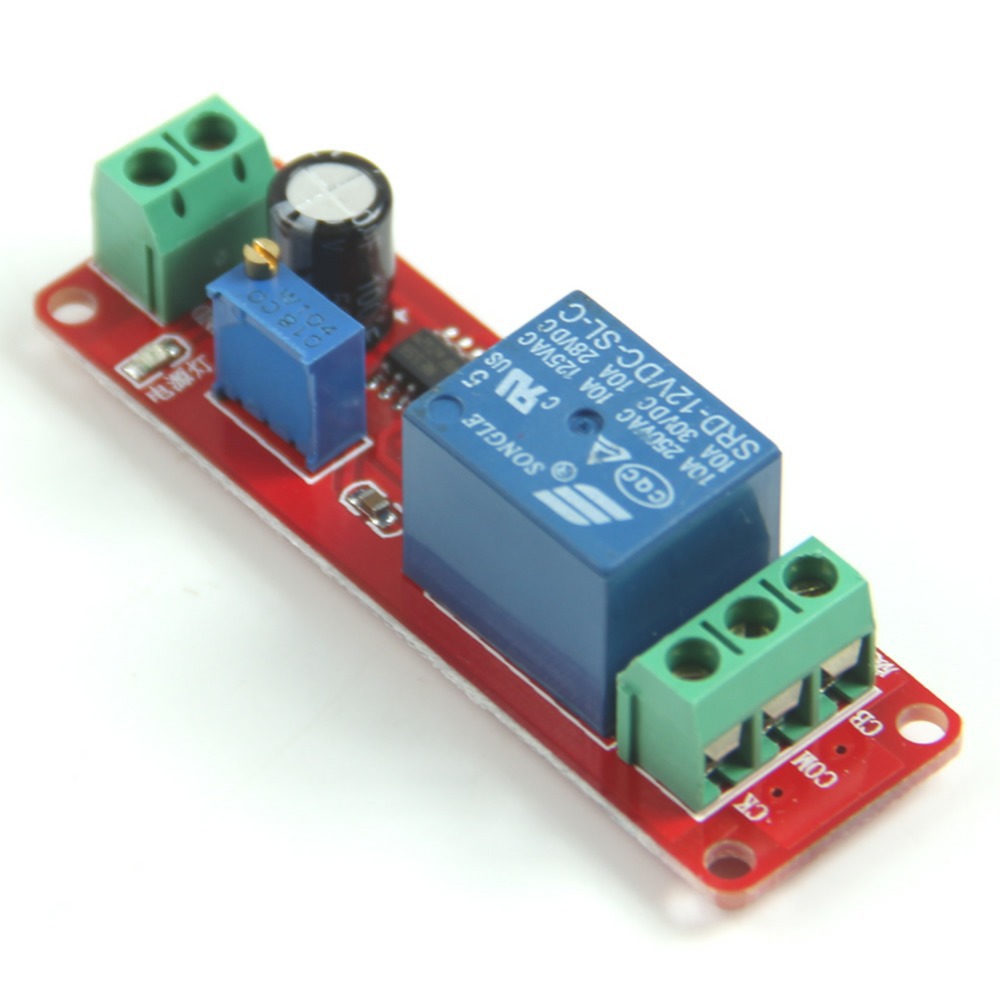
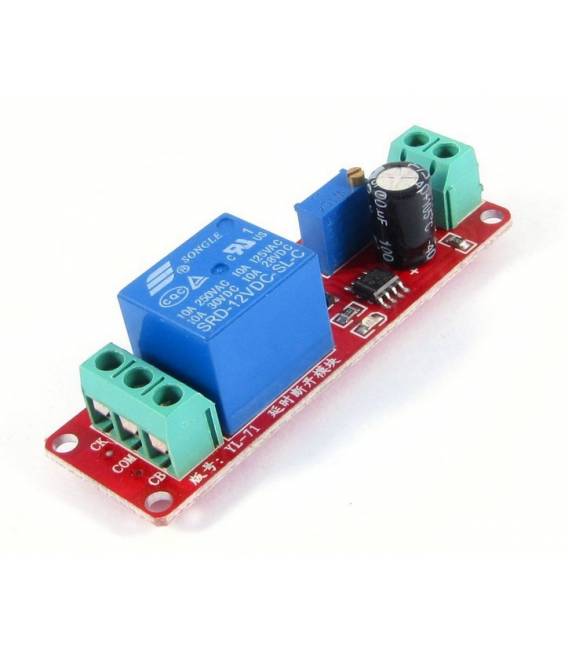
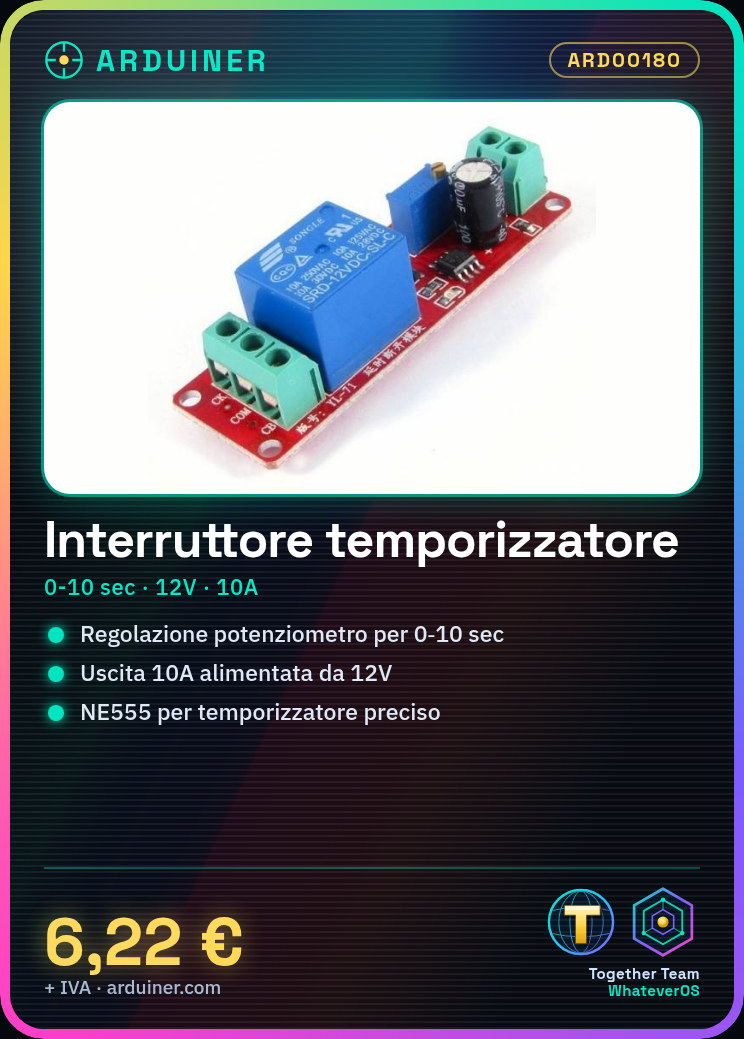
The ARD00180 monostable timer switch is an electronic component that allows setting a time delay between the activation and the output of the signal. Once activated, the circuit maintains the output active for a time defined by the potentiometer, then turns off automatically.
Features
- Type: Monostable
- Adjustable delays: 0-10 seconds
- Power supply: 12V
- Output current: 10A
- Integrated circuit: NE555
What it is for
The monostable timer switch is useful in Arduino projects to create a precise delay in a circuit. Example: setting an alarm to sound for 5 seconds every time it is activated, or controlling the lighting of an LED for a specific period.
Tutorial: How to use Monostable Timer Switch
The NE555 monostable timer switch is an electronic component useful for creating devices that activate a function for a predetermined period after being triggered. It is ideal for DIY projects, prototypes, or small automatic systems.
What you need
- NE555 Timer Switch
- Arduino (optional)
- Capacitors and resistors
- 12V power supply
- Connectors
Steps
- Connect the common terminal of the switch to the GND pin of the circuit.
- Connect the TRIG pin to the digital input of the Arduino (if used).
- Connect the capacitors to the power supply points as indicated in the datasheet.
- Set the resistance to adjust the time interval from 0 to 10 seconds.
- Check the power supply voltage and ensure it is between 4.5V and 12V (check the datasheet).
- If necessary, connect a relay or another load to the output of the timer switch.
- Program the Arduino to activate the TRIG in order to test the set time duration.
- Test and optimize the circuit.
Example code
// Se si utilizza Arduino, un semplice sketch potrebbe essere:
void setup() {
pinMode(TRIG_PIN, OUTPUT);
digitalWrite(TRIG_PIN, HIGH); // Attiva l'interruttore temporizzatore
}

void loop() {}
Mini project
Create an emergency alarm clock with an alarm that sounds for 5 seconds every time it is activated.
Common mistakes
- Incorrect setting of the resistance or capacitor, which can alter the timing intervals.
- Insufficient or excessive power supply compared to the datasheet of the timer switch.
- Not verified if the output of the timer switch is compatible with the desired load (e.g., relay).
- Lack of complete testing of the circuit before its final implementation.
Recommended accessories
- Arduino Uno R3
- 5V Single Output Relay
- Kit of variable capacitors and resistors
- Buzzer or small speaker
Frequently asked questions
How to set the activation time?
By setting the correct resistance to obtain the desired time interval (check the datasheet).
Can it handle larger electrical loads?
Yes, but it may be necessary to add a relay or another isolation means between the timer switch and the load.
Is Arduino needed to use it?
No, it can operate independently of Arduino if you do not wish to control it with a microcontroller.

Reviews
There are no reviews yet.