 EN
EN IT Italiano
 ES Español
 FR Français
 DE Deutsch
Description
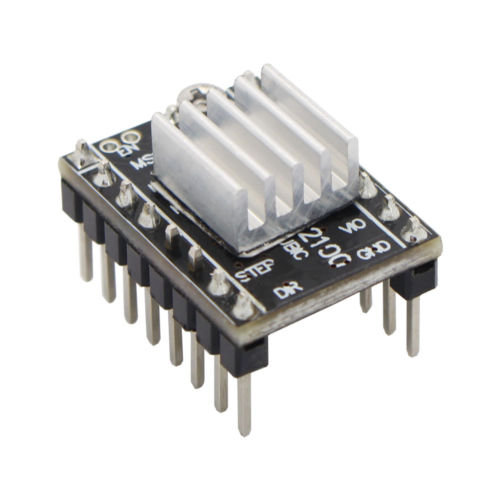
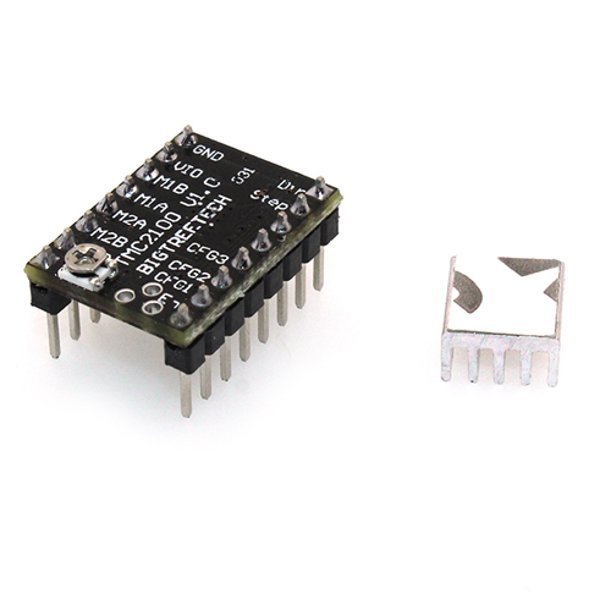
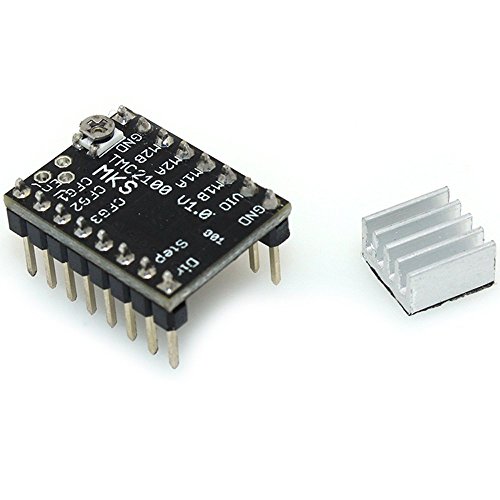
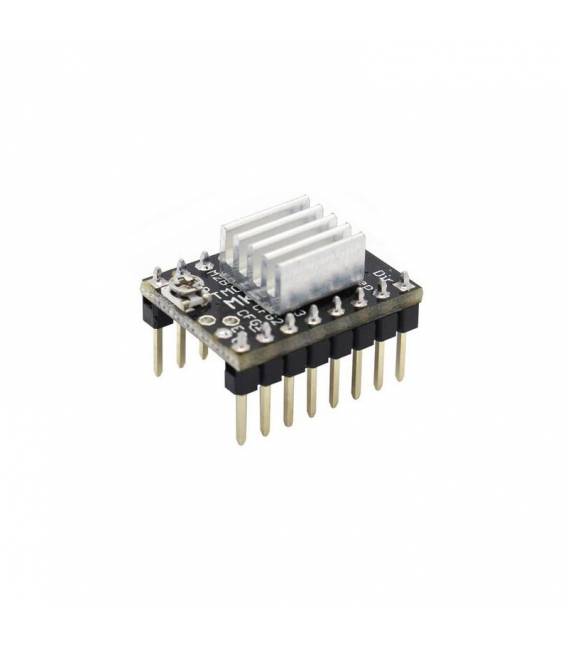
What is the MKS TMC2100? The MKS TMC2100 is a stepper motor driver board featuring an integrated heat sink, designed specifically to enhance the performance of 3D printers. Features – MKS TMC2100 Stepper Motor Driver Board with Heat Sink Ideal for use in 3D printing applications Improves precision and reliability Allows configuration of motor parameters according to project requirements Tutorial: How to Use MKS TMC2100 Stepper Motor Driver Board The MKS TMC2100 is an essential stepper motor driver for 3D printers, providing precise control over stepper motors. What You Need – MKS TMC2100 Stepper Motor Driver Board 3D Printer Stepper Motors 10kΩ Resistor (check datasheet) Steps: 1. Verify the driver’s compatibility with your 3D printer. 2. Turn off the 3D printer. 3. Remove the motherboard from the 3D printer. 4. Identify VCC, GND, STEP, DIR, EN, MS1-MS3 pins. 5. Connect VCC to the 12V of the 3D printer. 6. Connect GND to the GND of the 3D printer. 7. Connect STEP and DIR to corresponding motherboard pins. 8. Connect MS1-MS3 to GND for motor frequency setting. 9. Connect a 10kΩ resistor between VCC and STEP. 10. Turn on the 3D printer. 11. Verify motor functionality. 12. Configure motor parameters in control software. Mini Project – Configuring Motor Parameters on a 3D Printer Common Mistakes Connecting VCC to 5V instead of 12V. Omitting the 10kΩ resistor. Reversing STEP and DIR connections. Forgetting to turn off the printer before installation. Recommended Accessories Stepper Motors 10kΩ Resistor Connection Cable Electronic Pliers Frequently Asked Questions Does the driver work with 5V? No, it works with 12V. Check datasheet. Which motors can it control? It controls stepper motors. Check datasheet. Is a 10kΩ resistor necessary? Yes, for motor protection. Check datasheet. Does it support all stepper motors? Supports standard stepper motors. Check datasheet.

Reviews
There are no reviews yet.