 EN
EN IT Italiano
 ES Español
 FR Français
 DE Deutsch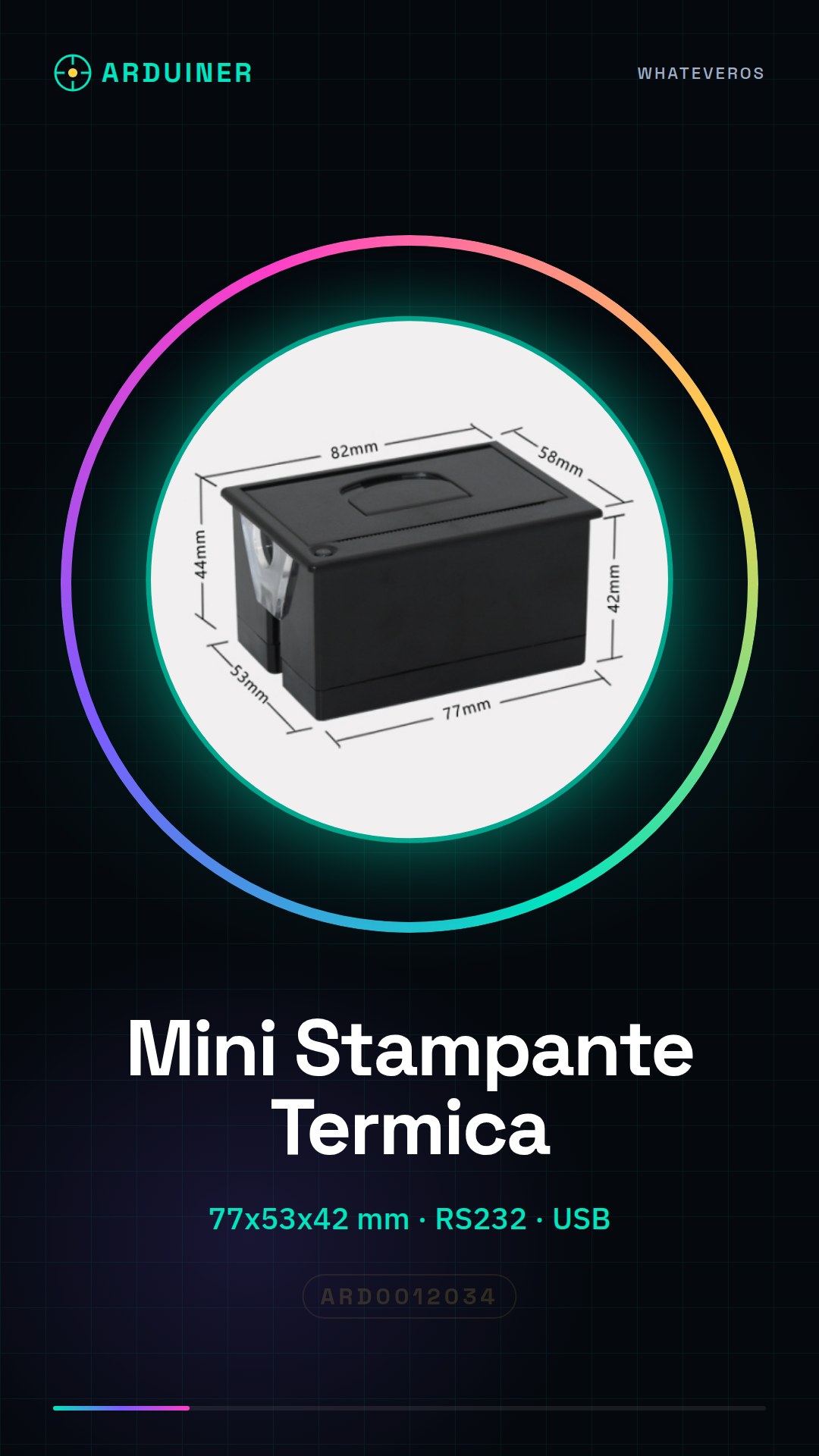
Description
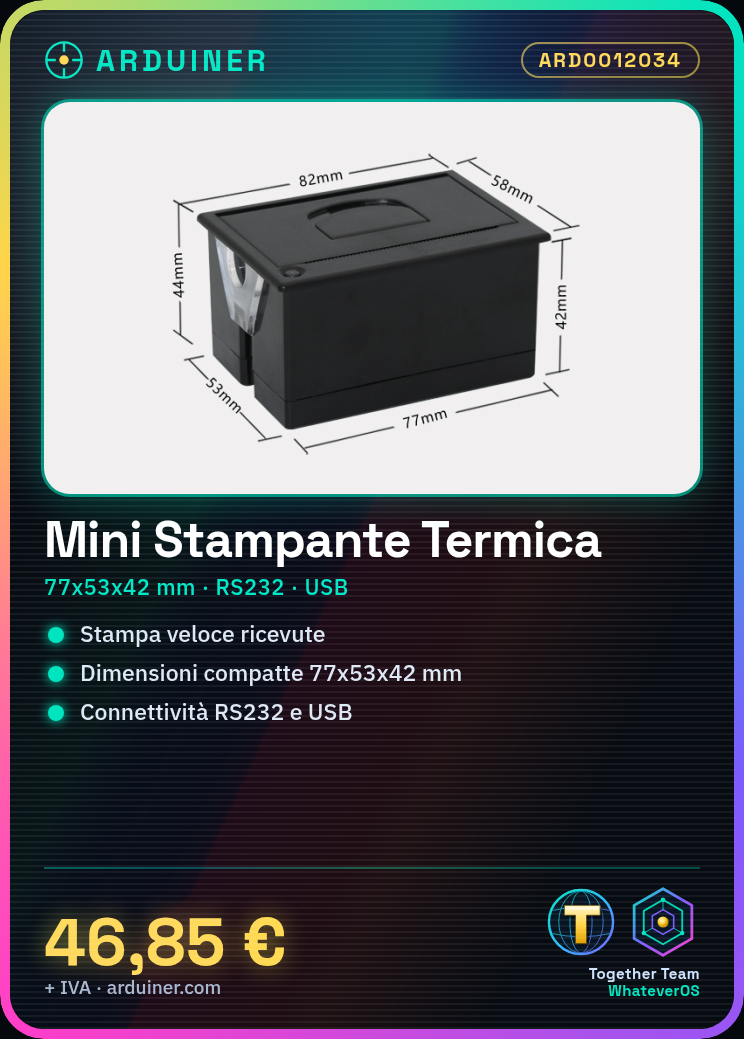
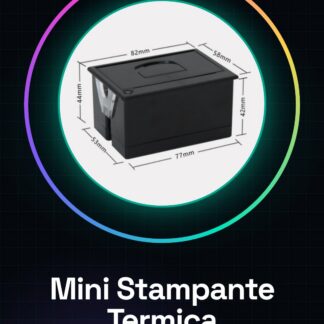
What is the Mini Thermal Printer? The mini thermal printer ARD0012034 is a compact and versatile device, ideal for electronics projects requiring fast printing of small summaries or tickets. It measures 77x53x42 mm and connects easily via RS232 or USB. Features Dimensions: 77x53x42 mm Connectivity: RS232 and USB Power Supply Voltage: 12V What is it used for? The mini thermal printer is perfect for projects that require the simple and quick printing of small summaries or tickets. It is compatible with Arduino, Raspberry Pi, and other devices supporting RS232 or USB. It can be used to create a small thermometer that prints temperature on a thermal printer whenever a certain threshold is exceeded. Tutorial: How to Use Mini Thermal Printer RS232 + USB The mini thermal printer RS232 + USB is ideal for anyone who wants to print small summaries or tickets simply and quickly. It’s perfect for Arduino, Raspberry Pi projects, or any other device supporting RS232 or USB. What you need Arduino or Raspberry Pi USB-A to USB-B cable Thermal printing software 12V power supply Steps Connect the printer to an Arduino or Raspberry Pi via the USB-A to USB-B cable. Configure the thermal printing software for the printer. Power the printer with a 12V source. Send data to the module via RS232 or USB. Check the datasheet to set up the correct data transfer speed. Print a test text to verify functionality. If necessary, adjust the paper roller position. Check the datasheet for any additional settings such as print temperature. Example Code /* Example Sketch for Thermal Printer RS232 + USB */ #include SoftwareSerial mySerial(2, 3); // RX, TX void setup() { mySerial.begin(9600); } void loop() { mySerial.println(“Hello, world!”); } Mini Project Project: Create a small thermometer that prints temperature on a thermal printer every time it exceeds a certain threshold. Common Errors Setting the data transfer speed correctly. Powering the printer with the correct voltage. Configuring the thermal printing software correctly. Verifying physical connection between the printer and control device. Recommended Accessories USB-A to USB-B cable 12V power supply Thermal printing software Temperature sensors Frequently Asked Questions Does the printer work with Arduino? Yes, but a USB-A to USB-

Reviews
There are no reviews yet.