 EN
EN IT Italiano
 ES Español
 FR Français
 DE Deutsch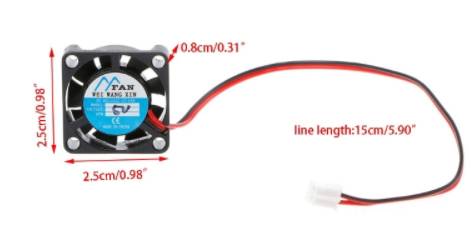
Description
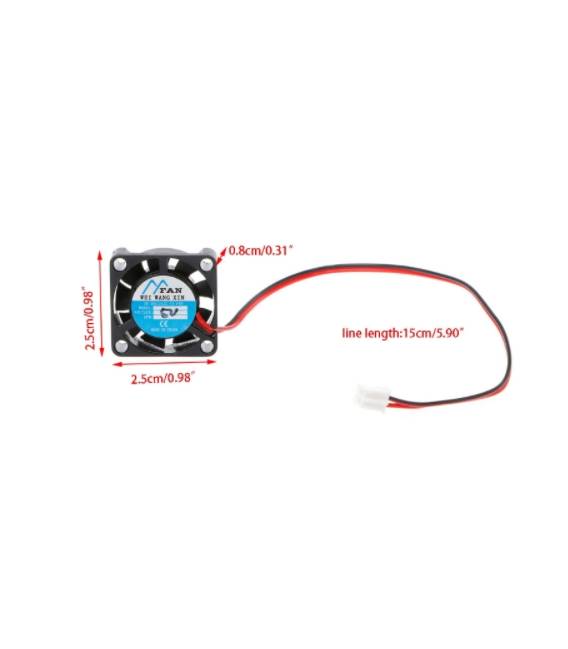
What is the Mini Cooling Fan 12V MIS. 2507? This small electric fan measures 25×7 mm and operates at 12V. Features Dimensions: 25×7 mm Voltage: 12V SKU: ARD0011564 Price: €1.70 What does the Fan do? The fan is ideal for cooling electronic components in 3D printers, CNC machines, and electronic systems. It can improve ventilation and prevent overheating, extending component lifespan. Tutorial How to Use Mini Cooling Fan 12V Ideal for improving ventilation in 3D printers, CNC machines, and electronic systems. Useful for beginners and intermediates. What is Needed Mini Cooling Fan 12V 12V Cable 12V Connector Support or base for the fan Steps 1. Ensure voltage is 12V. 2. Connect the 12V cable to the connector. 3. Mount the fan on a support. 4. Connect the 12V connector to the fan. 5. Turn on power. The fan should start spinning. 6. Check position to ensure proper cooling of required area. 7. Regularly check fan functionality. 8. Adjust position or orientation if necessary. Mini Project Build a small fan for a 3D printing project. Mount the fan on a support and connect it to a 12V power source. Adjust the position for optimal airflow. Common Mistakes Connecting the fan to a voltage other than 12V. Omitting the support, causing an unstable installation. Not checking the fan’s position. Not regularly checking fan functionality. Recommended Accessories Fan mounts 12V cable Connector 12V Pliers Frequently Asked Questions How do I check the fan’s functionality? Turn on power and listen for noise; the fan should start spinning. What are compatible supports for the fan? Check the datasheet for specific compatible supports. Can I use this fan with a voltage different from 12V? Check the datasheet for supported voltages. How can I adjust the position of the fan? Use pliers or small screws to adjust the support’s position.

Reviews
There are no reviews yet.