 EN
EN IT Italiano
 ES Español
 FR Français
 DE Deutsch
Description
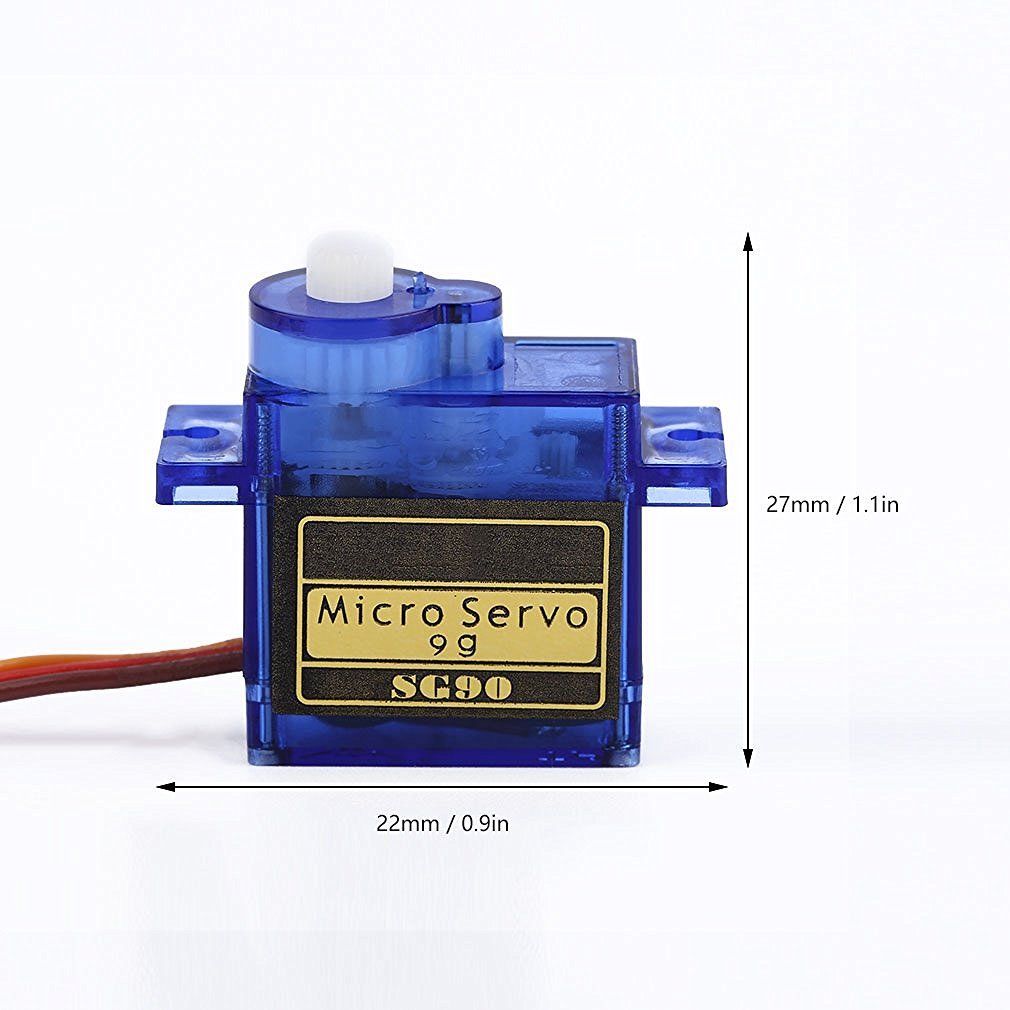
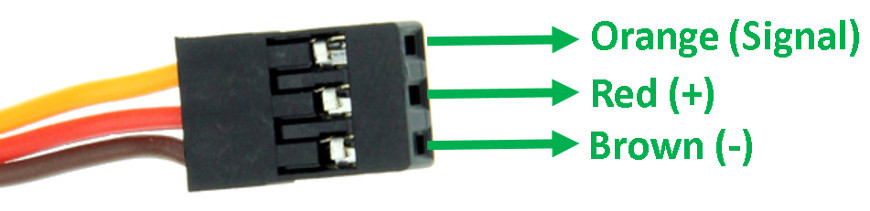
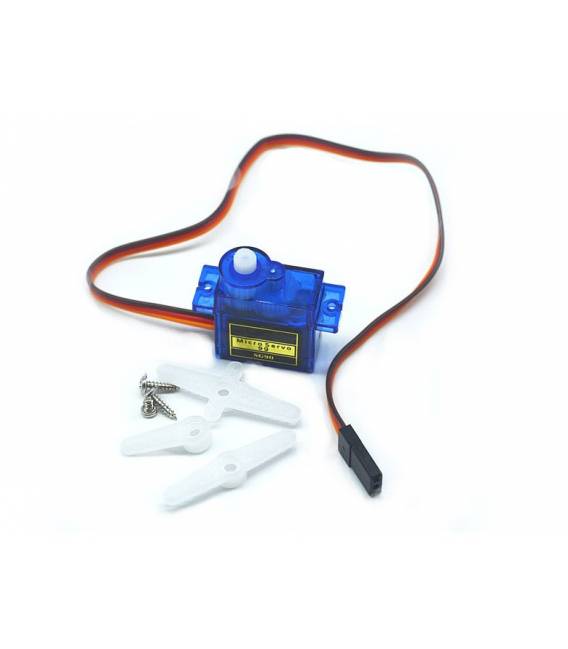
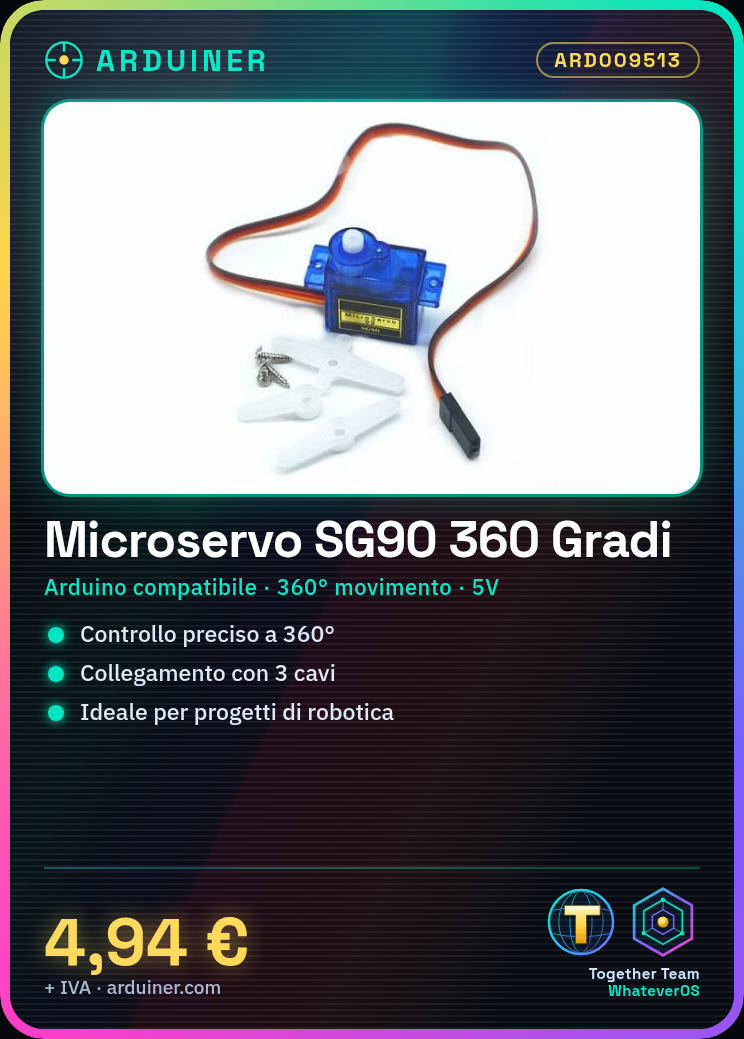
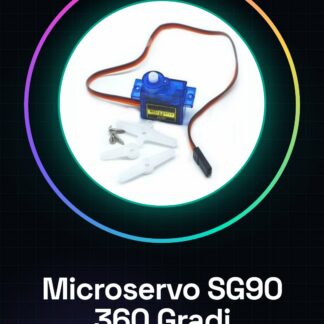
What is it The SG90 microservo is an Arduino-compatible device that allows precise 360° movements. It is ideal for robotics and automation projects. Features: Arduino compatible 360° movement Useful for beginners and intermediates, the SG90 microservo can be used in various projects such as creating a rotating antenna for a radio transmitter. It is compatible with Arduino. How to use SG90 Microservo The SG90 microservo is ideal for projects requiring precise 360° movements, such as robotics and automation. Useful for beginners and intermediates. What you need SG90 Microservo Arduino 5V power cable 10kΩ resistor Steps: 1. Connect the microservo to the Arduino using 3 wires: VCC to 5V, GND to GND, and pin 3 to A0 (P0). 2. Connect the microservo to the 5V power supply. 3. Connect the 10kΩ resistor between pin A0 (P0) and GND. 4. Upload the source code to the Arduino. 5. Run the code to control the microservo. 6. Check the datasheet for the correct angle values. 7. Adapt the code to control the desired angle. 8. Test the microservo and adjust the movement. Example code “`void setup() { pinMode(3, OUTPUT);}void loop() { analogWrite(3, 150); // Change 150 to vary the angle} Mini-project Create a rotating antenna for a radio transmitter in 30 minutes. Common errors Forgetting the 10kΩ resistor can damage the microservo. Connecting the microservo to a power supply other than 5V can damage it. Not checking the angle values on the datasheet can result in imprecise movements. Connecting the microservo to a different digital pin than A0 (P0) requires code modifications. Recommended accessories Arduino 10kΩ resistor 5V power cable Radio transmitter Frequently asked questions How to adjust the microservo angle? Change the numeric value in the `analogWrite(3, number)` instruction. Check the datasheet for the correct values. Does the microservo require a different power supply? Check the datasheet. Does the SG90 microservo work with 5V? Which pin to use? Use pin 3 (A0) to control the microservo. Check the datasheet for further details. Can I use a different microservo? The code can be adapted, but check the angle values and the used pin on the microservo datasheet.
Reviews
There are no reviews yet.