 EN
EN IT Italiano
 ES Español
 FR Français
 DE Deutsch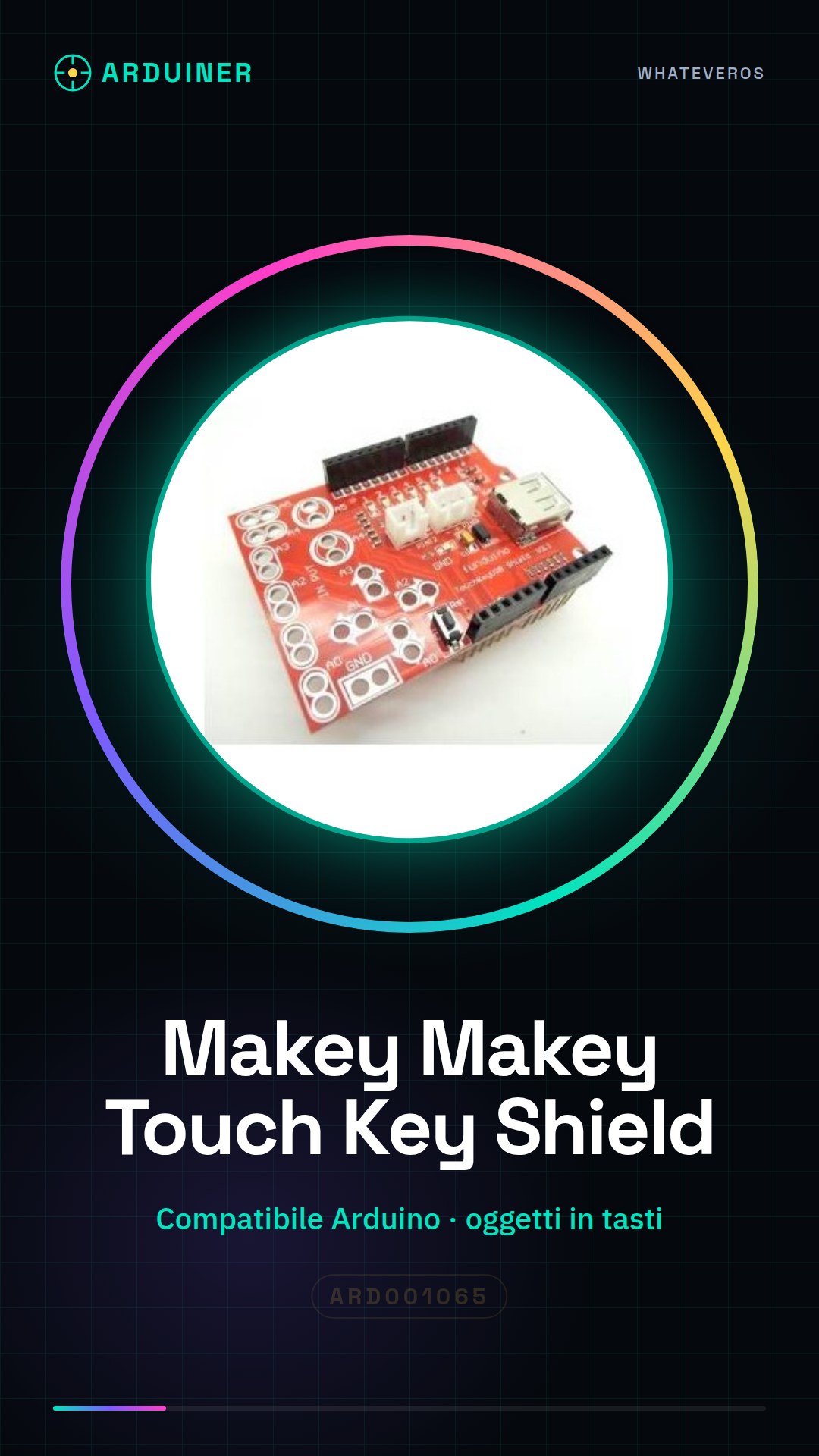
Description
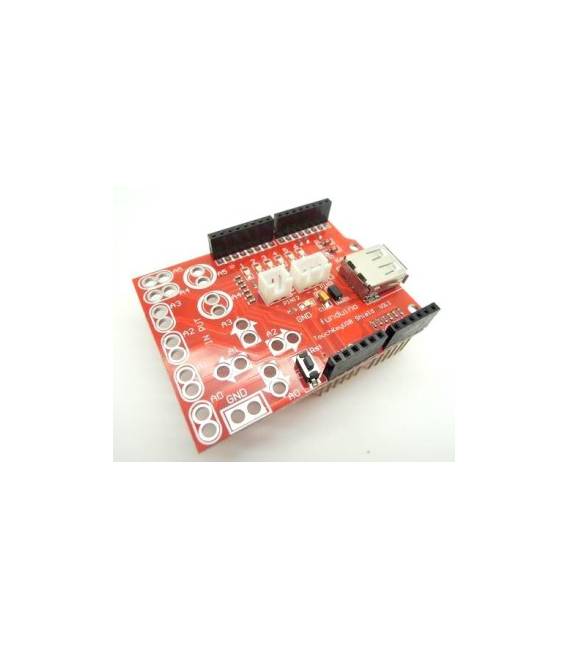
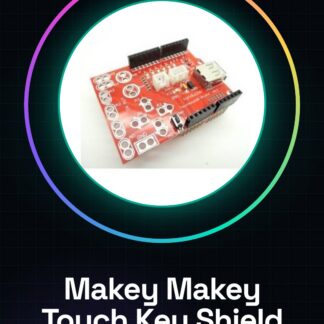
The Makey Makey Touch Key USB Shield is a compatible module that allows you to create custom capacitive interfaces. This device converts any object into a button, enabling the creation of creative and educational projects. Features: Compatible with Arduino, potential for creating custom capacitive interfaces. What it’s used for: Ideal for creative projects like a fruit keyboard, where each fruit acts as a button. Each object is connected to a different pin, and the example code displays the name of the object pressed. Useful for beginners and intermediate makers. Tutorial: How to use Makey Makey Touch Key USB Shield The Makey Makey Touch Key USB Shield allows you to convert any object into a button, facilitating the creation of human-computer interfaces. Useful for beginner and intermediate makers. What it needs: Arduino, USB cable, objects to use as buttons. Steps: 1. Download and install Arduino USB Host Shield 1.6 driver. 2. Connect the Makey Makey to your computer via USB. 3. Download the example code from the Arduino library. 4. Insert the Makey Makey into your Arduino circuit. 5. Connect an object as a button to the GND pin and a button pin. 6. Upload the code to Arduino. 7. Press the object as a button and observe the reaction. 8. Try connecting different objects to control different pins. Example code: “`void setup() { Serial.begin(9600);}void loop() { if (digitalRead(2) == HIGH) { Serial.println(
Full description (Italian original)
The full description is shown below in Italian while the English translation is being completed.
Cos’è
Il Makey Makey Touch Key USB Shield è un modulo compatibile con Arduino che consente di creare interfacce capacitive personalizzate. Questo dispositivo permette di convertire qualsiasi oggetto in un tasto, rendendo possibile la realizzazione di progetti creativi e didattici.
Caratteristiche
- Compatibile con Arduino
- Potenziale per creare interfacce capacitive personalizzate
A cosa serve
Ideale per progetti creativi come la creazione di una tastiera di frutta, dove ogni frutto può fungere da tasto. Ogni oggetto viene collegato a un pin diverso e il codice di esempio visualizza il nome dell’oggetto premuto. Utile sia per principianti che per maker intermedi.
Tutorial: Come usare Makey Makey Touch key USB SHIELD
Il Makey Makey Touch key USB SHIELD permette di convertire qualsiasi oggetto in un tasto, facilitando la creazione di interfacce uman-computer. Utile per maker principianti e intermedi.
Cosa serve
- Arduino
- Cavo USB
- Oggetti da usare come tasti
Passi
- 1. Scarica e installa il driver Arduino USB Host Shield 1.6.
- 2. Collega il Makey Makey al tuo computer tramite USB.
- 3. Scarica il codice di esempio dalla libreria Arduino.
- 4. Inserisci il Makey Makey nel tuo circuito Arduino.
- 5. Collega un oggetto come tasto al pin GND e al pin di un tasto.
- 6. Carica il codice su Arduino.
- 7. Premi l’oggetto come tasto e osserva la reazione.
- 8. Prova a collegare diversi oggetti per controllare diversi pin.
Codice di esempio
```void setup() { Serial.begin(9600);}void loop() { if (digitalRead(2) == HIGH) { Serial.println("Tasto premuto!"); }}```Mini-progetto
Crea una tastiera di frutta con vari frutti come tasti. Collega ogni frutto a un pin diverso e usa il codice di esempio per visualizzare il nome del frutto premuto.
Errori comuni
- Dimenticare di installare il driver USB Host Shield 1.6.
- Collegare il Makey Makey al pin sbagliato.
- Non verificare se il codice è corretto prima di caricarlo.
- Usare oggetti non idrofobizzati, che possono causare interferenze.
Accessori consigliati
- Arduino Uno
- Cables di collegamento
- Frutta (per il progetto demo)
Domande frequenti
Il Makey Makey funziona solo con frutta?
No, qualsiasi oggetto può essere utilizzato come tasto, basta che sia idrofobizzato.
Posso utilizzare il Makey Makey con un altro tipo di Arduino?
Sì, ma assicurati che il tuo Arduino supporti i pin necessari.
Posso collegare più tasti al Makey Makey?
Sì, collega un tasto a ogni pin disponibile.
Il Makey Makey consuma molta energia?
No, il consumo è ridotto, ma verifica sempre le specifiche del tuo Arduino.
Reviews
There are no reviews yet.