 EN
EN IT Italiano
 ES Español
 FR Français
 DE Deutsch
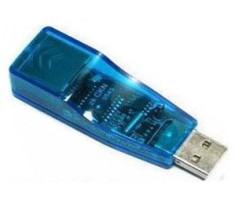
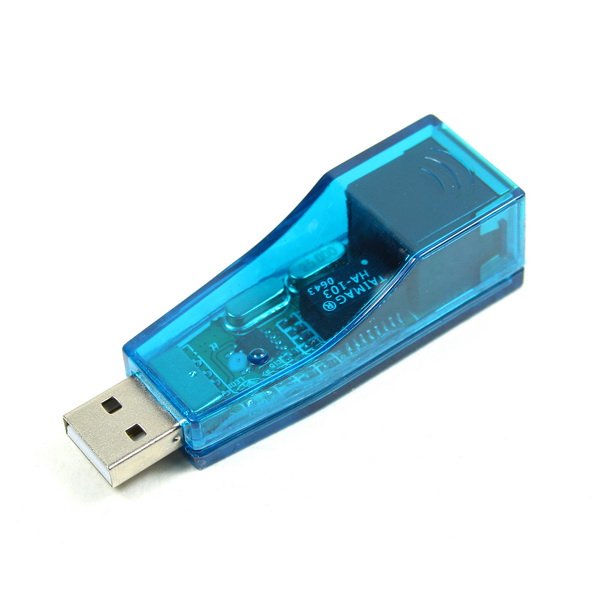
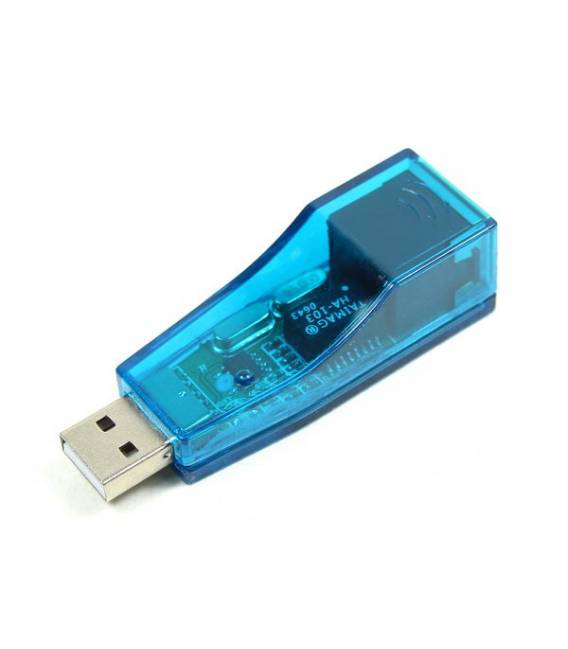

Description
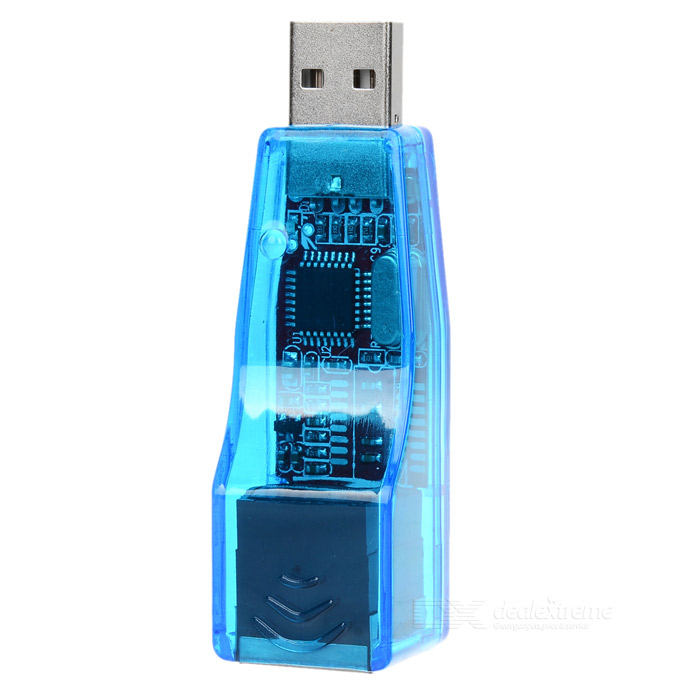
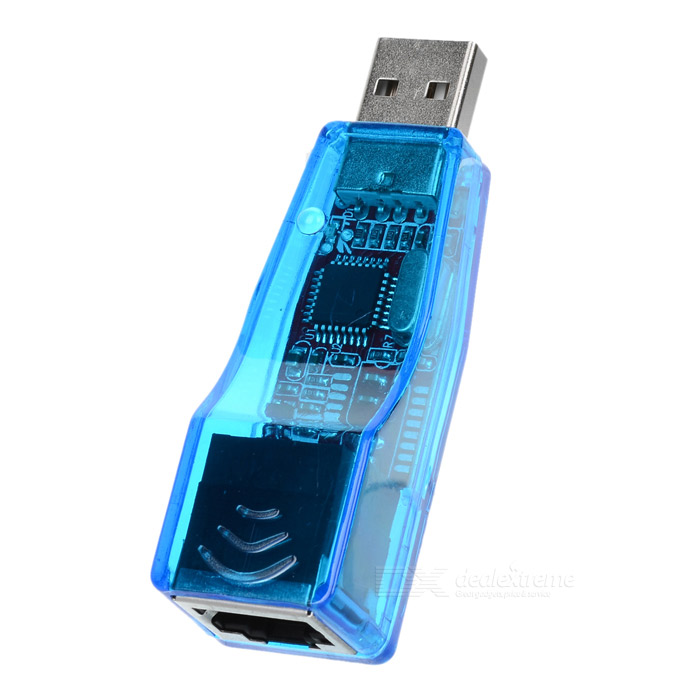
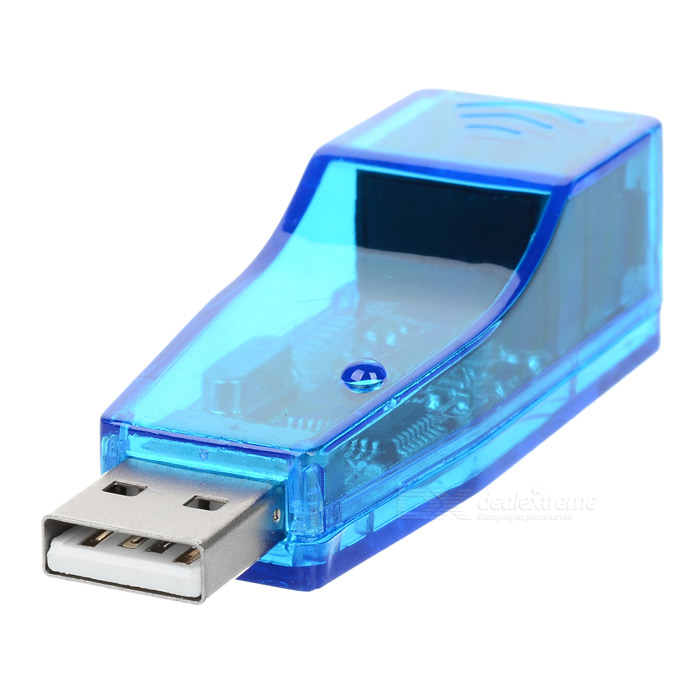
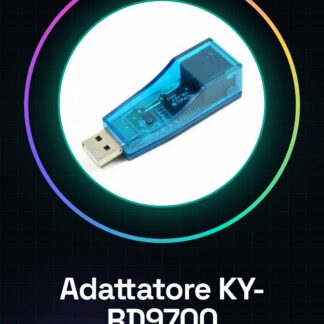
How to use the KY-RD9700 USB Ethernet RJ45 Network Adapter Tutorial The KY-RD9700 allows you to connect a device that supports USB to an Ethernet network. Ideal for internet connection without Wi-Fi. What you need Computer or device with USB port Ethernet cable Steps Check your device’s compatibility with the KY-RD9700. Connect the RJ45 end of the adapter to an Ethernet cable. Insert the other USB end of the adapter into a power port or USB port of the device. Verify the connection on your computer, you should see the new adapter as a network device. If necessary, install the drivers provided by the manufacturer for optimal performance. Mini-project Create a simple home network by connecting two computers via the KY-RD9700 and sharing resources. Common errors Ensure the Ethernet cable is correctly inserted at both ends. Verify the adapter driver compatibility with your device’s operating system. If the adapter is not recognised, try restarting your computer or device. Recommended accessories Ethernet cable cat5/cat6 Network switch Frequently asked questions How can I check if I need drivers? Check the device properties in your operating system, if it does not recognise the KY-RD9700 adapter, you may need to install them. Can it be used with Android devices? Check the datasheet for specific compatibility with Android systems.
Reviews
There are no reviews yet.