 EN
EN IT Italiano
 ES Español
 FR Français
 DE Deutsch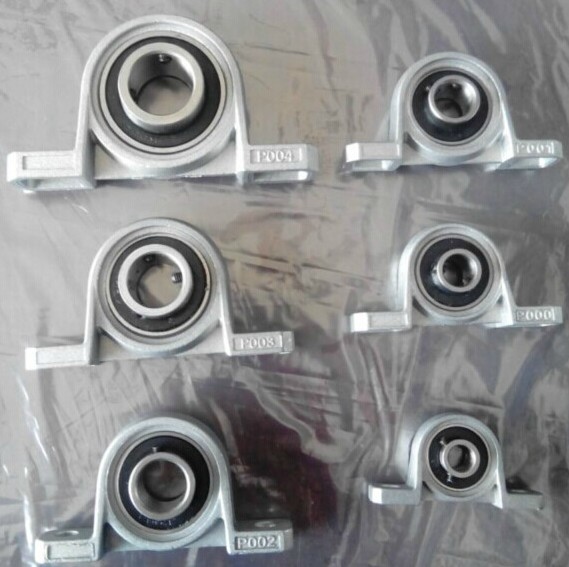
Description
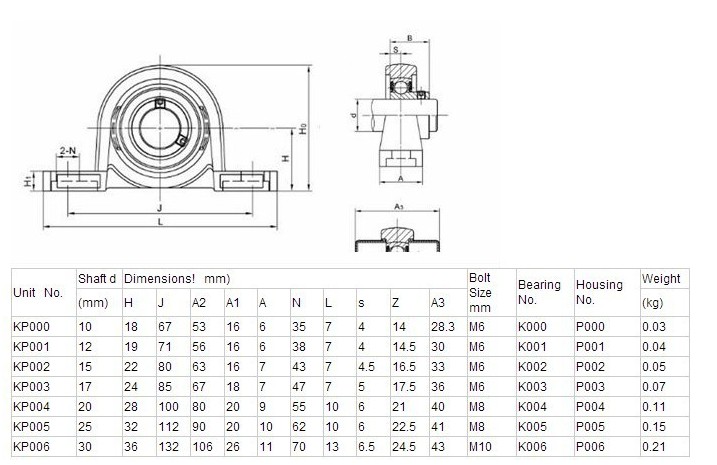
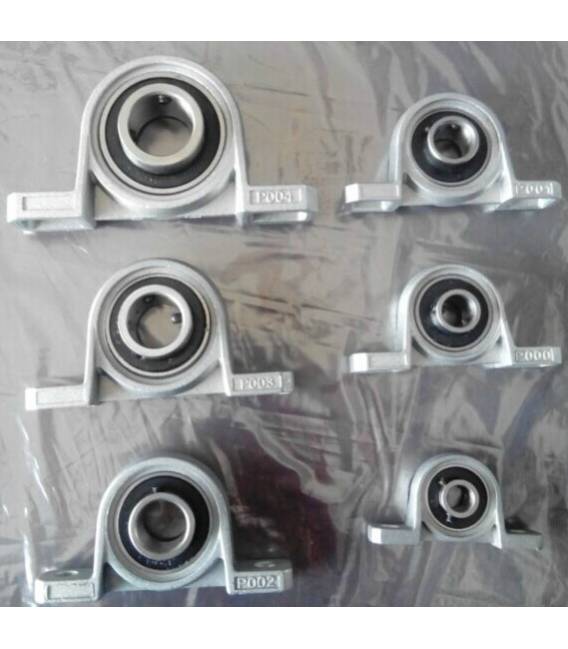
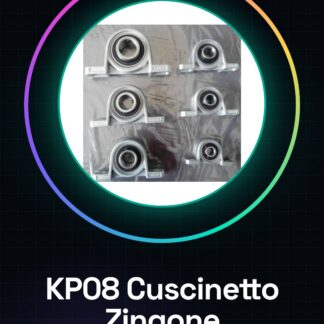
Datasheets for all components are available upon request. Please contact us via the contact form if not present in the product download. Tutorial: How to Use KP006 Bearing. The KP006 bearing is essential for 3D printing, CNC, and laser applications requiring smooth and silent rotation. Suitable for both beginners and experts. What you need: KP006 Bearings, Lubricating Oil, Small Hammer. Check compatibility with your project. Disassemble the mounting area where the bearing will be installed. Apply a little lubricating oil to the inner and outer surfaces of the bearing to reduce friction. Gently insert the bearing into the designated position, ensuring it is perfectly aligned. Refer to the datasheet for specific mounting dimensions. Use a small hammer to tap in the bearing mounting pieces (refer to the datasheet). Test the rotation of the bearing to ensure it is smooth and obstacle-free. Apply additional lubricant if necessary. Mini-project: Create a mobile support for your 3D printer using the KP006 bearing, allowing for smooth and silent rotation. Common errors: Not applying sufficient lubricant, inserting the bearing without checking alignment, using a too heavy hammer during fixation. Recommended accessories: Small Hammer ARD002135, Lubricant Kit ARD002140, Universal Pliers ARD002150, Allen Key Set ARD002160. Frequently asked questions: Is the KP006 bearing compatible with all 3D printers? Check the datasheet for specific compatibility. How long does the lubricant applied to the bearing last? The duration of the lubricant can vary, we recommend checking it every 6 months.
Reviews
There are no reviews yet.