 EN
EN IT Italiano
 ES Español
 FR Français
 DE Deutsch
Description
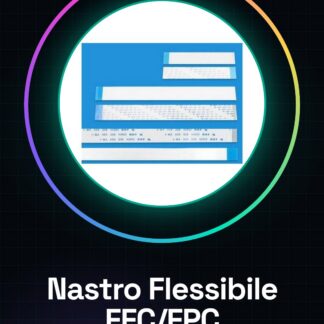
Tutorial: How to Use Flexible Flat Cable (FFC/FPC) 40P 0.5 Pitch 30cm A-B
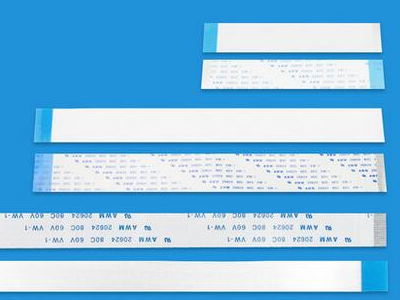
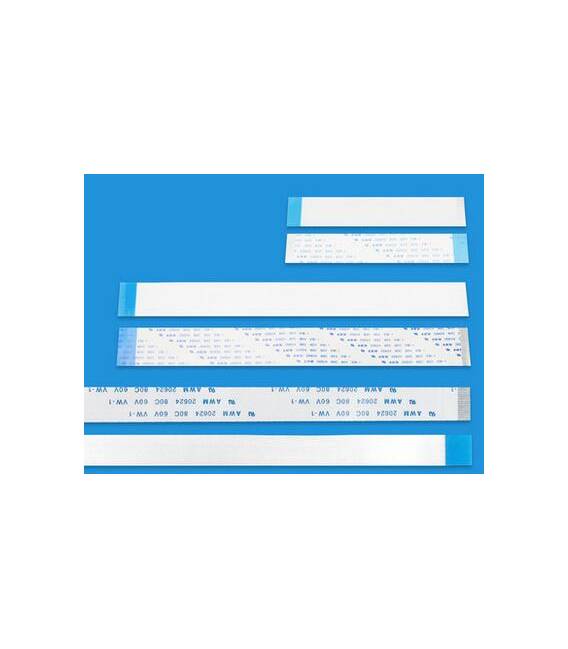
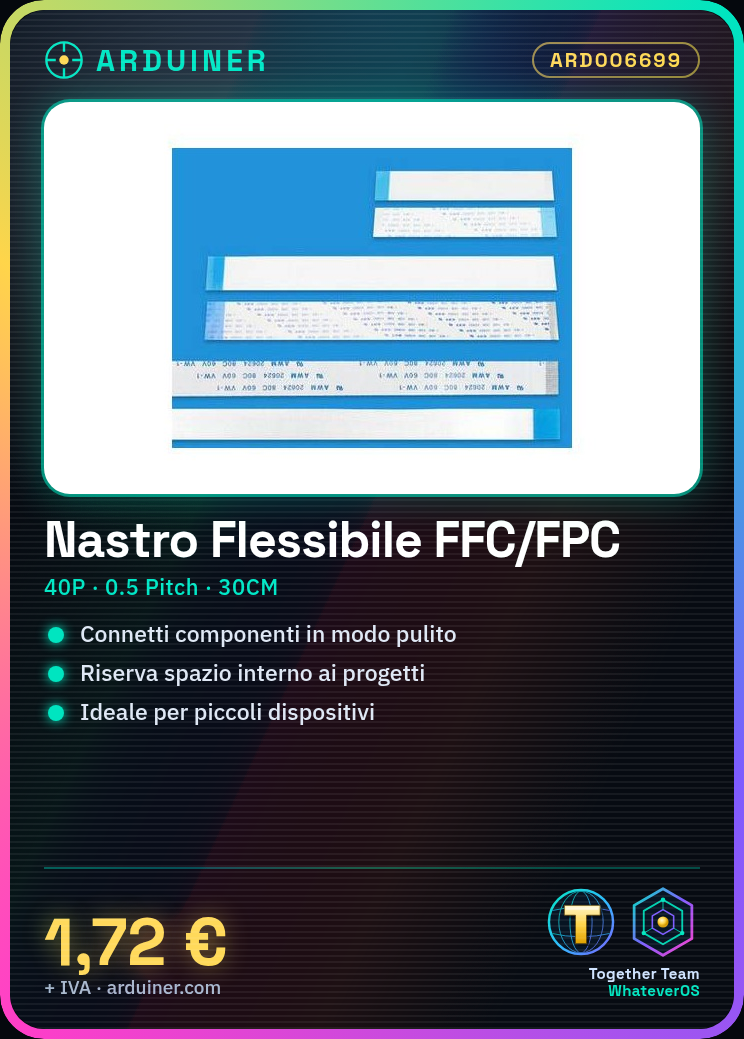
The flexible flat cable FFC/FPC 40P is ideal for connecting electronic components in a clean and professional manner, saving space within projects. This item is particularly useful for makers working on small devices or PCBs.
What you need:
– FFC/FPC Pin Tool or Spreader (optional)
– Multimeter (optional)
– FFC/FPC Connectors if needed
Steps:
1. Verify that the FFC/FPC connector is compatible with the cable’s length and thickness. Use a pin tool or spreader if necessary to gently separate the internal contacts from the flat cable.
2. Insert the A side of the cable into the original device connector.
3. Ensure it is inserted correctly and securely.
4. Repeat the same process for the B side of the cable, connecting it to the second device.
5. Verify the connection using a multimeter if necessary.
Mini-project: Connect two small LCD displays to an Arduino motherboard using the flexible FFC/FPC cable to achieve a clean and organized layout.
Common errors:
– Not verifying connector compatibility before installation.
– Forcing the insertion of internal contacts, causing damage to the cable or connectors.
– Omitting the check of connections with a multimeter.
Recommended accessories:
– FFC/FPC 40P Connector
– Electronic Soldering Kit
– Digital Multimeter
Frequently asked questions:
– How can I verify connector compatibility? Check the datasheet or contact the supplier for detailed information.
– Can I use this cable in humid environments? Check the datasheet for the material’s moisture resistance characteristics.
Reviews
There are no reviews yet.