 EN
EN IT Italiano
 ES Español
 FR Français
 DE Deutsch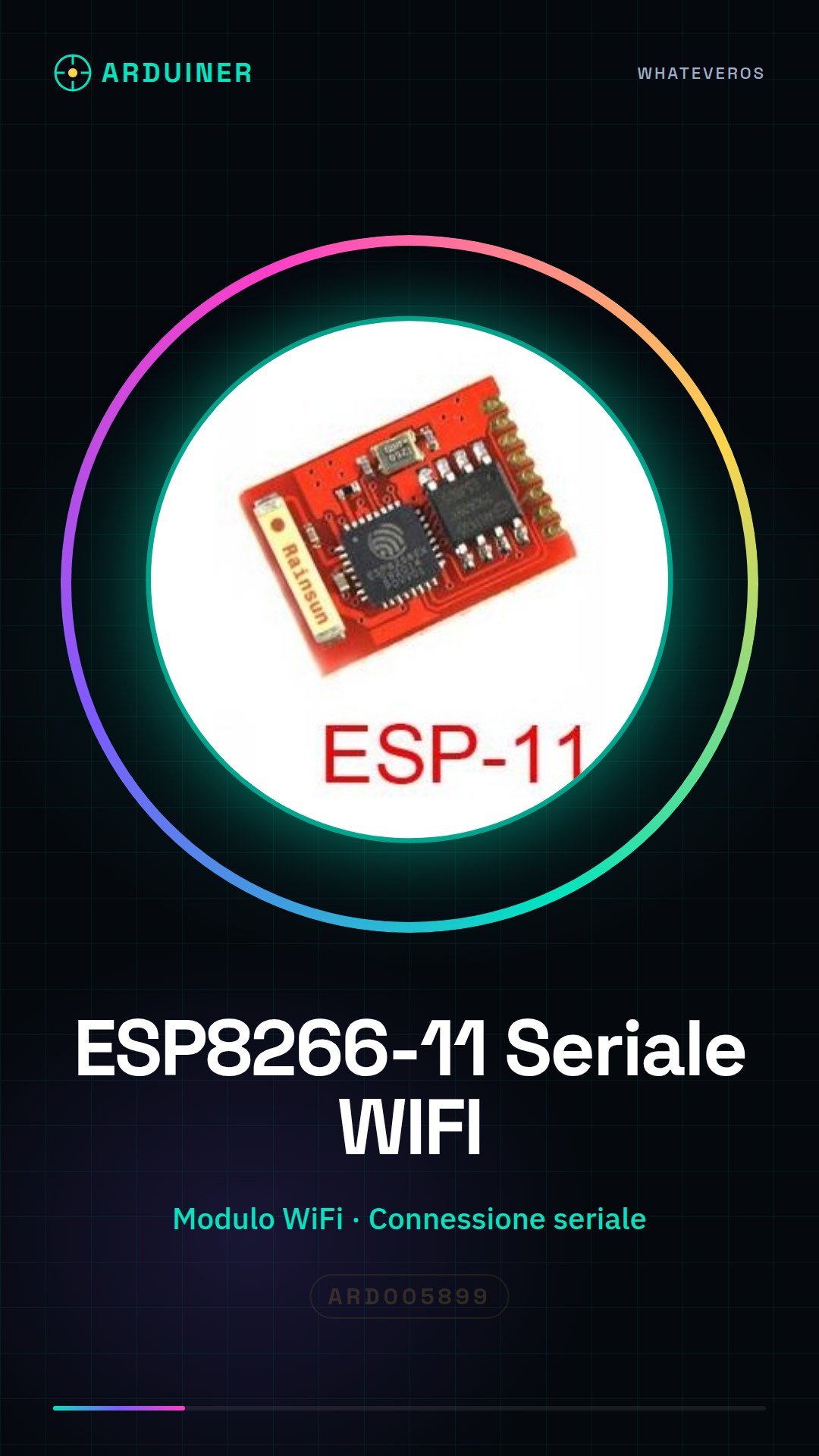
Description
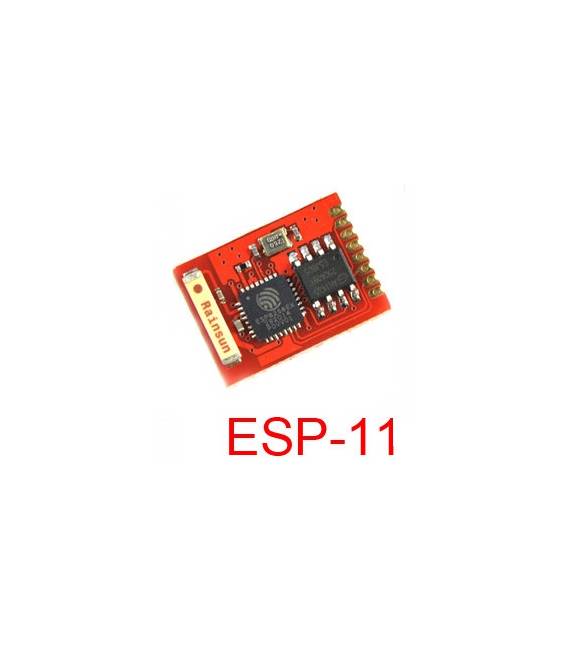
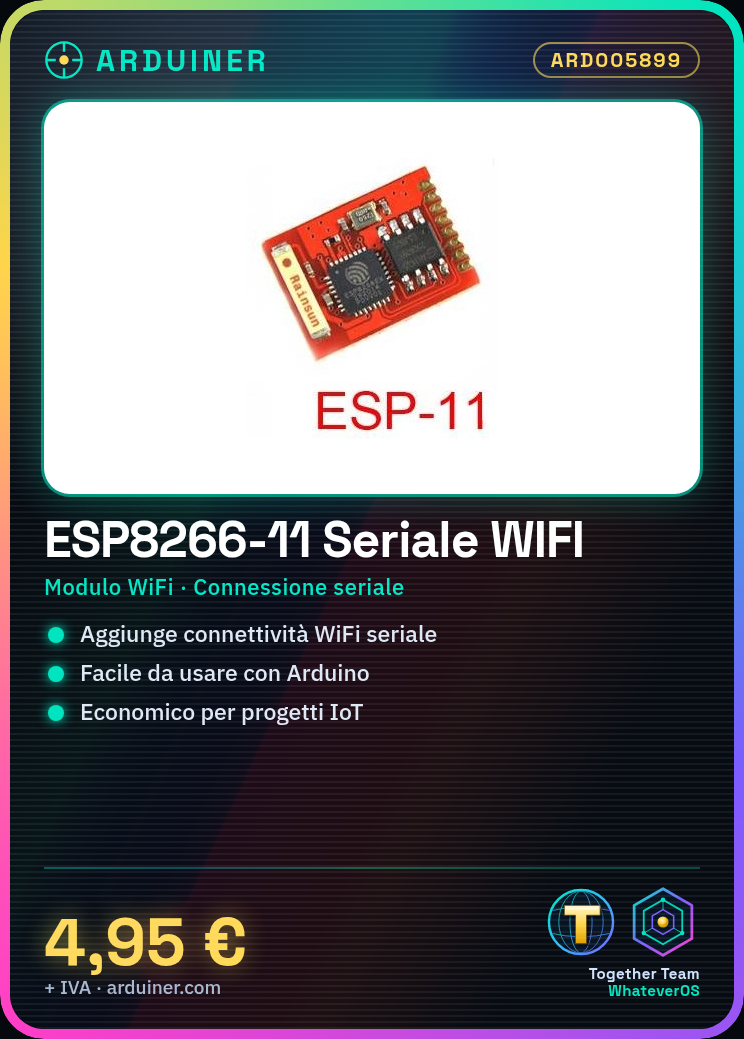
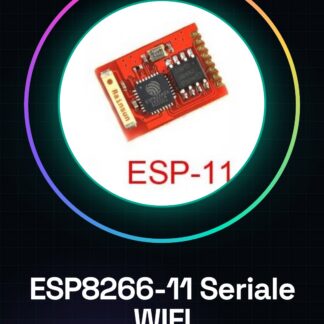
What is it? The ESP8266-11 is a WiFi module that enables makers to add wireless connectivity features to their projects. This device offers an affordable and easy-to-use solution for creating IoT applications. Features: Serial connection, allows integration of WiFi functionality into various electronic projects. What is it used for? Ideal for beginners and intermediates, the ESP8266-11 allows connecting devices to the Internet. It can be used to create simple dynamic web pages or integrate with online services like Blynk. Tutorial: How to use ESP8266-11 The ESP8266-11 is a WiFi module that enables makers to add WiFi connectivity features to their projects. Useful for beginners and intermediates, it is ideal for connecting devices to the Internet. What does it need? ESP8266-11 Arduino IDE Arduino Uno or compatible USB cable (optional) Steps: 1. Download and install Arduino IDE. 2. Connect the ESP8266-11 to the Arduino Uno via pins 10 and GND. 3. Install the ESP8266WiFi library on Arduino IDE. 4. Write the basic code: `#include `. 5. Configure WiFi parameters: `WiFi.begin(‘SSID’, ‘password’);`. 6. Check connection: `Serial.println(WiFi.status());`. 7. Upload the code to the ESP8266. 8. Check WiFi connection with a serial monitor. Example code: “` #include void setup() { Serial.begin(115200); WiFi.begin(‘SSID’, ‘password’); Serial.println(WiFi.status()); } void loop() { } “` Mini-project Create a simple dynamic web page with a button that sends a message when pressed. Use an online service like Blynk to manage the web page. Common errors: Forgetting to install the ESP8266WiFi library. Incorrectly connecting the pins. Incorrectly writing the WiFi credentials. Forgetting to start serial communication. Recommended accessories: WiFi Antenna USB Cable Enclosure

Reviews
There are no reviews yet.