 EN
EN IT Italiano
 ES Español
 FR Français
 DE Deutsch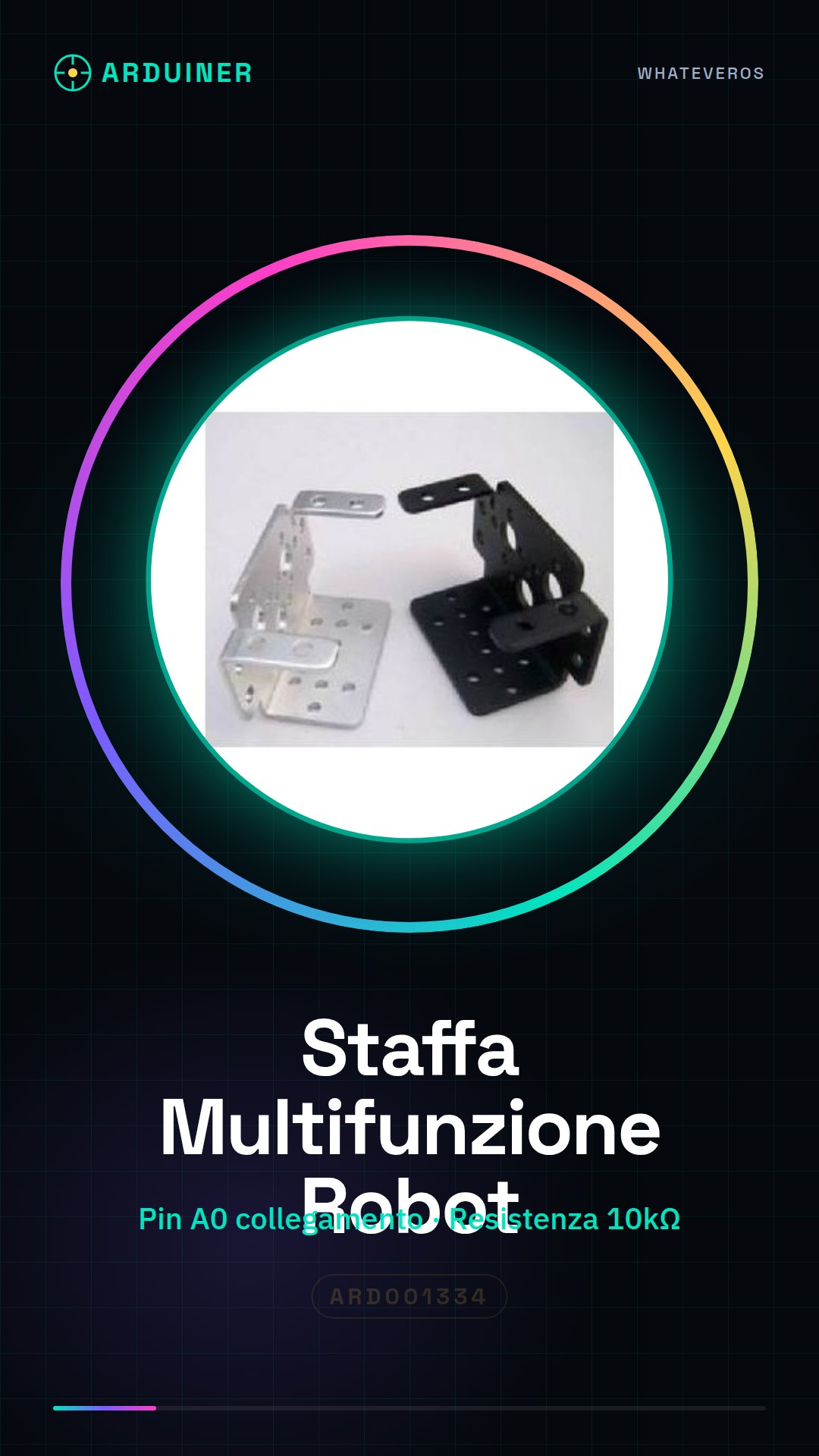
Description
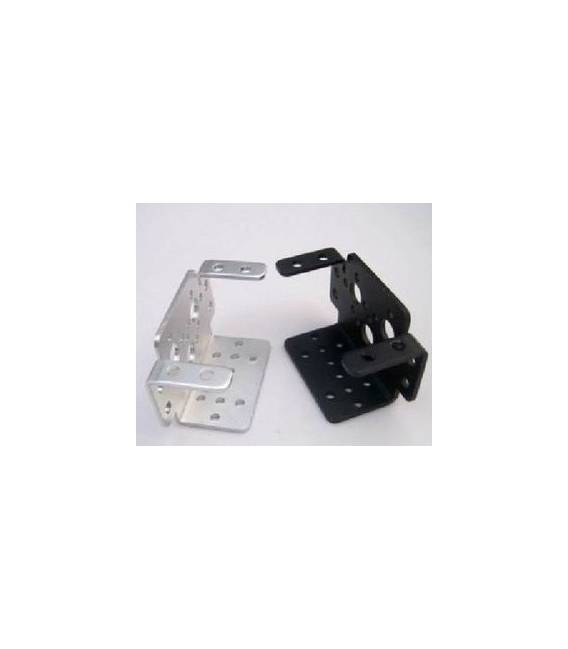
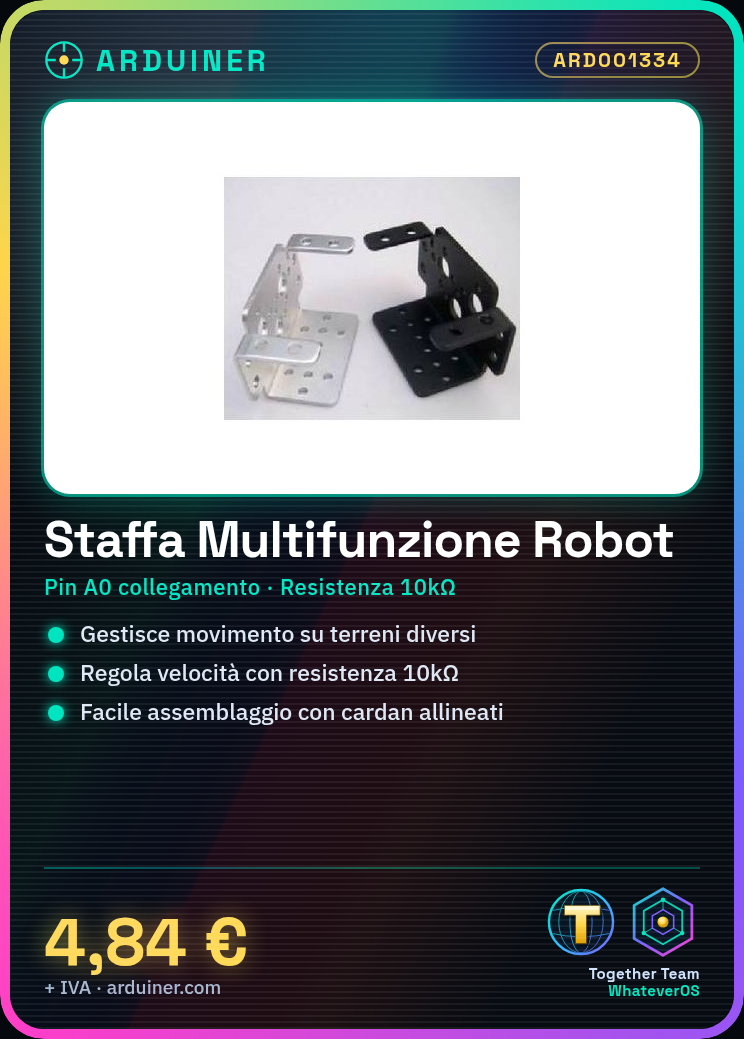
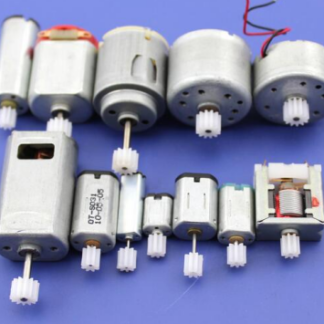
The DIY Multi-Function Motor for Robots is a crucial component for robotics and mechatronics projects. This multi-function motor allows managing the movement of robots on various types of terrain. Features: Ideal for projects requiring movement and positioning. Useful for both beginners and experts, enabling the creation of robots that move automatically on different terrains. You can use it to regulate the speed and movement of your project. Tutorial: How to Use the Multi-Function Motor for Robots The multi-function motor for robots is ideal for controlling movement on various types of terrain. Useful for beginners and intermediates. What you need: 1 x Arduino UNO or compatible 1 x USB cable 1 x 10kΩ resistor Steps: 1. Assemble the motor on the robot, ensuring that the cardans are perfectly aligned. 2. Connect the motor to pin A0 of the Arduino. 3. Connect the 10kΩ resistor between the GND and VCC pins of the motor. 4. Upload the code to the Arduino. 5. Check that the motor functions correctly with the test program. 6. Configure the code to handle different power levels. 7. Test the motor on various terrains to optimize parameters. 8. Save the final code for motor control. Example code: void loop() { int value = analogRead(A0); Serial.println(value); } Mini-project: Create a robot that moves automatically on different terrains, using the motor to regulate speed. Common errors: Assemble the motor incorrectly, check assembly instructions. Connect the resistor correctly, check pin connections. Fail to upload the code to the Arduino, check connections. Fail to test the motor on different terrains, verify functionality. Recommended accessories: 1 x Arduino UNO or compatible 1 x USB cable 1 x 10kΩ resistor Different terrains for testing: Sand, gravel, asphalt, grass
Reviews
There are no reviews yet.