 EN
EN IT Italiano
 ES Español
 FR Français
 DE Deutsch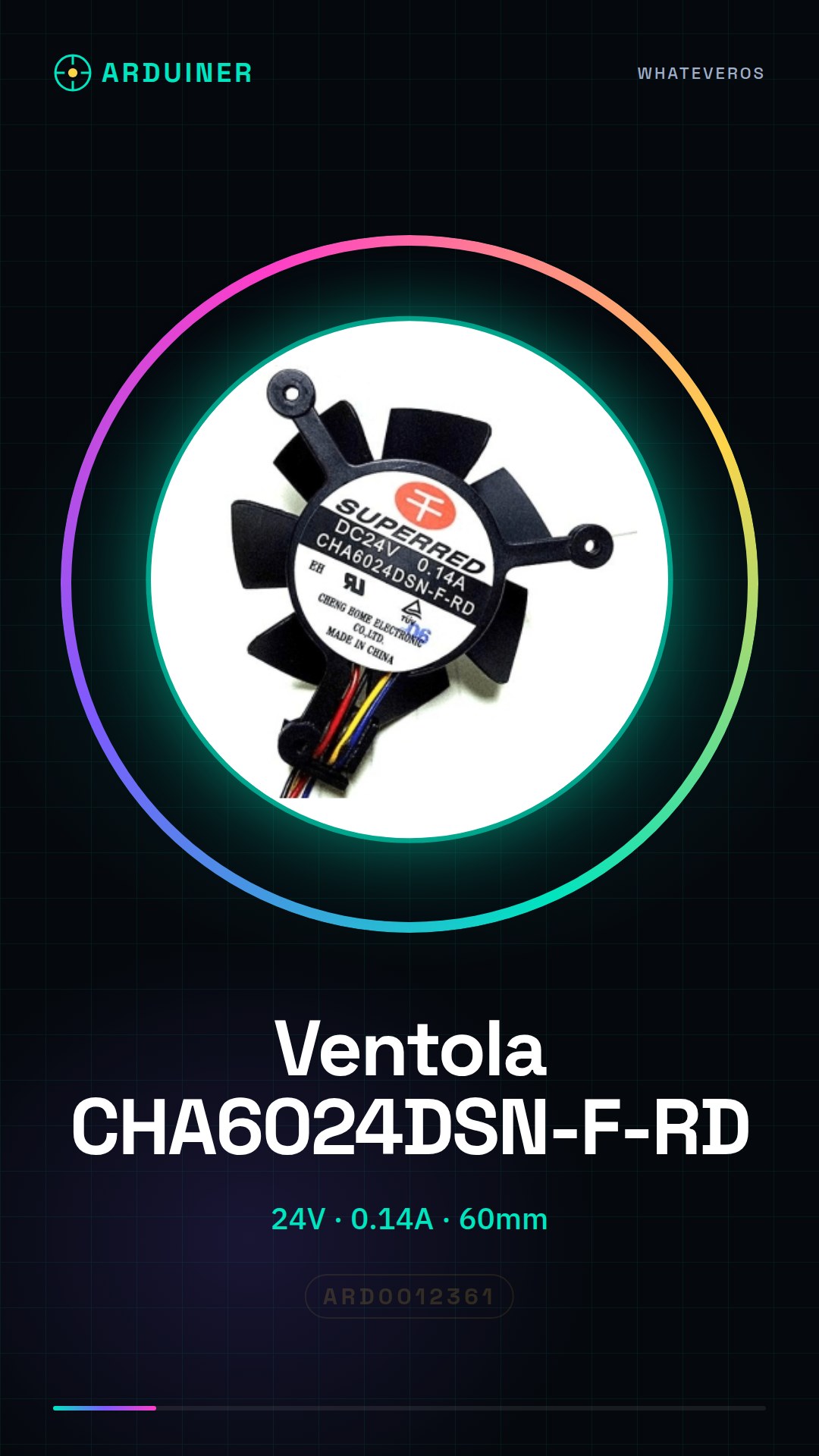
Description
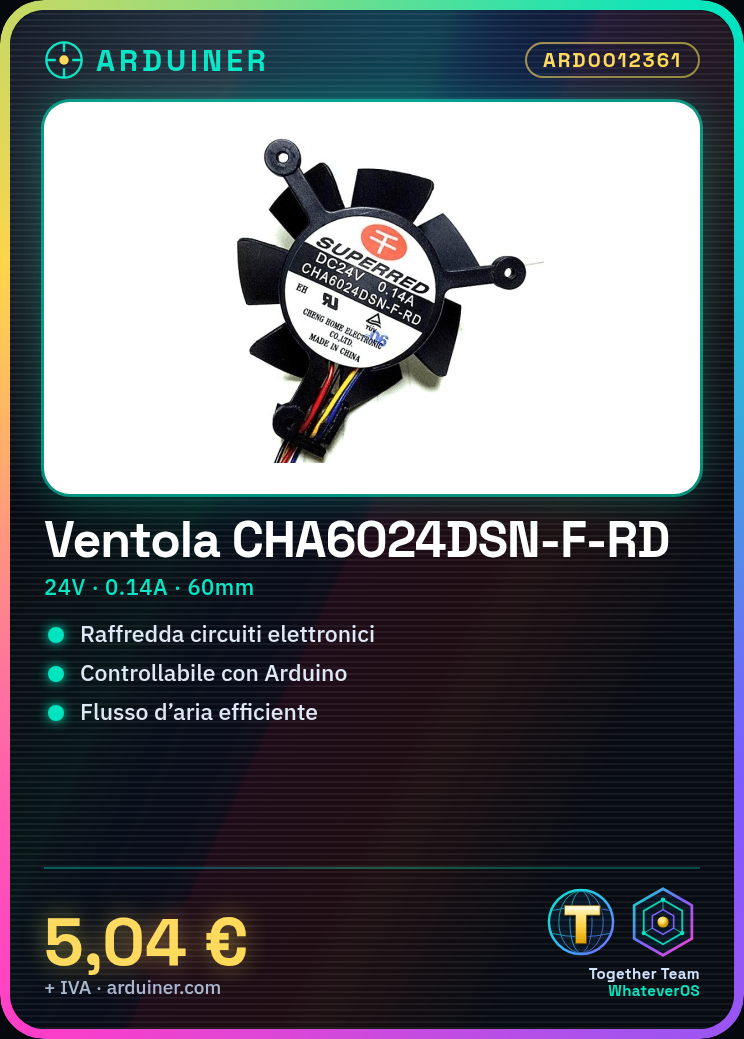
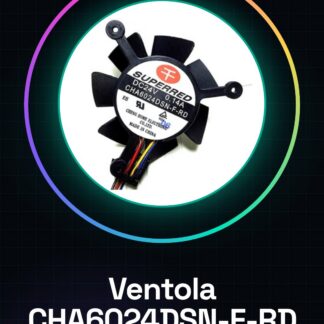
What is it? The CHA6024DSN-F-RD fan measures 60x24mm and is designed to provide effective cooling for electronic devices and DIY projects. Operating at 24V with a current of 0.14A, this fan offers good airflow for cooling electronic circuits.
Features:
– Operating Voltage: 24V
– Current: 0.14A
– Diameter: 60mm
– Height: 24mm
What is it used for? The CHA6024DSN-F-RD fan is ideal for electronic cooling projects, such as creating a cooling system for computer prototypes or 3D printing. It is compatible with Arduino and can be controlled via a temperature sensor for precise airflow control.
Tutorial: How to use the CHA6024DSN-F-RD Fan
– This 60x24mm fan is perfect for projects requiring good airflow and precise control, suitable for beginners and intermediates. It’s great for cooling electronic circuits or aerodynamics projects.
What you need:
– Arduino Uno
– Power supply cable
– Resistor
– Temperature sensors (optional)
Steps:
1. Connect the fan to a 24V power circuit.
2. Attach an Arduino control pin to the fan via a resistor.
3. Write a sketch to control the fan’s operation.
4. Verify proper fan function.
5. Install temperature sensors for advanced control (optional).
6. Modify the sketch to adjust fan speed based on temperature (optional).
7. Test the complete system.
8. Optimize the sketch to improve fan management.
Example code:
void setup() {
pinMode(9, OUTPUT);
}
void loop() {
digitalWrite(9, HIGH);
delay(1000);
digitalWrite(9, LOW);
delay(1000);
}
Mini-project: Build a cooling system for a small computer prototype using the fan, an Arduino and a temperature sensor. The project should take about 30 minutes to complete.
Common mistakes:
– Using voltage higher than 24V
– Omitting protective resistor
– Not verifying proper fan function
– Not adding a temperature sensor for advanced control
Recommended accessories:
– 220 Ohm Resistor
– LM35 Temperature Sensor
– Molex Connector
– 24V Power Cable
FAQ:
Q: What is the operating voltage of the fan?
A: 24V
Q: How much current does it allow to pass?
A: 0.14A
Q: How do you control the fan speed?
A: By modifying the sketch to vary the level.

Reviews
There are no reviews yet.