 EN
EN IT Italiano
 ES Español
 FR Français
 DE Deutsch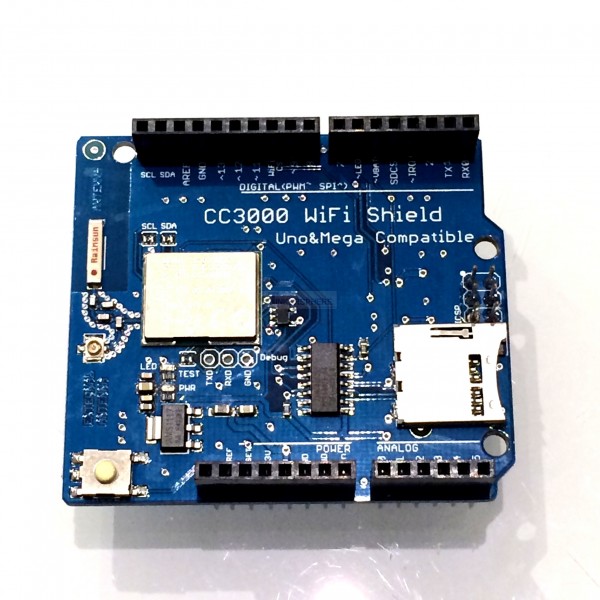
Description
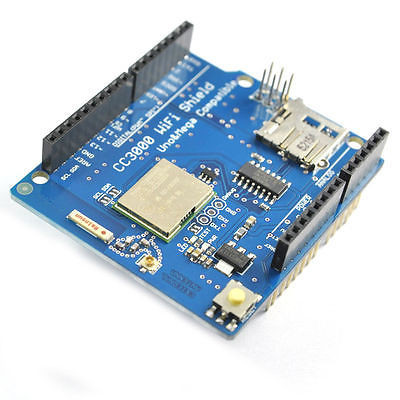
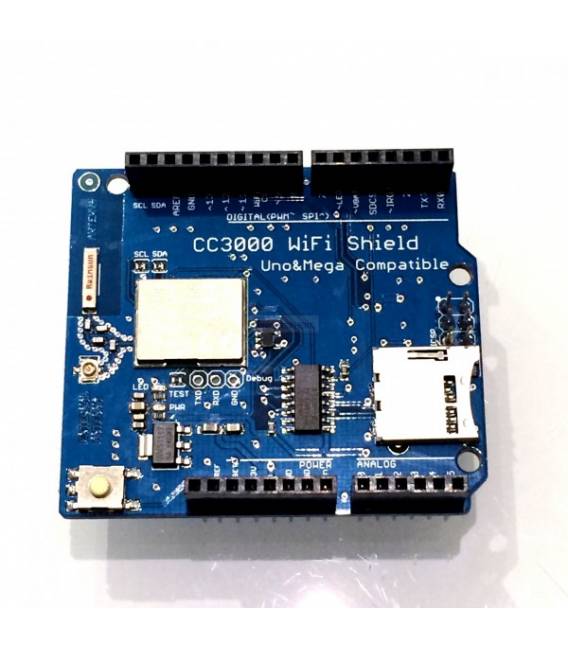
What is the CC3000 Wi-Fi Shield? The CC3000 Wi-Fi Shield is an Arduino-compatible component designed to add Wi-Fi networking features to electronic projects. This shield enables your Arduino to connect directly to the internet, making it possible to create IoT applications and remote monitoring systems. Features Compatible with Arduino Adds Wi-Fi capabilities to projects What does it serve Ideal for creating devices that send real-time data to a remote server, such as temperature sensors or monitoring systems. It can be used with various Arduino platforms. Tutorial: How to use the CC3000 Wi-Fi Shield The CC3000 Wi-Fi Shield allows you to connect your Arduino to the internet without an external module. Ideal for IoT and remote monitoring projects. What is needed Arduino Uno or compatible PC with Arduino IDE USB cable Reflector for CC3000 (optional) Steps 1. Install the Arduino IDE and CC3000 Wi-Fi driver. 2. Connect the Wi-Fi Shield to your Arduino. 3. Check the datasheet for power current requirements. 4. Connect the USB cable to your PC. 5. Load the ‘WiFiExample’ sample code from the IDE. 6. Verify Wi-Fi connection with the function ‘WiFi.begin’. 7. Check the network with ‘Serial.println(WiFi.SSID());’. 8. Configure your Wi-Fi network with correct credentials. Sample Code const char* ssid = “your_ssid”; const char* password = “your_password”; void setup() { Serial.begin(9600); WiFi.begin(ssid, password); Serial.println(“Connecting…”); } void loop() { if (WiFi.status() == WL_CONNECTED) { Serial.println(“Connected to the network!”); } } Mini-project Create a simple temperature sensor that sends real-time data to a remote server. Common mistakes Forgetting to install the CC3000 Wi-Fi driver. Incorrectly connecting the shield. Setting incorrect Wi-Fi credentials. Not verifying power current requirements. Recommended accessories Temperature sensors LCD display GSM module (for SMS) Reflector for CC3000 Frequently Asked Questions How can I verify the required power current? Check the datasheet or contact the vendor for further details. My Arduino does not connect to the internet. Verify your Wi-Fi configuration and power current settings. What other components can I use with this shield? You can use sensors, displays, and other compatible Arduino components.
Reviews
There are no reviews yet.