 EN
EN IT Italiano
 ES Español
 FR Français
 DE Deutsch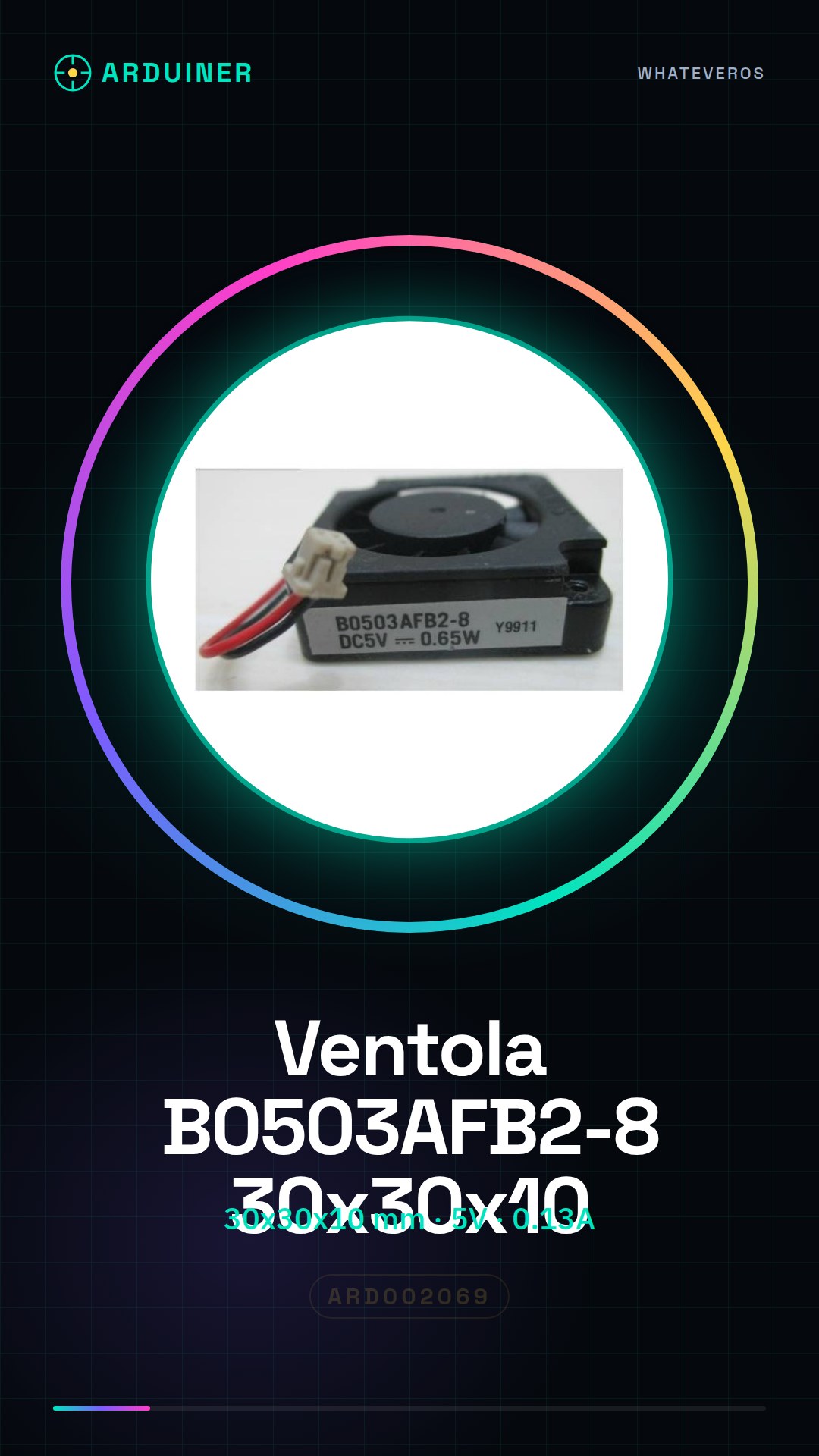

Description
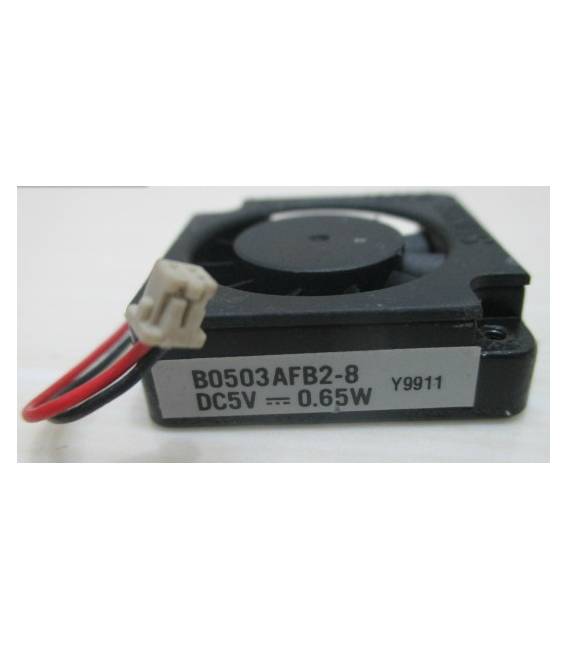
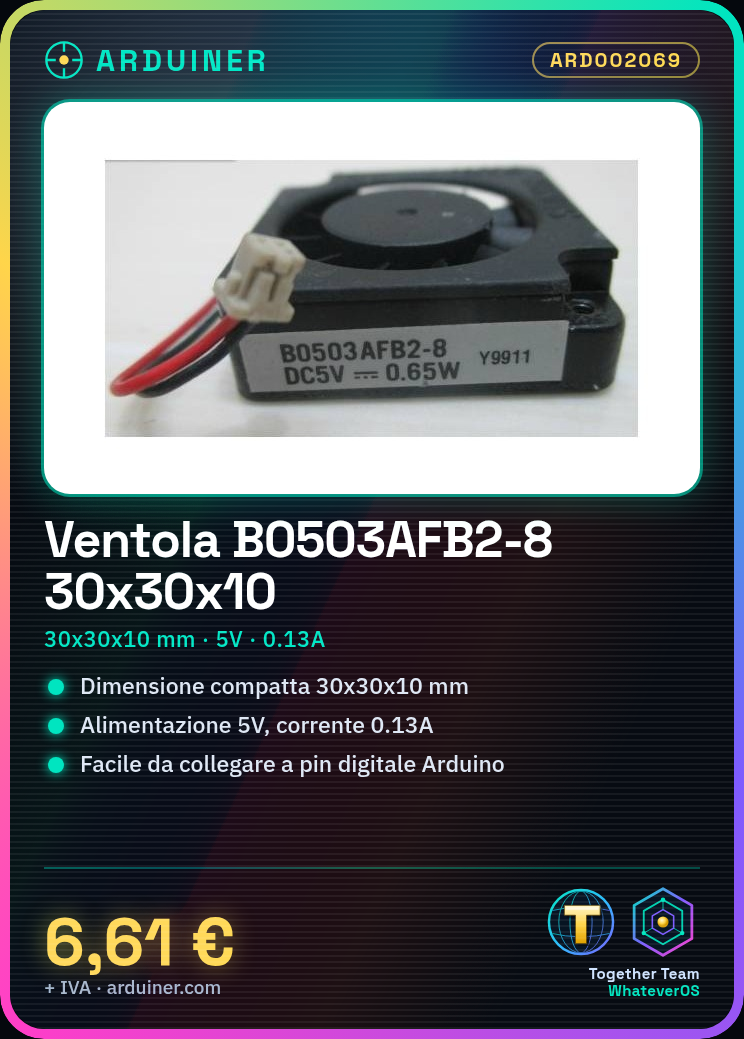
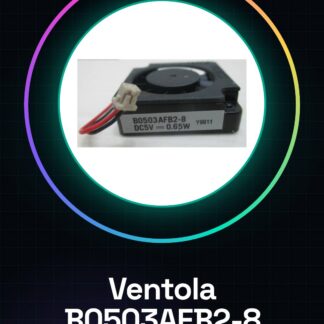
What is the B0503AFB2-8 Fan? The B0503AFB2-8 is an electronic component designed for cooling electronic systems. With compact dimensions, this fan fits perfectly in small projects like 3D printers and CNC systems. Features Dimensions: 30x30x10 mm Voltage: 5V Maximum Current: 0.13A Maximum Power: 0.65W How to Use the B0503AFB2-8 Fan The B0503AFB2-8 fan is ideal for heat dissipation in small electronic projects, such as 3D printers or control systems. This tutorial will guide you through the installation and connection of the fan. What You Need Arduino Uno USB Cable 5V Connection Steps Ensure your power supply can provide at least 0.65W at 5V. Connect the red wire of the fan to your 5V power supply. Connect the black wire of the fan to the ground (GND) of your circuit. Check that the fan rotates correctly and does not produce unusual noises. If necessary, use a relay or transistor to control the activation of the fan via an Arduino output pin. Example Code void setup() { pinMode(13, OUTPUT); } void loop() { digitalWrite(13, HIGH); // Turn on the fan delay(5000); digitalWrite(13, LOW); // Turn off the fan } Mini-project Create a heat dissipation system for a 3D printer with the help of the B0503AFB2-8 fan. Connect the fan motor to a digital pin of the Arduino and write a sketch that controls its activation. Common Mistakes Incorrect connection between power supply and ground. Insufficient power supply to operate the fan correctly. Using an unsuitable relay or transistor for the fan’s current. Lack of sufficient heat sinks. Recommended Accessories Optocoupler Relay MOSFET N-Channel Heat Sink Electronic Mounting Kit Frequently Asked Questions Can the fan be controlled by an Arduino? Yes, the fan can be turned on and off using a relay or transistor connected to an Arduino output pin. How much heat can this fan dissipate? Check the datasheet for detailed information on the fan’s heat dissipation capacity.
Reviews
There are no reviews yet.