 EN
EN IT Italiano
 ES Español
 FR Français
 DE Deutsch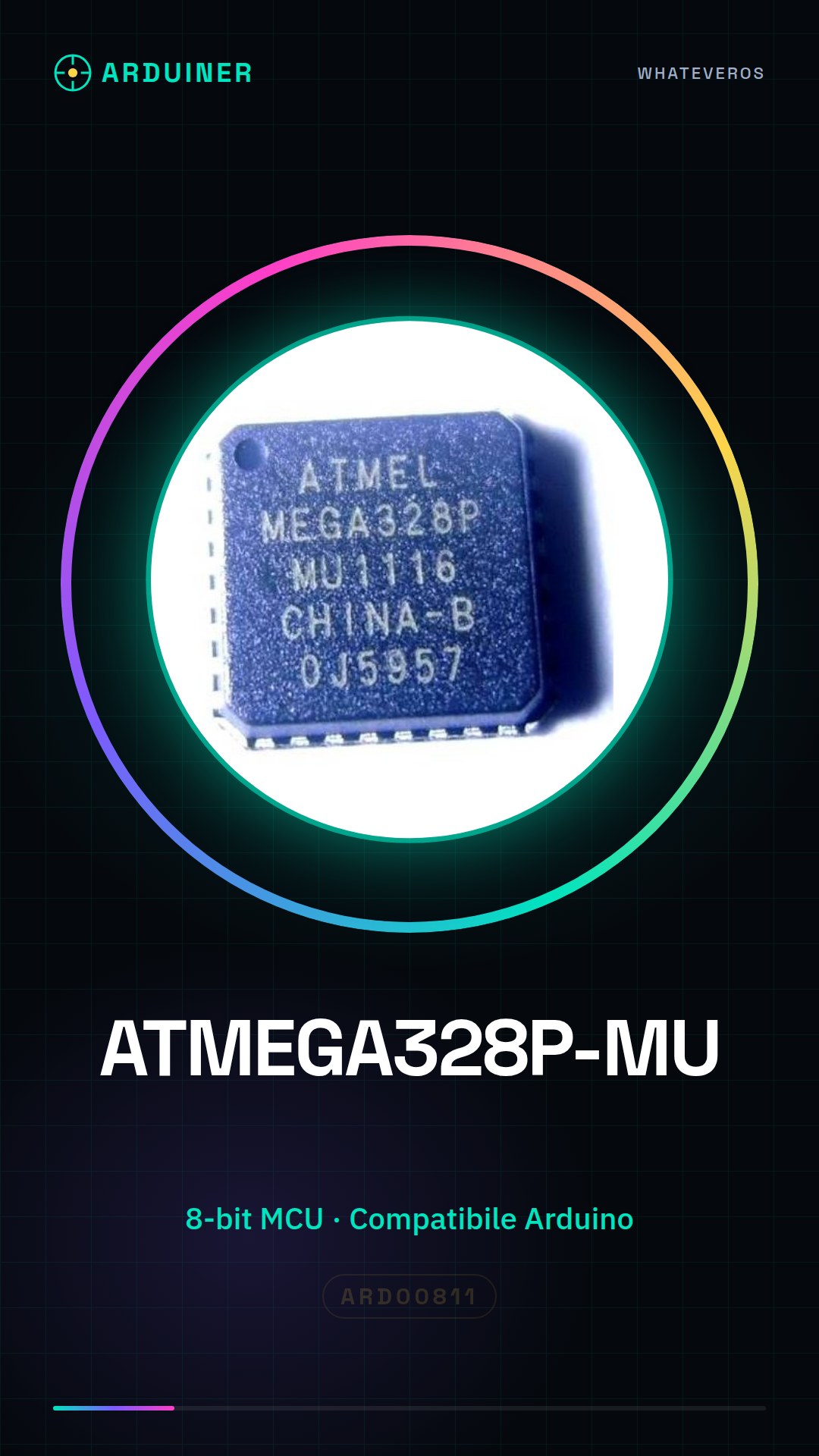
Description
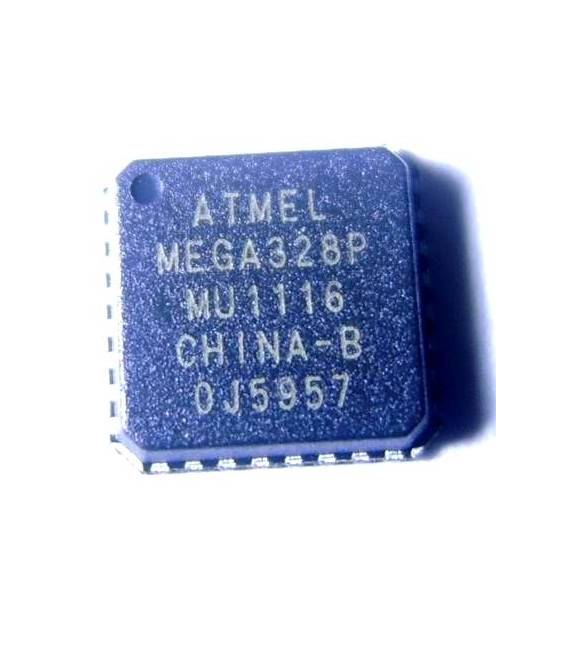
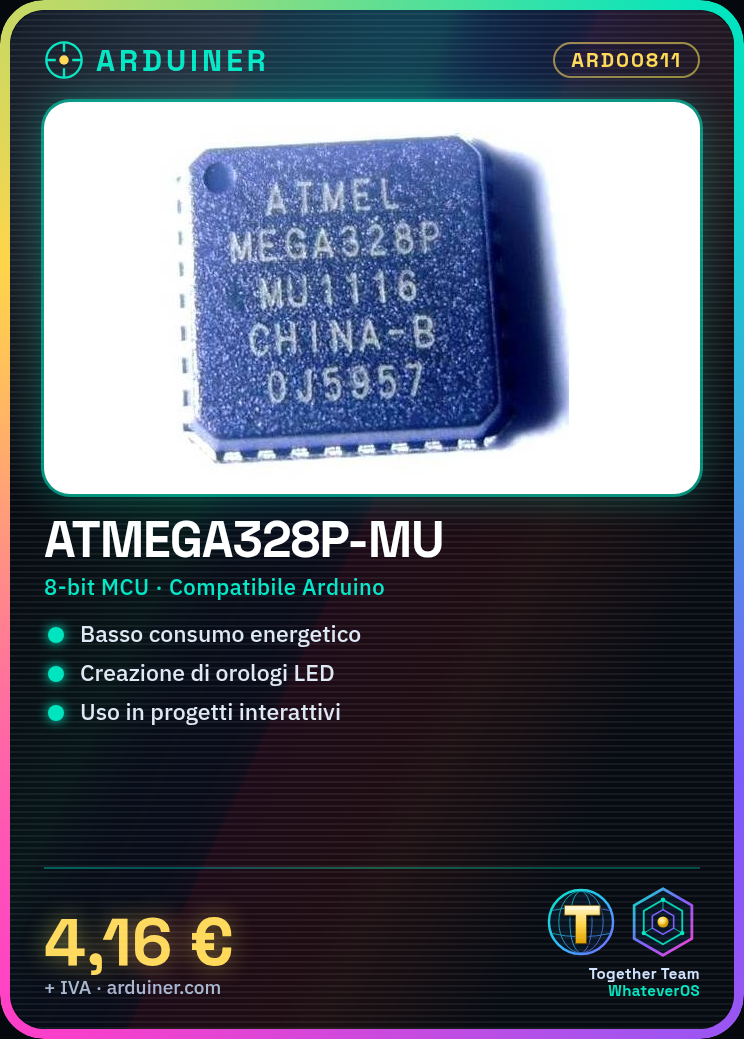
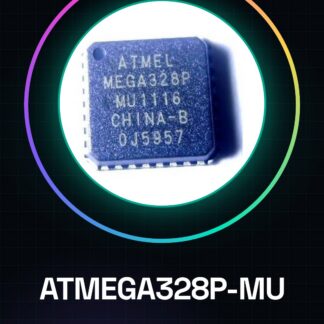
What is the ATMEGA328P-MU? The ATMEGA328P-MU is an 8-bit microcontroller integrated circuit commonly used in Arduino projects. It is ideal for programmers and makers who want to create low-power devices with advanced features.
Features:
– 8-bit Microcontroller
– Compatible with Arduino
What does the ATMEGA328P-MU do? The ATMEGA328P-MU is used in various electronic projects, such as creating simple LED clocks or interactive devices. It is suitable for both beginners and experts.
Tutorial: How to use ATMEGA328P-MU
The ATMEGA328P-MU is an 8-bit microcontroller commonly used in Arduino projects. It is ideal for beginners and makers who want to create low-power devices with advanced features.
What you need:
– Arduino Uno or compatible board
– IDC cables
– Power supply
Steps:
1. Install the ATMEGA328P-MU microcontroller on a breadboard.
2. Connect the IDC cables to the pins of the microcontroller for programming.
3. Configure the Arduino IDE with the correct board and serial port settings.
4. Program the microcontroller through the Arduino IDE.
5. Verify that an LED connected to pin 13 (or another) blinks as expected in the code.
Example Code:
void setup() {
pinMode(13, OUTPUT);
}
void loop() {
digitalWrite(13, HIGH);
delay(500);
digitalWrite(13, LOW);
delay(500);
}
Mini-project: Create a simple LED clock using the ATMEGA328P-MU and some LEDs. Connect the LEDs to the microcontroller pins and use the timer to synchronize the pulses.
Common Errors:
– Incorrect serial port configuration.
– Pins not correctly connected during programming.
– Wrong firmware loaded into the microcontroller.
Recommended Accessories:
– Arduino Uno R3
– IDC Cables
– Breadboard
Reviews
There are no reviews yet.