 EN
EN IT Italiano
 ES Español
 FR Français
 DE Deutsch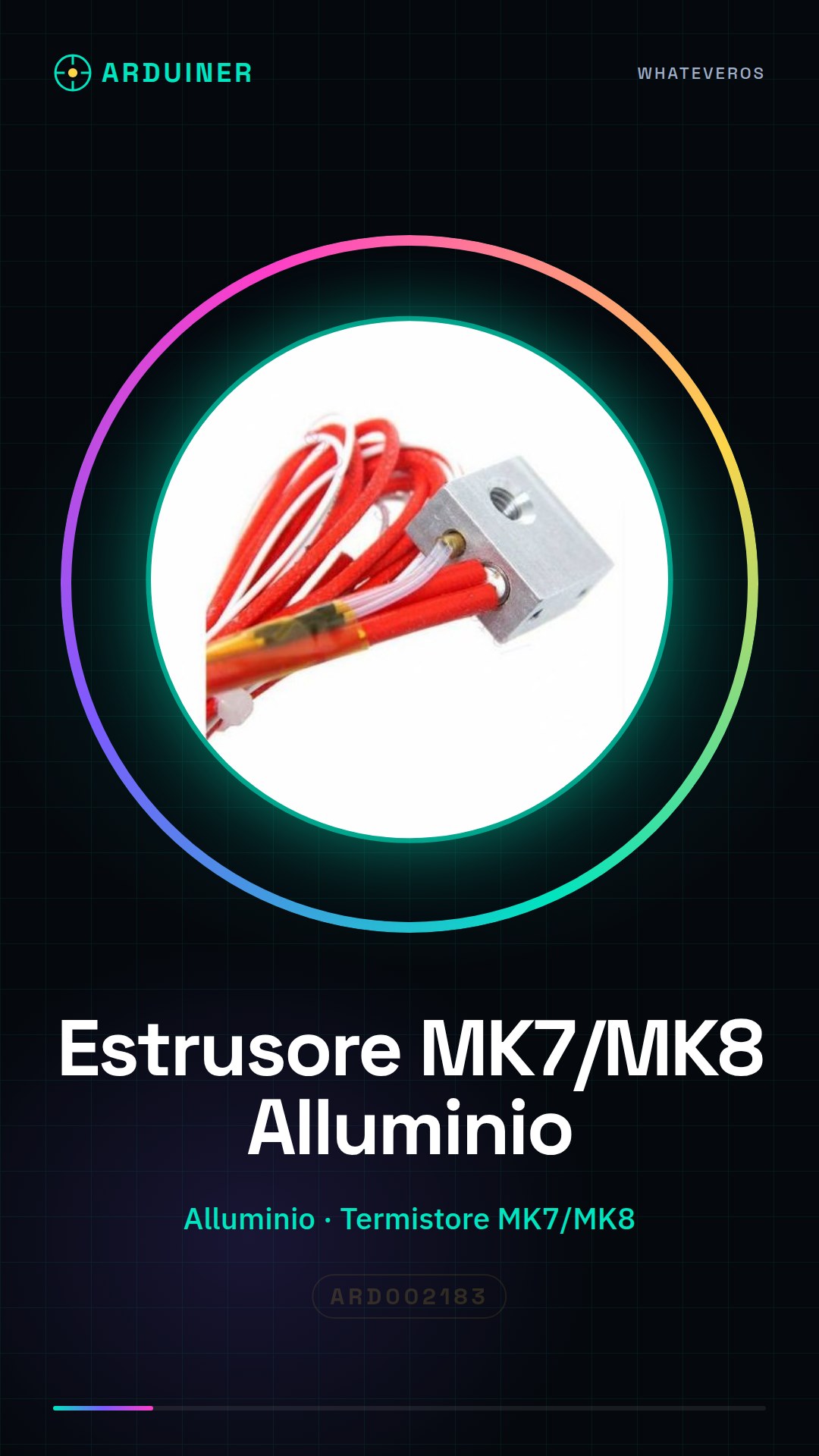
Description
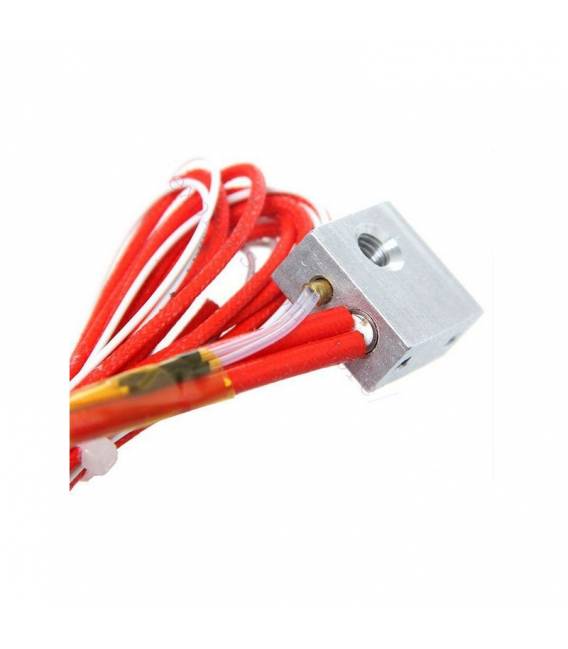
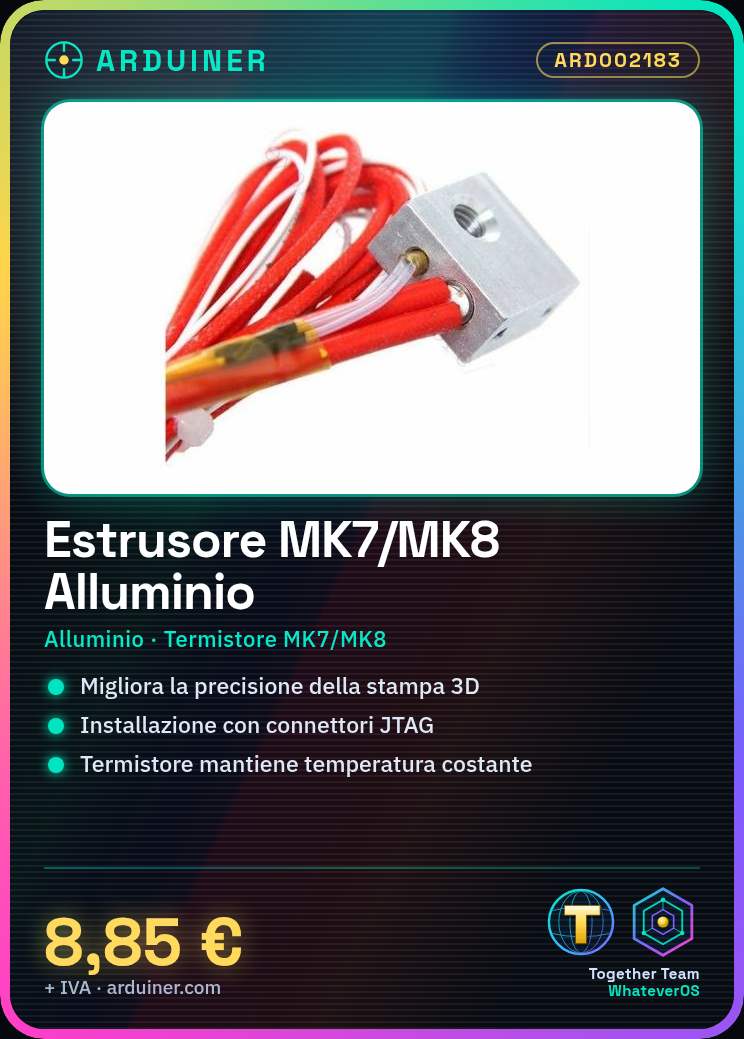
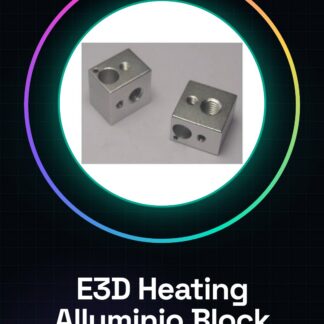
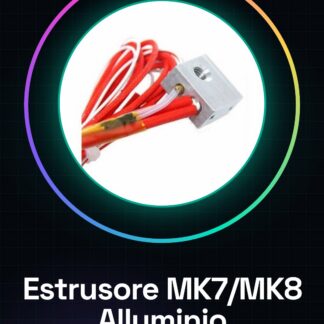
Datasheets for all components are available upon request. Tutorial: How to Use the Aluminum Extruder Block MK7/MK8. This extruder block is essential for improving the precision and efficiency of your 3D printers. Suitable for both beginners and experienced makers. What you need: 3D Printer, JTAG Connections, USB Cable, Tool Kit, Thermometer. Check the compatibility of the extruder block with your 3D printer by referring to the datasheet. Disconnect the old extruder from the printer following the printer’s manual. Connect the JTAG connectors of the extruder block to the main circuit of the 3D printer, verifying the specifications on the datasheet. Physically install the new extruder block following the manufacturer’s guide. Verify the installation by connecting the USB cables and ensuring everything is correctly connected. Configure the 3D printer software to recognize the new extruder block, following the instructions in the datasheet. Test the functionality of the extruder with a simple test model. Verify the temperature and accuracy of the thermistor during a short print. Recommended accessories: 3D Filament Cartridges, 3D Printer Maintenance Kit, 3D Printer Control Software, 3D Printing Movement Sensors. For frequently asked questions, please check the datasheet of your 3D printer.
Reviews
There are no reviews yet.