 EN
EN IT Italiano
 ES Español
 FR Français
 DE Deutsch
Description
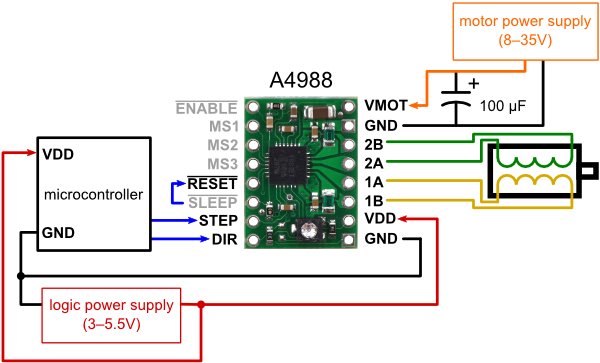
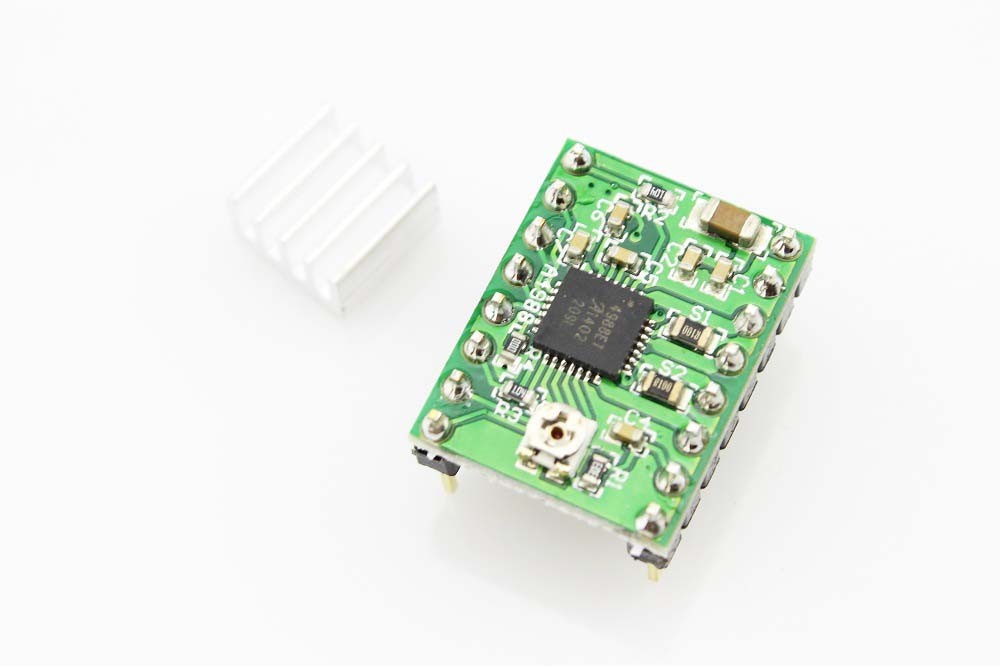
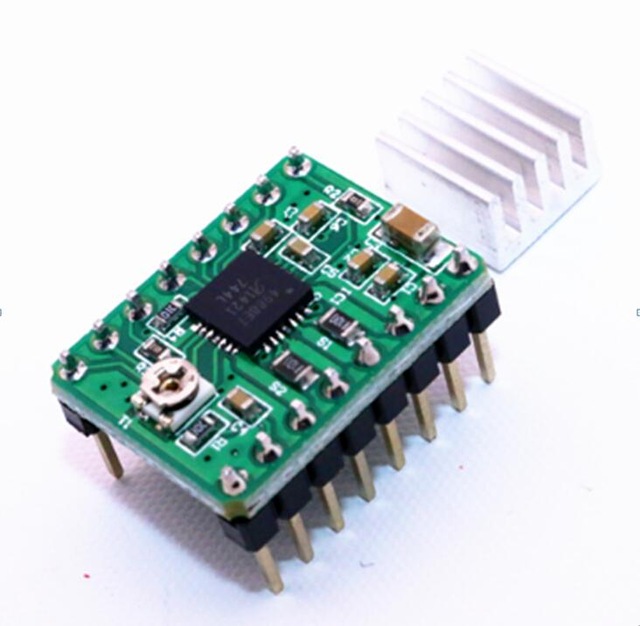
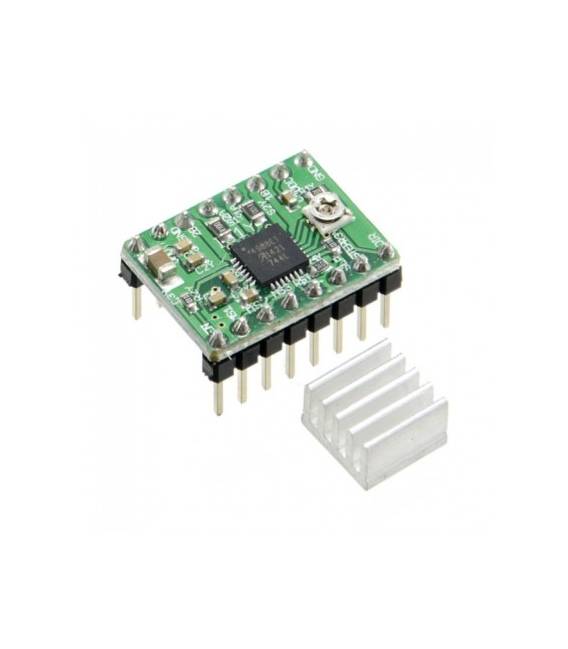
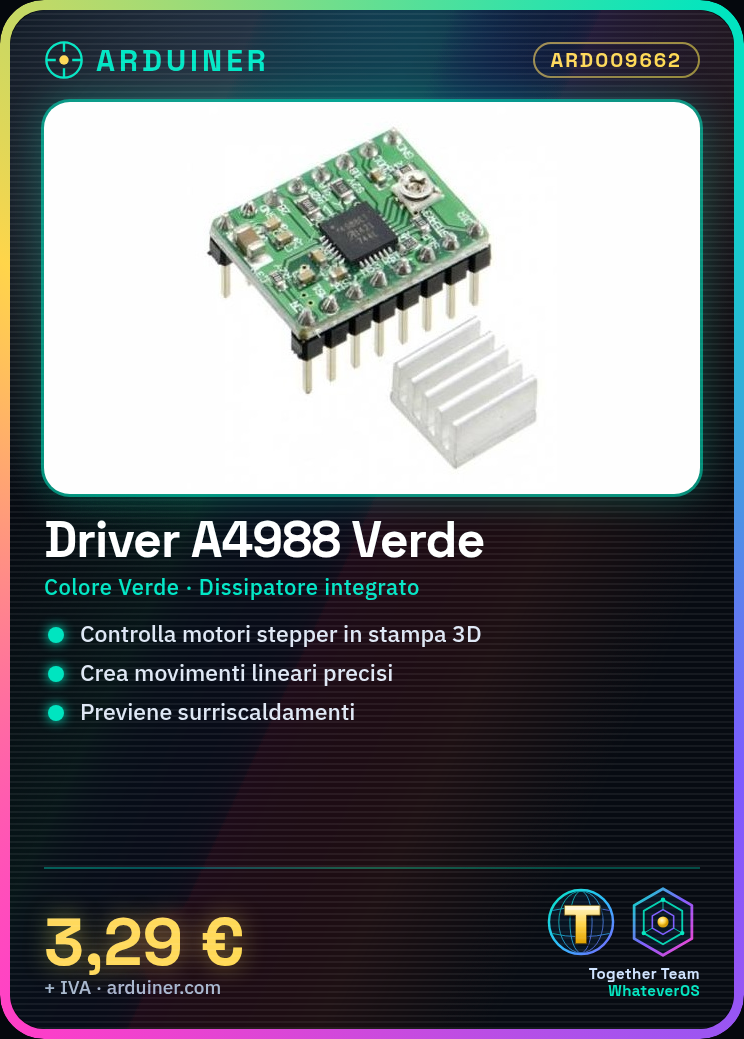
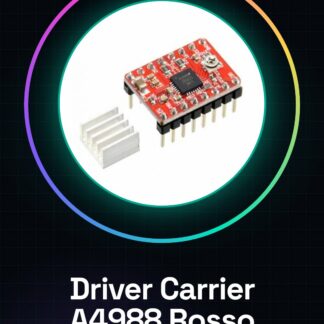
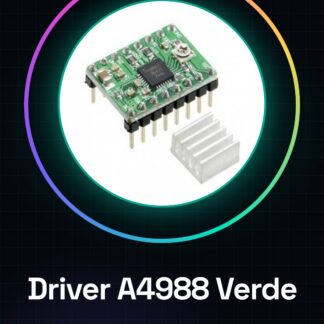
What is the A4988 Green Driver with Heat Sink? The A4988 Green Driver with Heat Sink is an integrated circuit designed to control stepper motors. It is commonly used in 3D printing and CNC systems due to its ability to provide precise movement control. Features of the A4988 Driver Colour: Green Thermal heat sink included Compatible with stepper motors What does it do? The green A4988 driver with heat sink is ideal for controlling stepper motors in 3D printers and CNC systems. It allows for the creation of precise linear motion systems to manage element positioning during printing or machining. Compatibility with Arduino or ESP32/ESP8266 makes it easy to integrate into automation projects. Tutorial: How to Use A4988 Driver with Heat Sink The A4988 driver is crucial for controlling stepper motors in 3D printer and CNC projects. This tutorial will guide you through the necessary steps for proper installation. What You Need Stepper Motors Arduino Uno or compatible JST cable Power supply connection Steps Connect the A4988 driver to the stepper motor following product documentation. Check the datasheet for specific pin requirements. Connect the Arduino to the control board via a JST cable or equivalent. Power the circuit with a stable and sufficiently powerful power source. Download the provided Arduino sketch from the tutorial. Compile and upload it to your Arduino. Monitor the heat sink temperature during operation to prevent overheating. Adjust motor speed and direction settings through the control software. Test the complete system with a short movement cycle. Further optimise configuration based on results obtained. Example Code void setup() { pinMode(2, OUTPUT); } void loop() { digitalWrite(2, HIGH); // Activate motor delay(1000); digitalWrite(2, LOW); // Deactivate motor } Mini-project Create a simple linear motion system to control the position of a 3D printer or CNC. Common Errors Overheating of heat sink Incorrect pin connections Insufficient power supply Unoptimised settings Recommended Accessories Arduino Uno R3 Stepper Motors NEMA 17 JST cable Power Supply 24V Frequently Asked Questions What is the maximum voltage I can apply? Check the datasheet for A4988 driver voltage limits. How do I adjust microstepping? Use pin-strapped resistors as indicated in product documentation.

Reviews
There are no reviews yet.