 EN
EN IT Italiano
 ES Español
 FR Français
 DE Deutsch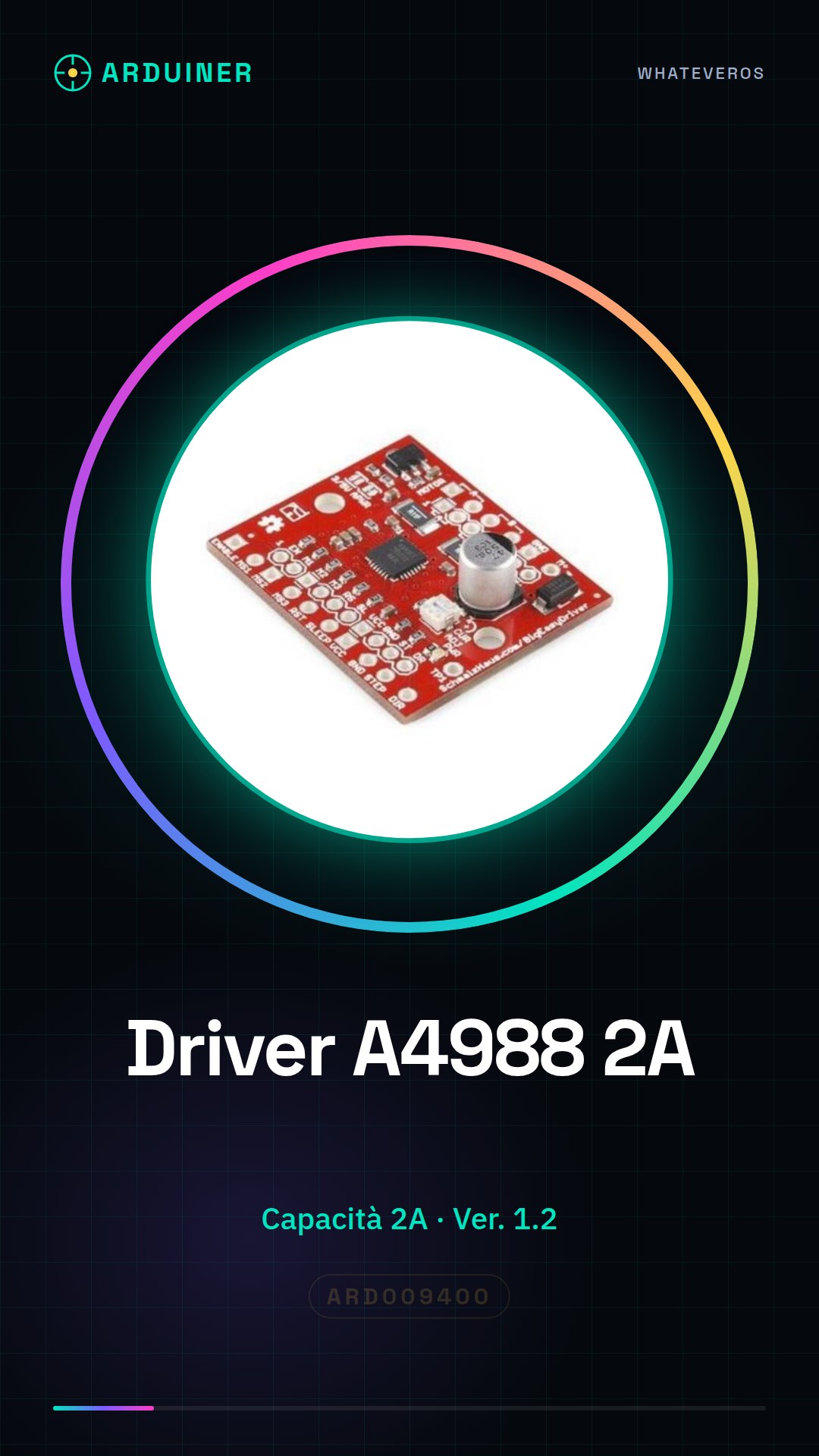
Description
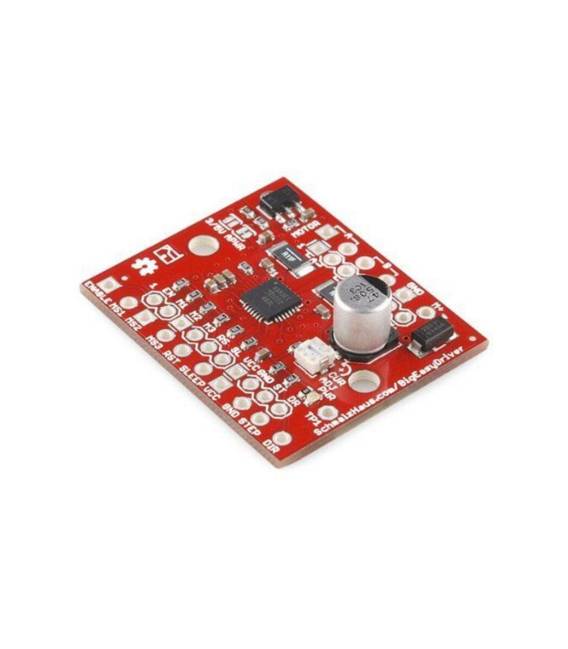
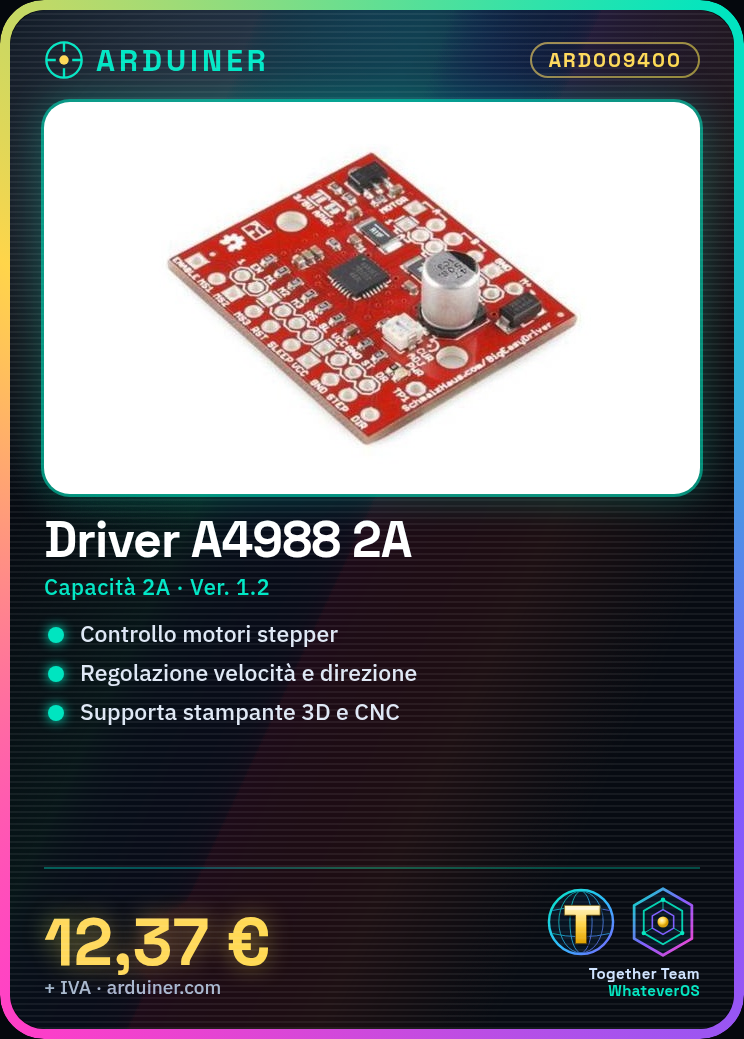
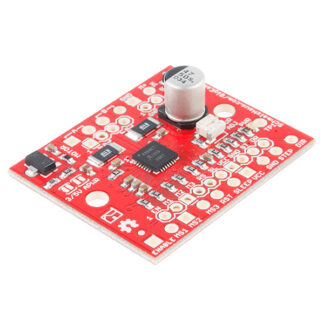
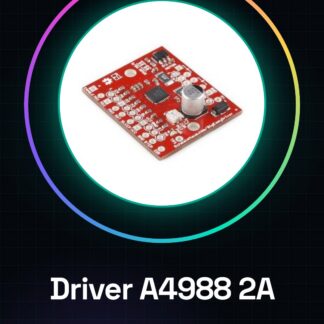
What is the A4988 Driver Board Ver. 1.2 Big Easy 2A? The A4988 Driver Board Ver. 1.2 Big Easy 2A is an integrated circuit designed to control stepper motors. It offers a simple and effective solution for integrating motion systems in projects such as 3D printers and CNC machines.
Driver A4988 Ver. 1.2 Features:
– Current capacity of 2A per motor
– SKU: ARD009400
– Price: £12.37 (converted from € for reference)
The driver board is ideal for managing stepper motors in applications like 3D printers and CNC machines, allowing precise control over speed and direction. Its compatibility with Arduino and other microcontrollers makes it a versatile choice for automation and robotics projects.
How to Use the A4988 Driver Board Ver. 1.2 Big Easy 2A: This tutorial will guide you through installing and configuring the driver board for use in projects such as 3D printers and CNC machines.
What You Need:
– Arduino Uno
– USB cable
– Compatible stepper motors
– Power supply connection
Steps:
1. Connect the A4988 driver to the Arduino using appropriate connectors.
2. Verify the stepper motor’s power supply voltage (typically 12V or 24V) and connect it to the board.
3. Set up maximum current settings via external resistors on the board.
4. Download the A4988 driver software for Arduino from the internet.
5. Compile and run a test sketch with the Arduino IDE.
6. Check motor position and direction through the serial monitor in the Arduino IDE.
7. Adjust parameters like microstepping on the A4988 board if necessary.
8. Fully test the system to ensure everything works correctly.
Example Code:
// Example code for testing the A4988 driver
#include
const int stepsPerRevolution = 200; // Number of stepper motor steps
Stepper myStepper(stepsPerRevolution, 8, 10, 9, 11);
void setup() {
Serial.begin(9600);
myStepper.setSpeed(60); }
void loop() {
myStepper.step(100); delay(500);
myStepper.step(-100); delay(500);}
Mini-Project:
Create a simple motion system for a 3D printer or CNC using the A4988 board and control it with Arduino.
Common Mistakes:
Setting maximum currents too high, damaging components.
Reviews
There are no reviews yet.