 EN
EN IT Italiano
 ES Español
 FR Français
 DE Deutsch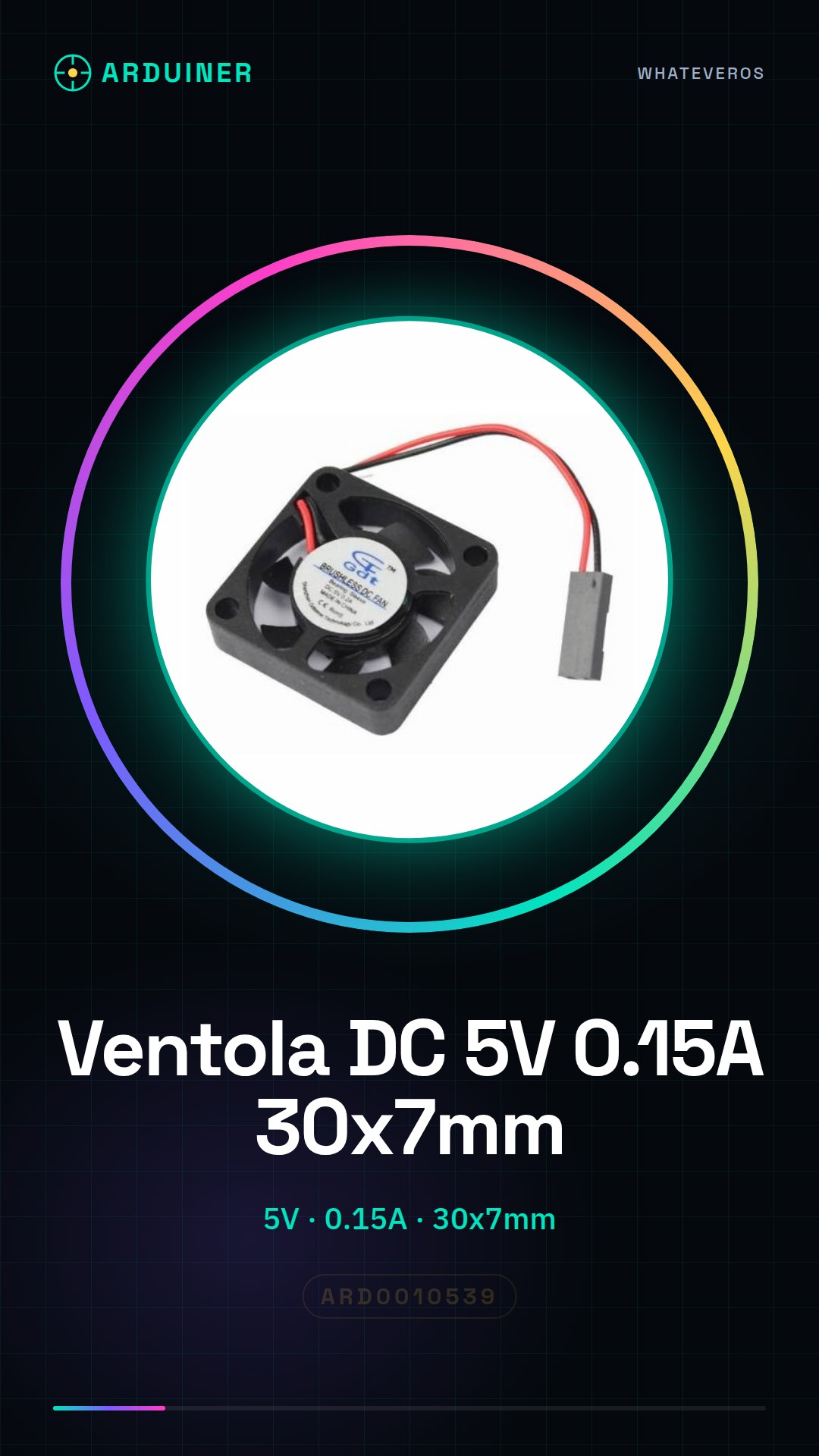
Description
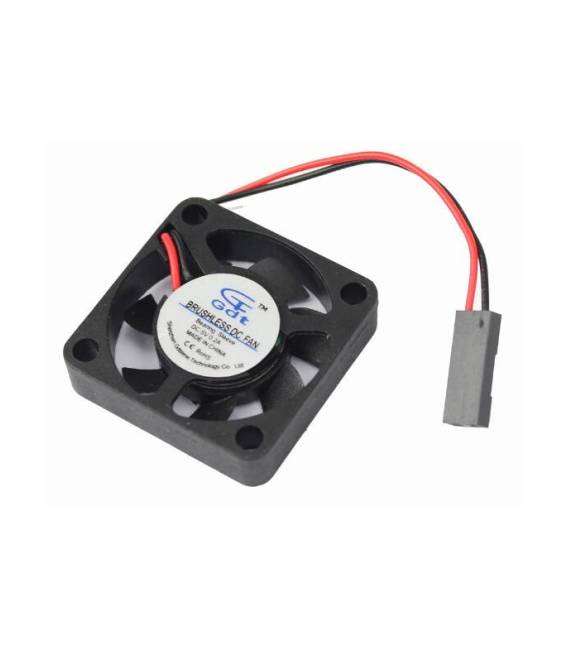
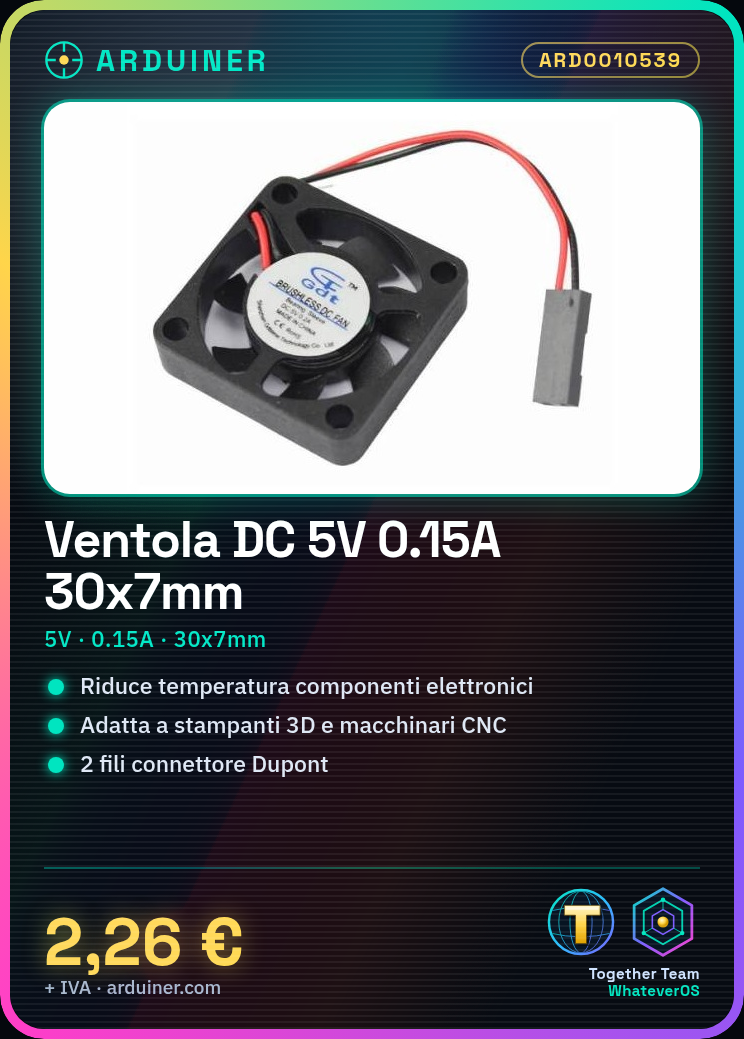
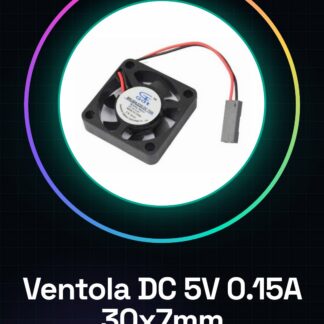
What is the 5V DC Cooling Fan 30x7mm 0.15A 2 Wire Dupont Connector? This small fan features a 2-wire Dupont connector and is suitable for cooling electronic components in DIY and hobby projects. Features Operating Voltage: 5V Current: 0.15A Dimensions: 30x7mm Model: 3007 Connector: 2-Wire Dupont What does it do? This fan is designed for the cooling of 3D printers, CNC machines, and other electronic devices requiring passive cooling systems. It can be installed near heat sinks to reduce component temperatures and enhance device performance. Compatibility with Arduino and ESP should be verified in the datasheet. Tutorial: How to Use DC Fan 3007 The DC fan model 3007 is ideal for cooling 3D printers and CNC machines, suitable for beginners and intermediate users. What do you need? DC Fan Model 3007 Dupont Connector Resistor 220Ω (check datasheet) Compatible Arduino or microcontroller Steps 1. Ensure the power supply voltage is 5V. 2. Connect fan wires to VCC and GND pins of the Dupont connector. 3. Insert a 220Ω resistor between VCC and the GND pin of the connector. 4. Plug the Dupont connector into Arduino pin 9 or 10. 5. Upload the following code to your Arduino. 6. Check that the fan turns on and operates correctly. 7. Adjust fan speed using a timer or temperature sensor. 8. Verify compatibility with other microcontrollers. Example Code “` void setup() { pinMode(9, OUTPUT); } void loop() { digitalWrite(9, HIGH); delay(1000); digitalWrite(9, LOW); delay(1000); } “` Mini-project Build a cooling system for your 3D printer by installing the fan near a heat sink and monitoring temperature with a sensor. Common Mistakes Directly connecting the fan to VCC without resistance can damage the microcontroller. Do not use voltages other than 5V. Avoid plugging the fan into non-dedicated digital output pins. Omitting the resistor may cause a short circuit. Recommended Accessories Temperature Sensor Heat Sink Arduino Pins Power Cable 5V Frequently Asked Questions The fan doesn’t turn on? Check wire connections and resistance. Ensure voltage is correct. How can I control fan speed? Use a timer or temperature sensor to regulate speed.
Reviews
There are no reviews yet.