 EN
EN IT Italiano
 ES Español
 FR Français
 DE Deutsch
Description
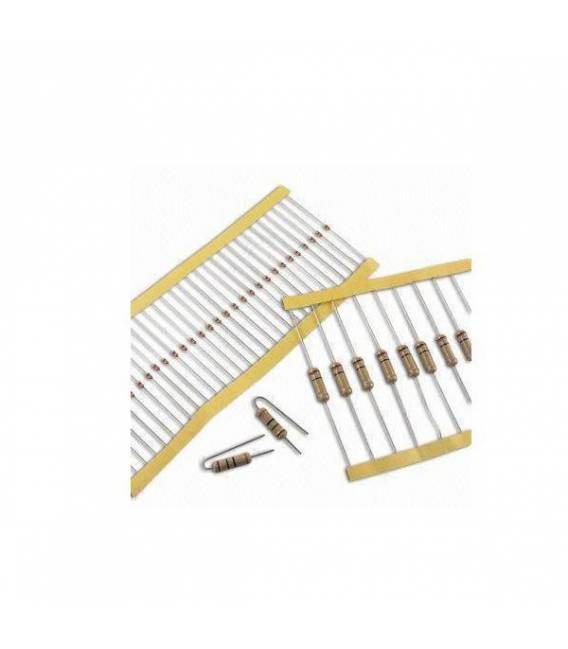
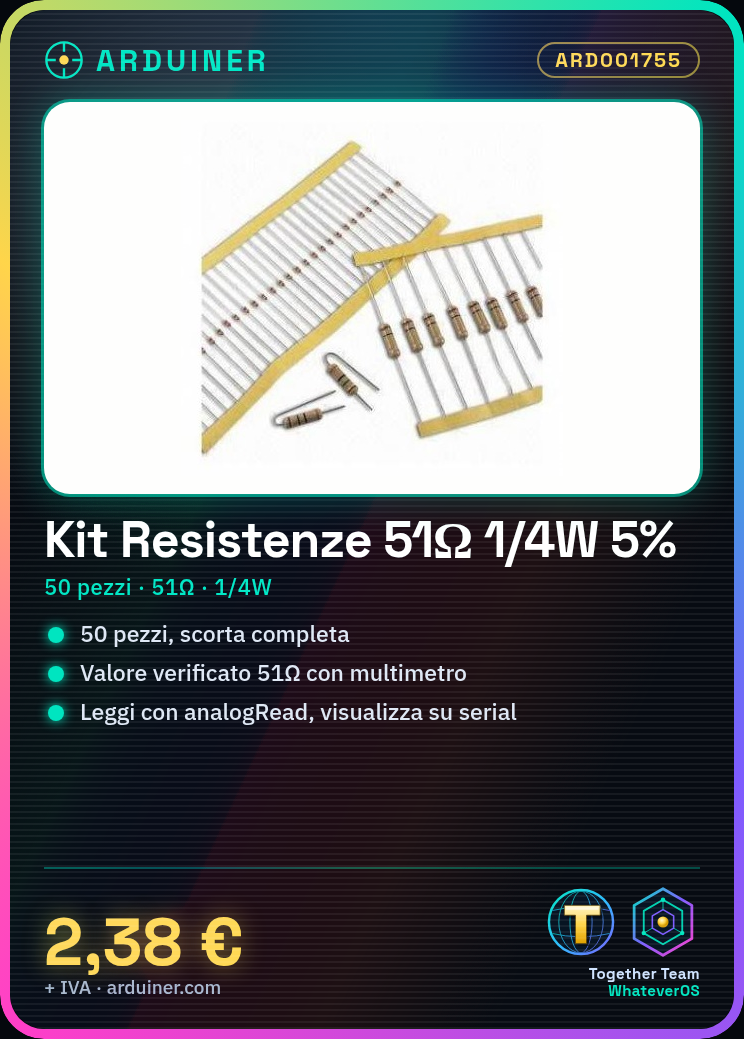
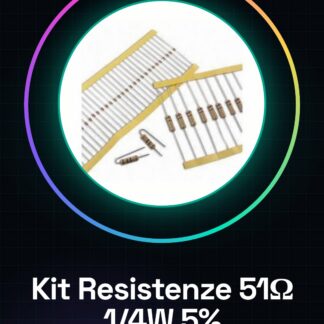
Tutorial: How to Use 51 Ohm Resistor Kit This 51 ohm resistor kit is perfect for Arduino projects and electronic prototypes. With 50 pieces, you’ll never run out of stock. What You Need Arduino Uno Breadboard Tools Steps Verify the resistance value (51 ohm) using a multimeter. Connect the resistor between two Arduino pins using connecting wires. Configure analogRead() to read the resistance connected to an analog pin. Check the correct operation of the circuit with the serial monitor. Example Code // Connect a resistor between GND and A0 int sensorPin = A0; void setup() { Serial.begin(9600); } void loop() { int val = analogRead(sensorPin); Serial.println(val); } Mini-project Create a simple light sensor by connecting the resistor between a photoresistor and an analog pin on the Arduino. Display the changes in brightness on the serial monitor. Common Mistakes Connecting the resistor to a potentiometer instead of GND or VCC. Not verifying the resistance value before use. Using a resistor that is too large for the desired circuit. Recommended Accessories 10k Ohm Resistor Kit Arduino Uno R3 Breadboard Prototype Frequently Asked Questions What is the maximum power of the resistor? Check the datasheet, but generally for a 1/4W resistor. Can I use this resistor in a digital circuit? Yes, if the electrical value is suitable for your project.
Reviews
There are no reviews yet.