 EN
EN IT Italiano
 ES Español
 FR Français
 DE Deutsch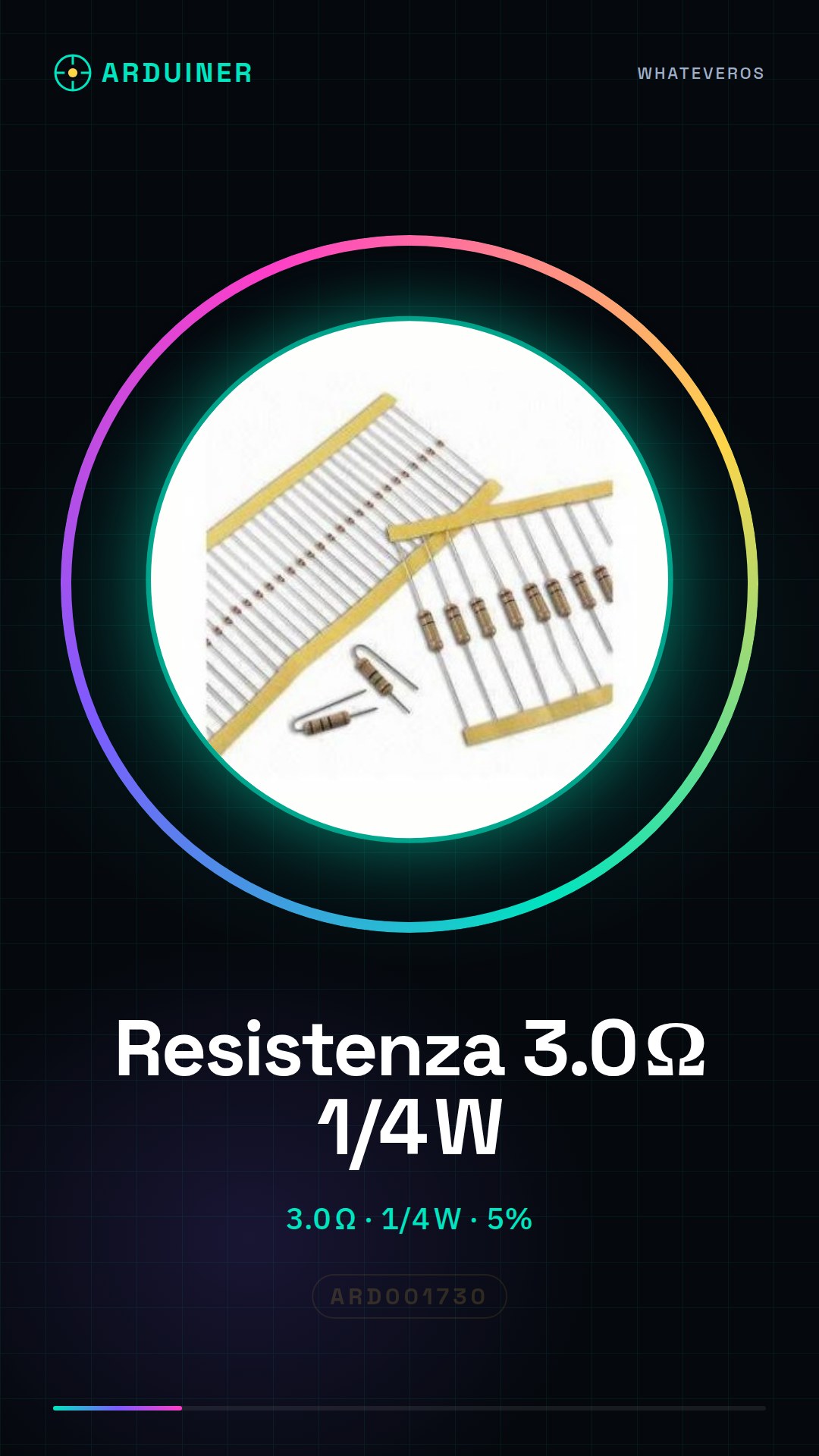

Description
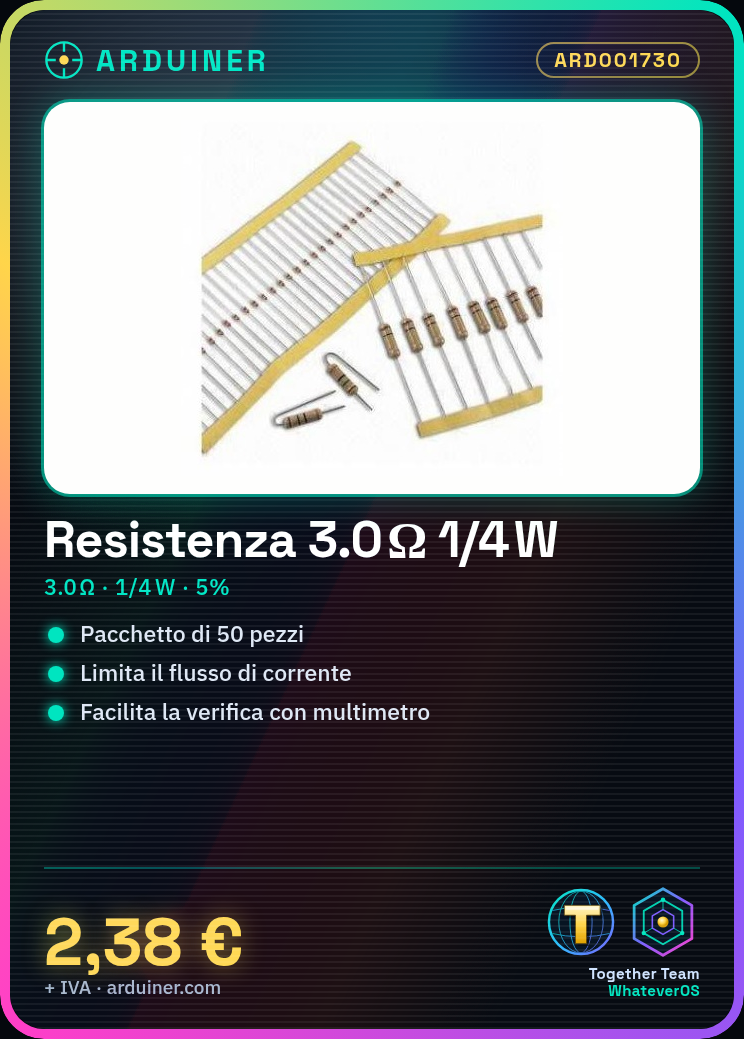
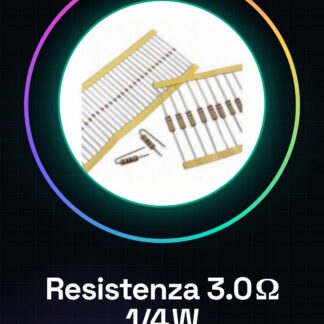
Tutorial: How to Use 3.0 Ohm 1/4w Resistor
A fundamental component for limiting current flow in an electronic circuit. This tutorial will guide you on how to correctly install it in your Arduino projects.
What You Need:
Arduino Uno
USB Cable
3D Printer (for prototyping)
Sensors
Steps:
Verify the component’s resistance using a multimeter.
Connect the red side of the resistor to the Arduino’s output pin and the black side to ground.
Write a simple sketch to control the current through the resistor.
Test the circuit with an LED connected in series with the resistor.
Example Code:
“`int ledPin = 13;
void setup() {
pinMode(ledPin, OUTPUT);
}
void loop() {
digitalWrite(ledPin, HIGH);
delay(1000);
digitalWrite(ledPin, LOW);
delay(1000);
}“`
Mini-Project: Create a simple alarm system with a resistor and a motion sensor.
Common Errors:
Connecting the resistor to the wrong Arduino pin.
Using it in circuits requiring a different resistance value than 3.0 ohm.
Not verifying the resistance value before use.
Recommended Accessories:
Motion Sensors
LEDs
Multimeter
Frequently Asked Questions:
How can I verify the resistance value? Use a multimeter and compare the measured value with the one indicated on the component.
What is the maximum power it can handle? Check the datasheet of the product, usually 1/4w for this resistor.

Reviews
There are no reviews yet.