 EN
EN IT Italiano
 ES Español
 FR Français
 DE Deutsch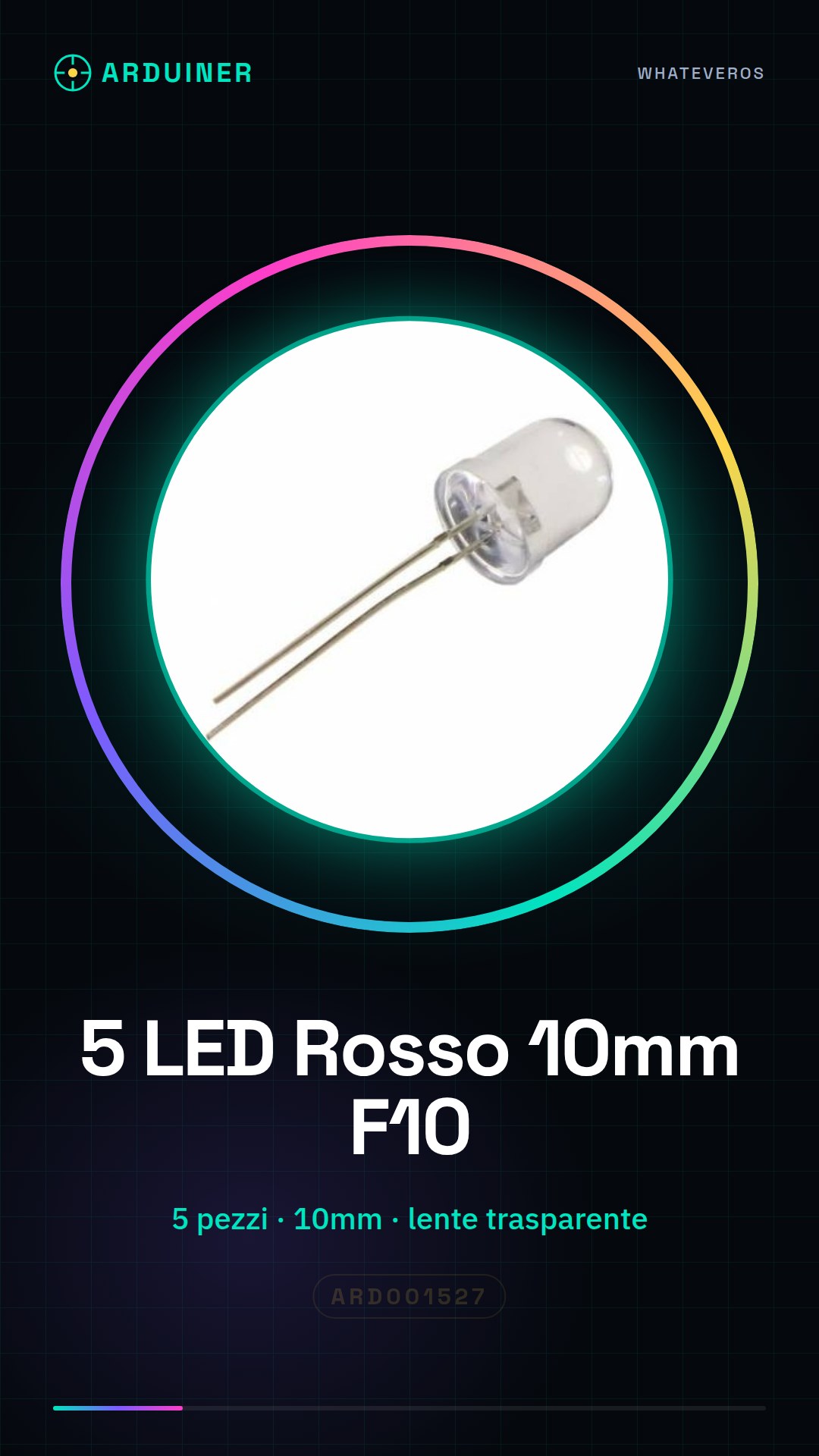
Description
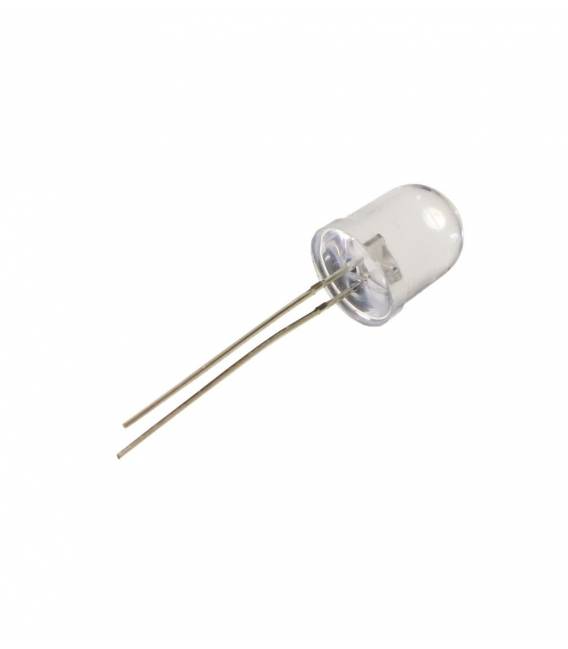
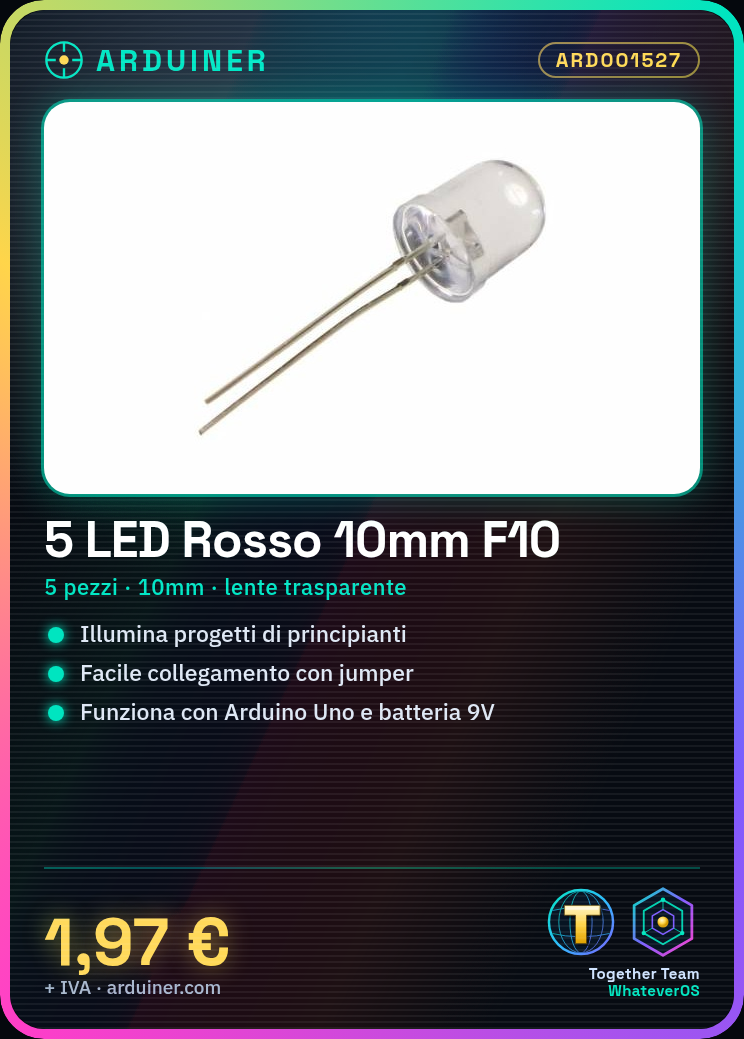
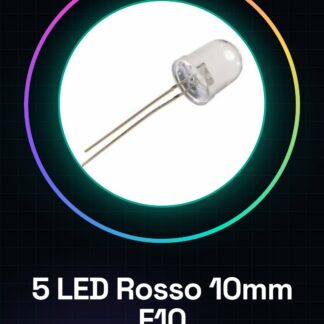
Tutorial: How to Use 10mm Red LED Diodes
Red LED diodes are essential components for illuminating electronic projects. They are perfect for beginners learning to work with LEDs or for creating simple light indicators. What you need: Arduino Uno, Jumper Wires, 9V Battery. Steps: Connect the positive pole of the red LED to an Arduino digital pin using a jumper wire. Connect the negative pole (cathode) of the LED to a resistor, then connect the resistor to the GND of the Arduino. Write a simple sketch to turn the red LED on and off in Arduino IDE. Ensure the LED lights up when a HIGH signal is sent to the digital pin and turns off with LOW. Example Code: void setup() { pinMode(13, OUTPUT); } void loop() { digitalWrite(13, HIGH); // turns the red LED on delay(1000); // wait for 1 second digitalWrite(13, LOW); // turns the red LED off delay(1000); // wait for 1 second } Mini-Project: Create a simple flashing light clock using a red LED that blinks every minute. Common Errors: Incorrect polarity connection, missing necessary resistor between the LED and Arduino, incorrect pin settings in Arduino IDE, excessive current damaging the LED. Recommended Accessories: Variable Resistors, LED Printer 3D Print, Arduino Starter Kit, Light Sensors.

Reviews
There are no reviews yet.