 EN
EN IT Italiano
 ES Español
 FR Français
 DE Deutsch
Description
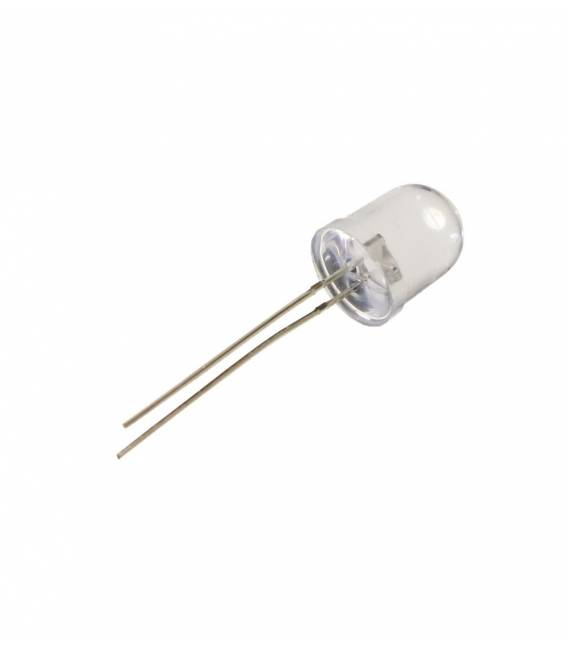
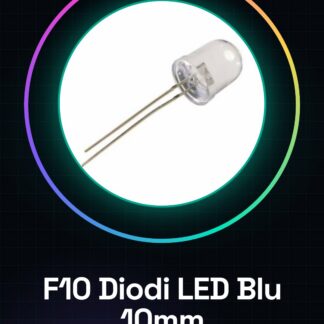
5 Pieces F10 Blue LED 10mm Clear Lens. We have datasheets available for all components; if not present in the product download sheet, please send us a message via the contact form and we will publish it as soon as possible on our website. Tutorial: How to use Blue F10 LEDs The blue LEDs are ideal for illuminating electronic projects or creating visual indicators. They are useful for both beginners and more experienced makers. What is needed: Arduino Uno Jumper Cable M-M Breadboard Steps Check the polarity of the LED: the longer leg is the anode (positive), the shorter leg is the cathode (negative). Connect the cathode of the LED to the GND pin of the Arduino. Use a 220 ohm resistor between the anode of the LED and a digital output pin of the Arduino. Solder or connect the jumper wires to the legs of the LED and the breadboard. Connect the breadboard to the Arduino using M-M jumper wires. Write the Arduino sketch to turn the LED on and off. Upload the sketch to the Arduino. Verify that the LED turns on and off following the digital pin output. Example code void setup() { pinMode(13, OUTPUT); } void loop() { digitalWrite(13, HIGH); delay(1000); digitalWrite(13, LOW); delay(1000); } Mini-project Create an LED timer that turns on every minute and stays on for 5 seconds. Use two blue LEDs connected to different pins. Common mistakes Connecting the LED to GND without a resistor. Confusing the polarity of the LED. Using a resistor that is too high or too low. Not verifying the output of a digital pin. Recommended accessories 220 ohm resistor Breadboard Jumper Wires M-M Frequently Asked Questions What is the operating voltage of the LED? Check the datasheet. What resistor should I use? 220 ohm is a common value, but verify the correct attenuation in your circuit.

Reviews
There are no reviews yet.