 EN
EN IT Italiano
 ES Español
 FR Français
 DE Deutsch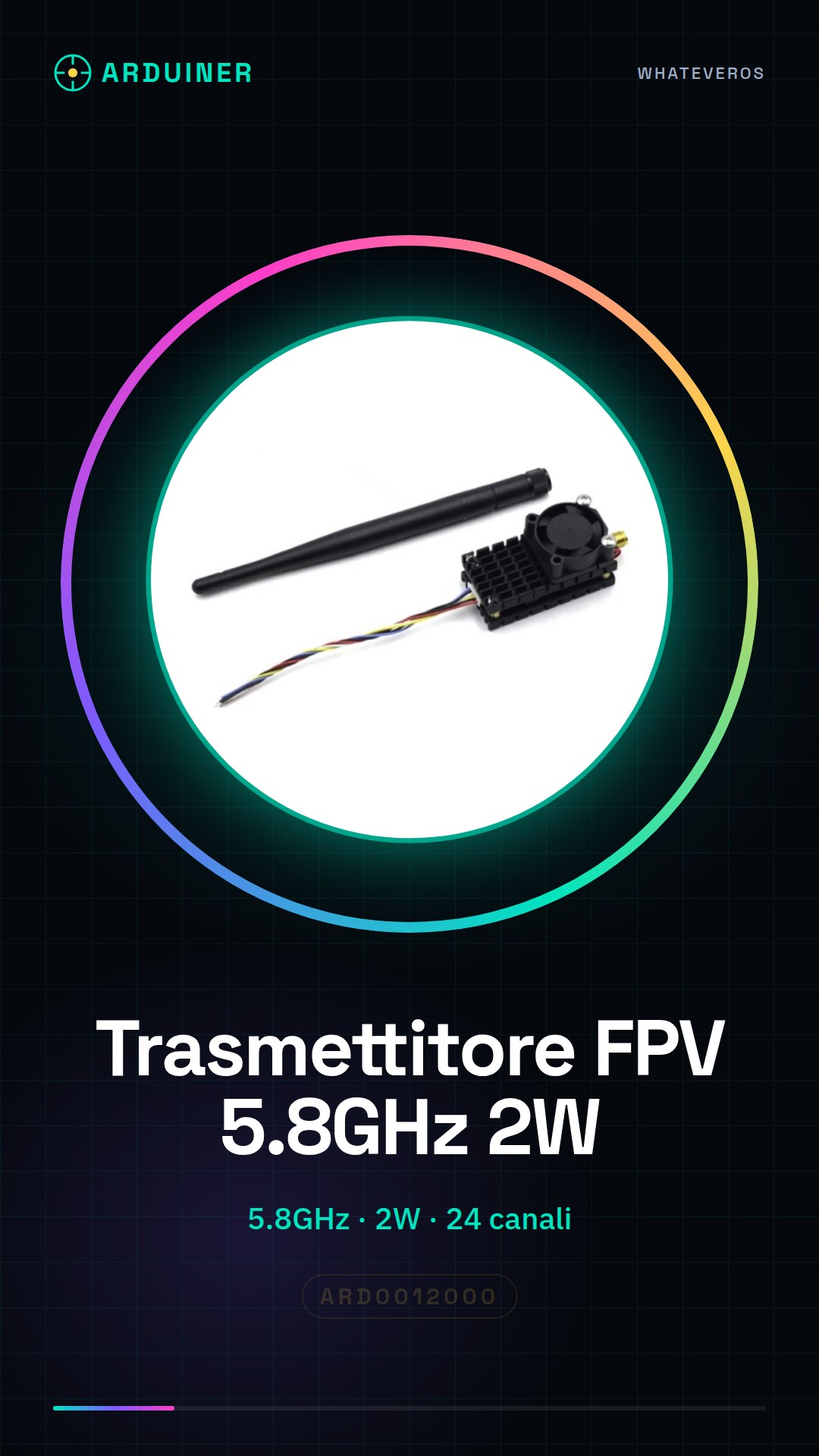
Description
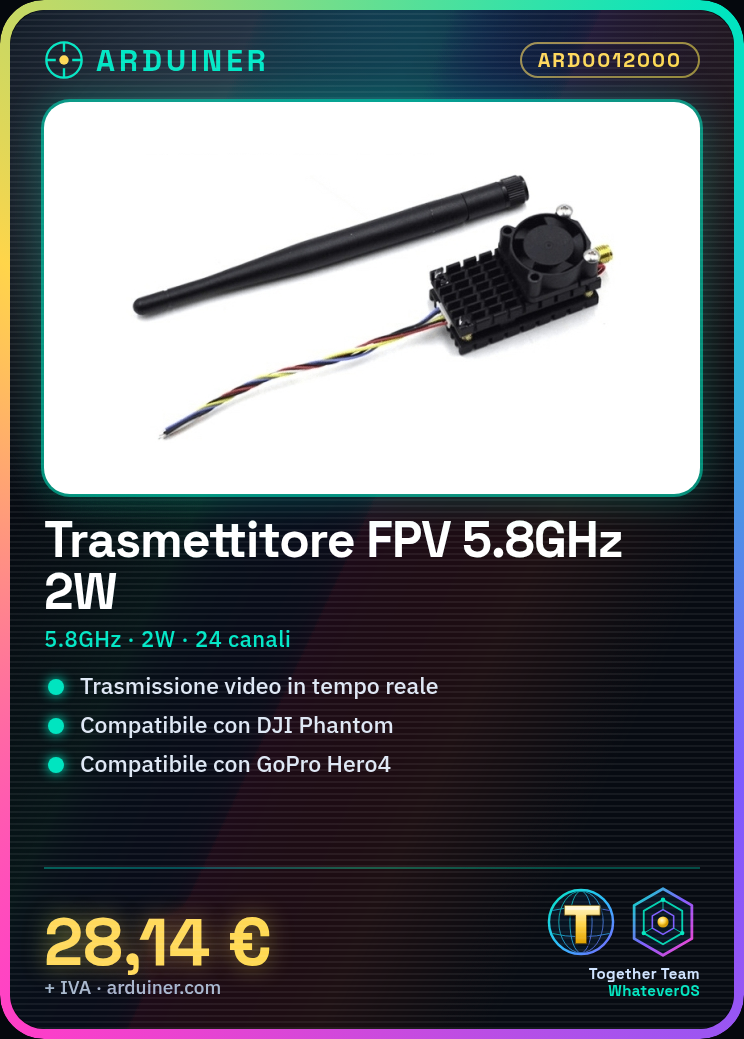
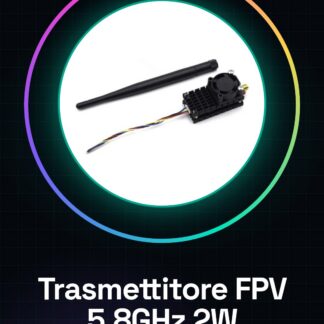
What is the 5.8GHz 2W 24 Channel FPV Video Transmitter? This wireless device is designed for high-quality video transmission from DJI Phantom drones and GoPro Hero4 cameras. It allows real-time viewing of images captured by drones during flight. Features Frequency: 5.8GHz Transmission Power: 2W (2000mW) Number of Channels: 24 Compatible with: DJI Phantom, GoPro Hero4 What is it for? This transmitter serves to pilot DJI Phantom drones with high-quality first-person view and to record stable and clear videos from GoPro Hero4. It’s ideal for drone pilots who want immediate visual feedback during flight. Tutorial How to use 5.8GHz 2W 24 Channel FPV Transmitter Ideal for piloting DJI Phantom drones or recording video from GoPro Hero4 with high quality and stability. What is needed? 5.8GHz 2W 24 Channel FPV Transmitter DJI Phantom Drone GoPro Hero4 or compatible FPV Monitor Steps Check the technical specifications on the datasheet. Connect the transmitter to the DJI Phantom drone. Turn on the drone and the transmitter. Verify the connection on the FPV monitor. Connect the transmitter to GoPro Hero4. Set the correct channel on the transmitter and receiving device. Verify video quality on the monitor. Adjust the transmitter for weather conditions. Mini-project Mount the transmitter on a DJI Phantom drone and record yourself flying with a GoPro Hero4. Check video quality on the FPV monitor. Common mistakes Failing to properly synchronize the transmitter and receiver. Not verifying connection on the monitor before flight. Using an incompatible monitor. Ignoring weather indications. Recommended accessories FPV Monitor Connection Cable Anti-sweat Gloves FPV Helmet Frequently Asked Questions Does this transmitter work with other drone models? Check compatibility with other models in the datasheet. How long does the battery last? Check battery life details in the datasheet. Can I use this transmitter with a non-DJI drone? Check compatibility with other drone models in the datasheet. How can I improve video quality? Refer to the datasheet for settings that enhance video quality.

Reviews
There are no reviews yet.