 EN
EN IT Italiano
 ES Español
 FR Français
 DE Deutsch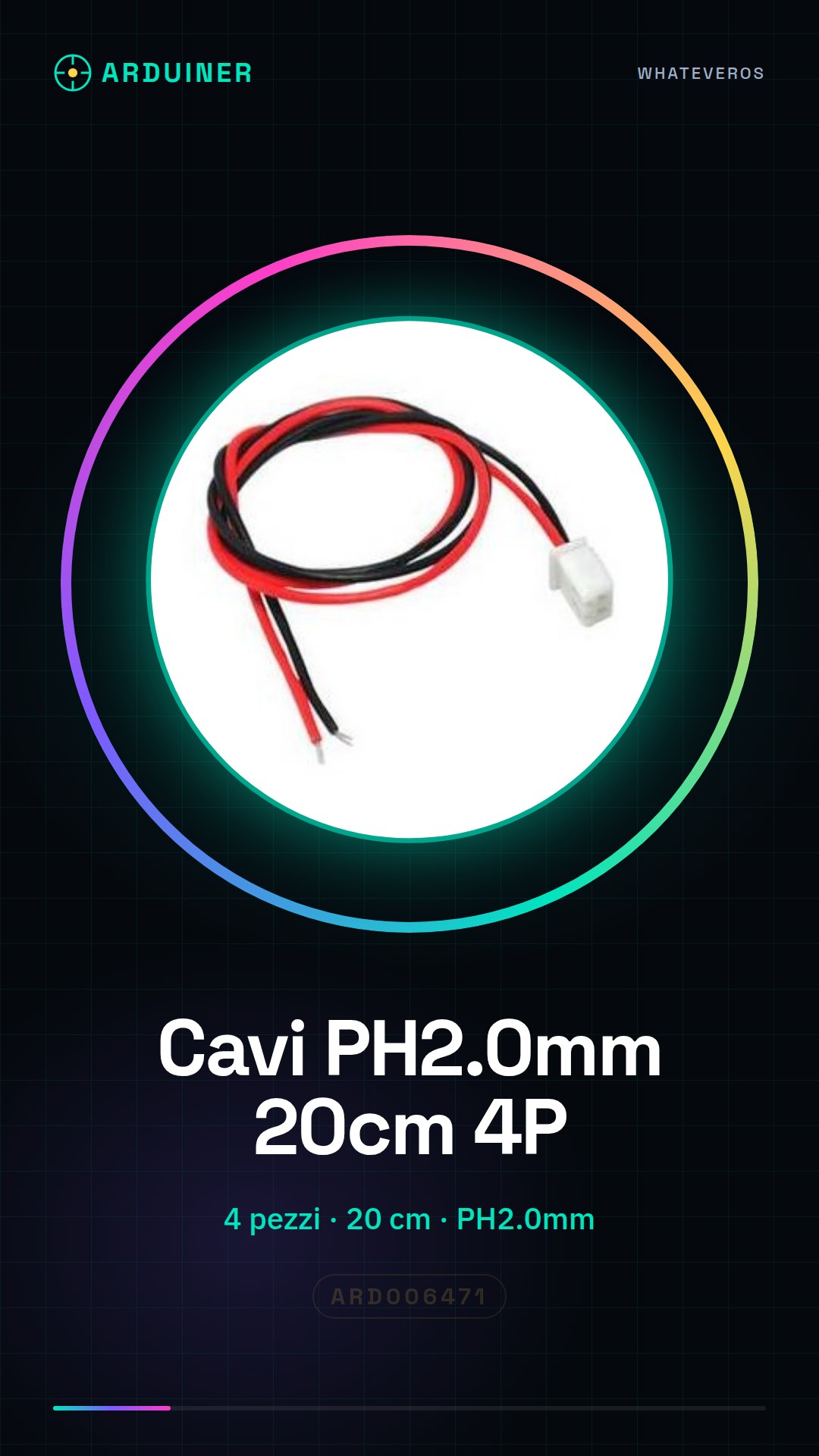
Description
Tutorial: How to use PH2.0mm 2P Cables
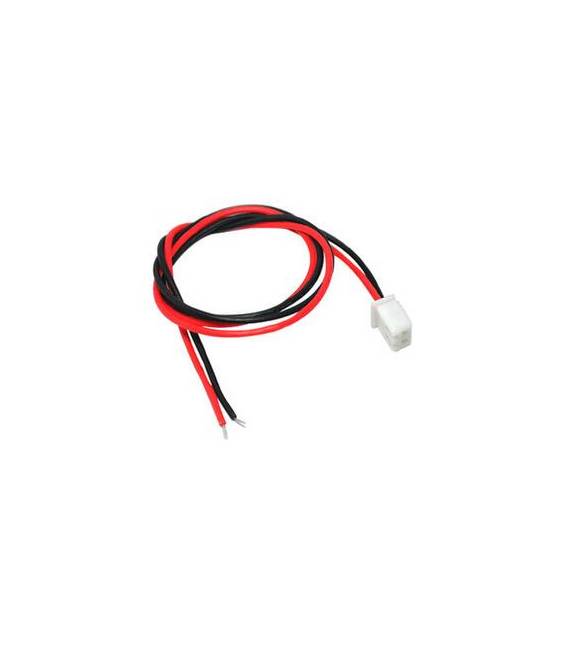
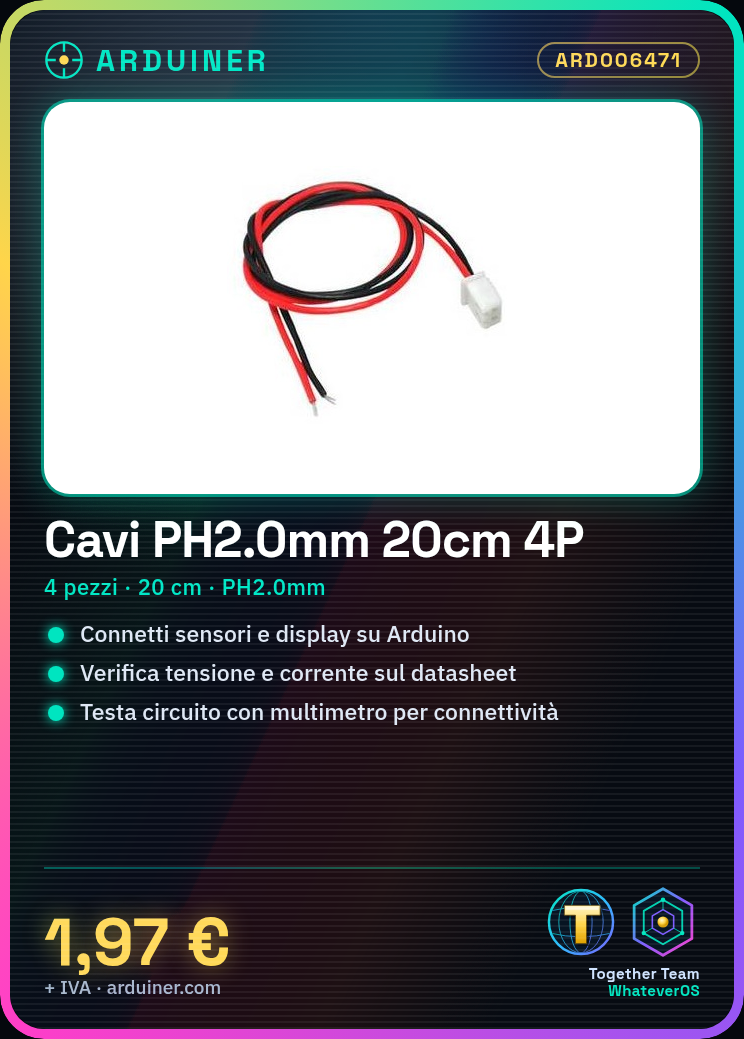
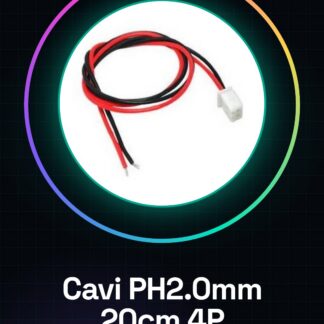
These cables are ideal for connecting electronic components such as sensors or displays to an Arduino. Suitable for beginners and intermediates.
What you need
– PH2.0mm 2P Cables
– Arduino or other microcontroller
– Electronic components to connect (optional)
Steps
1. Check that the cables have the correct length (20cm).
2. Verify on the datasheet if the cables support the required voltage and current.
3. Straighten the cables to make connection easier.
4. Insert the cables into the PH2.0mm port on the microcontroller.
5. Ensure the cables are securely inserted and not protruding.
6. Connect the other end of the cables to the electronic components.
7. Test the connection with a multimeter.
8. Test the circuit to ensure it works correctly.
Mini-project: Build a simple lighting circuit based on a button and an LED.
Common errors
– Do not use cables that are too short or too long.
– Do not force the insertion of the cables.
– Check the correct polarity of the components.
– Do not connect components to voltages or currents higher than those supported by the cables.
Recommended accessories
– PH2.0mm Point Pliers
– Multimeter
– Wire and Pliers
– Arduino Protection Cases

Reviews
There are no reviews yet.