 EN
EN IT Italiano
 ES Español
 FR Français
 DE Deutsch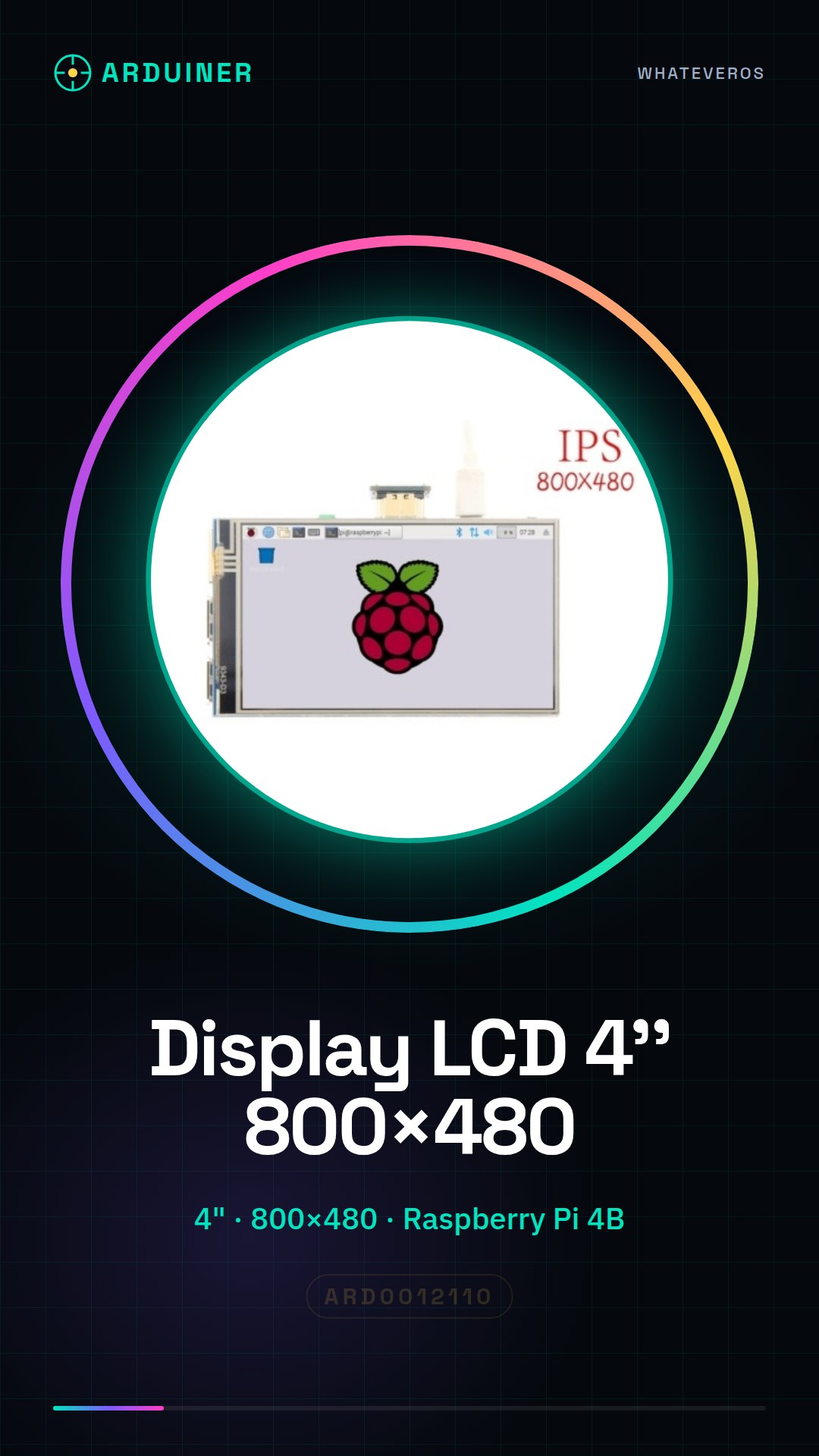
Description
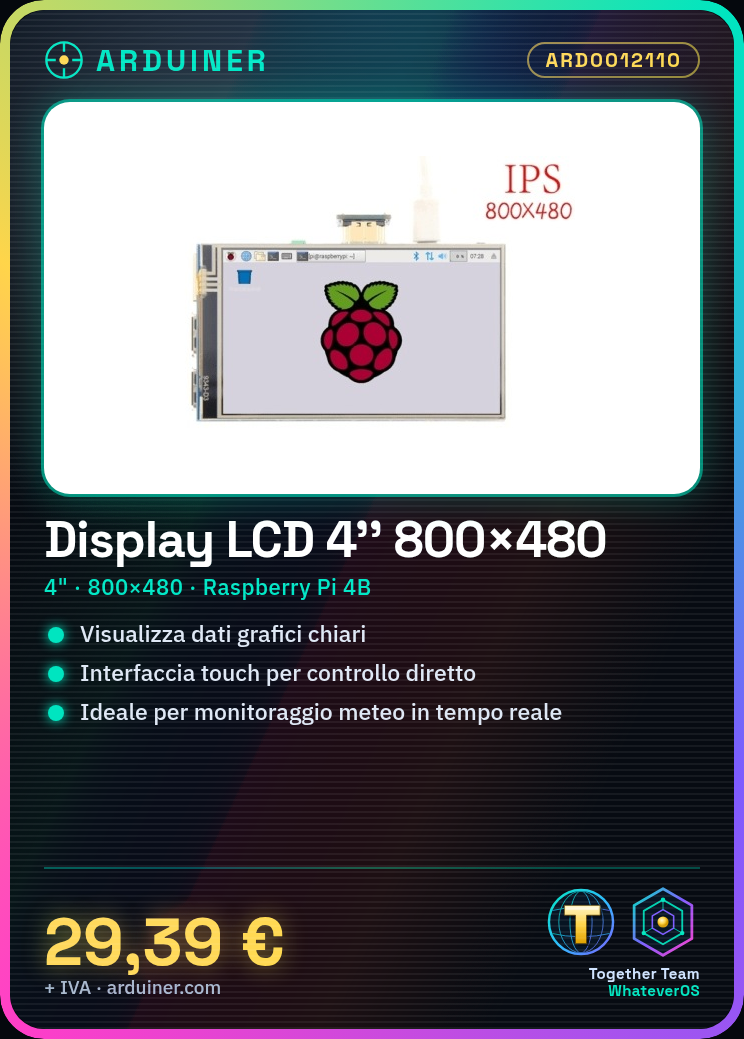
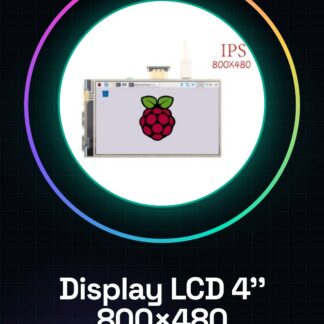
The 4 Inch 800×480 LCD Screen for Raspberry Pi 4B is a color touchscreen display ideal for graphical and interactive projects. This LCD screen allows for clear and detailed graphical information display. Features: Screen Size: 4 inches Resolution: 800×480 Compatible with Raspberry Pi 4B Touchscreen: Yes What it’s used for: This LCD screen is perfect for data visualization projects, monitoring, or interactive applications. You can use it to create weather monitoring systems that display real-time weather conditions. How to use: This color LCD screen is ideal for displaying graphical information on Raspberry Pi 4B. It is perfect for data visualization projects, monitoring, or interactive applications. What you need: Raspberry Pi 4B, MicroSD card with Raspbian, HDMI cable (optional), Network connection Steps: Connect the LCD screen to the Raspberry Pi 4B using an HDMI cable (if available) or a specific video cable. Power on the Raspberry Pi and access the operating system. Install the necessary LCD driver. Check the datasheet for specific steps. Configure the LCD screen through the system interface (refer to the datasheet for details). Verify the correct display of the LCD screen. Install any required software libraries to control the display (refer to the datasheet). Experiment with various commands and applications to test the display features. Configure the display to accommodate custom projects. Test the display in automatic mode (refer to the datasheet for specific commands). Mini-project: Create a weather monitoring system that displays real-time weather conditions on the LCD screen. Common errors: Physical connection error between the display and Raspberry Pi. Missing LCD driver configuration. Resolution or display configuration issues. Insufficient power supply for the LCD screen. Recommended accessories: HDMI cable, Power adapter, Electronic prototyping kit, Temperature and humidity sensors. FAQ: How do I install the LCD driver? Check the datasheet for specific installation steps. The display is not turning on, what should I do? Check the physical connection between the display and Raspberry Pi and verify the driver configuration.

Reviews
There are no reviews yet.