 EN
EN IT Italiano
 ES Español
 FR Français
 DE Deutsch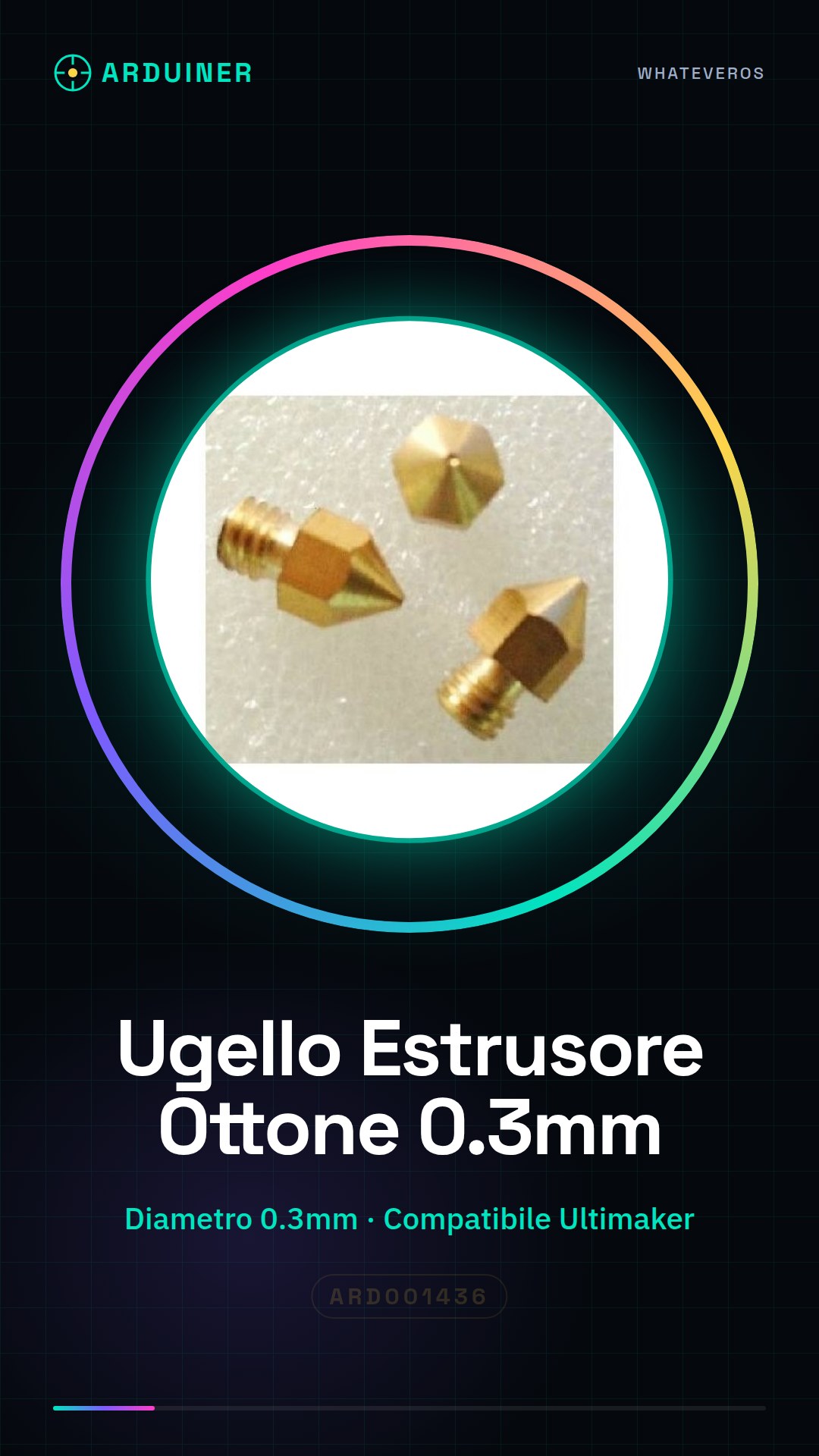
Description
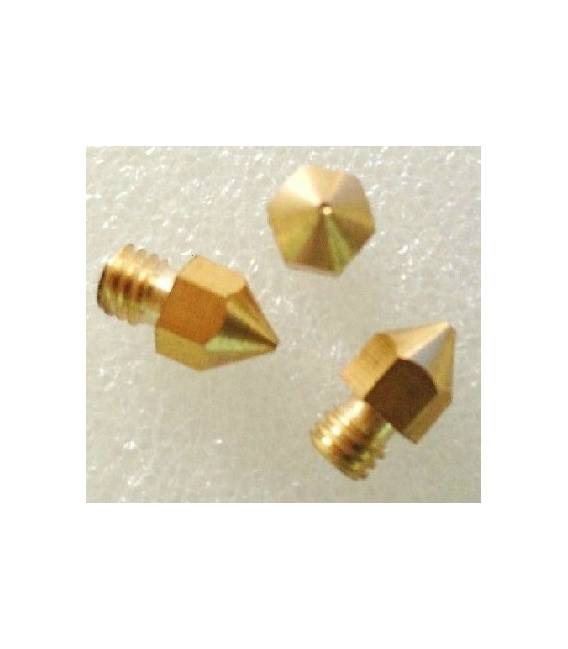
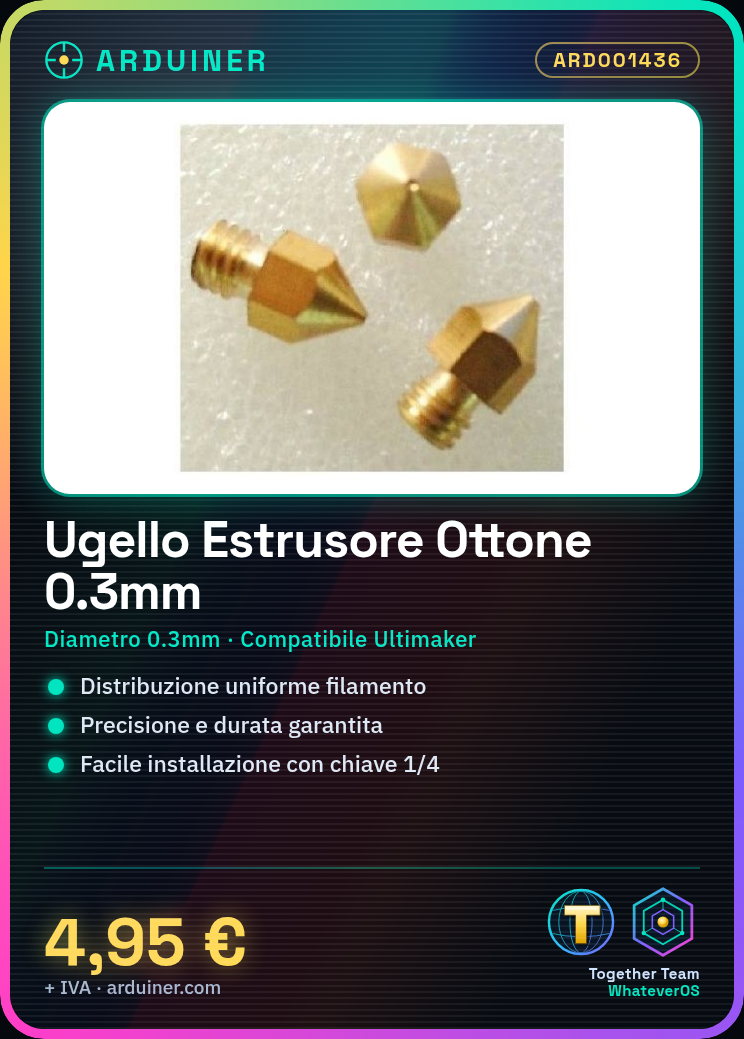
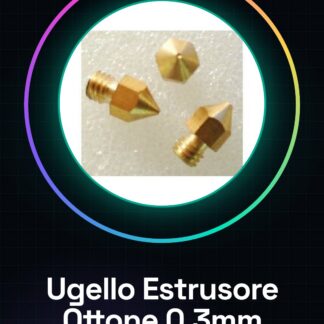
The 0.3mm brass nozzle is a crucial component for Ultimaker 3D printers, ensuring precision and longevity during printing. It is used for uniform filament distribution during printing, improving the quality of printed parts. It is ideal for testing simple 3D models such as a cube or a sphere. Installation guide: To install the 0.3mm brass nozzle on an Ultimaker 3D printer, ensure your printer is compatible with the Ultimaker brass nozzle. Disconnect the filament from the printer and remove the old extruder part. Use a 1/4 inch key to carefully remove the old extruder part. Insert the new brass nozzle into the extruder system, ensuring it is properly aligned and secured. Check the datasheet if necessary to lubricate the nozzle with an appropriate oil to reduce friction. Reconnect the filament to the 3D printer and test the new configuration by running a small print job. Verify that the new extruder nozzle functions correctly without any filament jams or loss. Mini-project: Print a simple 3D model such as a cube or a sphere to test the quality of prints with the new brass nozzle. Common errors: Not properly lubricating the nozzle, inserting filament without first installing the nozzle, using a nozzle incompatible with your 3D printer. Recommended accessories: 1/4 inch key, lubricating oil for mechanical components, PLA or ABS filament for testing the extruder nozzle. Frequently asked questions: Is the brass nozzle compatible with all 3D printers? Check the printer’s datasheet to confirm. How can I clean the nozzle after installation? Use an appropriate solvent for cleaning metal components, but check first on the datasheet.
Reviews
There are no reviews yet.