 EN
EN IT Italiano
 ES Español
 FR Français
 DE Deutsch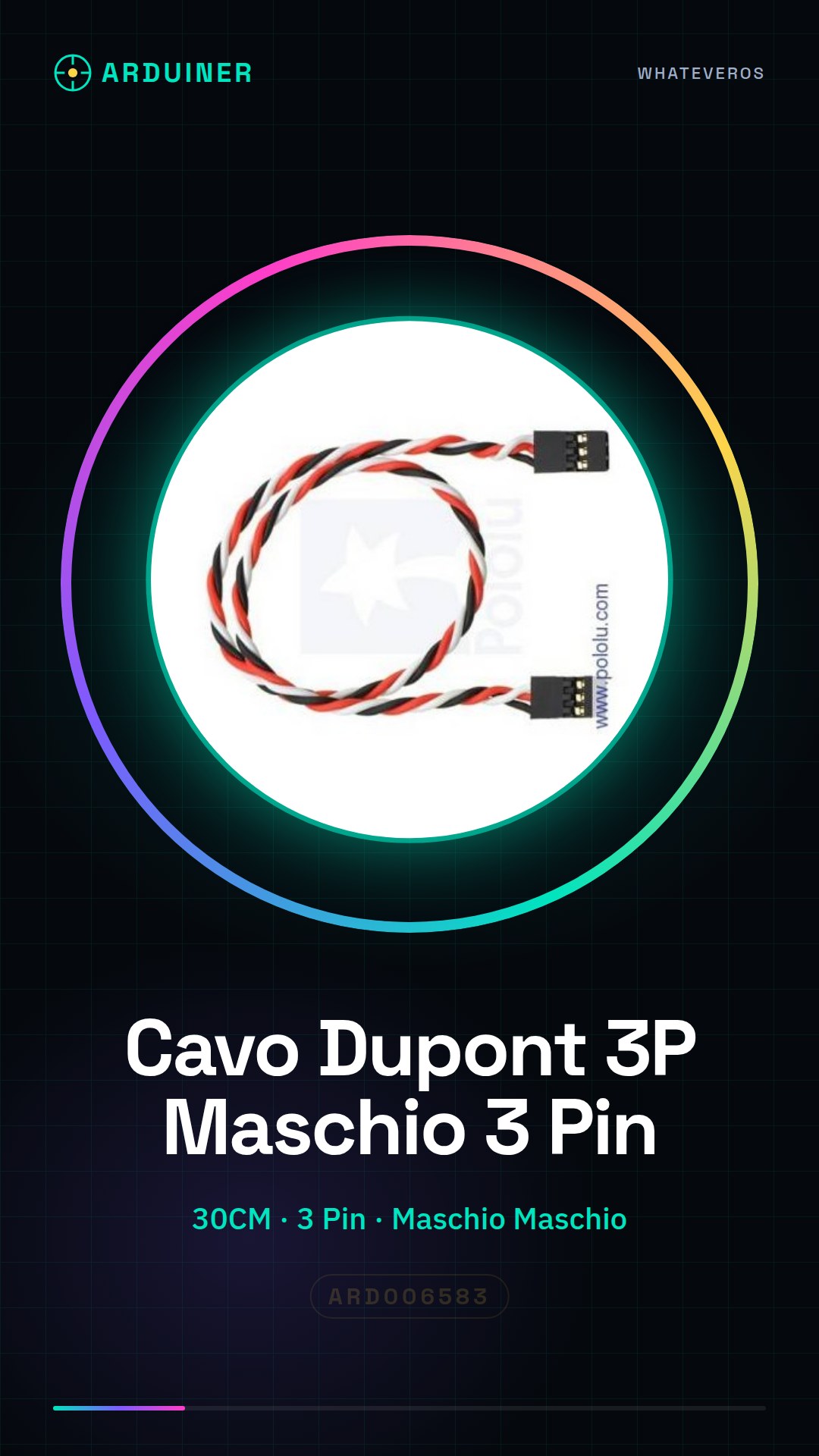
Description
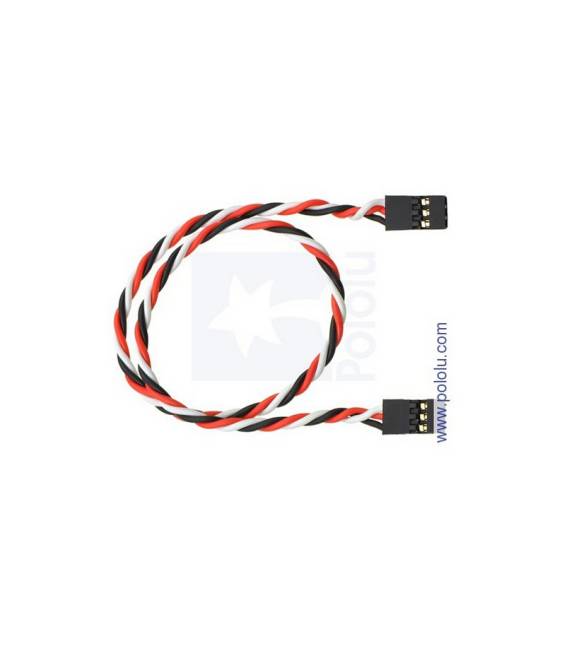
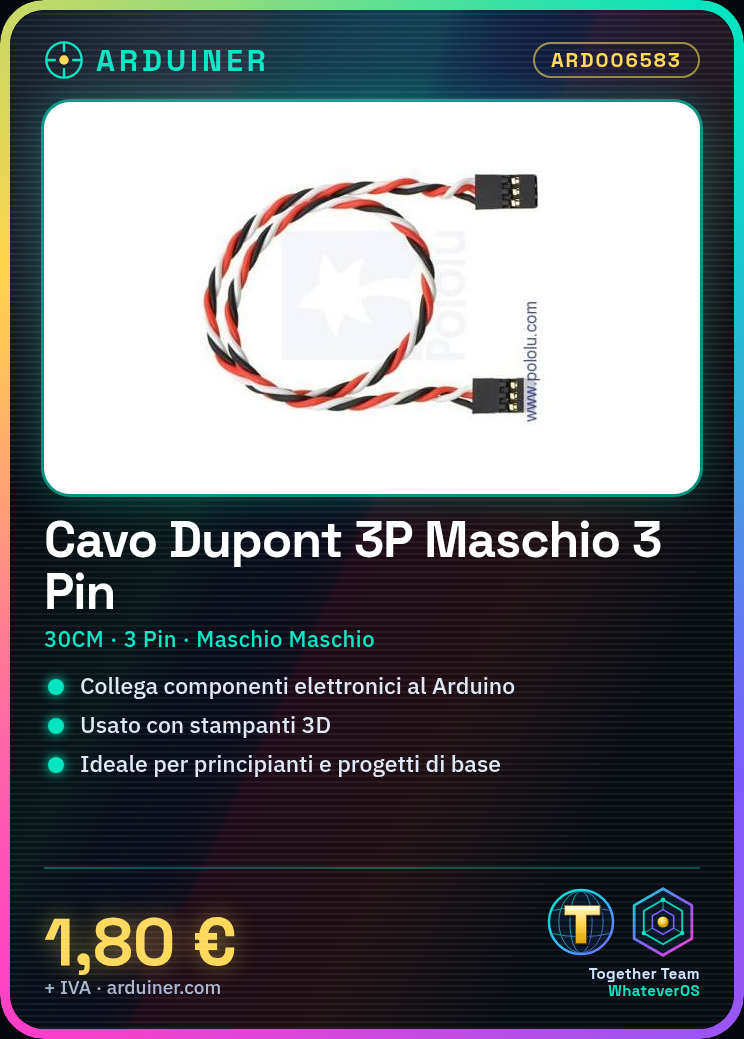
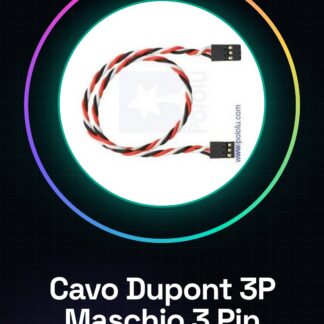
30CM Dupont 3P Male Male 3 Pin Jumper Wire for Arduino 3D Printers Tutorial: How to use 30CM Dupont Male Male 3 Pin Jumper Wire This Dupont cable is ideal for connecting electronic components to your Arduino or 3D printer. Suitable for beginners and basic projects. What you need: Arduino or 3D printer Electronic component to connect (e.g., sensor) Steps: 1. Check the datasheet for component specifications. 2. Identify the correct pins on the component and cable. 3. Connect pin 1 of the cable to pin 1 of the component. 4. Repeat for pins 2 and 3. 5. Check the stability of the connection. 6. Verify the correct polarity. 7. Power on the device and check the connection. 8. Verify the connection in your Arduino code. Mini-project: Connect a pressure sensor to the Dupont cable and your Arduino. Write a simple sketch to read the values. Common errors: Connecting the wrong pins. Forgetting to check the polarity. Not verifying the connection stability. Recommended accessories: Pressure sensor Arduino Uno Multimeter Soldering iron Frequently asked questions: Does the cable work with all types of Arduino? Yes, it works with any Arduino. Have I lost a pin from the cable? Check the datasheet to see if the component supports partial connections. Is the cable water-resistant? Not specified, check the datasheet. Can I use the cable to connect multiple components? Yes, but ensure the cable can handle the total load.
Reviews
There are no reviews yet.