 EN
EN IT Italiano
 ES Español
 FR Français
 DE Deutsch
Description
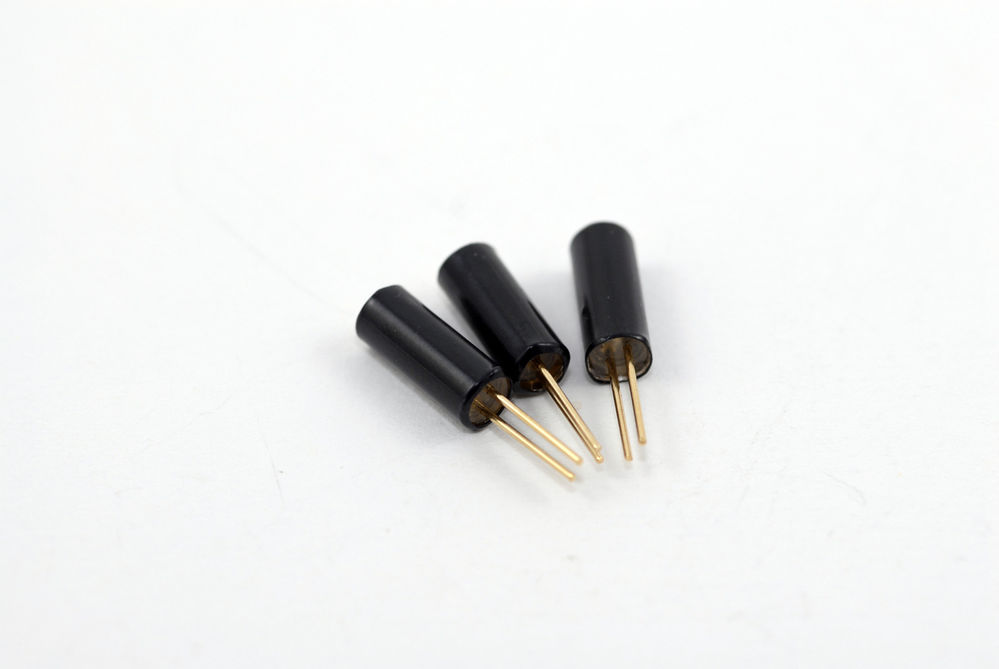
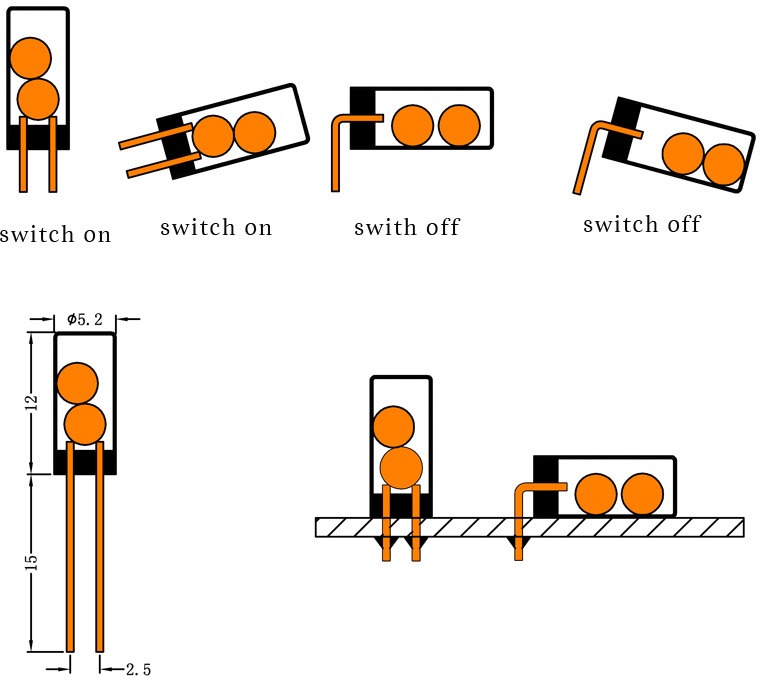
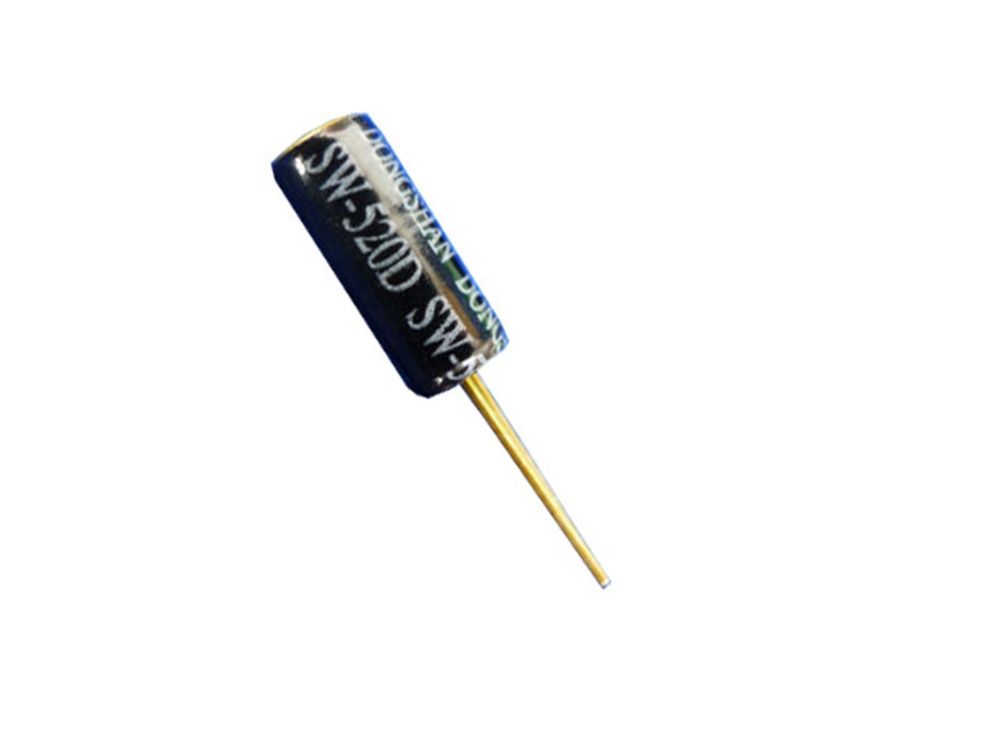
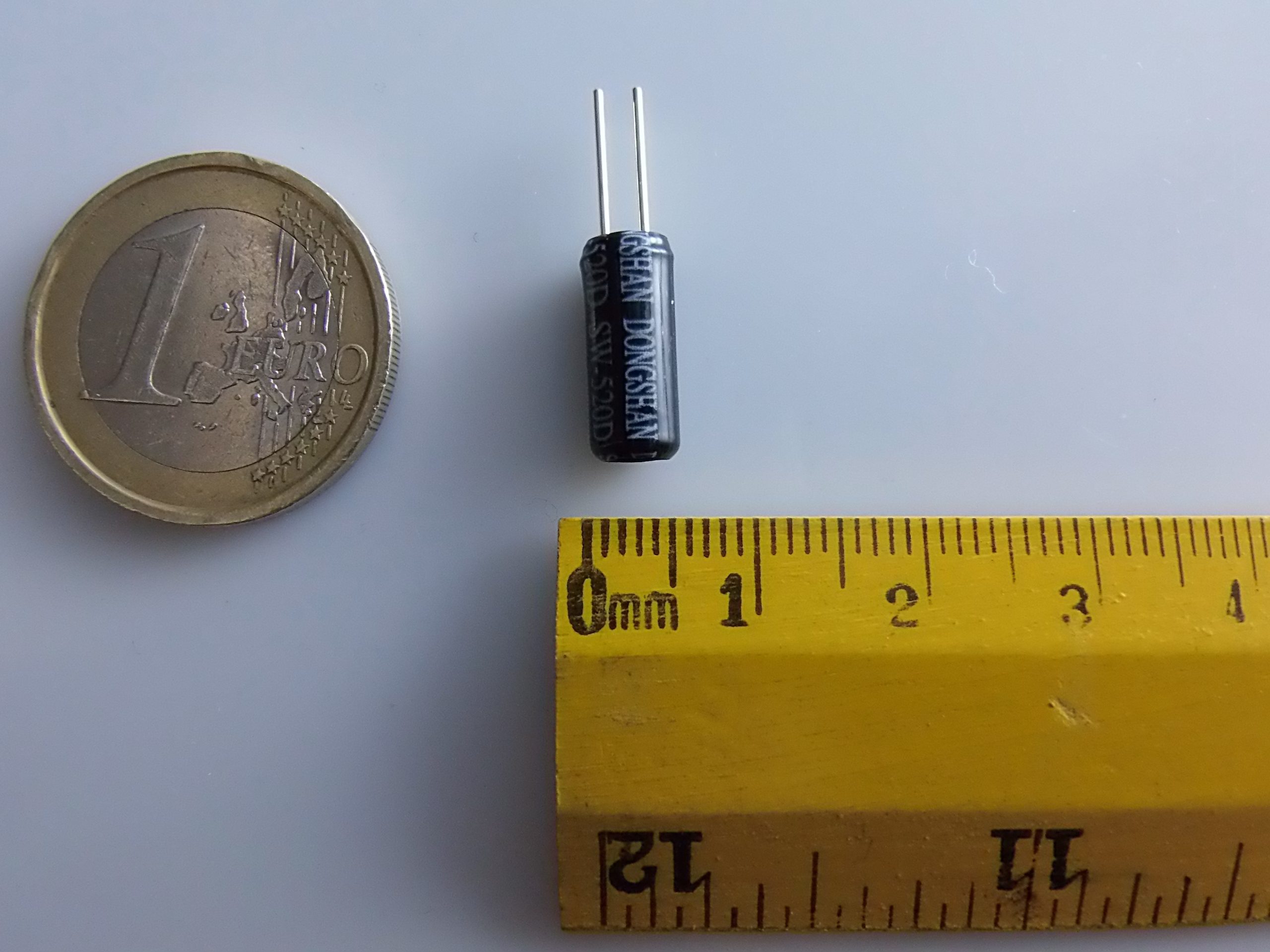
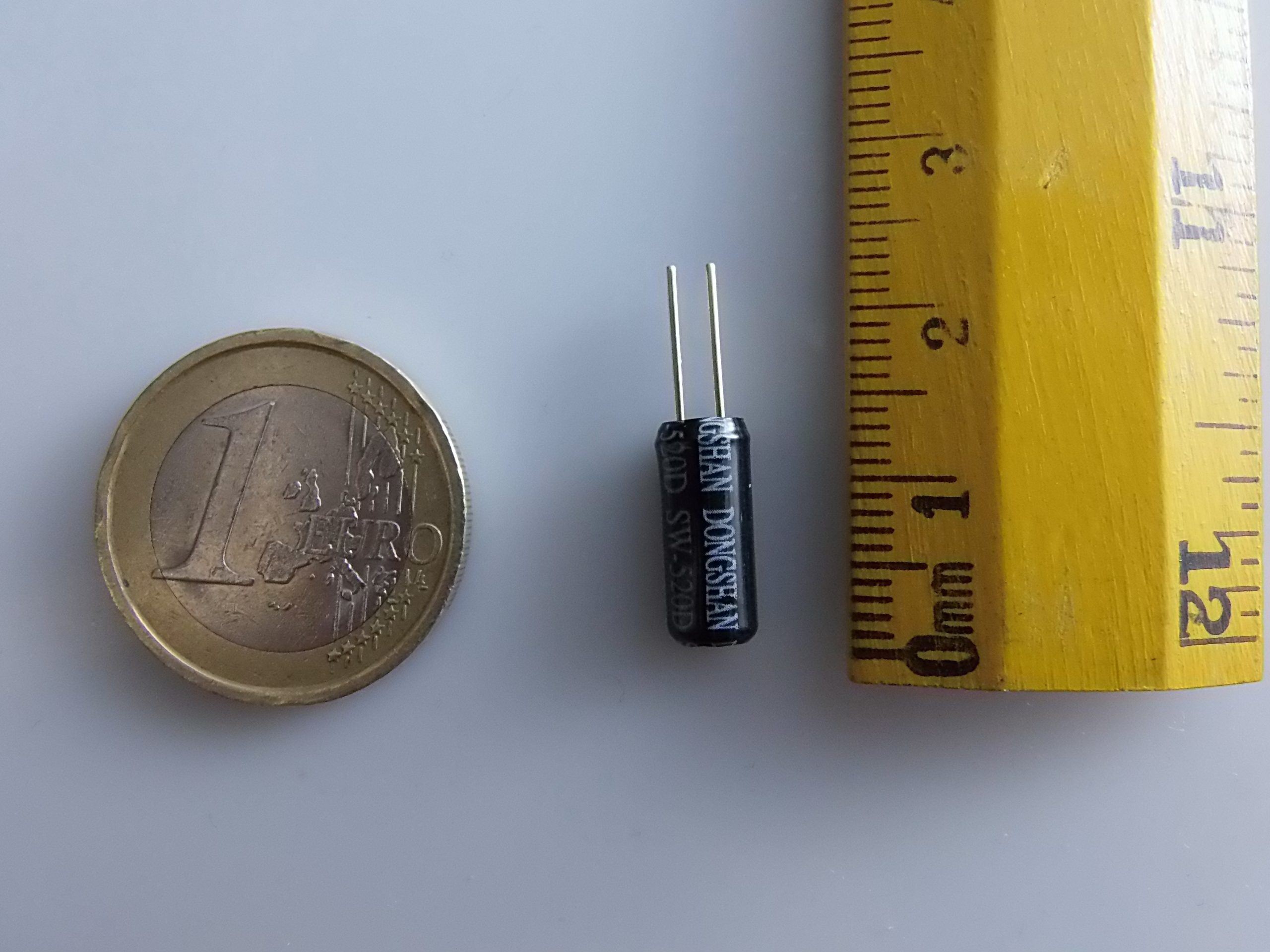
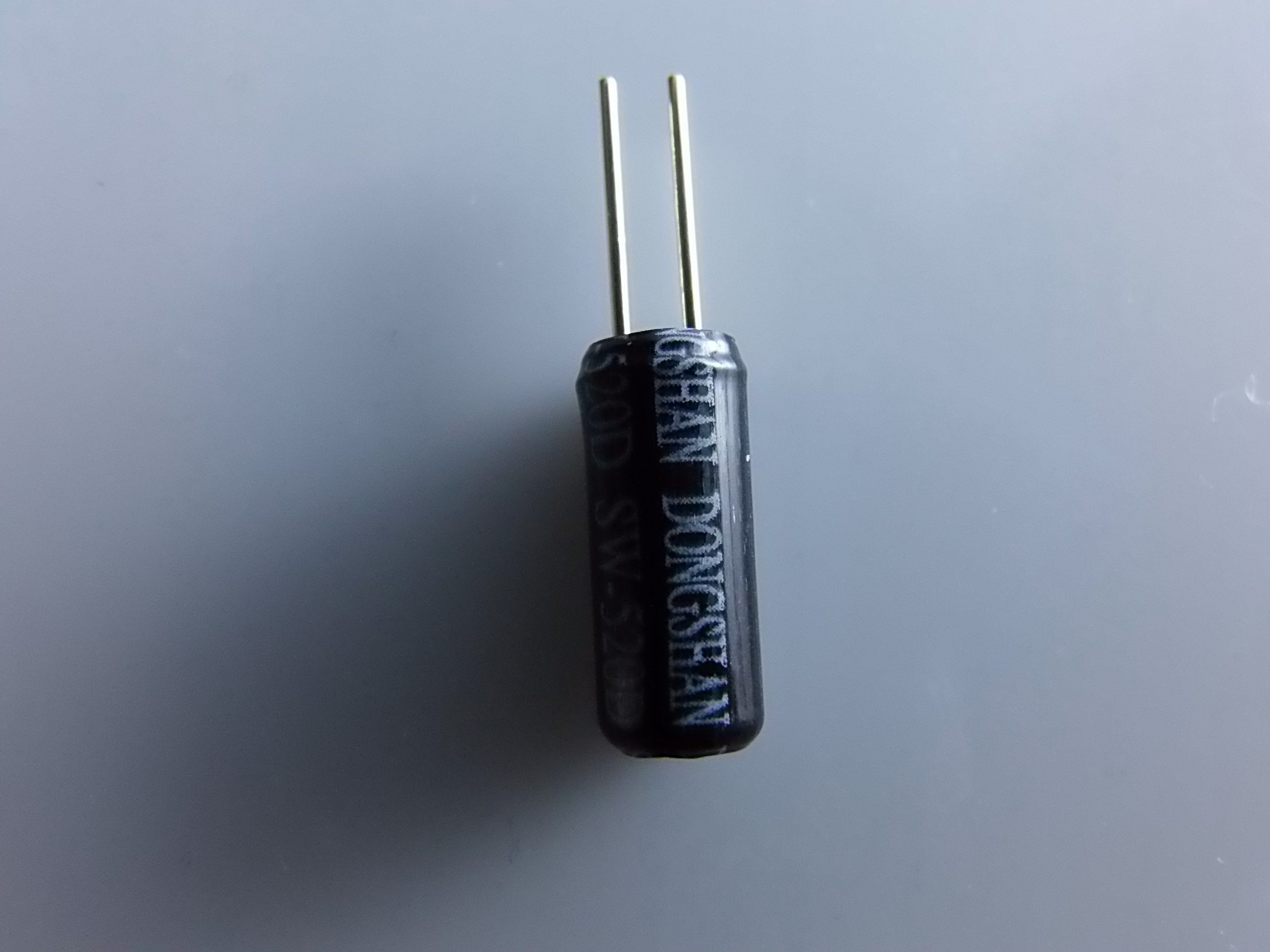
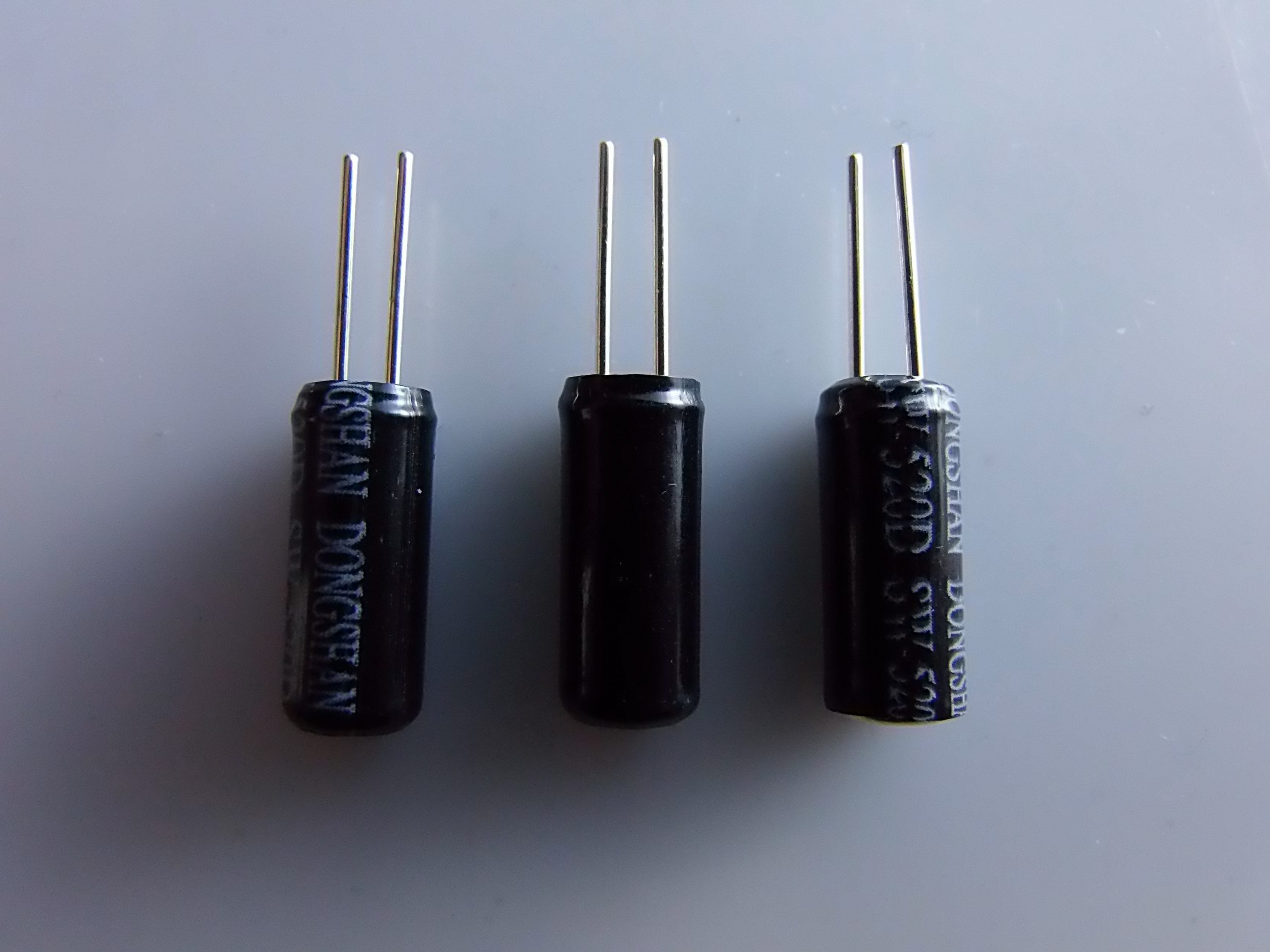
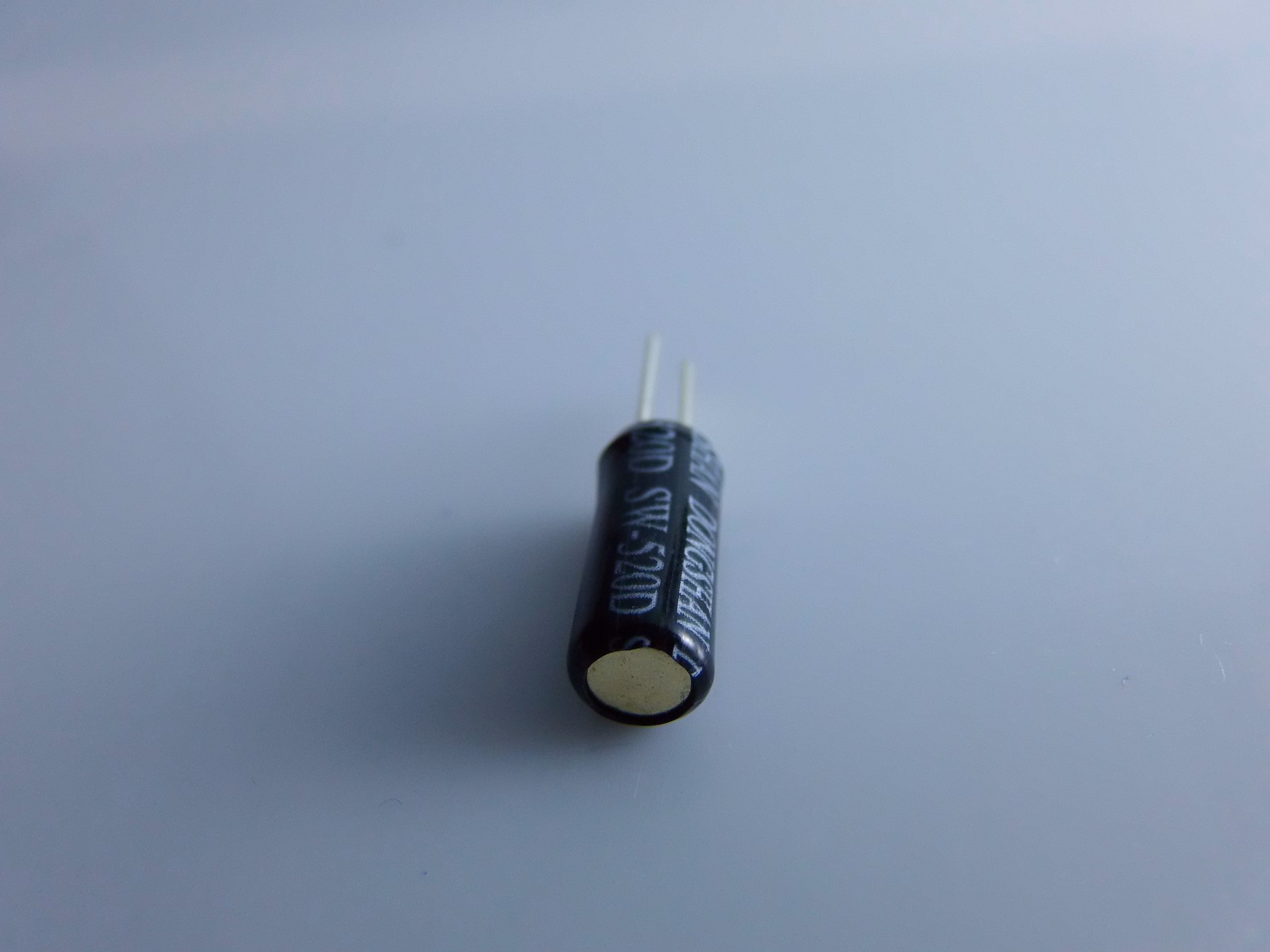
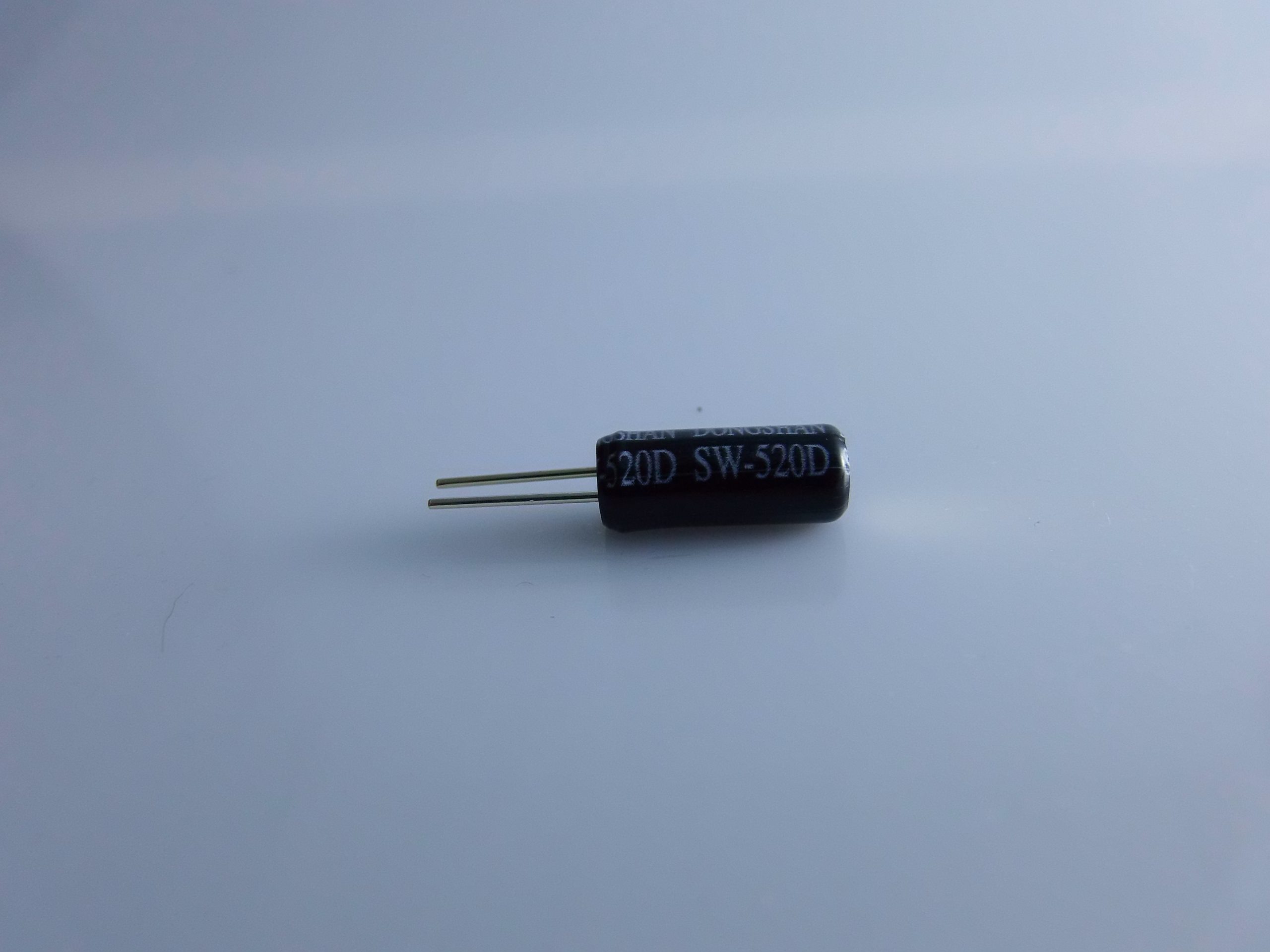
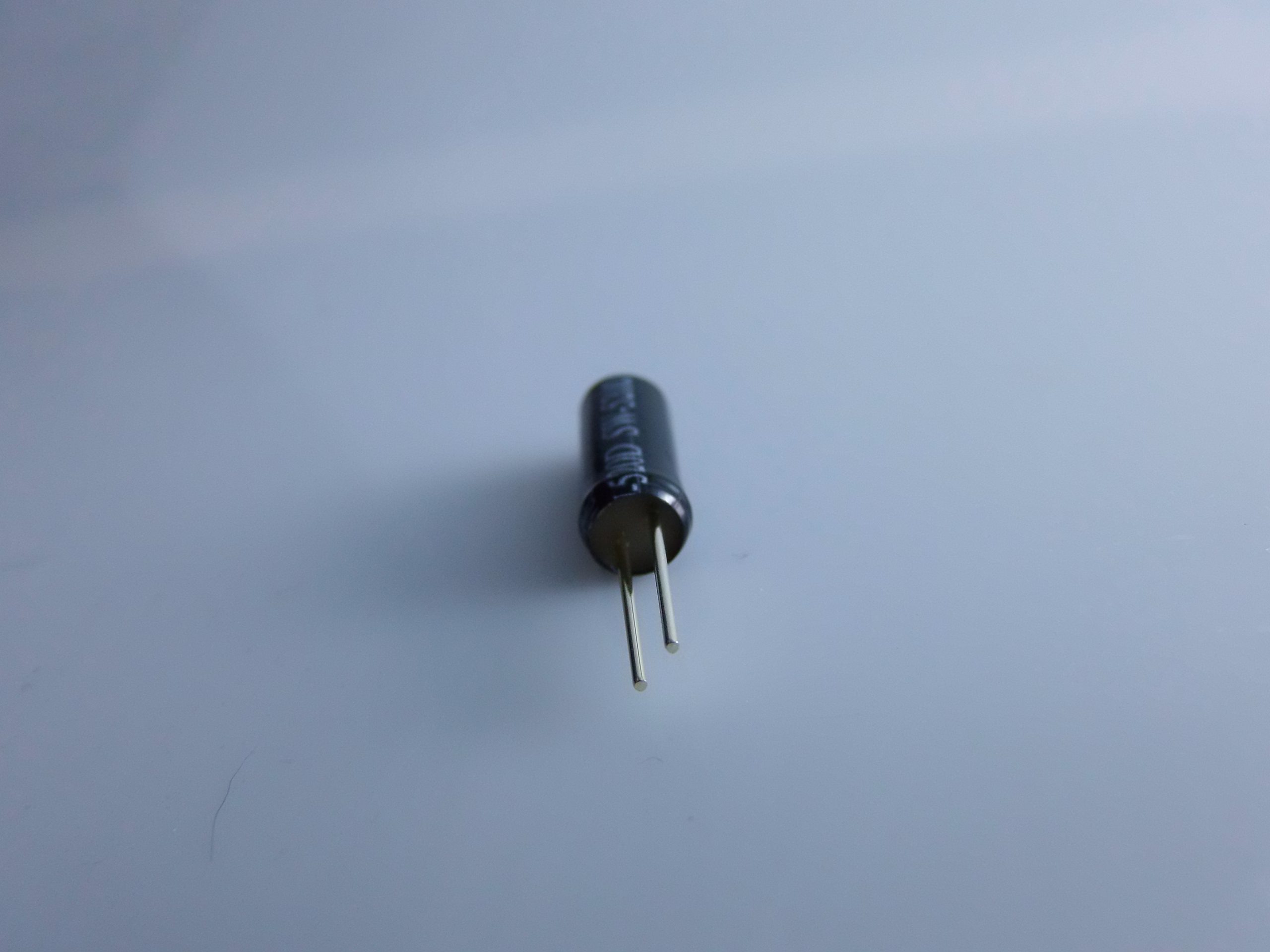
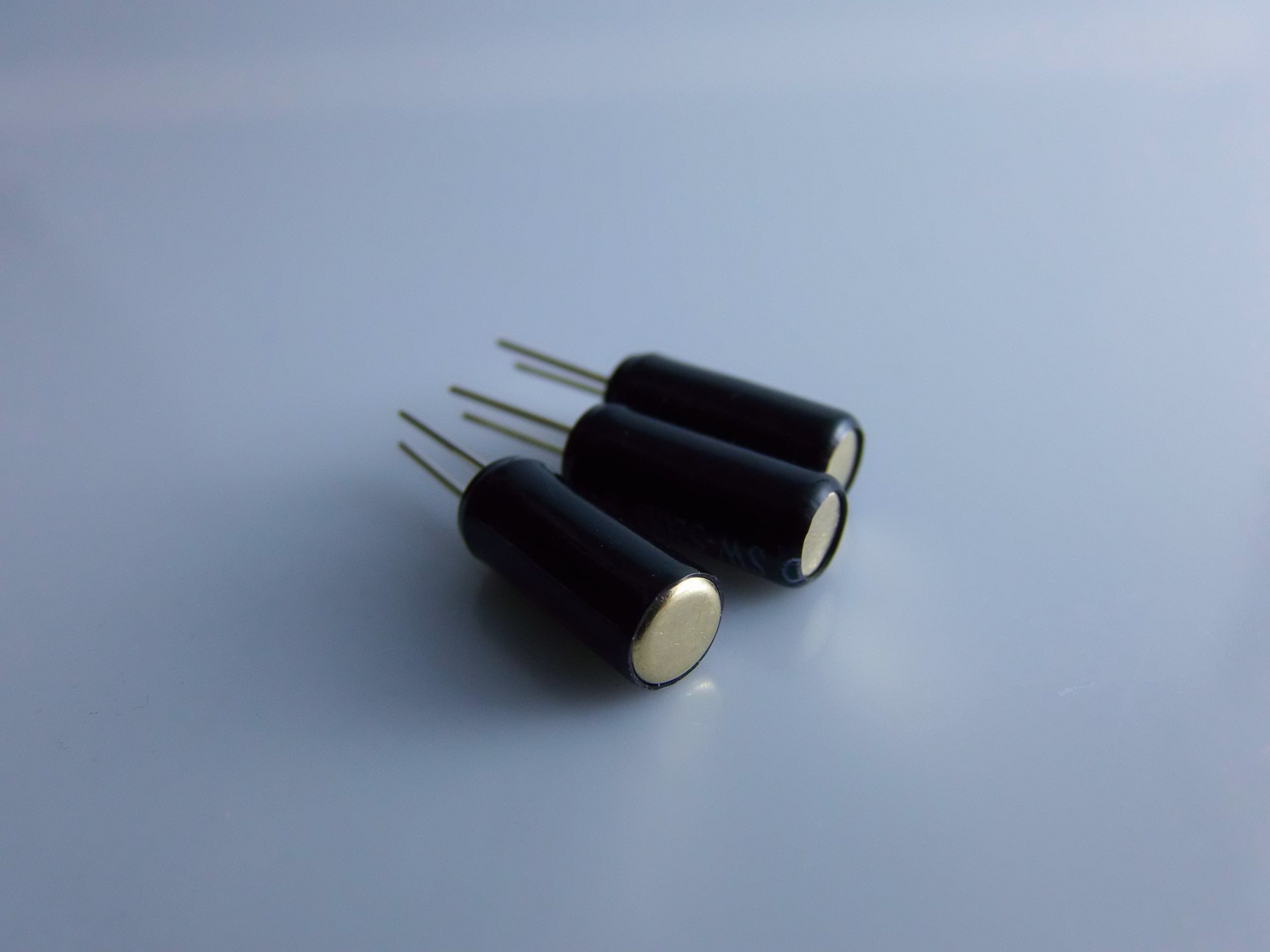
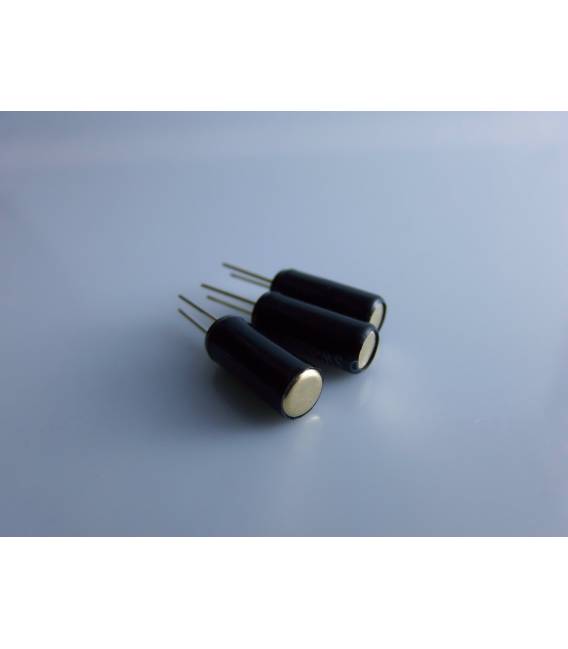
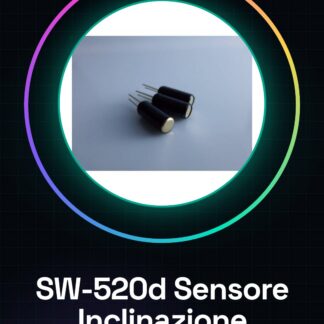
What is the SW-520d Sensor Kit? The SW-520d sensor kit consists of three pieces and is designed for accurate detection of movements and inclinations. This sensor is suitable for various types of applications, both amateur and professional. Features Kit of 3 SW-520d sensors Accurate detection of movements and inclinations Compatible with Arduino What is it for The SW-520d sensors can be used to create alarm systems that trigger an audio signal when movement or changes in inclination are detected. Suitable for both beginners and experts, these sensors are ideal for a wide range of projects and applications. Tutorial: How to Use SW-520D Vibration and Tilt Sensor The SW-520D vibration and tilt sensor is perfect for anyone who wants to detect movements or changes in inclination in Arduino projects. Ideal for both beginners and more experienced makers, this sensor can be used in various types of applications. What you need Arduino Uno USB Type B cable SW-520D Vibration and Tilt Sensor Steps Connect the sensor to the digital port of the Arduino using jumper cables. Download or write an Arduino sketch that reads the state of the sensor. Compile and run the sketch on your Arduino device. Obtain and analyse movement and inclination data from the sensor. Example code const int vibrationPin = 2; // connect the sensor to digital pin 2 void setup() { pinMode(vibrationPin, INPUT); } void loop() { int sensorState = digitalRead(vibrationPin); Serial.println(sensorState); } Mini-project Create an alarm system that activates an audio signal when the sensor detects movement or inclination. Common mistakes Connecting the sensor to the wrong pin Not checking the correct operating voltage on the datasheet Ignoring the sensor threshold values Not updating the Arduino sketch to fit specific needs Recommended accessories Buzzer (ARD0018) LCD Display (ARD0023) Temperature Sensors (ARD0024) Battery Printer (ARD0056) Frequently Asked Questions Where can I find the datasheet for the SW-520D sensor? Check on the official website or in the manual provided with the hardware. Can the sensor detect weak vibrations? Yes, but check the specific sensitivity on the datasheet to optimise its performance.
Reviews
There are no reviews yet.