 EN
EN IT Italiano
 ES Español
 FR Français
 DE Deutsch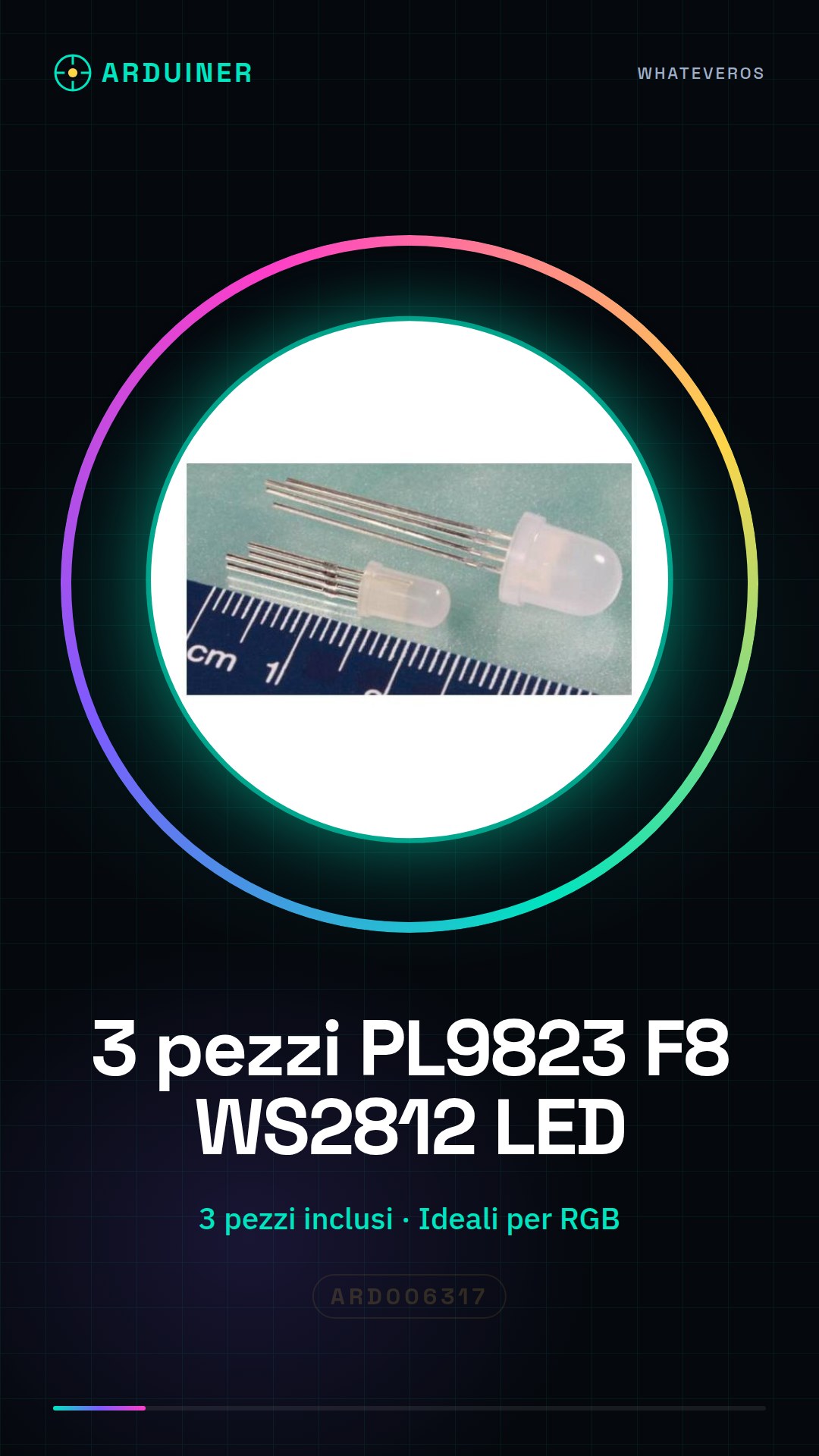
Description
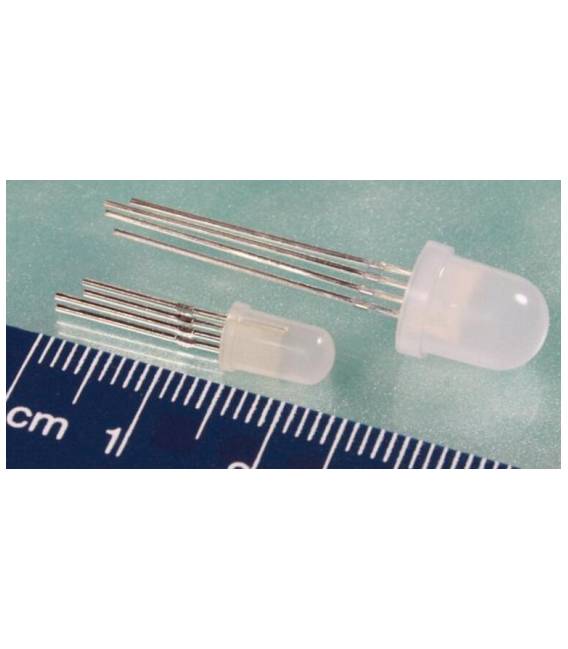
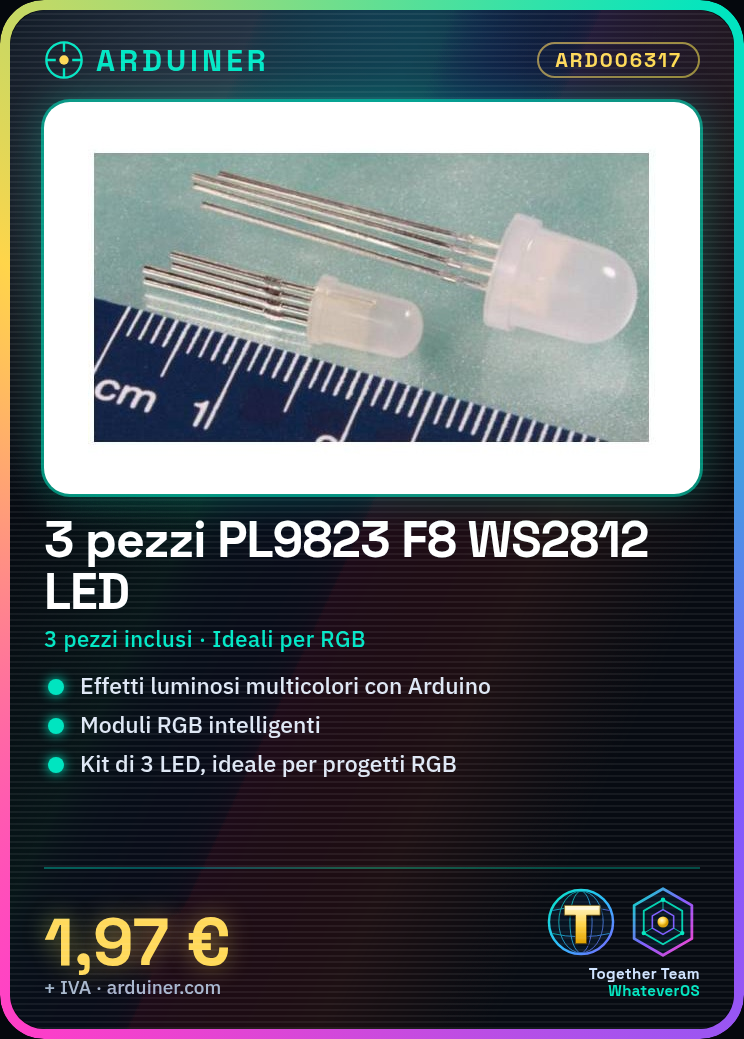
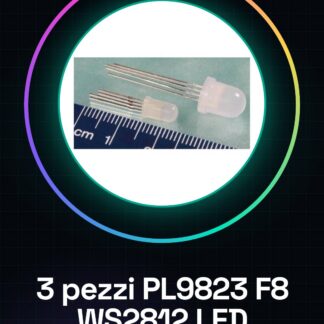
The PL9823 F8 WS2812 LED is an intelligent RGB module that allows you to create multicolor lighting effects with Arduino. This kit includes 3 pieces of these LEDs, ideal for RGB lighting projects and prototypes.
Features:
– Type: PL9823 F8 WS2812 LED
– Pieces included: 3
Perfect for beginners and intermediate makers who want to create multicolor lighting effects with Arduino. You can use it to build a changeable RGB lighting display via Arduino.
How to Use:
– Arduino Uno or compatible
– USB Type B cable
– Power supply
Connect the WS2812 module to the Arduino output pin, check the polarity (anode (+) and cathode (-)). Install the Adafruit NeoPixel library in the Arduino software. Upload the example sketch provided by the library to Arduino. Test the connection with a serial monitor software like Serial Monitor. Adjust the lighting and effects through the code by varying the RGB values and timing sequence. If necessary, add a resistor between Arduino and LED to limit current. Test the project with various lighting effects.
Example Code:
void setup() {
pinMode(ledPin, OUTPUT);
}
void loop() {
strip.setPixelColor(0, strip.Color(255, 0, 0));
strip.show();
}
Mini-Project:
Create a changeable RGB lighting display using Arduino.
Common Errors:
– Incorrect connection between Arduino and LED
– Missing installation of Adafruit NeoPixel library
– Excessive current values damaging WS2812 modules
– Invisible lighting effects due to incorrect code
Recommended Accessories:
– Variable resistors
– Compatible Arduino boards
– Universal connection cables
– Power supply

Reviews
There are no reviews yet.